Short answer
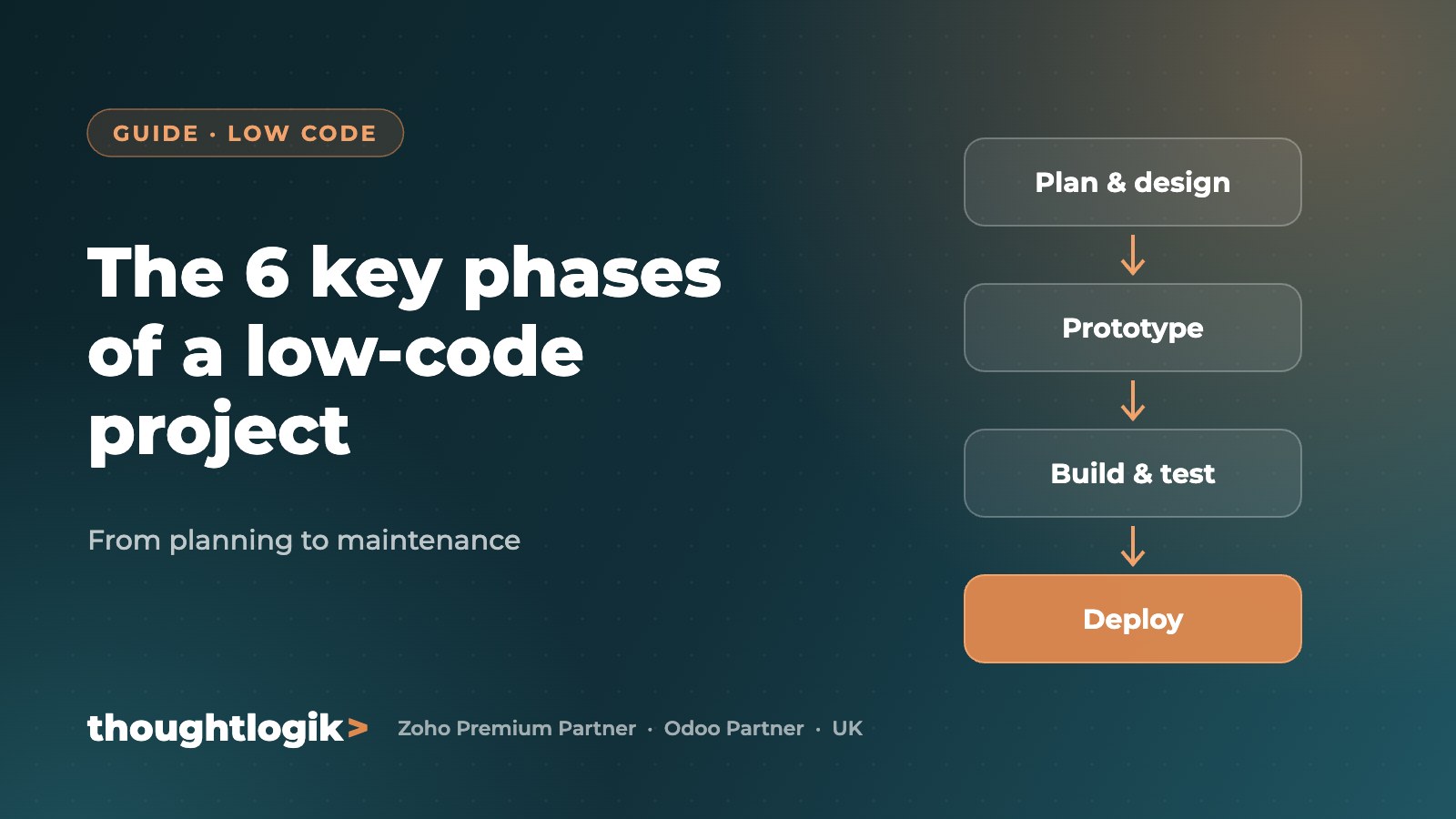
A successful low-code project follows six phases: planning, requirements and analysis, design and data modelling, iterative development and testing, deployment and integration, then maintenance. Low-code platforms such as Zoho Creator add rapid prototyping, so users can validate a working app early and changes cost far less.
Key takeaways
- Low code speeds up delivery but still needs a disciplined lifecycle.
- A good data model is the foundation of every reliable app.
- Prototype early to get feedback before building complex features.
- Plan maintenance and ownership from day one.
The 6 phases of a low-code project
1. Planning
Define the business problem, objectives, scope, budget, timeline and who will own the app.
2. Requirements and analysis
Gather needs from users, managers and IT. Map current processes, identify constraints, integrations and compliance needs, and agree what success looks like.
3. Design and data modelling
Design the data model first: the entities, their relationships and attributes. Then design screens, workflows, roles and reports on top of it. A clear data model keeps the app intuitive and easy to extend.
4. Iterative development and testing
Build in short cycles, testing each feature with real scenarios as you go so problems are caught early.
5. Deployment and integration
Launch to users, connect the app to other systems such as CRM, accounting or email, and train the team.
6. Maintenance and improvement
Monitor performance, fix issues quickly, and keep adding improvements as the business changes.
Where prototyping fits
Prototyping runs alongside requirements and design. Using drag-and-drop builders and pre-built components, a working version can be shown to users within days.
| Benefit of prototyping | Why it matters |
|---|---|
| Early validation | Users confirm the app solves the right problem |
| Better communication | Stakeholders react to something real, not a document |
| Lower cost | Issues are fixed before complex development starts |
Low code versus traditional development
| Low code | Traditional code | |
|---|---|---|
| Speed | Weeks | Months |
| Cost | Lower | Higher |
| Change | Quick to adapt | Slower, more costly |
| Best for | Business apps, portals, workflows | Highly specialised software |
How ThoughtLogik delivers low-code projects
ThoughtLogik is a certified Zoho Creator solutions provider and developer. We have migrated a 15-year-old Access database to Zoho Creator and built care scheduling and loan management platforms.
Frequently asked questions
What is a low-code platform?
A low-code platform lets teams build business applications using visual tools, pre-built components and limited scripting instead of writing everything from scratch.
How long does a low-code project take?
Many business apps can be delivered in weeks, depending on complexity, integrations and data migration.
Is Zoho Creator a low-code platform?
Yes. Zoho Creator is Zoho’s low-code platform for building custom apps, portals and workflows, with the Deluge scripting language for advanced logic.
Do low-code apps need maintenance?
Yes. Like any software they need monitoring, updates and improvements, but changes are usually faster and cheaper than in traditional code.
Planning a custom app? Talk to ThoughtLogik’s certified Zoho Creator developers. Book a free consultation or explore our custom solutions.