Short answer
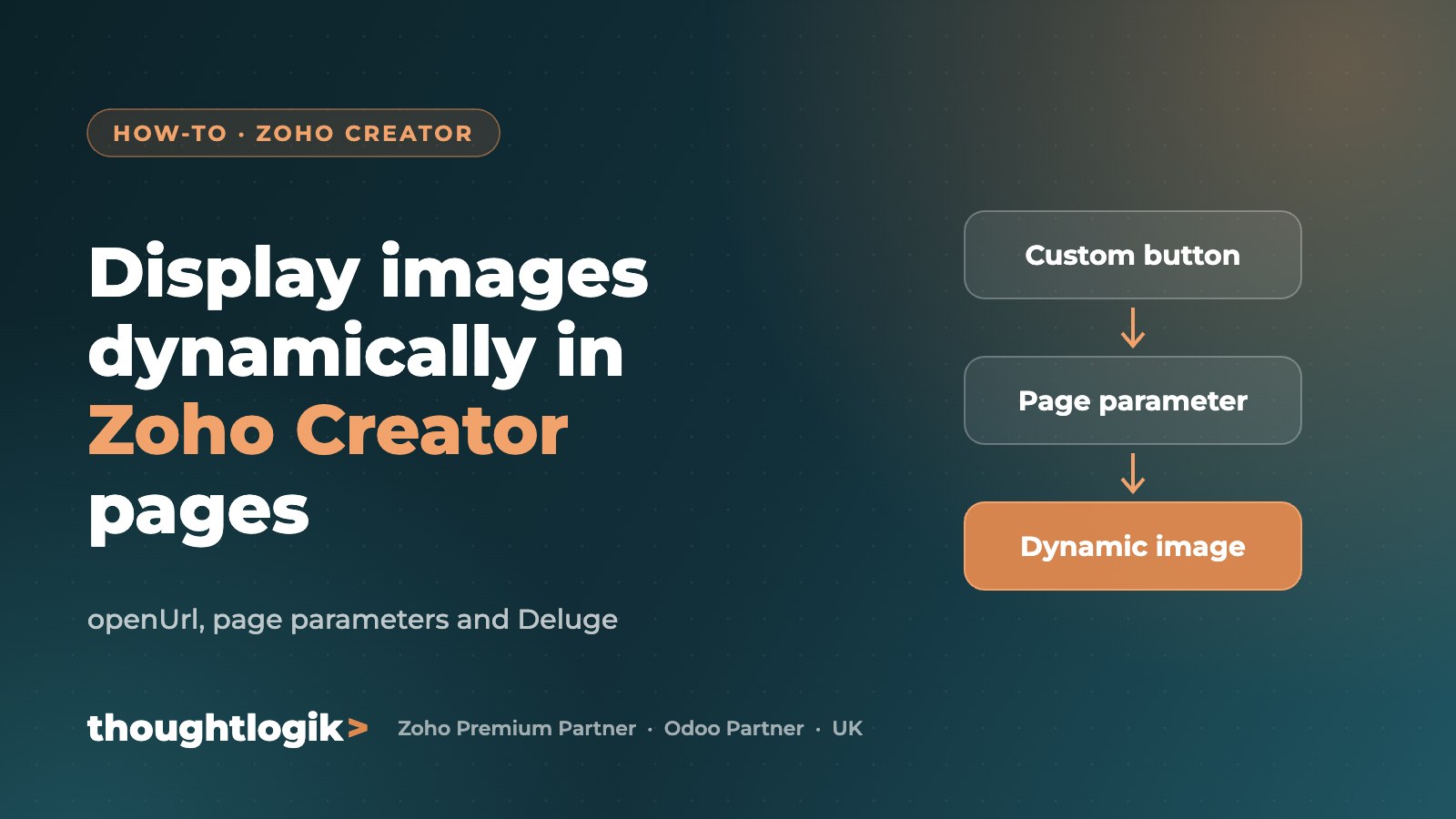
To display images dynamically in a Zoho Creator page, pass the record ID to the page as a parameter (for example from a custom button using openUrl), fetch that record in the page’s HTML snippet with Deluge, read the image field and build the image URL, then render it in an HTML img tag. Each record then opens its own page with its own image.
What you will build
A product list report with a “View product” button. Clicking it opens a Zoho Creator page showing that product’s details and image, uploaded earlier through a Creator form.
Step 1: add a custom button to the report
Create a custom action on the report and use the Deluge openUrl task to open the page, passing the record ID as a URL parameter (here named product_id).


Step 2: create the page and parameter
Create a Page, add an HTML snippet, and add a page parameter with the same name (product_id) so the page can read the value passed in the URL.

Step 3: fetch the record in the HTML snippet
In the snippet, use Deluge to fetch the product record by the ID passed to the page.

Step 4: build the image URL
Read the image field value and convert it into a usable image URL, for example with the replaceAll function, then place it inside an img tag in the HTML.

Step 5: test it
Open the report and click “View product” on any row. The page loads that product’s details and image.

Tips
- Keep parameter names identical in the button and the page.
- Handle missing images with a placeholder.
- Check image URL formats against Zoho’s current documentation, as they can change between versions.
- Check sharing and permissions so users can view the page and file.
Frequently asked questions
How do I pass a record ID to a Zoho Creator page?
Use openUrl from a custom button or workflow to open the page URL with the record ID as a query parameter, and define a matching page parameter.
Can Zoho Creator pages use Deluge?
Yes. HTML snippets in pages can run Deluge to fetch and display data.
Why is my image not showing?
Usually the image URL format is wrong, the parameter name does not match, or the user lacks permission to the file.
Can I use widgets instead of HTML snippets?
Yes. JavaScript widgets offer more control for complex interfaces.
Need help with Zoho Creator? Our certified developers build and fix Creator apps. Book a free consultation or explore our custom solutions.