Short answer
To send an email with multiple attachments from Zoho Creator, store the files in a file upload subform on an email record, then call a Deluge function on submit that fetches the record, collects each uploaded file and adds them to the sendmail task’s Attachments parameter. Where a list of files cannot be passed directly, assign each file to its own variable up to a practical limit.
Key takeaways
- Use a subform so users can attach as many files as they need.
- Trigger a Deluge function on form submission with the record ID.
- Test attachment limits and sizes against Zoho’s current documentation.
The scenario
In a bespoke enquiry management app, staff reply to enquiries directly from Zoho Creator and often attach several documents or forms. The files are uploaded into a subform on an “Email” form, and the app needs to send all of them in one email.
The approach
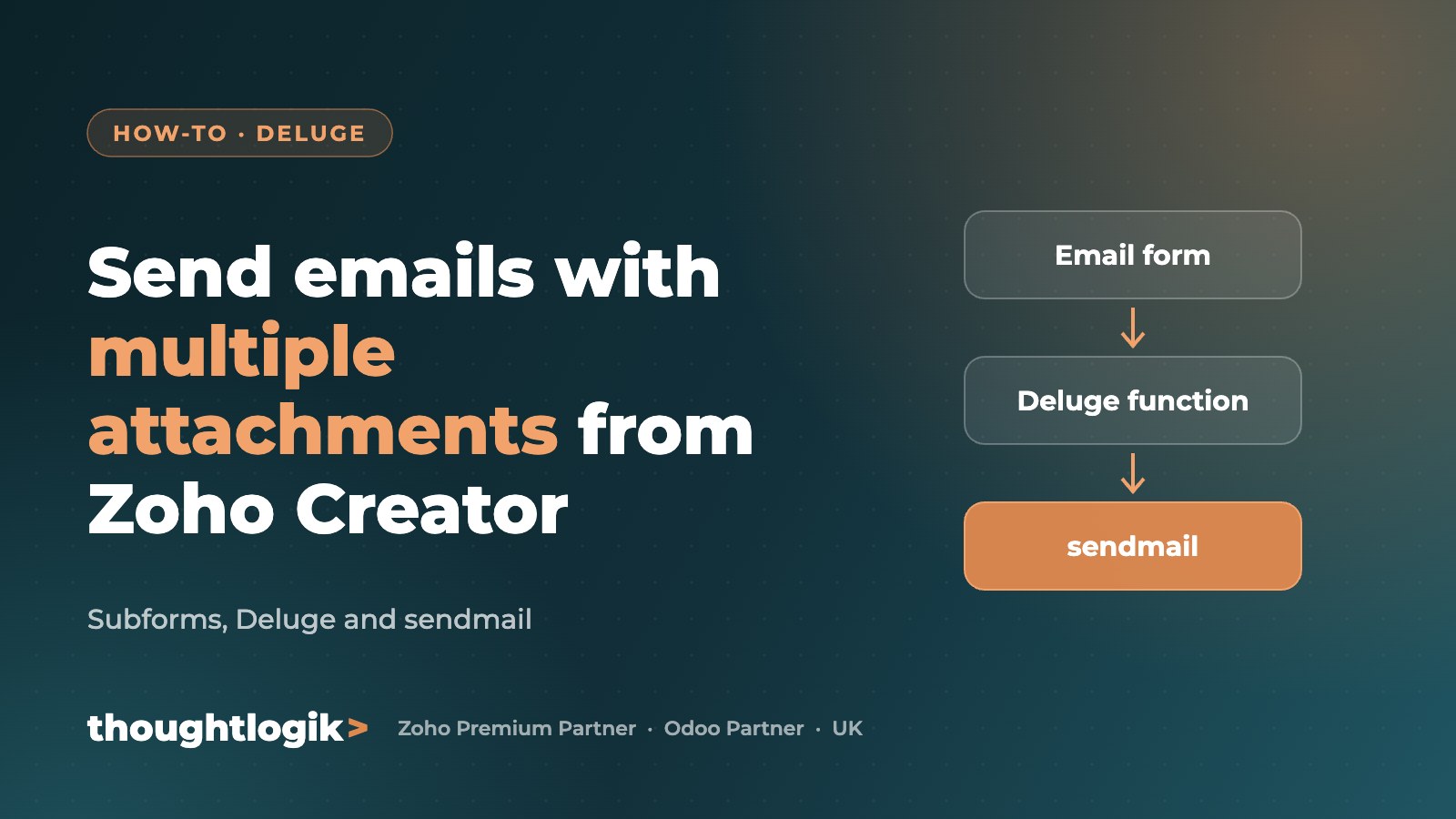
- Email form: fields for recipient, subject and message, plus a subform with a file upload field.
- On submit: a workflow calls a Deluge function and passes the new record’s ID.
- Fetch the record: the function loads the email and loops through the subform rows to count and collect the uploaded files.
- Build the attachments: each file is added to the sendmail task’s Attachments parameter.
- Send and log: the email is sent and the status is recorded.
Working around attachment limits
When this was first built, Zoho Creator’s sendmail task did not accept a dynamic list of files in the Attachments parameter. The workaround was to assign up to seven files to separate variables using conditional logic, which covered almost every real email. Zoho regularly improves Deluge, so check the current sendmail documentation, as newer versions may support simpler approaches.
Best practices
- Set a sensible maximum number and size of attachments
- Validate that files exist before sending
- Log sent emails and errors against the enquiry
- Consider sharing large files via Zoho WorkDrive links instead
Frequently asked questions
Can Zoho Creator send emails with attachments?
Yes. The Deluge sendmail task supports attachments from file upload fields.
How many attachments can one email include?
Limits depend on Zoho’s current rules for file count and total size. Check Zoho’s documentation and set your own safe limit.
Why use a subform for attachments?
A subform lets users add any number of files in rows, which is more flexible than a fixed set of upload fields.
Can emails be sent automatically?
Yes. Workflows can call the function on submit, on a schedule or from a button.
Need Deluge or Zoho Creator expertise? ThoughtLogik’s certified developers build reliable Creator automations. Book a free consultation or explore our custom solutions.