Short answer
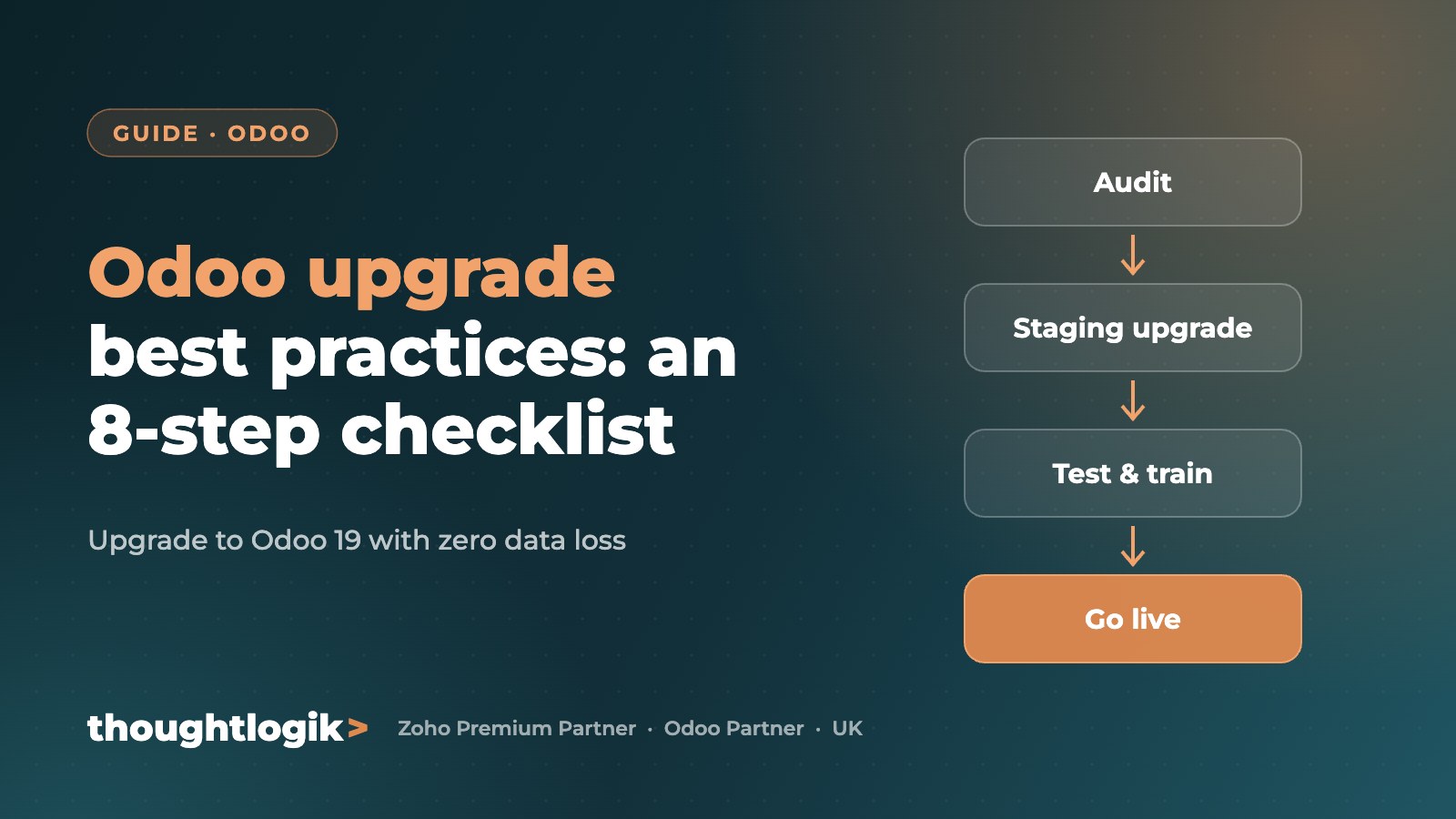
To upgrade Odoo safely, audit your current database and custom modules, take full backups, run the upgrade on a staging copy first, refactor any custom code for the new version, test every key workflow with real users, then schedule a short, planned cutover. ThoughtLogik, a UK Odoo Partner, follows this process to upgrade Odoo with zero data loss.
Key takeaways
- Odoo releases a new major version every year. The current version is Odoo 19, released in September 2025.
- Staying within Odoo’s supported versions keeps you on security fixes and bug fixes.
- Custom modules are the biggest upgrade risk. Audit them before you start.
- Never upgrade a live database directly. Always test on a staging copy.
- User training and a clear cutover plan matter as much as the technical work.
Why upgrade Odoo at all?
An Odoo upgrade is not just about new features. Each major version brings performance improvements, security fixes and better usability, and older versions eventually fall out of official support. Businesses that fall several versions behind face bigger, riskier and more expensive upgrades later.
Recent versions have also added practical gains for UK businesses, such as a faster, cleaner interface, stronger accounting and reporting, and more built-in AI and automation that can replace custom code.
Odoo upgrade checklist: 8 best practices
1. Review what changes in the target version
Read the release notes for every version between your current one and your target. Note changes to the interface, workflows, accounting and any apps you rely on. This tells you where the business value is and where the risk sits.
2. Audit your current Odoo system
Before planning timelines, build a clear picture of what you run today:
- All installed apps, split into official Odoo apps, third-party apps and custom modules
- Integrations with other systems such as e-commerce, payments, payroll or shipping
- Custom reports, automated actions, server actions and Studio customisations
- Modules that are outdated, unused or replaced by standard features in the new version
3. Back up everything
Take a full backup of the database, the filestore (attachments and documents) and your custom module code. Store it securely and confirm you can restore it. If anything goes wrong, you must be able to return to your exact starting point.
4. Upgrade a staging copy first
Create a copy of production on a separate server and run the upgrade there. For Odoo Enterprise, the upgraded test database comes from Odoo’s official upgrade service. Then test sales, purchasing, inventory, invoicing, payroll and reporting end to end. Only move to production when every critical workflow passes.
5. Refactor or retire custom modules
Odoo’s framework and APIs change between versions, so custom modules often need work. For each one, decide whether to:
- Refactor it for the new version
- Replace it with a new standard Odoo feature
- Retire it if the business no longer needs it
Retiring custom code wherever possible makes every future upgrade cheaper.
6. Train your team on what’s new
Upgrades change screens, menus and sometimes processes. Short, role-based training sessions for sales, finance, warehouse and management users keep adoption high and support calls low after go-live.
7. Plan the cutover and downtime
Even a well-tested upgrade needs a short freeze while the final database is upgraded. Agree a cutover window, often an evening or weekend, tell users in advance and have a rollback plan ready.
8. Document the upgrade
Keep a record of what was upgraded, which modules changed, issues found and how they were fixed. This makes audits easier and your next upgrade faster.
Odoo upgrade risks and how to avoid them
| Risk | What happens | How to avoid it |
|---|---|---|
| Broken custom modules | Features fail or the upgrade stops | Audit and refactor code before cutover |
| Data inconsistencies | Wrong stock, balances or reports | Test on staging and reconcile key figures |
| Integration failures | Orders, payments or shipping stop syncing | Test every integration on the staging copy |
| Low user adoption | Workarounds and support tickets rise | Role-based training before go-live |
| Extended downtime | Trading disrupted | Rehearsed cutover plan and rollback option |
How ThoughtLogik upgrades Odoo for UK businesses
ThoughtLogik is an Odoo Partner based in Northampton, with a delivery team in the UK and India. Our Odoo upgrade service covers:
- Upgrade assessment and module audit with a fixed, transparent scope
- Staging upgrade, data reconciliation and end-to-end testing
- Custom module refactoring by in-house Odoo developers
- User training and a planned, low-downtime cutover
- Post-upgrade support to keep your system stable
Frequently asked questions
How long does an Odoo upgrade take?
A standard Odoo upgrade with few customisations can be completed in a few weeks. Upgrades that skip several versions or include many custom modules take longer because each module must be refactored and tested.
Can I skip Odoo versions when upgrading?
Yes, you can upgrade across several versions in one project, for example from Odoo 16 to Odoo 19. The database is migrated through each intermediate version, and custom modules must be updated for the final version.
Will I lose data during an Odoo upgrade?
Not if the upgrade is tested properly. Full backups, a staging upgrade and reconciliation of key figures such as stock and account balances protect your data.
Do I need an Odoo partner to upgrade?
Simple databases with no custom code can sometimes be upgraded in-house. If you have custom modules, integrations or Odoo.sh or on-premise hosting, an experienced Odoo partner reduces the risk and effort significantly.
Thinking about upgrading Odoo? Talk to ThoughtLogik’s certified Odoo consultants about a fixed-scope upgrade plan. Book a free consultation or see our Odoo implementation and upgrade services.