Short answer
Odoo for wholesale and distribution works well for UK SMEs that need trade pricing, purchasing, multi-location stock, warehouse picking and accounts in one system. Customer pricelists, reordering rules, multi-step picking with barcode scanning, landed costs and a B2B ordering portal are standard features, so most distributors configure rather than customise.
Key takeaways
- Customer pricelists handle trade tiers, contract prices and quantity breaks.
- Reordering rules and the replenishment view suggest what to buy and when.
- Warehouse routes support one, two or three-step receipts and deliveries.
- Barcode scanning, batch and wave picking cut picking errors.
- Landed costs and margin reporting show true profit per product and customer.
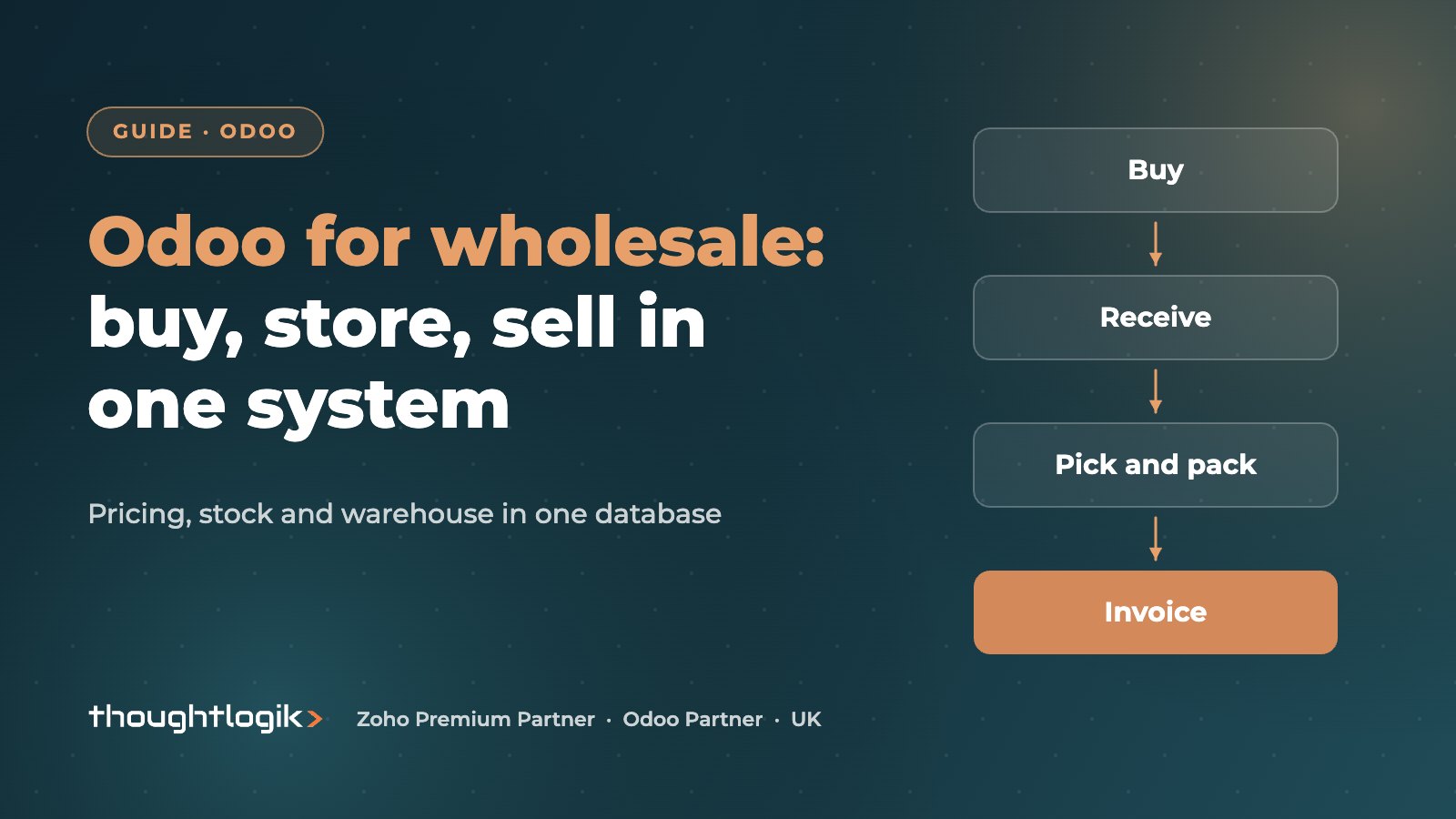
Wholesalers and distributors live on thin margins, high order volumes and a lot of stock. The typical pain points are familiar: prices held in spreadsheets, buyers guessing what to reorder, pickers working from paper, and a finance team that cannot see margin after freight. Odoo for wholesale addresses these by putting sales, purchasing, warehouse and accounts on one database.
Why consider Odoo for wholesale and distribution?
Many growing distributors reach the limit of an entry-level accounting package plus a separate stock system. The choice is often between a traditional wholesale ERP and a modular platform. Odoo sits in the second group: you start with the apps you need and add more later, without integrating separate products.
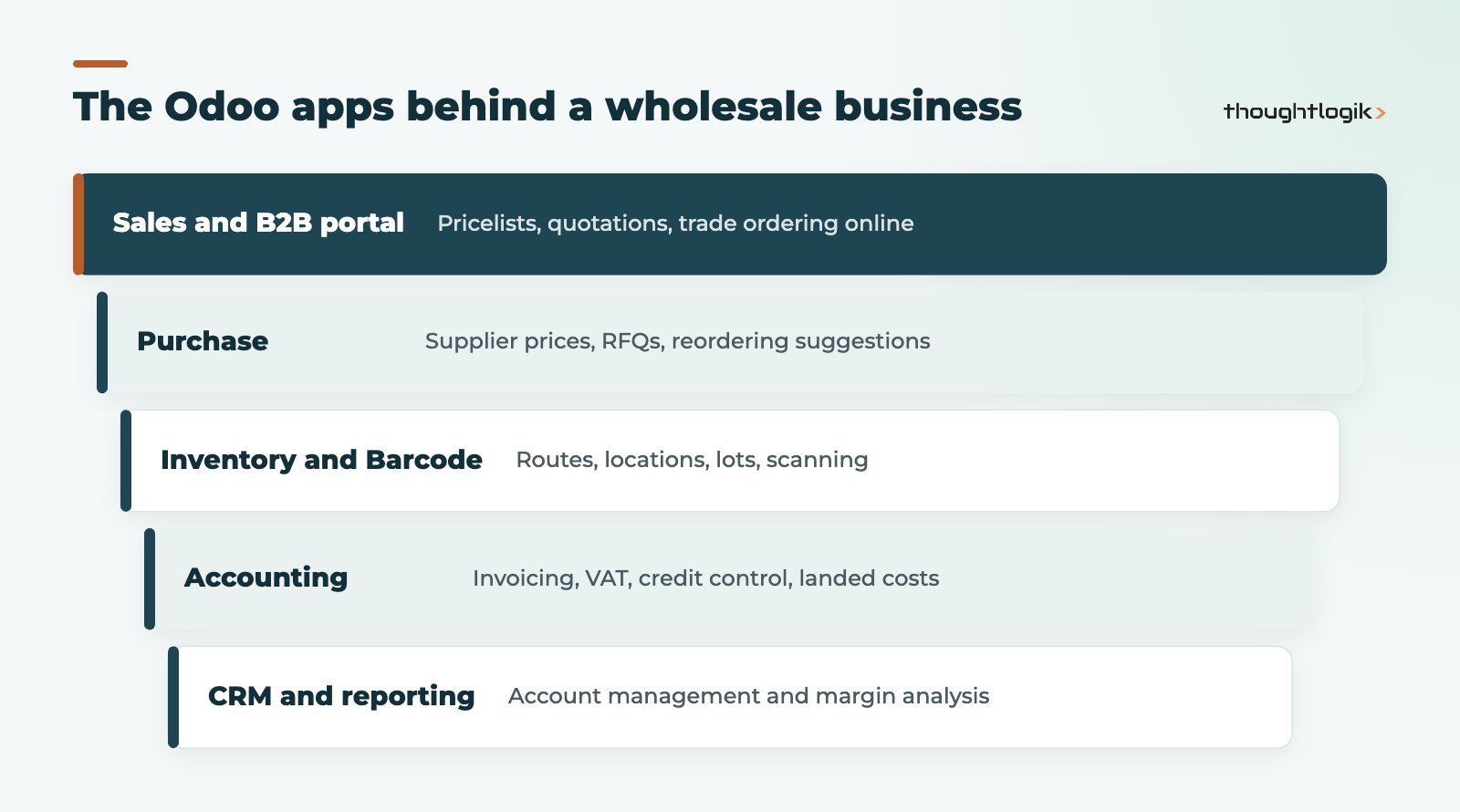
Because every app shares the same data, a sales order reserves real stock, a purchase order updates expected availability, and the invoice uses the same prices the customer saw. That removes the re-keying and overnight syncs that cause most errors in patchwork distribution software.
Trade pricing and sales
Pricelists are the backbone of wholesale selling in Odoo. Each customer can have a pricelist with fixed prices, percentage discounts, cost-plus formulas and minimum quantity breaks. Common structures are a standard trade list, volume tiers and contract prices for key accounts. Product packaging lets you sell in cases or pallets, and units of measure let you buy in one unit and sell in another.
Customers who reorder the same lines regularly can use an online trade portal; our guide to the Odoo B2B portal explains the setup.
How does Odoo for wholesale handle purchasing and replenishment?
Buying well is where distributors protect margin and cash. In Odoo Purchase, supplier prices and lead times are held on each product, and requests for quotation turn into purchase orders with a click. See our Odoo purchase management guide for the full flow.
Using reordering rules in Odoo for wholesale
Reordering rules set a minimum and maximum stock level for a product at a location. When forecast stock drops below the minimum, Odoo proposes (or automatically creates) a purchase to bring it back to the maximum, taking supplier lead times into account. The replenishment view gives buyers one list of suggested orders to review. Dropshipping is also supported for lines that ship straight from the supplier to your customer.
Reordering rules only work as well as the numbers in them. Review minimums and maximums for fast movers regularly, and do not set them for every slow-moving SKU.
Warehouse management in Odoo for wholesale distributors
Odoo Inventory supports multiple warehouses and locations, putaway rules for where incoming stock goes, and removal strategies such as FIFO and FEFO for which stock leaves first. The Odoo Inventory documentation covers advanced routes, replenishment and lead times in detail.
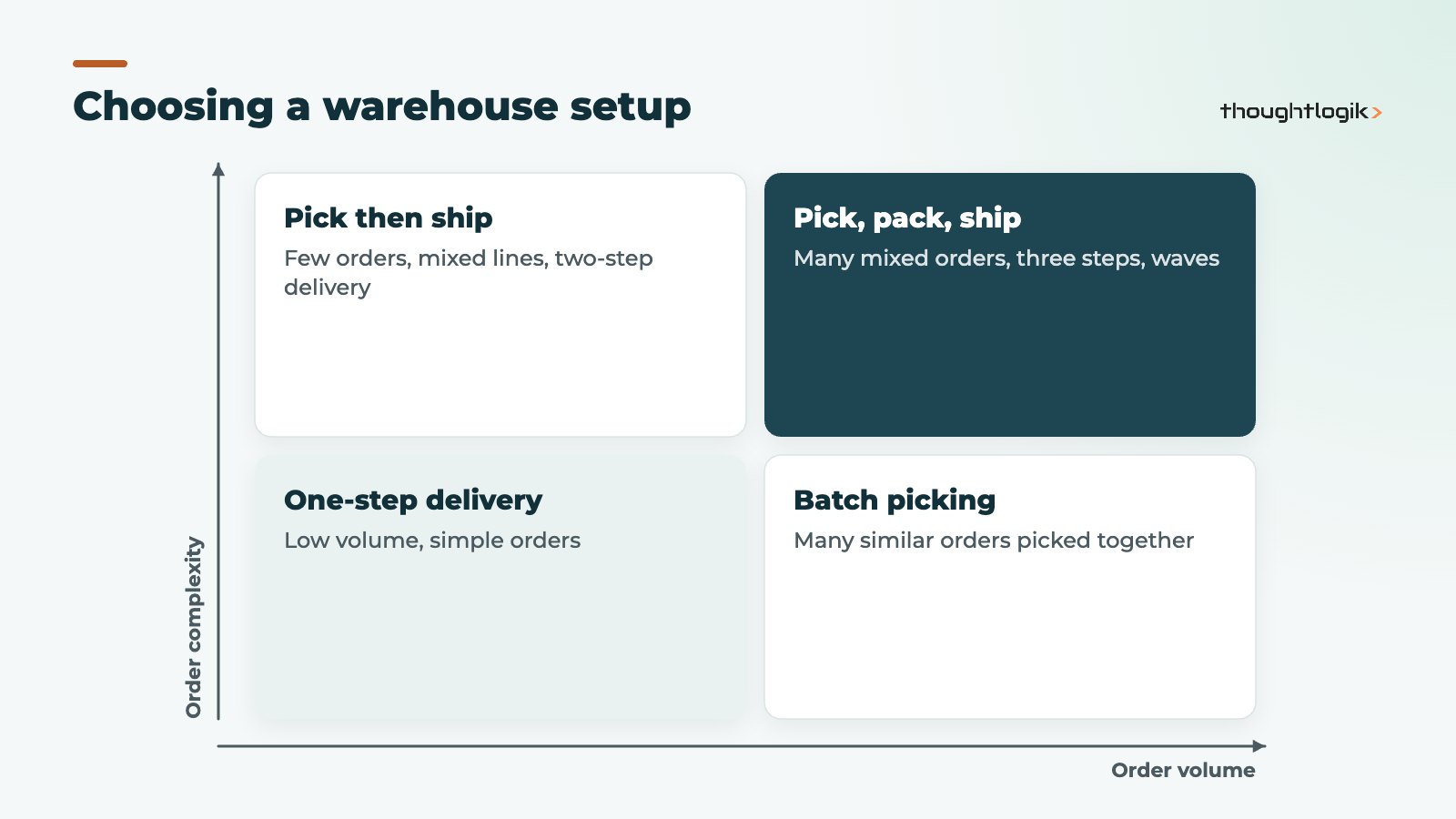
Which delivery steps should a distributor use?
| Setup | How it works | Best for |
|---|---|---|
| One step | Deliver directly from stock | Low volume, small warehouse |
| Two steps | Pick, then ship | Separate picking and dispatch areas |
| Three steps | Pick, pack, then ship | High volume, packing station, carrier labels |
Receipts can also be set up in one, two or three steps, for example adding a quality check or putaway stage. For picking efficiency, batch transfers group several orders for one picker, and wave transfers group lines across orders by area or product. With the Odoo Barcode app, pickers scan locations, products and lots on a mobile device or scanner, which cuts errors; our Odoo barcode warehouse guide covers the hardware and setup.
Lots, expiry dates and traceability
Distributors of food, chemicals, medical or electrical goods often need lot or serial tracking. Odoo records lots on receipt and follows them through to the customer, with expiry dates and FEFO picking for perishable lines. See Odoo traceability with lots and serials.
Finance: landed costs, VAT and credit control
For importers, Odoo’s landed costs add freight and duty to stock value so margins are honest; our Odoo landed costs guide explains how. Odoo Accounting handles UK VAT, bank reconciliation, customer payment terms and follow-up of overdue invoices. Margin reporting by product, customer, salesperson or supplier then comes from the same data, without exports.
Account managers benefit too. Odoo CRM sits on the same customer records, so a rep preparing for a call can see recent orders, open quotations, overdue invoices and any delivery problems in one place, rather than asking three departments. That joined-up view is often what persuades sales teams that the new system is worth the change.
Implementing Odoo for wholesale: where to start
Distributors cannot stop trading while a new system goes in, so the rollout needs to protect order flow. A sensible sequence looks like this:
- Get product and price data right. Clean up SKUs, units of measure, packaging, supplier prices and pricelists before anything else. Most go-live problems in wholesale trace back here.
- Go live on the core flow. Sales, purchasing, stock and accounting together, with warehouse management kept as simple as your operation allows at first.
- Add warehouse efficiency. Once people trust the stock figures, introduce barcode scanning, multi-step picking and batch or wave transfers.
- Tune replenishment. After a few weeks of real demand data, set and refine reordering rules for your fast movers.
- Open the trade portal. Invite regular customers to order online once pricing and stock availability are reliable.
This phased approach to Odoo for wholesale keeps each change small enough for the team to absorb, and it means the warehouse management and replenishment settings are based on how the business actually runs rather than guesses made during design. Our Odoo implementation timeline shows how long each stage typically takes to plan, and what drives the duration.
Is Odoo for wholesale right for every distributor?
Odoo for wholesale suits most SME wholesalers with standard buy, stock and sell processes. Take more care if you rely on complex EDI with large retailers, highly specialised rebate schemes, or very high-volume automated warehouses, as these can need extra modules, integrations or development. A short discovery phase will show which of your processes fit standard Odoo and which need more work.
- Good fit: trade distributors, cash-and-carry style operations, importers, multi-site stockists.
- Check carefully: complex retailer EDI, bespoke rebates, automated storage systems.
How ThoughtLogik helps
We implement Odoo for wholesale businesses with an emphasis on getting pricing, replenishment and warehouse flows right first time.
- Discovery workshops mapping your sales, buying and warehouse processes
- Pricelist and product data restructuring
- Warehouse routes, barcode and picking configuration
- Integrations with carriers, marketplaces and EDI where needed
Frequently asked questions
Is Odoo a proper wholesale ERP?
Yes. It covers the core of a wholesale ERP: trade pricing, purchasing, multi-warehouse stock, picking, landed costs and accounting, all in one database.
Can Odoo suggest what to reorder?
Yes. Reordering rules with minimum and maximum levels, combined with supplier lead times, drive purchase suggestions in the replenishment view.
Does Odoo support pick, pack and ship?
Yes. Deliveries can be configured in one, two or three steps, and batch and wave transfers help group picking work.
Can Odoo replace our separate distribution software?
For most SME distributors it can replace separate stock, order processing and accounting tools. Specialist needs such as complex EDI should be checked during discovery.
Outgrowing spreadsheets and separate stock systems? We will show you how Odoo fits your distribution business. Book a free consultation or see our wholesale and distribution solutions.