Short answer
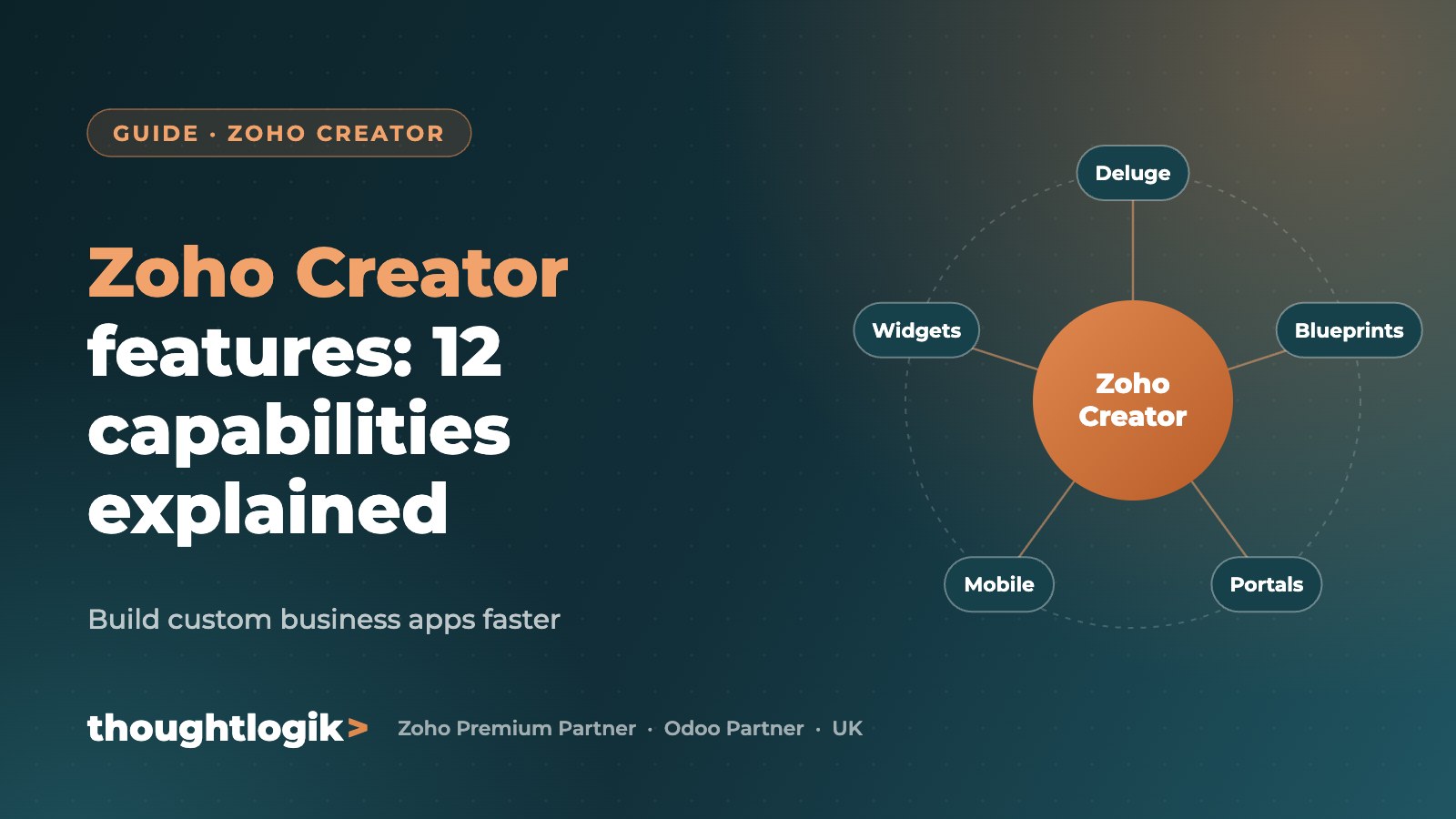
Zoho Creator is Zoho’s low-code platform for building custom business apps. Its key features include drag-and-drop form and report builders, the Deluge scripting language, workflows and Blueprints, pages and widgets for dashboards, customer and partner portals, native mobile apps, role-based security, development and staging environments, and integrations with Zoho and third-party apps.
Key takeaways
- Build apps around your exact process, not a generic product.
- Every app works on web, iOS and Android automatically.
- Portals let customers, suppliers or partners log in securely.
- Environments allow safe testing before changes go live.
12 Zoho Creator features that matter
| Feature | What it gives you |
|---|---|
| Drag-and-drop builder | Forms, reports and pages built visually |
| Templates | Ready-made apps to start faster |
| Deluge scripting | Custom logic, calculations and integrations |
| Workflows | Automation triggered by form actions, schedules or approvals |
| Blueprints | Guided processes with stages and transitions |
| Pages and widgets | Custom dashboards and interfaces, including JavaScript widgets |
| Portals | Secure access for customers, suppliers or partners |
| Mobile apps | Native apps for iOS and Android, with offline support |
| Reporting and analytics | Built-in reports plus Zoho Analytics integration |
| Role-based access | Permissions by role, profile and record |
| Environments | Development, staging and production for safe releases |
| Integrations | Zoho apps, APIs, webhooks and third-party services |
What businesses build with Zoho Creator
- Loan and property management systems
- Care scheduling and visit tracking
- Client compliance portals
- Replacements for legacy Access databases
When to choose Zoho Creator
- Your process does not fit off-the-shelf software
- You are managing critical work in spreadsheets or old databases
- You need a portal or mobile app without full custom development
- You want an app that connects to Zoho CRM, Books or other systems
Frequently asked questions
What is Zoho Creator used for?
It is used to build custom business applications, portals and workflows, from simple trackers to complex operational systems.
Do I need to code to use Zoho Creator?
Basic apps can be built without code. Deluge scripting and JavaScript widgets add advanced logic and interfaces.
Is Zoho Creator secure?
Yes. It offers role-based access, encryption, audit trails and enterprise-grade infrastructure.
Can Zoho Creator apps work on mobile?
Yes. Every app is available on web and native iOS and Android apps.
Need a custom business app? ThoughtLogik is a certified Zoho Creator solutions provider. Book a free consultation or explore our custom solutions.