Short answer
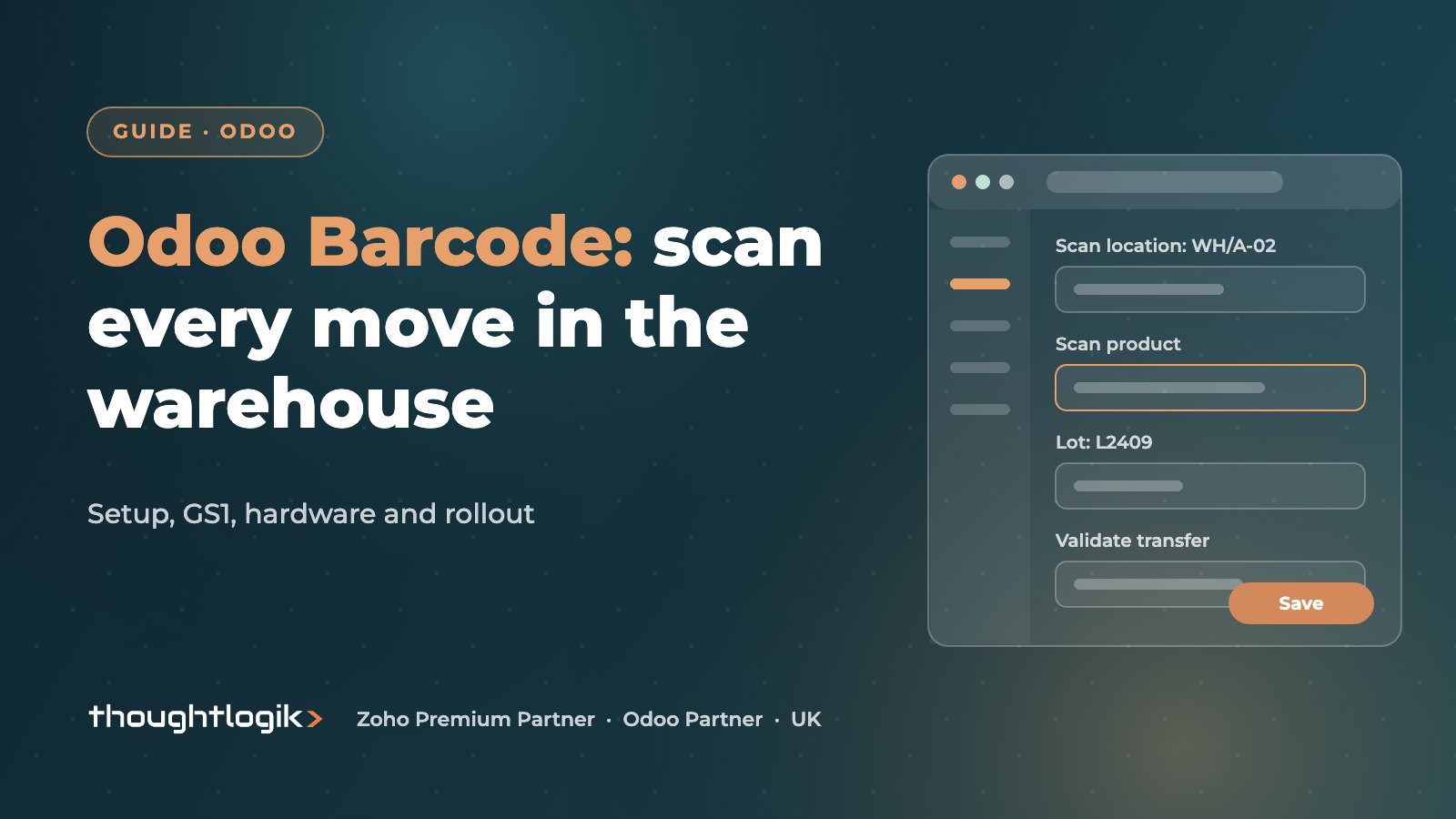
The Odoo Barcode app lets warehouse staff process receipts, transfers, picks, deliveries and stock counts by scanning, with each scan updating Odoo Inventory as it happens. It works with handheld scanners, mobile computers and phone cameras, and reads standard or GS1 barcodes. It is part of Odoo Enterprise, and the benefit depends on clean product barcodes, labelled locations and a well-designed warehouse flow.
Key takeaways
- Barcode scanning is switched on in the Inventory settings, and the Barcode app is an Enterprise feature.
- It covers receipts, internal transfers, picking, deliveries and inventory counts.
- Choose Default or GS1 nomenclature; GS1 can carry lot, expiry and weight data.
- Label products, locations and packages before you roll out scanners.
- Test hardware on real pick routes before buying in volume.
Paper pick lists and end-of-day data entry are where stock errors creep in. Scanning at the moment goods move closes that gap, because the system checks the product, quantity and location while the operator is still standing in front of the shelf, not hours later when the mistake is harder to trace. This guide explains what the app does, the setup choices that matter and how to roll it out on a live warehouse floor.
What is the Odoo Barcode app?
The Odoo Barcode app is a scanning interface on top of Odoo Inventory. Operators open a transfer or a count, scan locations, products, lots and packages, and Odoo records quantities against the right document. Because it writes straight into Inventory, stock levels, reservations and, with perpetual valuation, accounting entries stay current. It needs no separate warehouse system or sync.
The app is part of Odoo Enterprise, including Odoo Online. If you are weighing editions, see our Odoo Community vs Enterprise guide.
Which warehouse operations can you scan?
The app supports the day-to-day warehouse operations that most sites run:
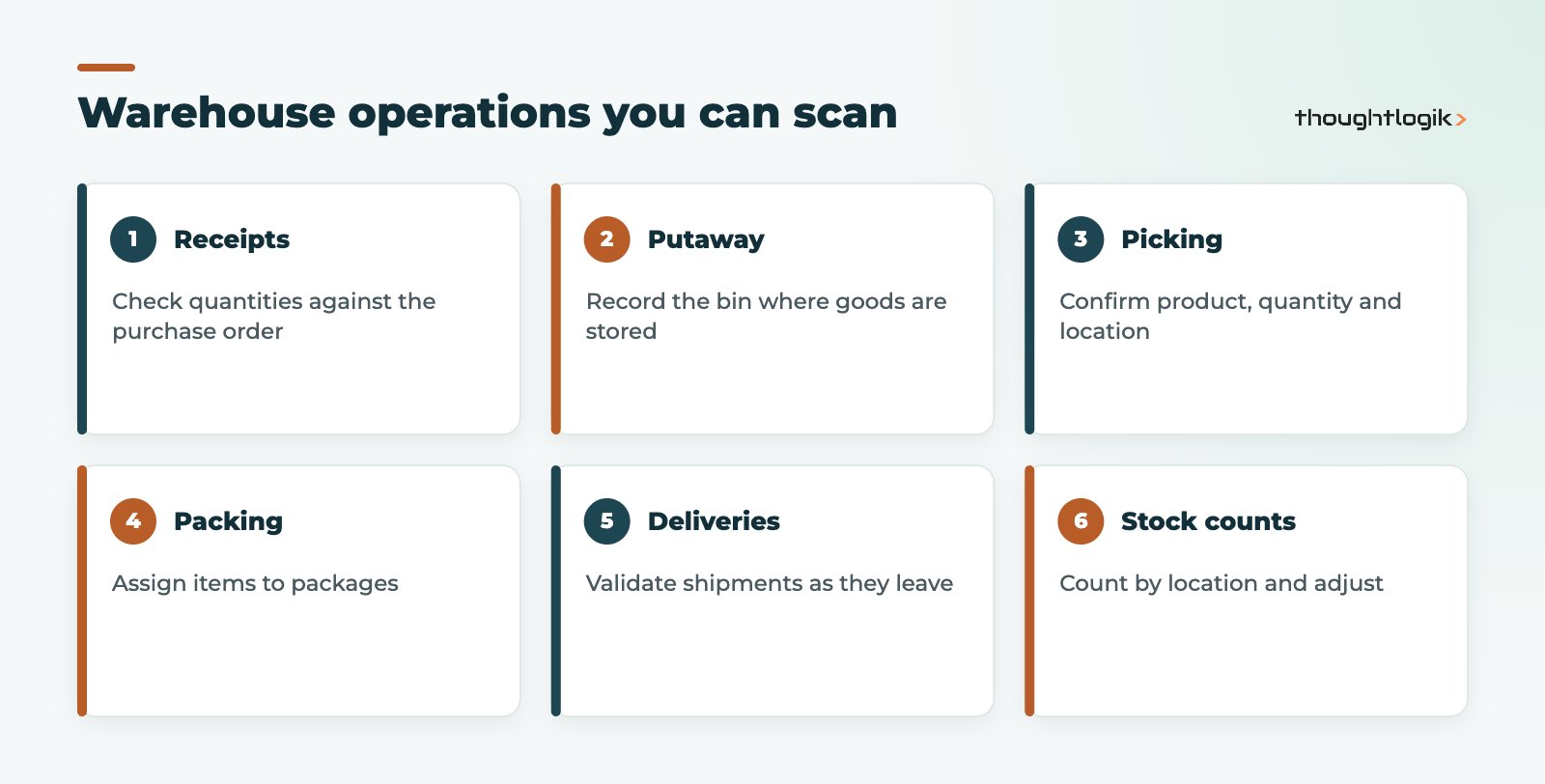
| Operation | What scanning does |
|---|---|
| Receipts | Confirms quantities against the purchase order and captures lots or serials |
| Putaway and internal transfers | Records the destination location as goods are stored or moved |
| Picking | Confirms the right product, quantity and source location |
| Packing and delivery | Assigns items to packages and validates the shipment |
| Inventory counts | Records counted quantities by location for adjustment |
| Batch and wave picking | Processes several orders in one walk of the warehouse |
How many steps each flow has depends on your receipt and delivery routes. Our Odoo inventory management guide explains one, two and three step routes.
How do you set up Odoo barcode scanning?
The Odoo documentation for the Barcode app covers setup in detail. In outline:
- Enable barcode scanning in the Inventory settings, which installs the Barcode app.
- Choose a nomenclature. Default suits simple internal codes; GS1 suits industry-standard codes.
- Assign barcodes to products, including packaging levels (for example single unit and case).
- Label locations. Enable storage locations and give each bin a barcode.
- Configure operation types, such as whether scanning the source location or a lot is required.
- Test on a copy database with real products and devices before go-live.
Default or GS1 barcodes?
GS1 barcodes are the global standard used across retail and food supply chains. A GS1-128 or GS1 DataMatrix code can carry the product number alongside lot, expiry date or weight, and Odoo’s GS1 nomenclature reads those elements from one scan. If your suppliers already label goods with GS1 barcodes, choosing GS1 saves a lot of manual entry at goods-in. If you only use your own internal codes, the default nomenclature is simpler.
Scanning lots, serials and packages
Barcode scanning is at its most valuable when products are tracked. At goods-in, the operator scans the product and then its lot or serial number, so traceability starts at the dock rather than being typed in later. With GS1 codes, the lot and expiry can come from the same scan. At dispatch, items can be scanned into packages, and a package barcode can then be scanned as one unit when it is moved or shipped. Pallets and cartons that move intact through the warehouse save a great deal of scanning this way.
Which hardware works with the Odoo Barcode app?
Odoo works with devices that send the scanned code as keyboard input, so the hardware options are broad:
- USB or Bluetooth handheld scanners paired with a PC or tablet, good for fixed stations such as goods-in or packing.
- Mobile computers (rugged Android devices with built-in scanners) running Odoo in the browser or app, best for pickers on the move.
- Phone or tablet cameras through the Odoo mobile app, fine for low volumes or occasional counts.
Test devices on your real labels, in your real lighting, before buying in volume. Scan speed, battery life and screen size matter more on a ten-hour shift than on a demo.
Rolling out Odoo barcode in a live warehouse
A scanner rollout changes how people work, so treat it as a process change, not just a hardware purchase.
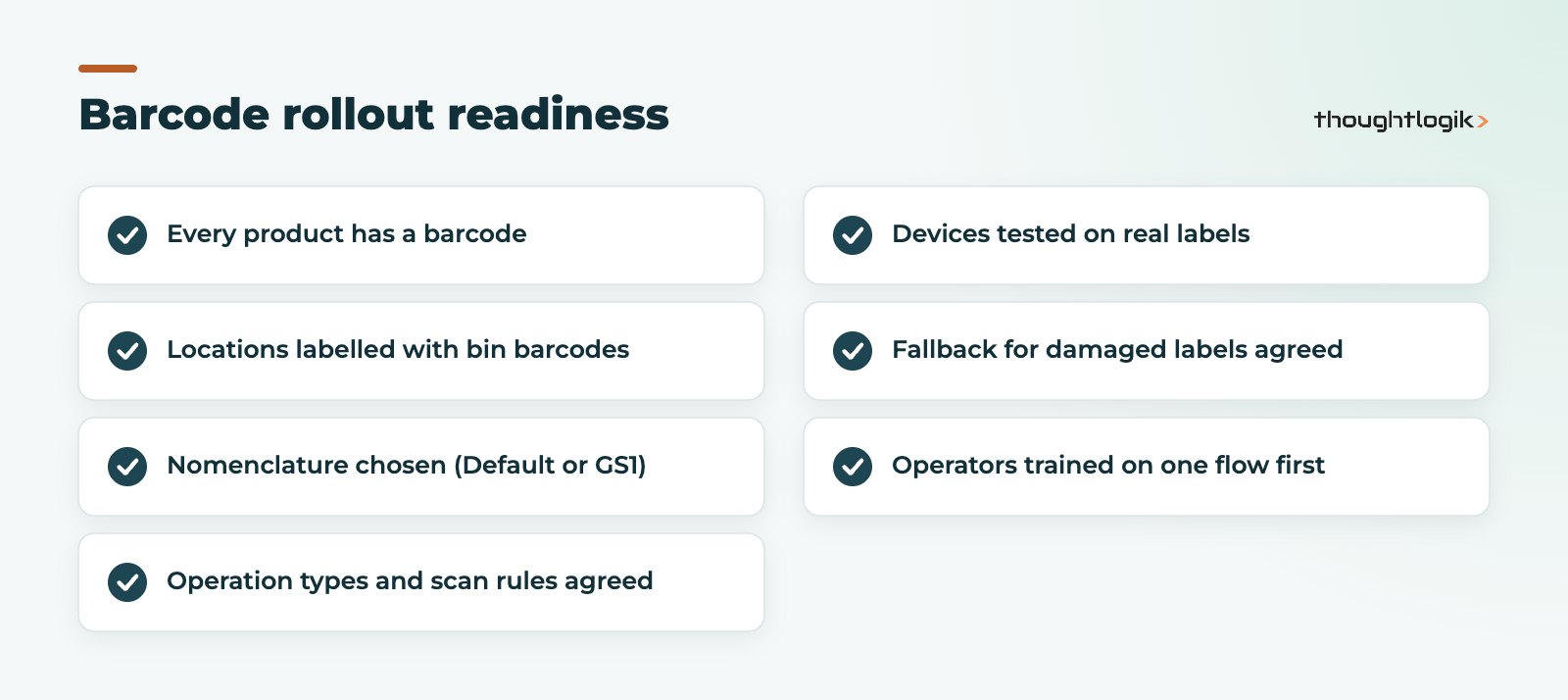
Start with one Odoo barcode operation
Begin with the flow that causes most errors, often picking or goods-in. Once the team trusts it, extend scanning to other operations and to cycle counts. Running full counts by scanning locations one at a time is also a good way to establish accurate starting stock.
Common mistakes with barcode scanning
- Products without barcodes, forcing manual lookups that staff soon bypass.
- Unlabelled or badly placed location labels.
- Too many mandatory scans for low-risk operations, which slows pickers.
- No fallback process when a label is damaged or missing.
- Buying devices before testing them on real pick routes.
What changes for warehouse staff?
The biggest change is timing. With paper, the system is updated after the work; with scanning, it is updated during the work. Staff need to validate each transfer as soon as it is complete, and supervisors need to watch for transfers left open. It also shifts responsibility: the person who picks is the person who confirms the pick, so mistakes are visible and traceable. Explain the reasons to the team, involve an experienced picker in testing, and adjust scan rules where they add effort without reducing errors.
How do you know the rollout is working?
Measure before and after with your own data: count variances on cycle counts, mis-picks reported by customers, and time from goods arriving to being available for sale. Odoo’s inventory reports and the history of stock moves make these checks straightforward once scanning is in place.
For the wider causes of stock errors, see our article on Odoo inventory accuracy, and for lot tracking our guide to Odoo traceability.
How ThoughtLogik helps
We design and roll out Odoo barcode processes for UK warehouses, from label strategy to training on the floor.
- Warehouse flow and location design
- Nomenclature choice, including GS1 for food and retail supply chains
- Hardware testing before you buy
- Phased rollout and operator training
See our work with wholesale and distribution businesses.
Frequently asked questions
Is the Odoo Barcode app free?
It is included in Odoo Enterprise subscriptions rather than sold separately. It is not part of Odoo Community.
Can I use my phone for Odoo barcode scanning?
Yes, the Odoo mobile app can use the camera to scan, which suits low volumes. Dedicated scanners are faster for busy warehouses.
Does Odoo support GS1 barcodes?
Yes. Select the GS1 nomenclature and Odoo can read product, lot, expiry and weight data from GS1 codes.
Can the Odoo barcode app capture lot and serial numbers?
Yes. Operators scan the lot or serial after the product, or read it from a GS1 code in the same scan.
Can barcode scanning be used for stock counts?
Yes. Operators scan a location, then the products and quantities in it, and Odoo records the count for adjustment.
Ready to replace paper pick lists? We will plan your barcode rollout around your warehouse. Book a free consultation or see our Odoo implementation service.