Short answer
Zoho CRM Blueprint turns a business process into a guided online flow of states and transitions. Each transition can require fields, run validations and trigger automation such as assignments, emails, SMS or WhatsApp alerts, tasks, field updates, webhooks and custom functions. The result is a consistent, auditable process that every team member follows.
Key takeaways
- A Blueprint is made of states (process steps) and transitions (actions that move a record forward).
- Blueprints are module based and can be created per layout.
- Mandatory fields and validations at each transition improve data quality.
- Automation at each step removes repetitive admin.
What is Zoho CRM Blueprint?
Every business follows processes, such as qualifying a lead, approving a discount or onboarding a customer. Zoho CRM Blueprint is an online replica of that process. It defines the order of steps, what must happen at each one, who can act, and what should be automated.
| Term | Meaning |
|---|---|
| State | A step in the process, often a picklist value such as Lead Status |
| Transition | An action that moves a record from one state to the next |
| Common transition | A transition available from several states, such as “Mark as junk” |
| Before, during, after | Who can act, what must be captured, and what happens automatically |
Example: a lead nurturing Blueprint
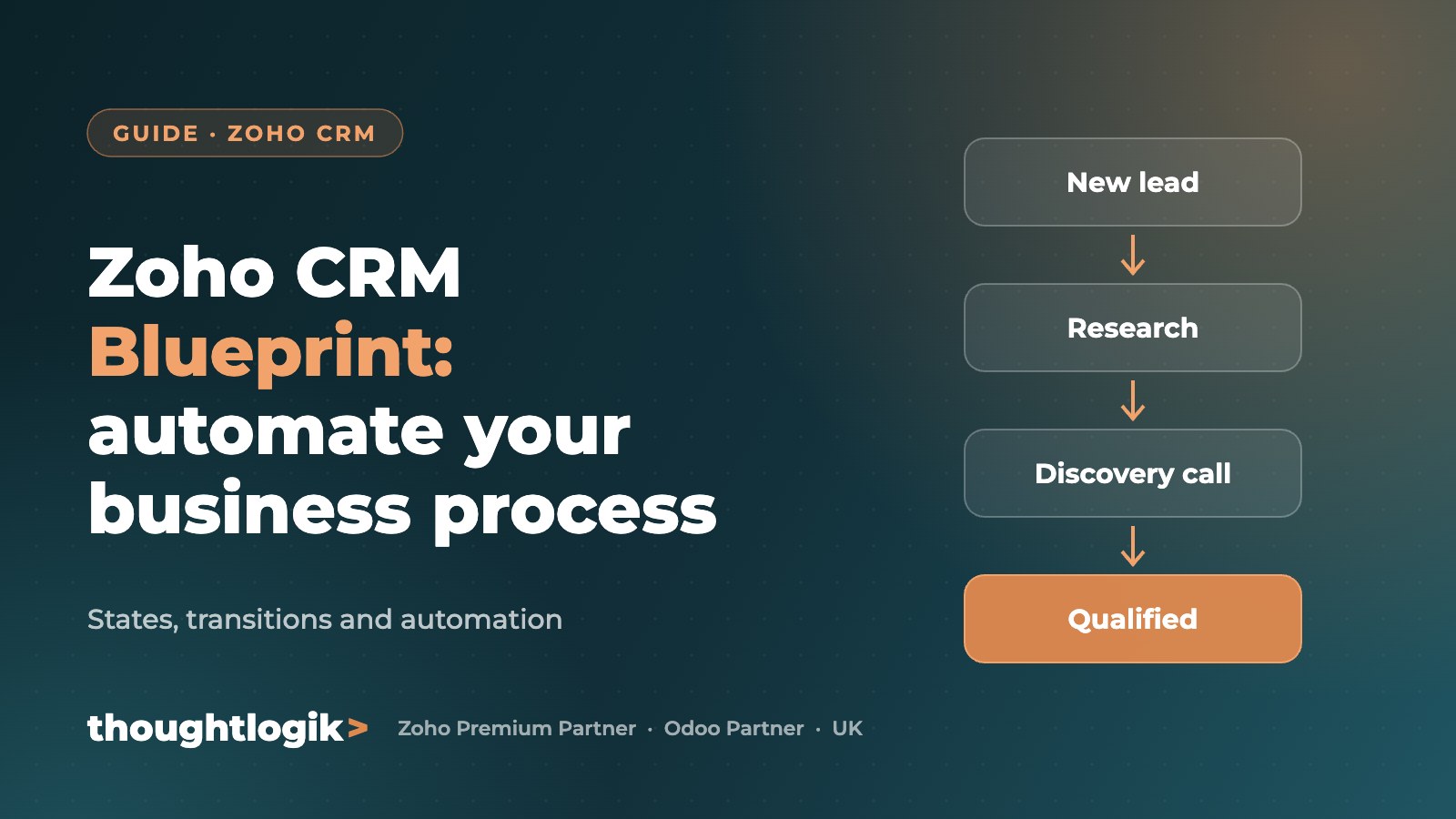
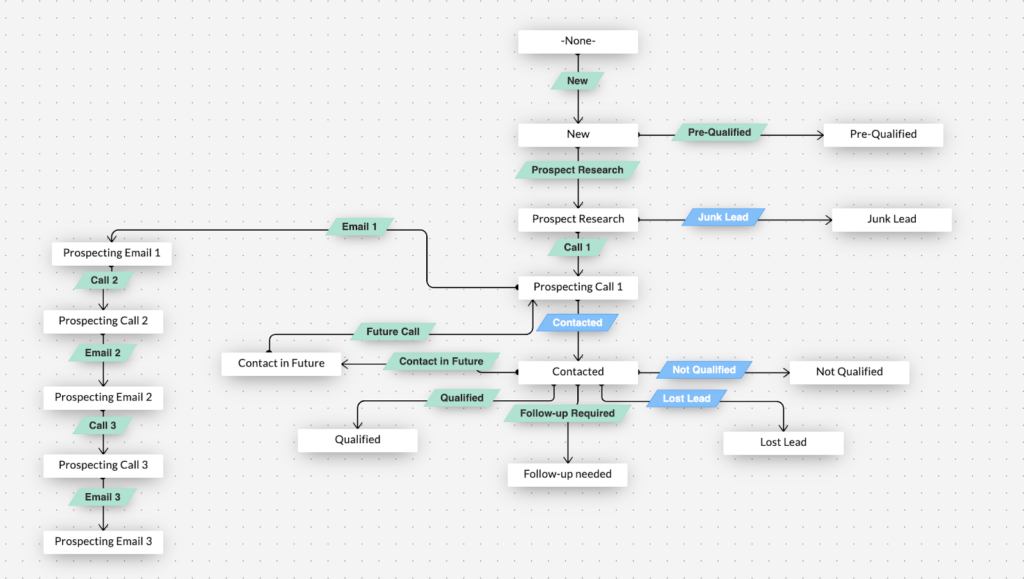
A software services company collects leads from several channels into Zoho CRM. Its Blueprint on the Leads module works like this:
- New lead: a welcome email is sent automatically.
- Prospect research: the rep records decision makers, requirements and competitors.
- Discovery call: the call is booked and outcomes captured.
- Follow-up: structured follow-ups until the lead is qualified.
- Qualified or junk: qualified leads convert; junk leads are cleaned out through a common transition.
Automation you can add to a Blueprint
- Assignment rules to route leads to the right rep by status, region or product
- Notifications by email, SMS or WhatsApp to prompt timely action
- Tasks created automatically at each step
- Field updates to set values when a transition completes
- Webhooks to notify third-party systems instantly
- Custom functions written in Deluge for advanced logic
Good to know
- Blueprints are created per module
- You can build different Blueprints for different layouts of the same module
- Several Blueprints can exist on one module based on different fields, executed in order
Where Blueprints deliver the most value
- Lead qualification and sales stages
- Loan and finance applications, as in our bridging loan CRM
- Quote and discount approvals
- Customer onboarding and service requests
Frequently asked questions
What is the difference between a Blueprint and a workflow rule?
A workflow rule reacts to an event, such as a record being created. A Blueprint guides a record through a whole process, controlling which step comes next and what must be completed at each one.
Which Zoho CRM editions include Blueprint?
Blueprint is available in Zoho CRM’s paid editions, with limits that vary by edition. Check Zoho’s current pricing page for details.
Can Blueprints send WhatsApp messages?
Yes, with a WhatsApp integration configured, transitions can trigger WhatsApp notifications alongside email and SMS.
Can you have more than one Blueprint per module?
Yes. You can create Blueprints for different layouts or based on different fields in the same module.
Want your process built into Zoho CRM? ThoughtLogik designs Blueprints and automation for UK businesses. Book a free consultation or explore our Zoho CRM services.