
Short answer
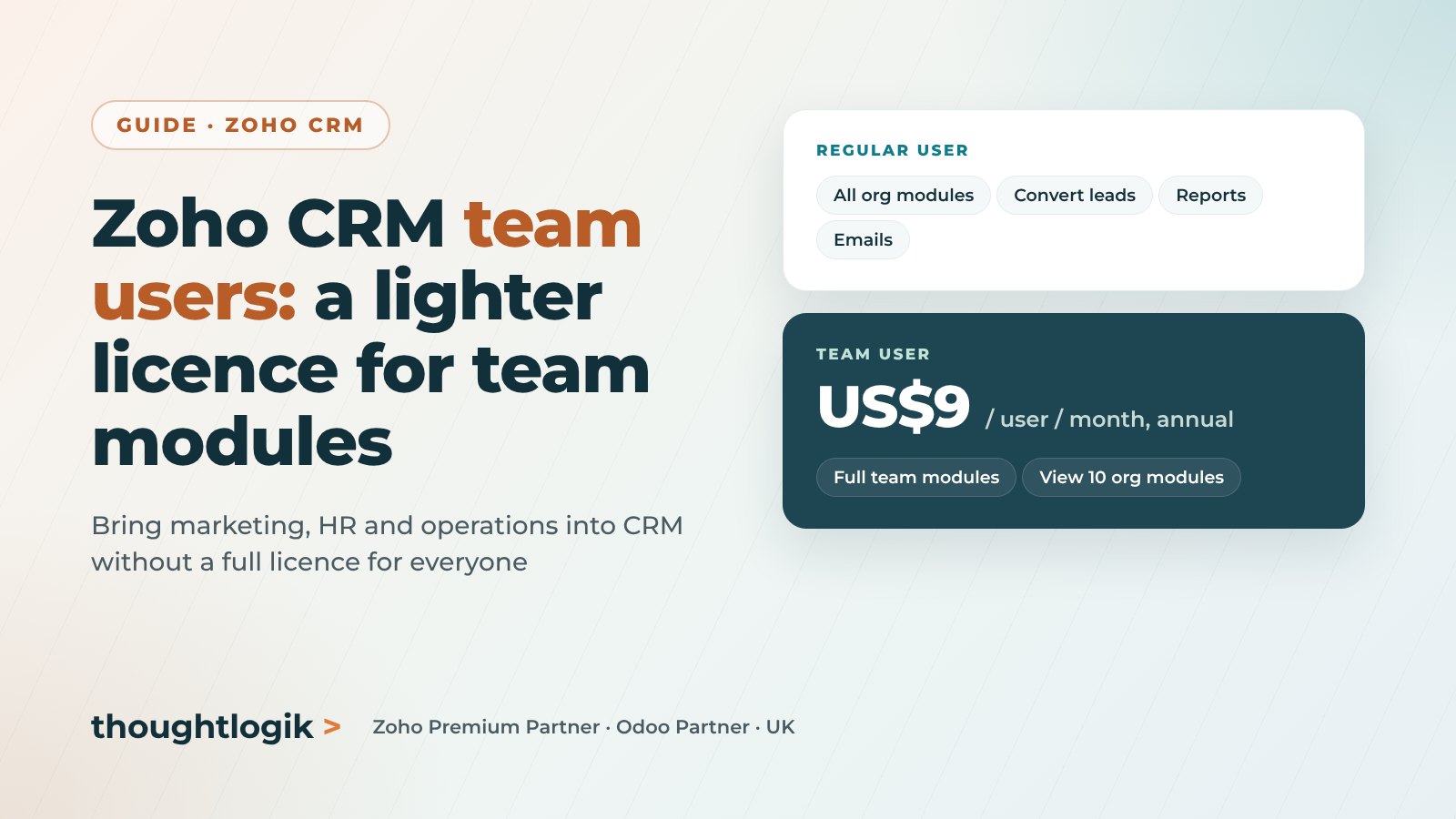
A Zoho CRM team user is a lower-cost licence for people who mainly work in team modules, the team-specific modules that are part of Zoho CRM for Everyone. Team users can create, edit, own and share records in their team modules and view records in up to 10 organisation modules, such as Accounts or Contacts. Zoho lists the licence at US$9 per user per month billed annually, or US$11 billed monthly, on Standard, Professional, Enterprise, Ultimate, CRM Plus and CRM Flex.
Key takeaways
- Team users are built for people who work in team modules, such as marketing, HR, legal or operations teams.
- Zoho lists team user licences at US$9 per user per month annually or US$11 monthly.
- They have full control of team module records but view-only access to up to 10 organisation modules.
- They cannot convert leads, send manual emails from organisation modules or use reports and dashboards.
- Team users can be upgraded to regular users later, but regular users cannot be downgraded to team users.
Zoho CRM is no longer just for sales. With Zoho CRM for Everyone, teams such as marketing, HR, finance, legal and operations can run their own processes in team modules inside the same CRM. The question most businesses then ask is simple: do all of those people need a full CRM licence? Often they do not. That is what team users are for.
What are team modules and teamspaces?
A team module is a module that a team owns and manages for its own work, rather than one the CRM administrator runs for the whole organisation. A marketing team might build a Promotions module for campaign tracking and content calendars, while the sales team keeps using the organisation-wide Contacts module. Team modules live inside a teamspace, have up to five team module admins and support assignment rules, workflows, blueprints, approvals, reports and dashboards.
Team modules are available from the Standard edition. Zoho’s limits for custom and team modules combined are 10 on Standard, 25 on Professional, 200 on Enterprise and 500 on Ultimate and CRM Plus.
What is a Zoho CRM team user?
Zoho describes team users as a type of licence for people who need focused access within specific team modules, rather than full access across all organisation modules. Every team user is automatically given the Team User profile, which cannot be changed, so all team users share the same set of permissions.
What can team users do?
In team modules
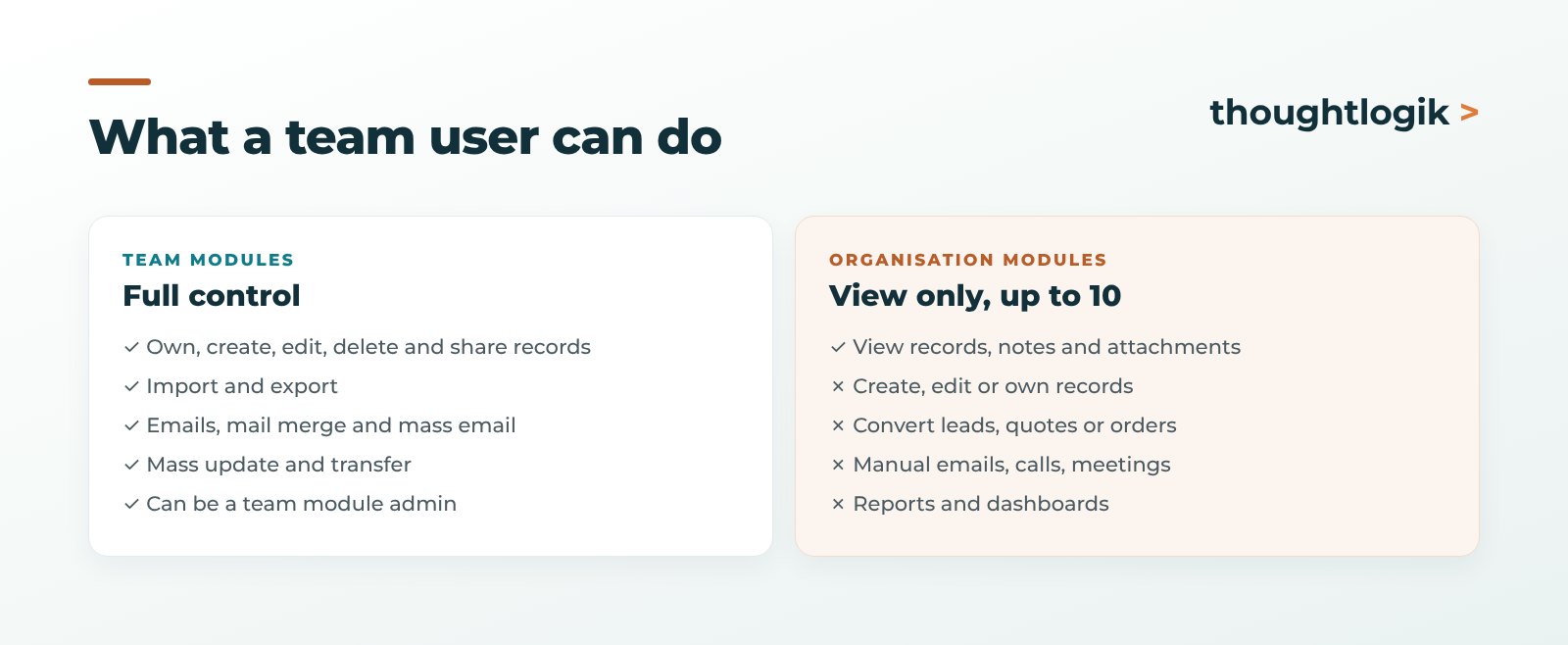
- Own records, and create, view, edit, delete and share them.
- Import and export records.
- Send emails, mail merges and mass emails.
- Mass update, delete and transfer records, and change record owners.
- Add notes and attachments and manage custom views.
- Act as an admin of a team module.
In organisation modules
Team users can view records in up to 10 organisation modules, including system modules such as Accounts and Contacts and your custom modules. They can add notes and attachments, create and share custom views, see related integration records and interact through feeds. There is no limit on the number of team modules they can use.
What can team users not do?
In organisation modules, team users cannot:
- Create, edit, delete or own records, or change record owners.
- Convert leads, quotes or sales orders.
- Send manual emails or start calls and meetings.
- Import, export, mass update or merge records.
- Access analytics, reports and dashboards for organisation modules.
- Review or approve records, or use Zia data enrichment.
- Be selected in user lookup fields, manage territories or hold admin permissions.
Automation also treats them differently. Assignment rules skip team users, and records that a workflow would assign to a team user go to the owner of the parent record instead.
How much does a team user cost?
Zoho lists the team user licence at US$9 per user per month billed annually, or US$11 billed monthly. Your Zoho Store shows the price in your billing currency. Team users are available on Standard, Professional, Enterprise, Ultimate, CRM Plus and CRM Flex. There is no minimum number of regular users, so you can buy a single team licence.
Zoho One is the exception. Team user licences are not sold there, because Zoho One already covers every employee and any user can be added to a team module.
When should you use team users?
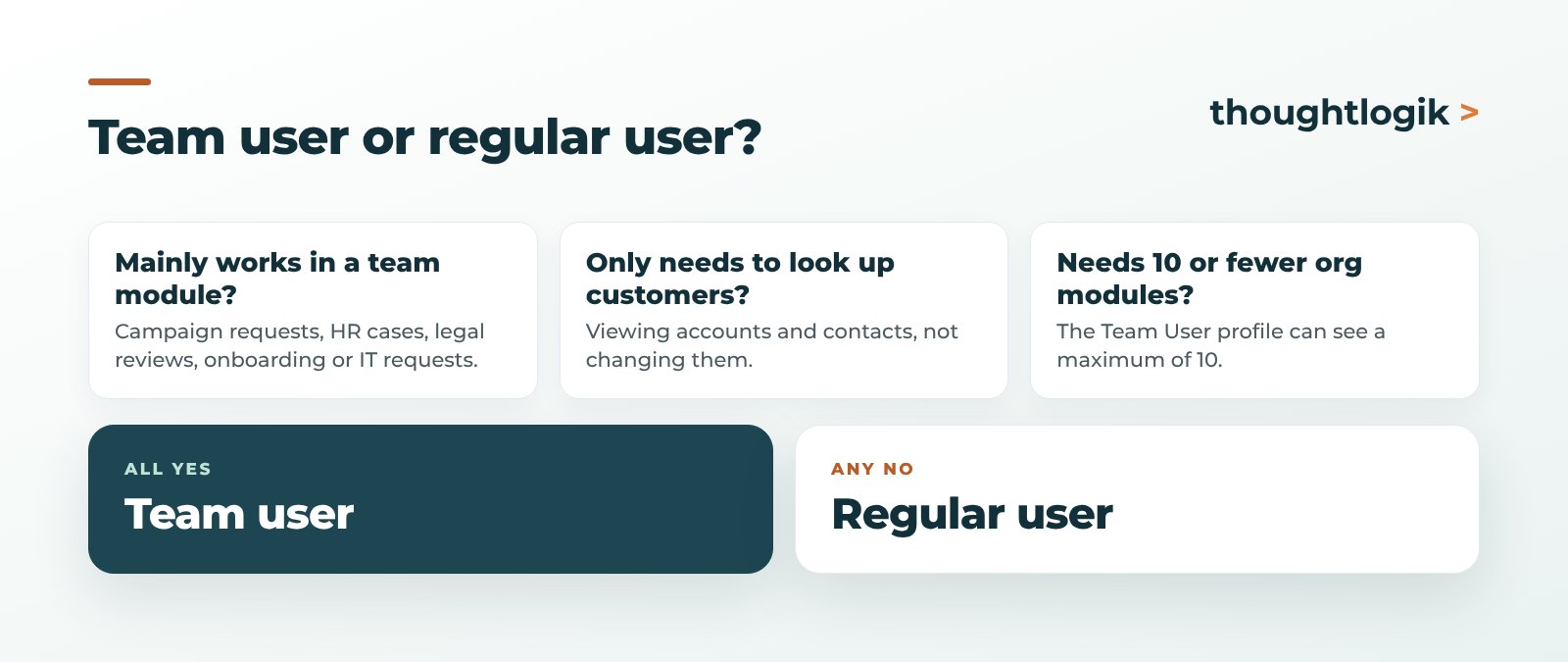
Team users are a good fit when someone:
- Works mainly in a team module, such as campaign requests, HR cases, legal reviews, onboarding or IT requests.
- Needs to look up customer or account information, but not change it.
- Does not need to convert leads, send emails from organisation records or run sales reports.
Give a regular licence to anyone who sells, manages the pipeline, owns accounts, needs more than 10 organisation modules or relies on reports and dashboards.
Practical tips before you buy
- Plan the 10 modules. The Team User profile can see a maximum of 10 organisation modules. Choose them carefully.
- Remember the one-way door. You can convert a team user to a regular user, but not the other way round. Deleted regular users can be added back as team users.
- Check your automations. Review assignment rules and workflows that might try to assign records to team users.
- Know who can buy. Only users with the Manage Users permission can purchase and add team users, via Setup, Company Settings, Get Team User License.
- Design the team module properly. Team users get the most value when the team module has the right fields, layouts and automation from day one.
Frequently asked questions
What is a team user in Zoho CRM?
A lower-cost licence for people who mainly work in team modules. Team users have full control of team module records and view-only access to up to 10 organisation modules.
How much does a Zoho CRM team user licence cost?
Zoho lists it at US$9 per user per month billed annually, or US$11 billed monthly. Your Zoho Store shows the price in your billing currency.
Which Zoho CRM editions support team users?
Standard, Professional, Enterprise, Ultimate, CRM Plus and CRM Flex. Team user licences are not sold for Zoho One, because Zoho One already covers all employees.
Can a team user convert leads or send emails?
Not in organisation modules. Team users cannot convert leads, quotes or sales orders, or send manual emails from organisation modules. They can send emails and mass emails from their team modules.
Can I change a regular user into a team user?
No. Team users can be converted to regular users, but regular users cannot be converted to team users. A deleted regular user can be added back as a team user.
Bringing more teams into Zoho CRM? We will design the team modules and the right licence mix. Book a free consultation or see our Zoho implementation service.





