Short answer
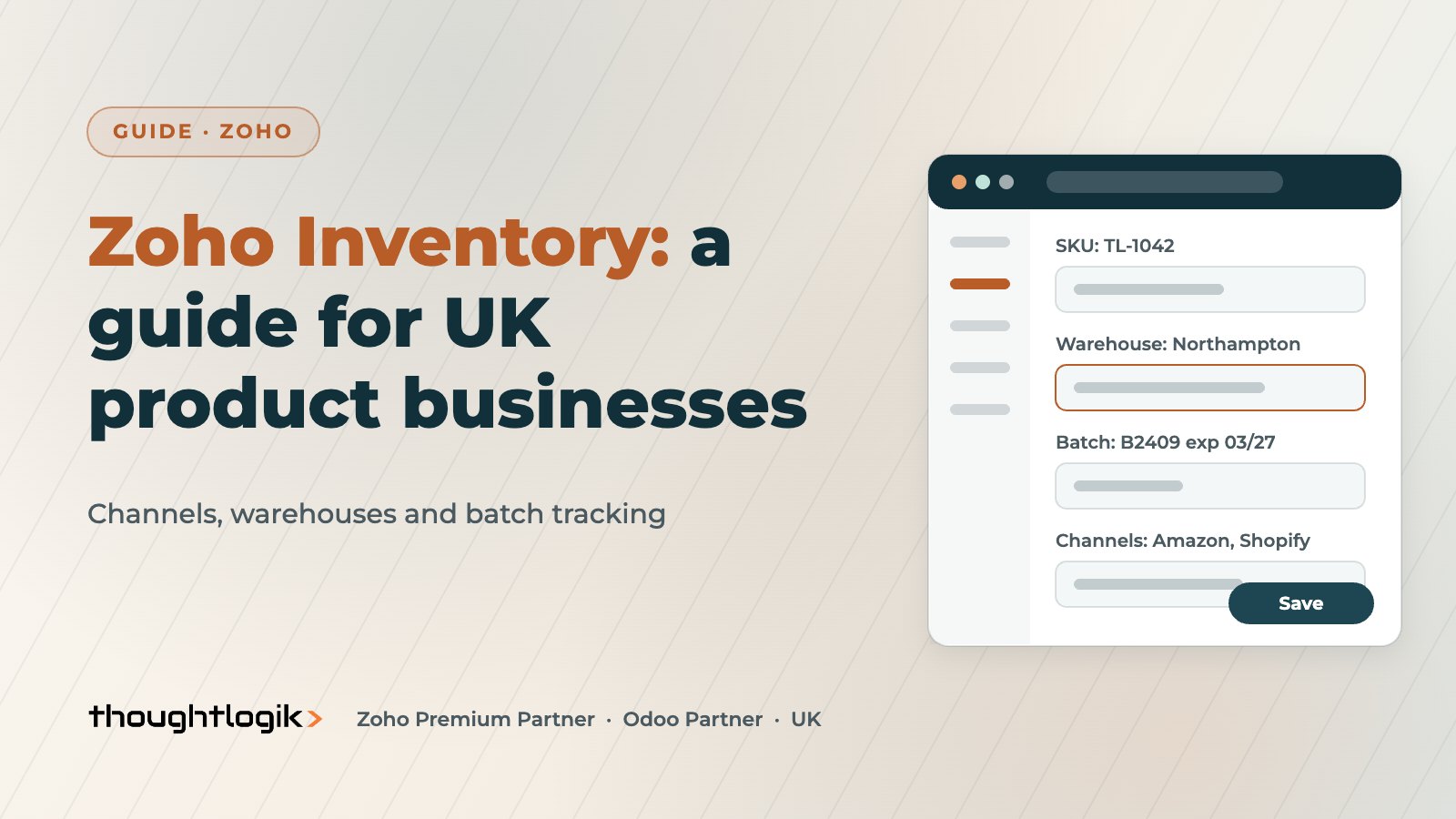
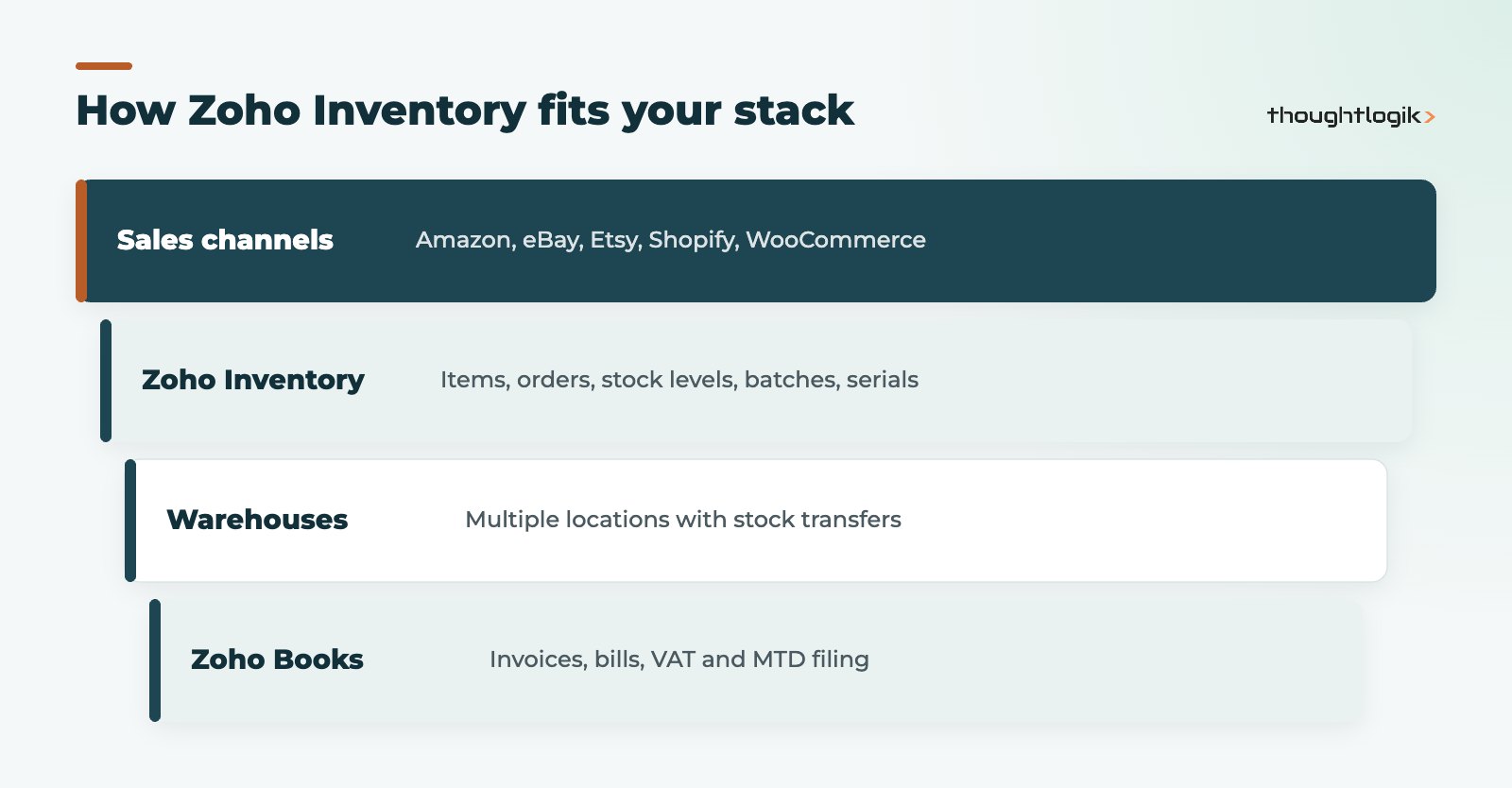
Zoho Inventory is Zoho’s cloud stock management app for businesses that buy, hold and sell physical products. It syncs stock across marketplaces and online stores such as Amazon, eBay, Etsy, Shopify and WooCommerce, manages several warehouse locations, and tracks batches and serial numbers on its higher plans. For UK product businesses it works best alongside Zoho Books for VAT and accounting.
Key takeaways
- One stock figure is shared across your sales channels, which reduces overselling.
- The number of warehouse locations rises with each paid plan.
- Batch tracking and serial number tracking are available from the Premium plan.
- Barcode scanning, reorder points and composite items (kits and bundles) are built in.
- Accounting, VAT and MTD sit in Zoho Books, which shares item and customer records.
Spreadsheets break when a business starts selling through more than one channel or holding stock in more than one place. Numbers drift, orders are oversold and nobody trusts the stock report. That is usually the point at which UK wholesalers, ecommerce brands and distributors start looking at inventory management software.
This guide explains what Zoho Inventory does, which features matter for UK product businesses, where its limits are, and how to roll it out without disrupting trading. It is written for owners, operations managers and finance leads who need to understand the options before speaking to a partner or starting a trial.
What is Zoho Inventory and who is it for?
Zoho Inventory manages items, stock levels, purchase orders, sales orders, packages and shipments in one cloud app, with mobile apps for iOS and Android. It suits small and mid-sized businesses that:
- sell through a mix of online marketplaces, their own web store and trade accounts;
- hold stock in a small number of warehouses, stores or third-party locations;
- need traceability for batches (food, cosmetics, chemicals) or serial numbers (electronics, equipment);
- want stock, sales and accounting on one connected platform.
It is not a full manufacturing ERP. If you run multi-level bills of materials, shop-floor routing or complex production planning, you will need a manufacturing system. Our Odoo vs Zoho comparison covers that trade-off.
How does multichannel inventory management work in Zoho?
Multichannel inventory management means one stock figure feeds every channel. Zoho Inventory connects to marketplaces including Amazon, eBay and Etsy, and to shopping carts including Shopify, WooCommerce and Zoho Commerce. Orders from each channel arrive in Zoho Inventory, stock is reduced once, and updated quantities are pushed back out. Walmart is also supported, although it matters less for UK sellers.
What to check before connecting channels
- SKU discipline. Each product needs one SKU used consistently across channels. Mismatched SKUs are the most common cause of sync problems.
- Marketplace regions. Confirm that the connector supports the UK marketplace for each channel you sell on.
- Sync direction. Decide which system is the master for prices, descriptions and stock.
Warehouse management and stock control
Zoho Inventory supports multiple locations, with the number allowed increasing by plan. You can transfer stock between warehouses, see levels by location and fulfil orders from the right site. Other stock control features include:
- reorder points with low stock alerts;
- item groups for variants such as size and colour;
- composite items for kits and bundles, assembled from component stock;
- barcode generation and scanning;
- purchase orders, receipts and supplier bills.
For warehouse management at larger scale, such as bin-level putaway, wave picking or high-volume barcode operations, check whether the feature set is enough before you commit. Many UK SMEs find it is; high-volume distributors sometimes need a dedicated WMS.
Does Zoho Inventory support batch tracking and serial numbers?
Yes. Batch tracking and serial number tracking are available on the Premium plan and above. Batch tracking records batch references and expiry dates on receipt and sale, so you can trace which customers received a given batch. That matters for food and drink, health and beauty and any product that could be recalled. Serial tracking records individual units, which supports warranty and returns handling. See our food and drink distribution solutions for sector-specific set-ups.
| Need | Zoho Inventory feature | Plan note |
|---|---|---|
| Sell on Amazon, eBay, Shopify | Marketplace and shopping cart integrations | Paid plans |
| More than one warehouse | Multi-location stock and transfers | Locations increase by plan |
| Recall traceability | Batch tracking with expiry dates | Premium and above |
| Warranty and returns | Serial number tracking | Premium and above |
| Kits and bundles | Composite items | Check current plan page |
Plan names and limits change, so check the current Zoho Inventory UK plans or our Zoho pricing guide before deciding.
Shipping, accounting and VAT
Zoho Inventory integrates with shipping services including Easyship, UPS, FedEx and DHL for rates, labels and tracking. UK carrier coverage varies by service, so confirm your main carriers before go-live; where a direct connector is missing, a shipping aggregator or custom integration usually fills the gap.
Zoho Inventory is not your VAT or MTD system. Invoices and bills flow into Zoho Books, which handles VAT returns and Making Tax Digital. Item, customer and supplier records are shared, so there is no double entry. Sales teams using Zoho CRM can also see stock availability and order status. Read more on our Zoho Inventory UK services page.
What mistakes should you avoid?
Most inventory projects that struggle do so for the same handful of reasons, and none of them are about the software itself.
- Migrating messy item data. Duplicate SKUs, inconsistent units and old discontinued lines make every report harder to trust. Clean first, then import.
- Connecting every channel on day one. Start with your main channel, confirm stock and orders reconcile for a week, then add the next.
- Skipping the opening stock take. Opening balances by location and batch need to be counted, not copied from an old spreadsheet.
- Ignoring returns. Decide how returned items are inspected, restocked or written off, and set that up before go-live.
- No owner. Someone in the business must own item data and channel settings after the project ends.
It also helps to decide early which reports matter. Stock valuation, slow-moving lines, stock by location and batch expiry are the usual starting set. Agree them in the design phase so the data you capture supports them from day one.
A typical Zoho Inventory rollout
Most rollouts follow the phases below. The exact timescale depends on SKU count, number of channels and data quality.
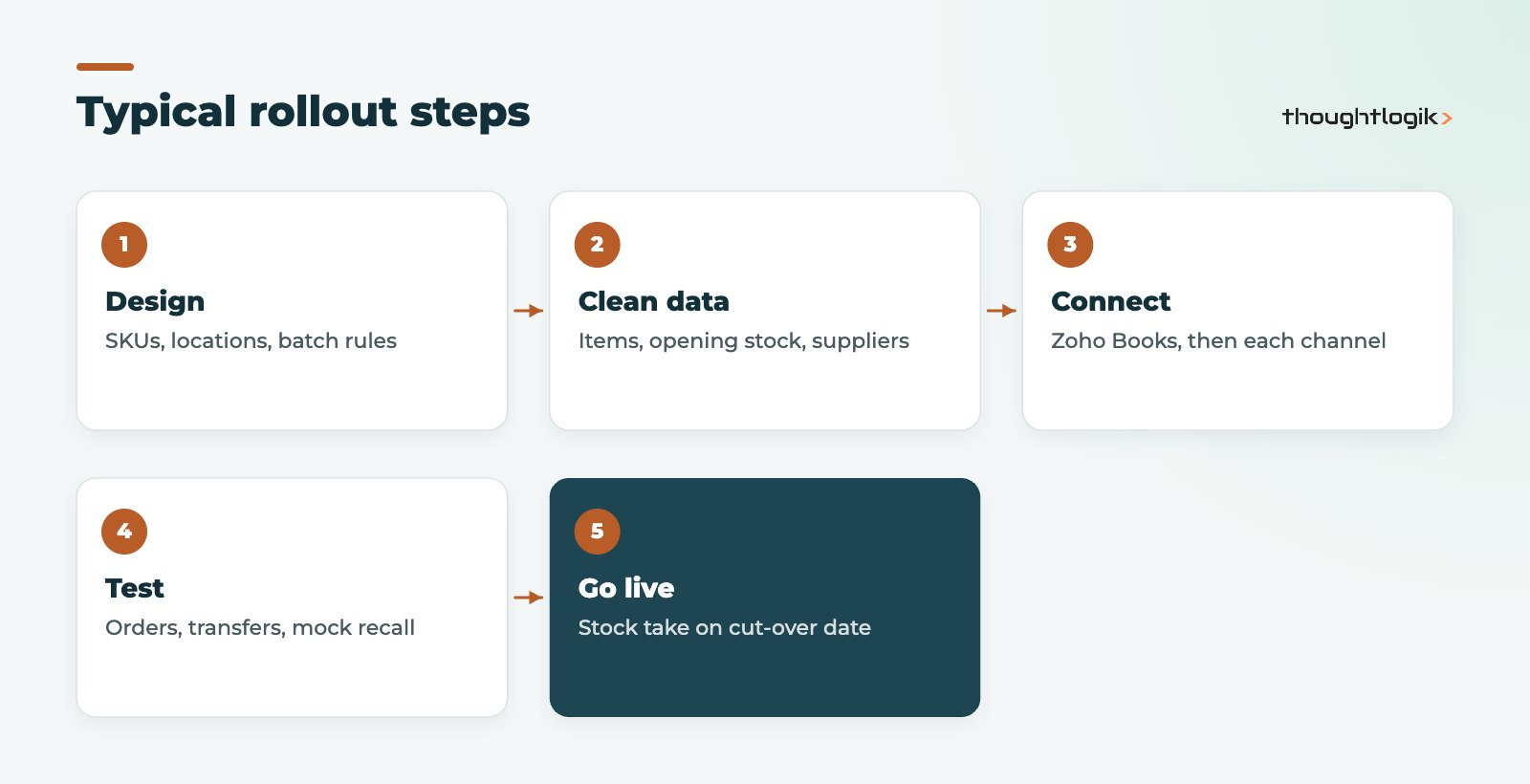
- Design: agree SKUs, locations, units of measure, batch rules and the master system for each field.
- Data: clean item lists, opening stock by location and batch, and supplier details.
- Connect: link Zoho Books, then one sales channel at a time.
- Test: run orders, transfers and returns end to end, including a mock recall.
- Go live: stock take on the cut-over date, then monitor sync closely for the first weeks.
How ThoughtLogik helps
ThoughtLogik is a UK Zoho Premium Partner working with wholesalers, distributors and ecommerce brands.
- Process and SKU design before any configuration.
- Zoho Inventory and Zoho Books set-up, including batch tracking and UK VAT.
- Marketplace, carrier and custom Zoho integrations.
- Data migration, stock take support and post go-live support.
Frequently asked questions
Is Zoho Inventory good for UK ecommerce?
Yes, for small and mid-sized sellers using Amazon, eBay, Etsy, Shopify or WooCommerce. Confirm UK marketplace and carrier support for your channels first.
Can Zoho Inventory handle multiple warehouses?
Yes. Paid plans support several locations, with more on higher plans, plus stock transfers between them.
Which plan includes batch tracking?
Batch tracking and serial number tracking are available from the Premium plan upwards.
Do I need Zoho Books as well?
For UK VAT, MTD and full accounting, yes, or another accounting package. Zoho Books shares records natively, which avoids re-keying.
Is it suitable for manufacturers?
For simple kitting, composite items are enough. For multi-level production, look at a manufacturing ERP instead.
Outgrowing your stock spreadsheet? We will scope a rollout around your channels and warehouses. Book a free consultation or see our wholesale distribution solutions.