Short answer
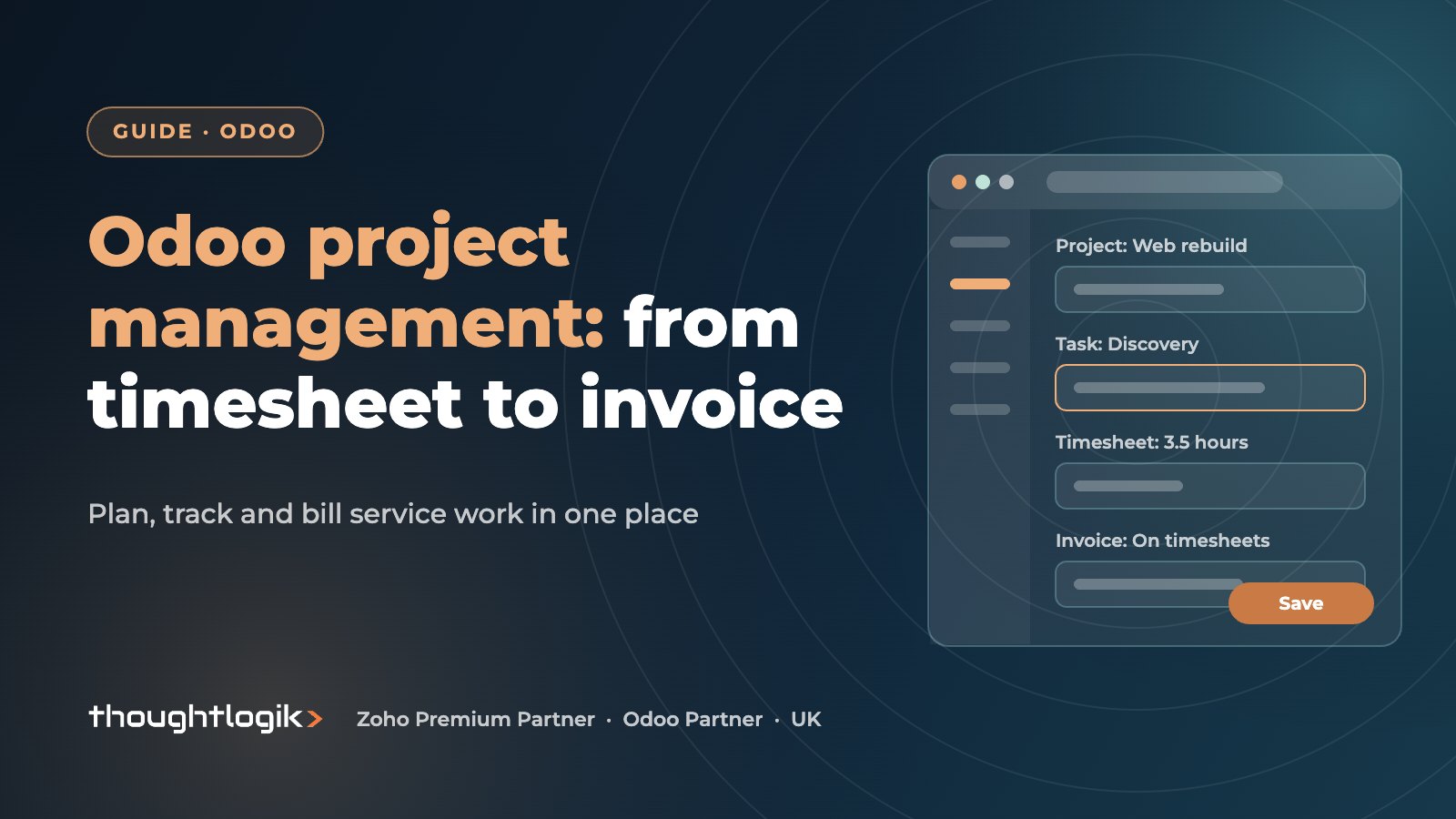
Odoo project management combines the Project and Timesheets apps so UK service businesses can plan tasks, record time and bill clients from the same system. Service products on sales orders can create projects automatically, timesheets feed invoices billed on hours, milestones or a fixed price, and each project shows its profitability as work progresses.
Key takeaways
- Projects, tasks, timesheets, sales and invoicing share one database.
- The invoicing policy sits on the service product, not on the project.
- Bill on timesheets, milestones or a fixed price, even within one order.
- The profitability view compares revenue with timesheet, expense and purchase costs.
- Timesheet discipline matters more than any feature: no time logged, no invoice.
For consultancies, agencies, engineering practices and other professional services firms, time is the product. Yet many UK service businesses still run projects in one tool, timesheets in a spreadsheet and invoicing in accounts software. Every hand-off costs admin and leaks billable hours. Odoo brings the chain into one system.
What does Odoo project management include?
The Project app organises work into projects and tasks. Each project has its own stages shown on a Kanban board, so a design studio and a compliance consultancy can run very different workflows side by side. Tasks carry assignees, deadlines, tags, sub-tasks, attachments and a chatter thread, so conversations stay with the work rather than in inboxes.
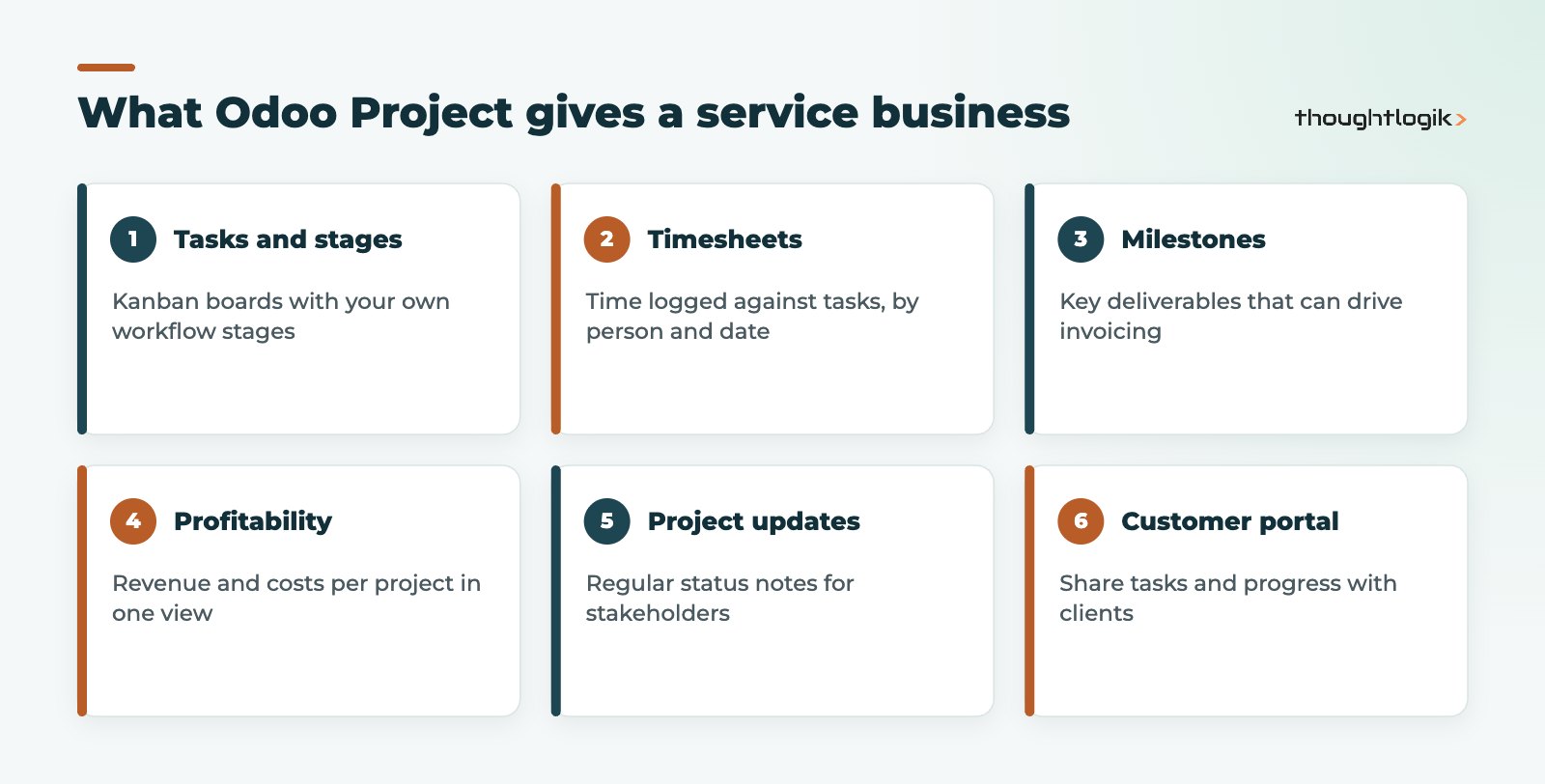
Milestones mark key deliverables, and project updates let managers post a regular status with a short summary for stakeholders. Projects and tasks can also be shared with customers through the portal, which cuts down “where are we?” emails. Some views and apps, such as Gantt planning and resource scheduling, depend on your Odoo edition; our Community vs Enterprise guide explains the differences.
How do Odoo timesheets work?
Odoo timesheets record time against a project and, ideally, a task. Staff can log time from the task itself, from a timesheet view, or with a timer that starts and stops as they work, depending on your edition and set-up. Managers can review and validate timesheets before they are used for invoicing, so errors are caught before the client sees them.
Because each timesheet line links to an employee, Odoo can value time at a cost rate as well as bill it at a sales rate. That is what makes real project profitability possible.
Tips for accurate billable hours
- Log time daily. Weekly catch-up entries are where billable hours get lost.
- Set up tasks that match how you bill, so time lands in the right place.
- Use non-billable projects for internal work, training and pre-sales, so utilisation reports stay honest.
- Agree a validation routine before each invoicing run.
How to bill projects in Odoo
The key design decision in Odoo project management is the invoicing policy, which lives on the service product used in the sales order. When the order is confirmed, Odoo can create a project, a task in an existing project, or both, depending on how the product is configured. Odoo’s documentation on project profitability explains how these links roll up.
| Invoicing policy | How it bills | Good fit for |
|---|---|---|
| Prepaid or fixed price | The ordered amount, regardless of time spent | Clearly scoped packages and retainers |
| Based on milestones | Each milestone once it is marked as reached | Phased projects with sign-off points |
| Based on timesheets | Validated hours logged against the order | Time and materials, support and change requests |
| Delivered quantities (manual) | A quantity you update on the order | Unusual units or mixed arrangements |
One order can mix policies, for example a fixed-price discovery phase, milestone billing for the build, and support billed on hours. Note that neither marking a milestone as reached nor logging time creates an invoice on its own: someone still creates the invoice from the sales order, which is a useful control point.
How does Odoo show project profitability?
Each project has an analytic account behind it. Timesheet costs, re-invoiced expenses, vendor bills and customer invoices linked to the project all post against it. The project’s profitability view then compares what has been invoiced and what is still to invoice with the costs incurred so far.
For a UK professional services firm, that answers the questions partners ask every month: which projects are over-running, which clients are genuinely profitable and where fixed-price quotes need to change. For firm-wide views across projects, see our guide to Odoo reporting and dashboards.
Odoo project management for different service models
- Consultancies often combine milestone billing with time-based change requests.
- Agencies tend to use retainers as fixed-price or recurring services, with tracked hours to check over-servicing. Recurring billing can be handled with Odoo Subscriptions.
- Engineering and technical services that send staff to site should also look at Odoo Field Service.
- Support teams can log time on tickets in Odoo Helpdesk and bill it in the same way.
How to set up Odoo project management step by step
A good Odoo project management set-up starts with how you sell, not with the project board. We usually follow this order.
- List your service offers. Discovery packages, day-rate consulting, retainers, support blocks. Each becomes a service product.
- Choose an invoicing policy for each product. Decide whether it bills on hours, milestones or a fixed price, and whether confirming an order should create a new project or a task in an existing one.
- Build project templates. Standard stages and tasks for each type of engagement save set-up time and keep reporting consistent.
- Set employee cost rates. Without them, timesheets carry no cost and profitability figures mislead.
- Agree timesheet rules. When time is logged, how it is described, and who validates it before invoicing.
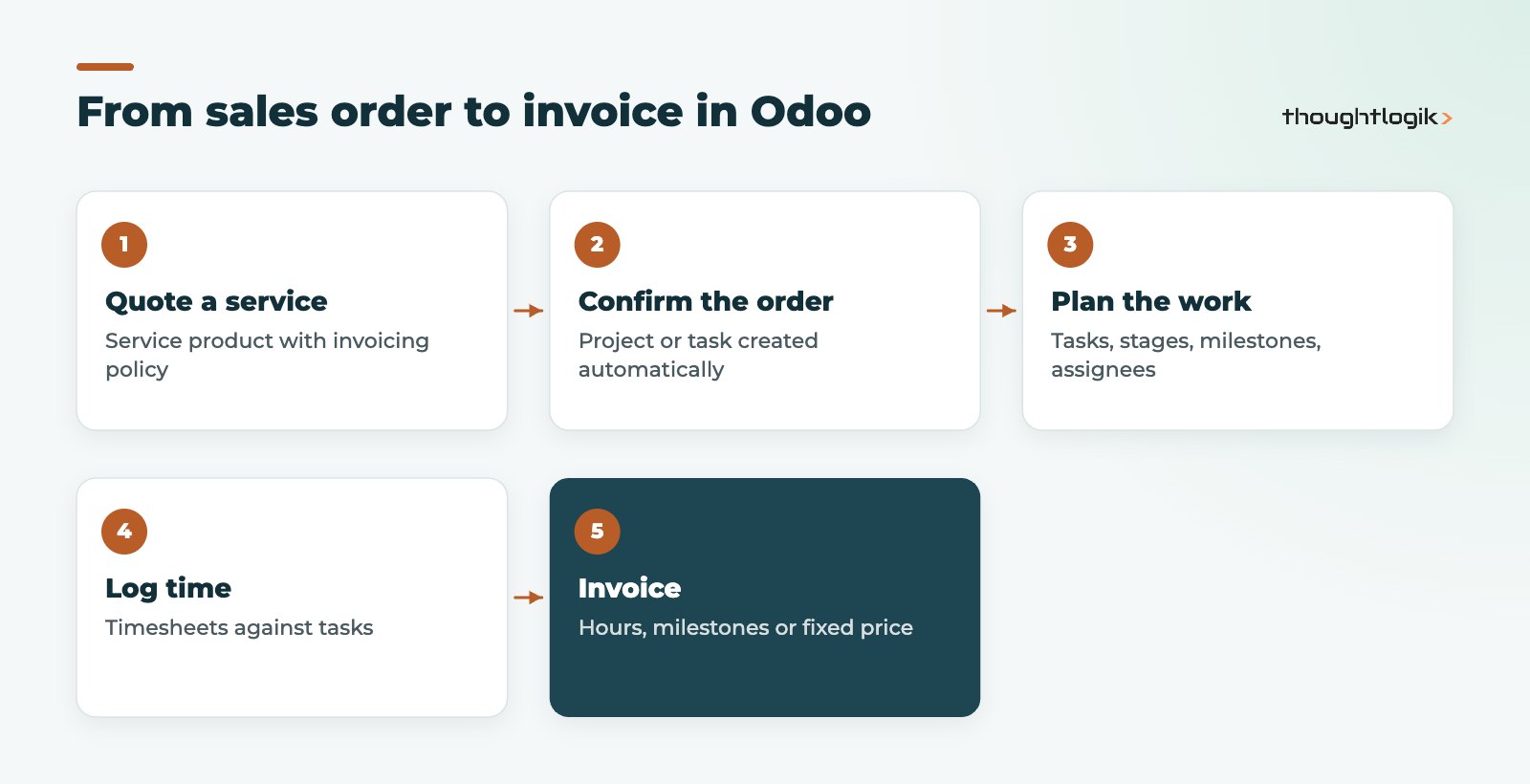
- Test a full cycle. Quote, confirm, log time, reach a milestone and invoice, then check the profitability view matches your expectations.
Running one real client engagement end to end before go-live will surface most design issues while they are still cheap to fix. It also gives your team confidence that Odoo project management will support the way they actually work.
Common mistakes to avoid
- Setting the wrong invoicing policy on service products, then fixing it after orders are confirmed. Changes do not apply retrospectively to confirmed lines.
- Creating projects manually for billable work instead of from the sales order, which breaks the link to invoicing.
- Leaving employee cost rates blank, so profitability shows revenue with no labour cost.
- Too many stages. Five clear stages beat twelve that nobody updates.
How ThoughtLogik helps
ThoughtLogik designs Odoo project management for UK service businesses, from the sales order to the final invoice. We have a professional services focus and deliver from Northampton and Coimbatore.
- Service product and invoicing policy design that matches how you sell.
- Project templates, stages and timesheet rules your team will actually follow.
- Profitability reporting by project, client and team.
- Migration of open projects and time data during Odoo implementation.
Frequently asked questions
Is Odoo good for project management?
For service businesses that bill for time or deliverables, yes. Odoo project management is strongest when projects, timesheets, sales and invoicing all run in Odoo, because the data links end to end.
Can clients see their projects in Odoo?
Yes. Projects and tasks can be shared with customers through the Odoo portal, with visibility controlled per project.
Can I bill some hours and not others?
Yes. Time logged against billable projects linked to a sales order can be invoiced, while internal or non-billable projects capture effort without billing it.
Do Odoo timesheets work on mobile?
Yes. Odoo runs in a mobile browser and the Odoo mobile app, so staff can log time away from their desks.
Can Odoo replace a separate project tool?
Often, yes, particularly for client work. Teams with very specialised needs, such as complex engineering scheduling, should test those scenarios before switching.
Losing billable hours between tools? We will show you how Odoo joins projects, time and invoicing. Book a free consultation or explore our Odoo solutions.