Short answer
Odoo Studio is Odoo’s built-in no-code tool for adding custom fields, changing screens, building simple apps, automating routine steps and editing printed documents. It covers a large share of the changes UK SMEs ask for, without a developer. Complex business logic, integrations with other systems and performance-sensitive work still belong in a proper custom module.
Key takeaways
- Studio is an Odoo Enterprise tool; on Odoo Online it needs the Custom plan.
- Good for custom fields, view changes, simple apps, approvals, automation rules and report layouts.
- Not suited to complex calculations, integrations or heavy data processing.
- Studio changes are part of your database, so they need governance and testing at upgrade time.
- The best projects mix both: Studio for business-owned tweaks, developers for core logic.
Every Odoo project reaches the same point: the standard app is close, but not quite right. Someone needs an extra field, a different layout, or an approval before an order goes out. Odoo Studio lets business users make many of those changes themselves. This guide explains what you can build with it, where the limits are, and how to decide between Studio and a developer.
What is Odoo Studio?
Odoo Studio is a visual editor that opens on top of any Odoo screen. Instead of writing code, you drag fields onto forms, change list columns, add filters and define rules. Changes apply straight away in the database. The Odoo Studio documentation covers each feature in detail.
It is available with Odoo Enterprise. On Odoo Online, it is part of the Custom plan rather than the Standard plan, so check Odoo pricing in the UK and our Community vs Enterprise comparison before planning around it.
What can you build with Odoo Studio without code?
Custom fields and views
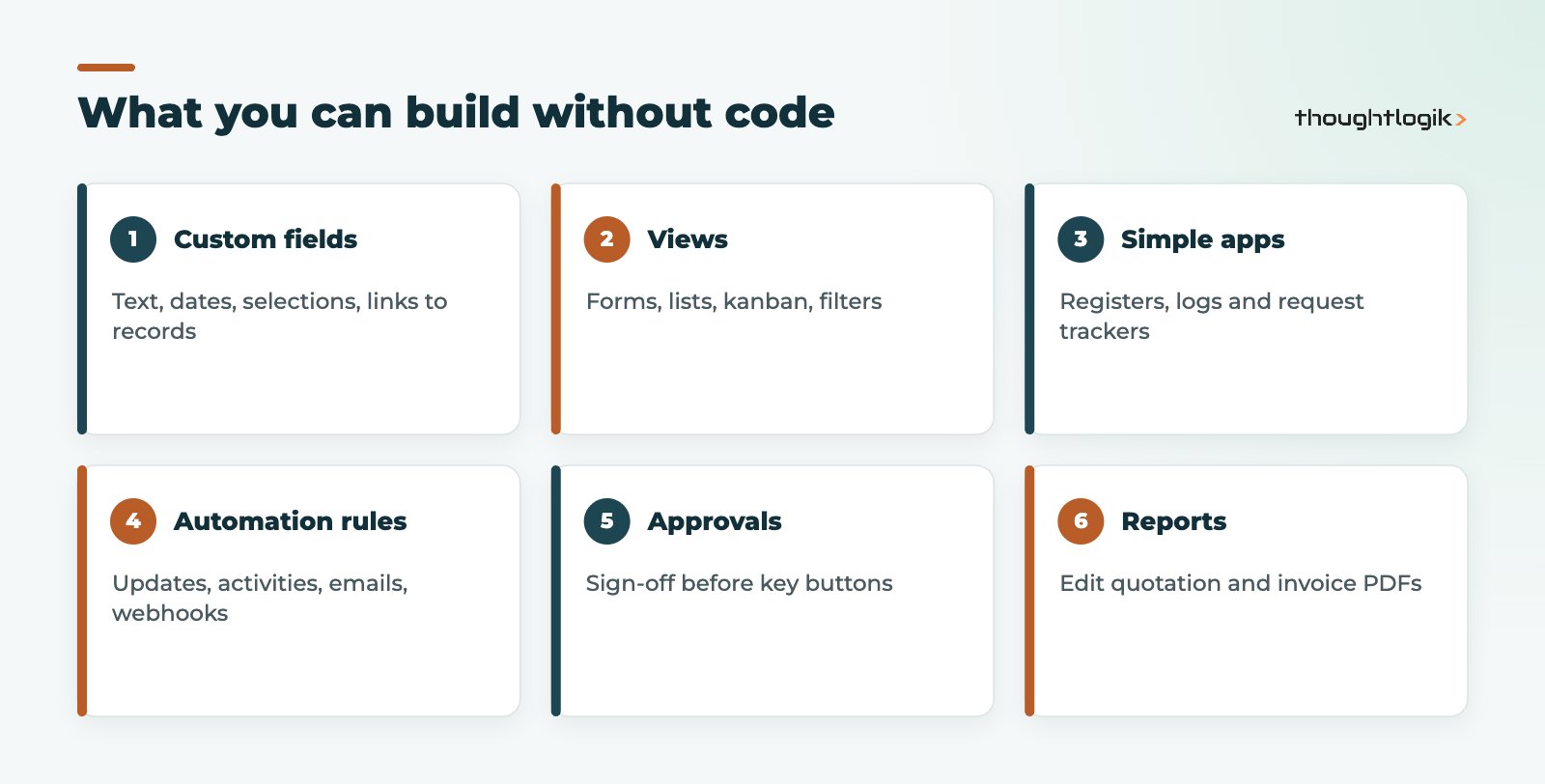
Add custom fields of most types (text, number, date, selection, monetary, related fields, links to other records) and place them on forms, lists and kanban cards. You can also add tabs, hide fields based on conditions, make fields required, and change which columns appear in lists. This is the most common use of Odoo Studio and usually the safest.
New apps and models
Studio can create a new app with its own menu, records and views, for example an equipment register, an inspection log or a simple request tracker. For straightforward record-keeping this is quicker than a bespoke module.
Automation rules and approvals
Automation rules trigger actions when something happens: a record is created or updated, a stage changes, or a date is reached. Actions include updating fields, creating activities, sending emails and calling a webhook. Approval rules can require sign-off before a button, such as confirming an order, can be used.
Reports and documents
Studio includes a report editor for PDF documents such as quotations, invoices and delivery notes. Adding a field, a paragraph of terms or a logo is a no-code job. Deeper layout changes can require editing the underlying template.
Typical Odoo Studio changes we see in UK SMEs
To make this concrete, here are the kinds of requests that usually suit Studio well:
- Sales: a “how did you hear about us” field on opportunities, a customer PO number on quotations, and a required delivery instructions field before an order can be confirmed.
- Purchasing: an approval rule so purchase orders above a set value need a manager’s sign-off.
- Inventory: extra fields on products for pallet quantities or storage conditions, shown on delivery notes.
- Service: a simple site visit log app with photos, linked to the customer record.
- Finance: an automation rule that creates a follow-up activity when an invoice becomes overdue, and a bank details block on the invoice layout.
And the kinds of requests that usually do not: calculating landed costs with complex allocation rules, synchronising orders with a warehouse management system, or changing how stock valuation works. Those need a developer, a specification and proper testing.
How to plan a Studio change
Even simple changes benefit from a moment of planning. Before opening Studio, write down who needs the change, what problem it solves, where the data will be used (reports, documents, integrations) and who owns it afterwards. Check whether a standard setting already does the job; Odoo often has an option buried in the app settings that removes the need for custom fields altogether. Then make the change in a test database, ask the people who requested it to try it, and only then repeat it in production. Ten minutes of planning avoids a database full of half-used fields nobody remembers adding.
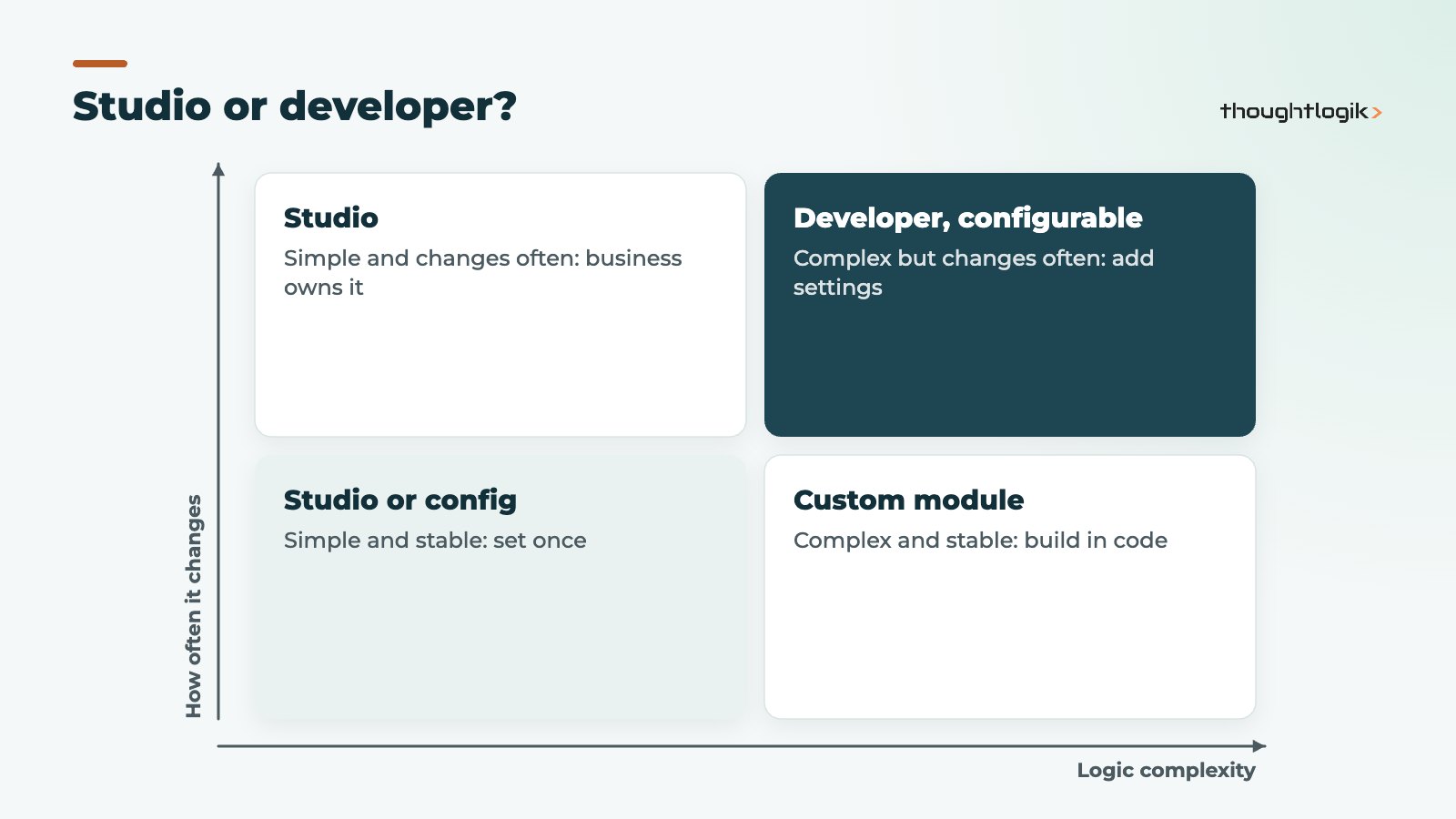
Where Odoo Studio stops and a developer starts
Studio is excellent at shaping screens and simple rules. It is not designed for everything, and forcing it creates problems later.
| Requirement | Odoo Studio | Developer (custom module) |
|---|---|---|
| Extra fields on a form | Yes | Only if part of a larger module |
| Change list and form layouts | Yes | Rarely needed |
| Simple notifications and field updates | Yes, with automation rules | Rarely needed |
| Complex pricing or costing logic | No | Yes |
| Two-way integration with another system | Outbound webhooks only | Yes |
| Changes to how standard processes work | Limited | Yes |
| High-volume data processing | No | Yes |
Our guide to Odoo customisation vs configuration goes further into when to change Odoo at all.
Odoo Studio and upgrades
Studio changes are stored in your database, and on Odoo Enterprise they are carried through Odoo’s upgrade process along with your data. That does not make them risk-free. A field added on top of a standard screen can end up in the wrong place if Odoo redesigns that screen, and automation rules can behave differently if the standard process changes. Treat Studio changes like any other customisation: document them and test them in a copy of the upgraded database. Our Odoo upgrades service includes this review.
Can Odoo Studio customisations be exported?
Yes. Studio customisations can be exported as a module and imported into another database, which is useful for moving changes from a test database to production.
Good governance for no-code changes
No-code does not mean no rules. The businesses that get most from Studio agree a few simple controls:
- Named owners: a small group of trained admins, not everyone with rights.
- Test first: try changes in a test or staging database before production.
- Naming conventions: clear labels and technical names for custom fields.
- A change log: what was changed, why and by whom.
- Periodic clean-up: remove fields and rules nobody uses.
How ThoughtLogik helps
ThoughtLogik is a UK Odoo Partner with functional consultants and developers, so we can tell you honestly whether a change belongs in Studio or in code.
- Studio training for your internal Odoo admins.
- Review of existing Studio changes before an upgrade.
- Custom modules where Studio is not the right tool.
- Automation design through our Odoo AI and automation service.
Frequently asked questions
Is Odoo Studio available in Odoo Community?
No. Studio is an Enterprise tool. Community users make changes through custom modules written by developers.
Can Odoo Studio slow down my database?
Simple fields and view changes have little impact. Heavy automation rules on busy records, or many computed fields, can affect performance, so review them as volumes grow.
Can I undo a Studio change?
Many changes can be reversed in Studio, and removed fields can be deleted. Removing a field also removes its data, so check before deleting.
Who in our team should use Odoo Studio?
Usually one or two people who know the business processes well and have had some training, such as an operations or finance systems lead. They do not need to be technical, but they do need to understand how data flows between apps.
Should our partner use Studio or code?
Both, for different jobs. Business-owned changes to screens and simple rules suit Studio. Core logic and integrations suit code, under version control.
Not sure whether you need Studio or a developer? We will review your list of changes and recommend the right route for each. Book a free consultation or see our Odoo implementation service.