
Short answer
Zia Agents are AI agents built into the Zoho platform that can carry out multi-step tasks inside apps such as Zoho CRM, Desk and Recruit. You can deploy prebuilt agents from the Agent Marketplace or build your own in Agent Studio, a low-code builder where you set instructions, tools, knowledge and guardrails. Zoho does not charge for the agent platform itself; you pay for language model usage beyond the included allowance or through your own model provider.
Key takeaways
- Zia Agents has three parts: prebuilt agents, Agent Studio for building your own, and the Agent Marketplace for finding and deploying them.
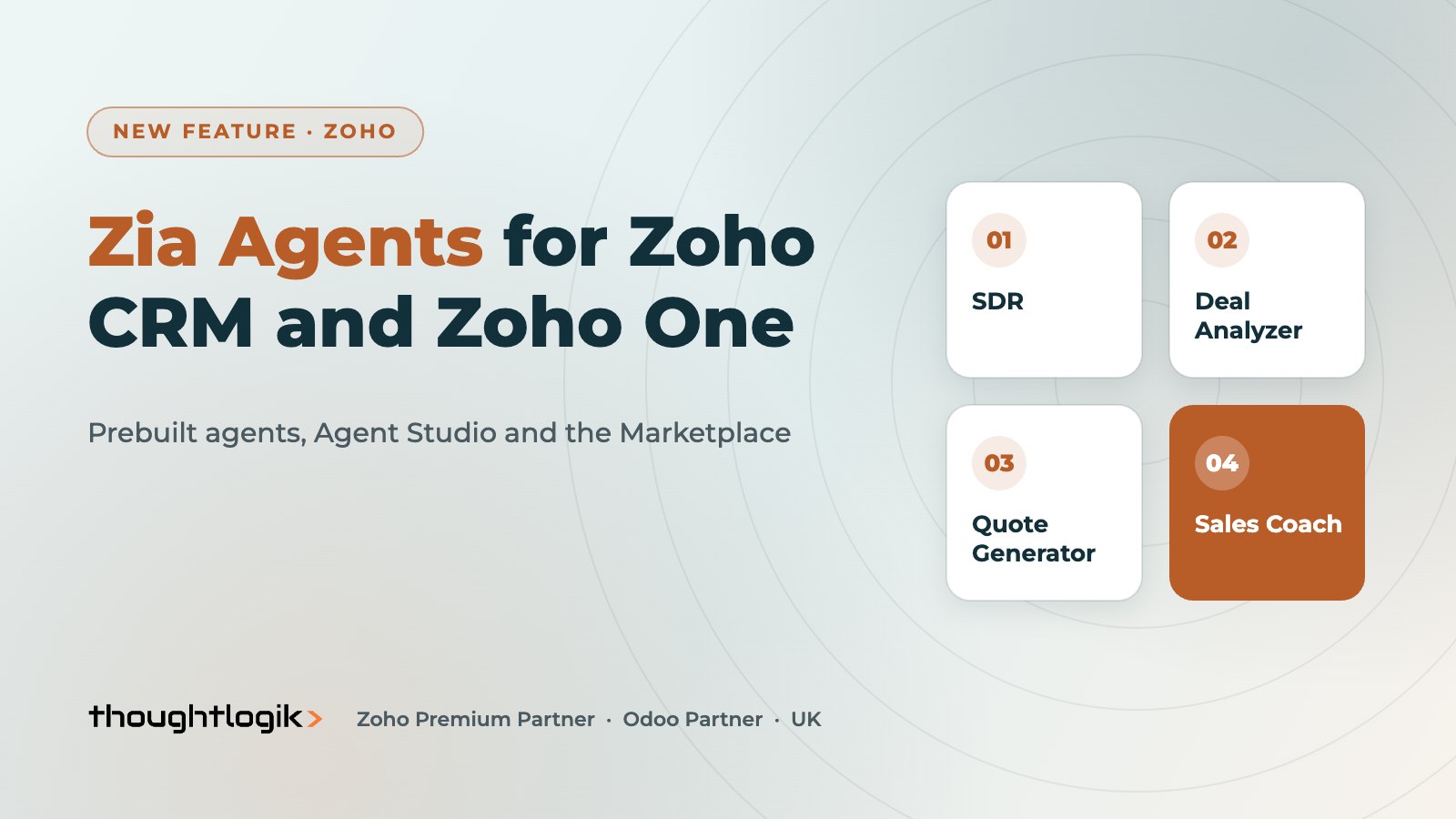
- Zoho CRM ships with prebuilt sales agents such as SDR, Deal Analyzer, Quote Generator and Follow-up Scheduler.
- In Zoho CRM you control when an agent runs, what record data it sees and how its tools map to your fields.
- Agents can act under a user’s connection or as a Digital Employee with its own identity, role and profile for a clear audit trail.
- Start with low-risk, read-heavy tasks, keep a human in the loop for anything customer-facing, and monitor results in Observability.
AI in Zoho has moved on from writing suggestions and predictions. With Zia Agents, Zoho now lets you hand whole tasks to an AI agent: qualify a new lead, prepare a quote, chase a stalled deal or triage a support ticket. For UK SMEs already running on Zoho CRM or Zoho One, that is a real opportunity, but it also raises sensible questions about data, control and cost. This guide covers what Zia Agents are, what you can automate, and how to roll them out responsibly.
What are Zia Agents?
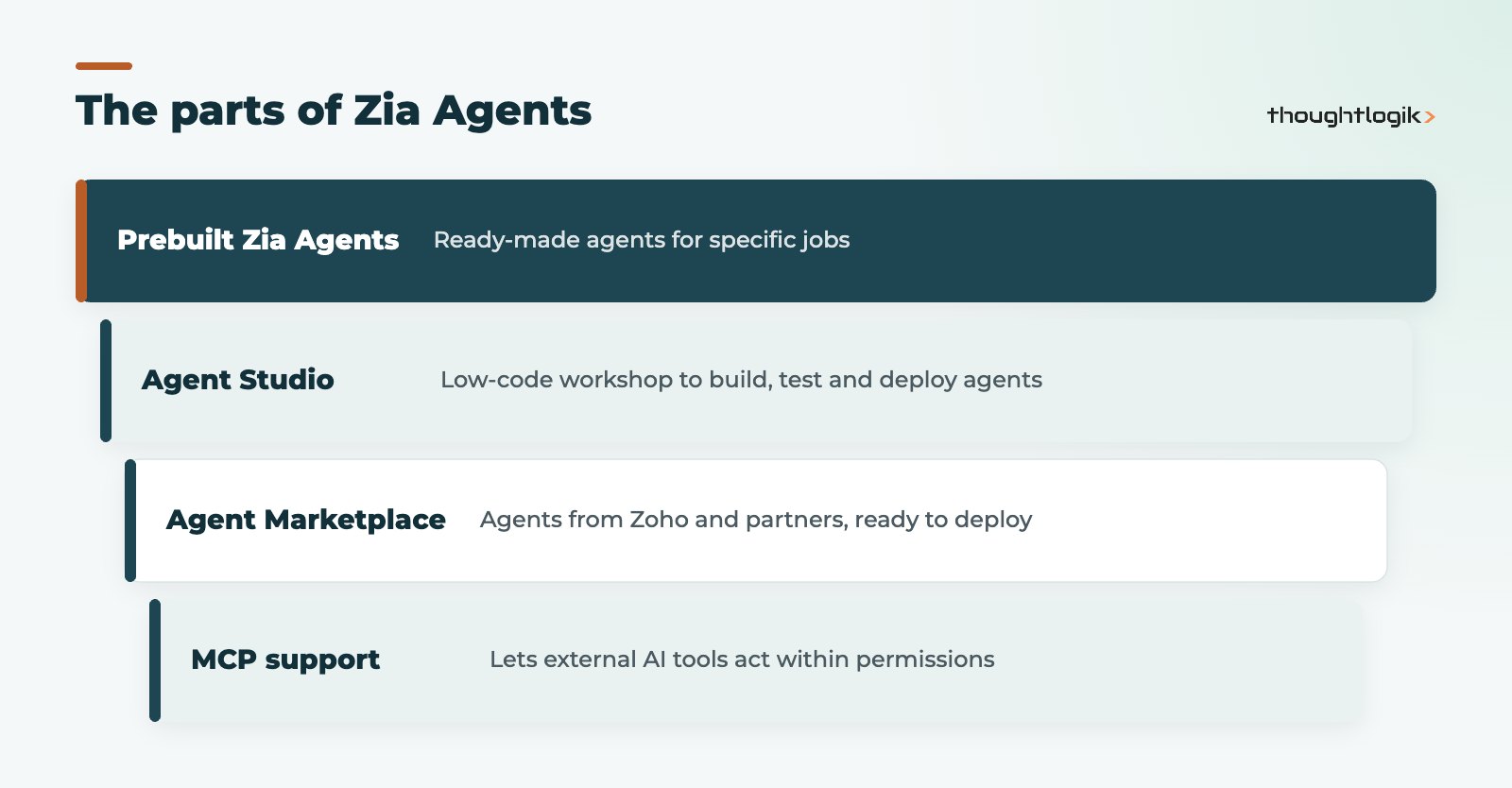
Zoho announced Zia Agents in February 2025 as a platform for autonomous, task-specific AI agents across its product range, and has since opened it up to customers. It has three connected parts, plus a way to connect outside AI tools.
| Component | What it is | Who uses it |
|---|---|---|
| Zia Agents (prebuilt) | Ready-made agents for specific jobs, such as sales development or deal analysis | Admins who want quick results with little set-up |
| Agent Studio | A low-code workshop to create, test and deploy your own agents | Admins, ops leads and partners designing custom processes |
| Agent Marketplace | A catalogue of agents built by Zoho and its partners, ready to deploy | Anyone looking for an existing agent before building one |
| MCP support | Model Context Protocol servers that let external AI tools act on Zoho data and actions within existing permissions | Teams already using other AI assistants alongside Zoho |
Prebuilt Zia Agents in Zoho CRM
Zoho CRM currently lists seven prebuilt sales agents:
- Sales Development Representative (SDR): nurtures and qualifies new leads with targeted emails, handles objections and books meetings.
- Sales Coach: trains reps through role plays or live deals and gives feedback.
- Follow-up Scheduler: spots deals that need a follow-up meeting and contacts the prospect to arrange it.
- Deal Analyzer: gives win probability, next best action and follow-up suggestions.
- Quote Generator: drafts quotes from your pricing rules, deal details and customer communication.
- Revenue Growth Specialist: finds upsell and cross-sell opportunities in your existing customers.
- Deal Closure Reminder: summarises a deal and sends it to the owner three days before the expected close date.
Outside CRM, Zoho has announced agents such as a Customer Service Agent for Zoho Desk and a Candidate Screener for Zoho Recruit. Zoho CRM now also lets you pin agent insights to the Homepage.
What UK businesses can automate with Zia Agents
The best early use cases are repetitive, well-defined and easy to check. In our experience these are the ones worth testing first:
Sales
- Inbound lead qualification: an agent reviews each new web lead, checks it against your ideal customer criteria and drafts a first response for a rep to approve.
- Pipeline hygiene: flag deals with no activity, overdue close dates or missing next steps, and suggest the follow-up.
- Quote preparation: produce a first-draft quote from the deal and product data so the rep only reviews and sends.
- Account reviews: summarise account history before a renewal call and highlight cross-sell options.
Service and operations
- Ticket triage: categorise and route incoming requests in Zoho Desk, handing complex cases to a person.
- Internal requests: answer staff questions from an approved knowledge base through a Cliq chatbot.
- Recruitment screening: rank applicants in Zoho Recruit against the job requirements for a recruiter to review.
In each case the agent prepares and a person makes the final call.
How Zia Agents work inside Zoho CRM
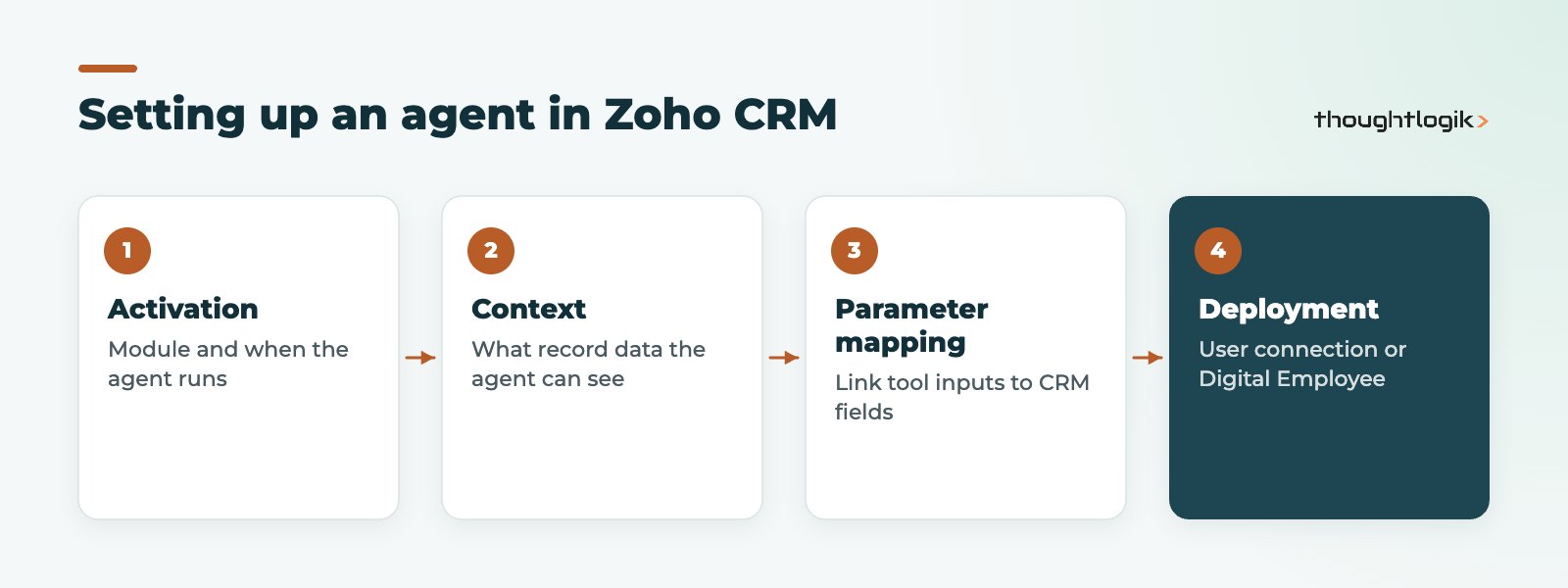
When you set up an agent in Zoho CRM you make three decisions:
- Activation: choose the module (for example Deals) and whether the agent runs for all records, only for records meeting conditions, or on demand from a custom button.
- Context: decide what the agent can see when it runs, such as fields on the current record, related module data, signals like email sentiment or missed calls, and user or system details.
- Parameter mapping: link each tool’s inputs (for example a record ID or email address) to the right CRM fields. This matters most when the agent runs automatically on a trigger.
You also choose how the agent is deployed. With a connection, its actions are logged under the identity of the user who deployed it. As a Digital Employee, the agent gets its own identity in your CRM, with a unique email address, role and profile, so you can see exactly which changes were made by the agent rather than by a person. Zoho notes that Digital Employee deployment is being rolled out in phases and may not be available for every service yet.
How to get started
- Pick one process. Choose a narrow, measurable task.
- Set up the agents portal. In Zoho CRM go to Setup, then General, then Agents (or Marketplace, then Zoho, then Zia Agents) and create or select your Zia Agents portal.
- Check the Marketplace first. A prebuilt agent is quicker to test than a custom build.
- Build in Agent Studio if needed. Define instructions, choose the model, add tools (the actions it may take), attach a knowledge base and set guardrails.
- Test in the playground. Validate responses with realistic records before deploying.
- Deploy and activate. Agents land in Draft; configure triggers, context and mapping, then activate.
- Monitor. Use Observability to review sessions, execution metrics and step-by-step breakdowns, and use versions to roll back if a change misbehaves.
What do Zia Agents cost?
Zoho states that the Zia Agents platform itself is free: there is no charge to create, deploy or manage agents. You pay for language model usage. Zoho-hosted models include a monthly allowance of free tokens, with overage charged through a prepaid Agent Wallet, or you can bring your own key from providers such as OpenAI, Google Gemini or Anthropic and pay that vendor directly. Allowances and rates can change, so check Zoho’s current terms and our Zoho pricing guide before you budget.
Limits and governance
AI agents act on live customer data, so treat them like a new team member with clear permissions.
- Data location: Zoho-hosted models keep processing on Zoho’s own infrastructure. If you bring your own external model, data is sent to that provider, so review this against your UK GDPR obligations and privacy notices.
- Permissions: give an agent’s profile only the modules and actions it needs. Zoho’s MCP servers also respect existing permission structures.
- Human review: keep a person approving customer-facing emails and quotes until you trust the output.
- Guardrails and versions: set guardrails in Agent Studio and use version history so you can revert quickly.
- Feature maturity: some capabilities are still rolling out in phases, and availability can differ by data centre and service. Test in a sandbox where you can.
For a broader view of where agents fit, see our guide to agentic AI. If you are also tidying CRM processes first, a well-built Zoho CRM Blueprint gives agents a clear, reliable process to work within.
How ThoughtLogik helps
ThoughtLogik is a Zoho Premium Partner based at Vulcan Works in Northampton, with a delivery team in Coimbatore. We help UK businesses choose the right first use case, configure agents safely and connect them to the rest of their Zoho stack.
- Use-case workshops to find tasks where agents save time without adding risk
- Agent set-up, permission design and Digital Employee profiles
- Data clean-up and process design so agents work from reliable records
- Ongoing monitoring and refinement through our Zoho AI and automation service
Frequently asked questions
What are Zia Agents in Zoho?
Zia Agents are AI agents in the Zoho platform that complete tasks inside apps such as Zoho CRM, Desk and Recruit. You can use prebuilt agents from the Agent Marketplace or build your own in Agent Studio.
Do Zia Agents cost extra?
Zoho says the agent platform is free and you pay only for language model usage. Zoho-hosted models include a monthly token allowance, and you can also bring your own key from an external model provider and pay them directly.
Do I need to code to build a Zia Agent?
No. Agent Studio is a low-code builder where you write instructions, choose tools, add a knowledge base and set guardrails. Some understanding of your CRM data and Zoho actions helps when mapping tools to fields.
What is a Digital Employee in Zia Agents?
It is a deployment option that gives an agent its own identity in your Zoho app, with a name, email address, role and profile. It makes it clear in the audit trail which actions were taken by the agent. Zoho is rolling this option out in phases.
Are Zia Agents safe to use with UK customer data?
They can be used safely with the right controls: limit each agent’s permissions, keep humans reviewing customer-facing output, and check where data is processed, especially if you connect an external model rather than a Zoho-hosted one.
Thinking about AI agents in Zoho? We will help you pick a safe first use case and set it up properly. Book a free consultation or see our Zoho AI and automation service.





