
Short answer
Odoo 20 was released on 24 September 2026 at Odoo Experience in Brussels. The headline changes are AI agents that can create and update records, a native connection for external AI tools through the Model Context Protocol (MCP), offline working on mobile, and practical upgrades to accounting, inventory, manufacturing and sales. Most UK businesses should test it on a copy of their database before moving, especially if they run custom modules.
Key takeaways
- Odoo 20 is a confirmed, released major version, announced at Odoo Experience 2026 (24 to 26 September, Brussels).
- AI moves from answering questions to taking action: agents can create and update records, including from an uploaded file.
- Finance teams get bill line prediction from supplier history and clearer duplicate bill warnings.
- Operations teams get suggested reordering rules, continuous production and a bill of materials comparison.
- AI features use separately purchased credits, so budget for usage as well as licences.
- Custom modules will need technical review before an upgrade; plan it rather than rushing it.
Every September Odoo releases a new major version, and every September UK business owners ask the same question: is this one worth moving to? Odoo 20 was unveiled on the opening day of Odoo Experience 2026 in Brussels, and Odoo has published its official release notes. This guide covers the new features we have been able to confirm from the release and launch coverage, what they mean for UK manufacturers, distributors and service businesses, and how to approach an upgrade sensibly.
We have deliberately left out anything that was only rumoured before the launch. If a feature is not in this article, it does not mean it is missing from Odoo 20, only that we have not yet verified it.
The big theme: AI that does the work, not just talks about it
Odoo 19 introduced a dedicated AI layer with configurable agents, AI fields and natural language search. Odoo 20 builds on this in two important ways.
AI agents that create and update records
In Odoo 20, agents can create and update records on request, including from an uploaded file. In practice that means a user can ask an agent to turn a document into records in Odoo rather than retyping it. Launch coverage also describes AI agents in accounting that can answer questions about your financial data. For a small finance or operations team, that is a real time saving on routine admin, provided the agent is set up with sensible permissions and a person checks the output.
MCP: connecting outside AI tools to Odoo
Odoo 20 adds a native connection based on the Model Context Protocol (MCP), an open standard that lets external AI assistants work with business systems. Several partner write-ups of the launch describe this as allowing tools you may already use to connect to your Odoo database without bespoke integration work. For UK firms, the question is less “can we?” and more “should we?”: you will want clear rules on which users and which data an external assistant can reach. We cover this in more depth in our guide to Odoo AI features.
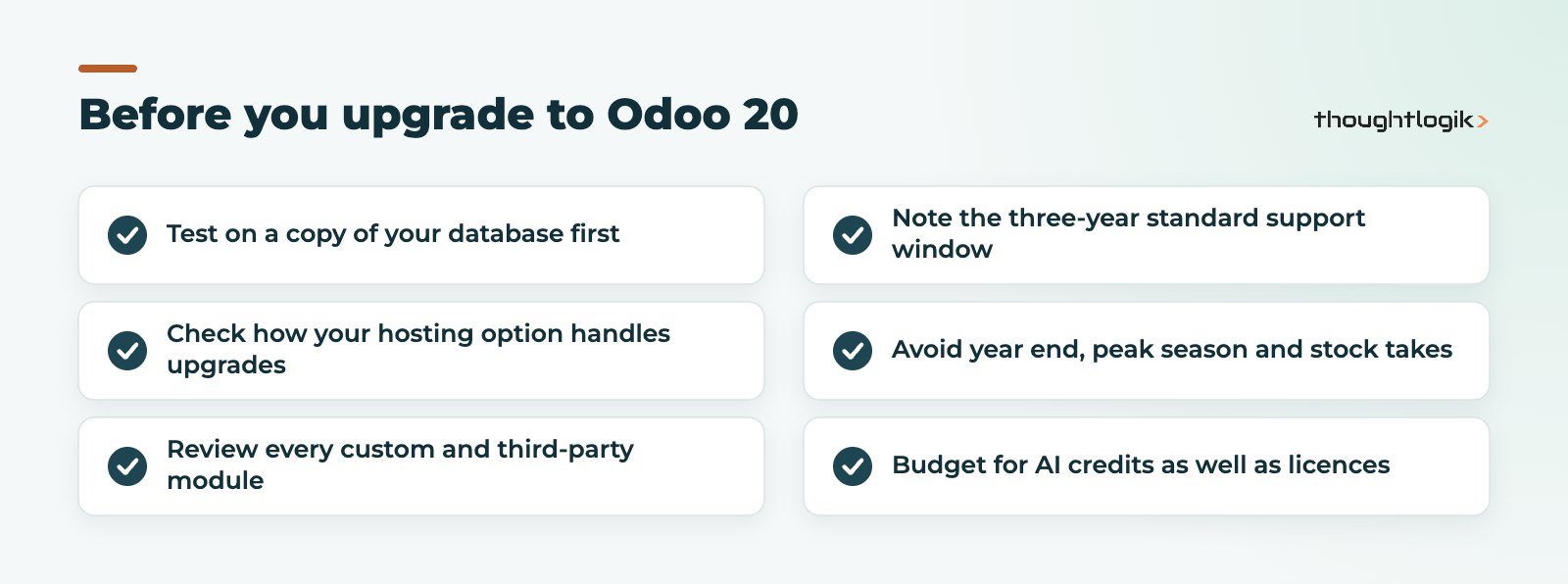
One cost point to note: Odoo’s AI features consume separately purchased in-app credits (IAP). Factor usage into your budget alongside your subscription, which you can review on our Odoo pricing guide.
Odoo 20 new features by business area
The release contains hundreds of changes across the apps. These are the ones we think matter most to UK SMEs.
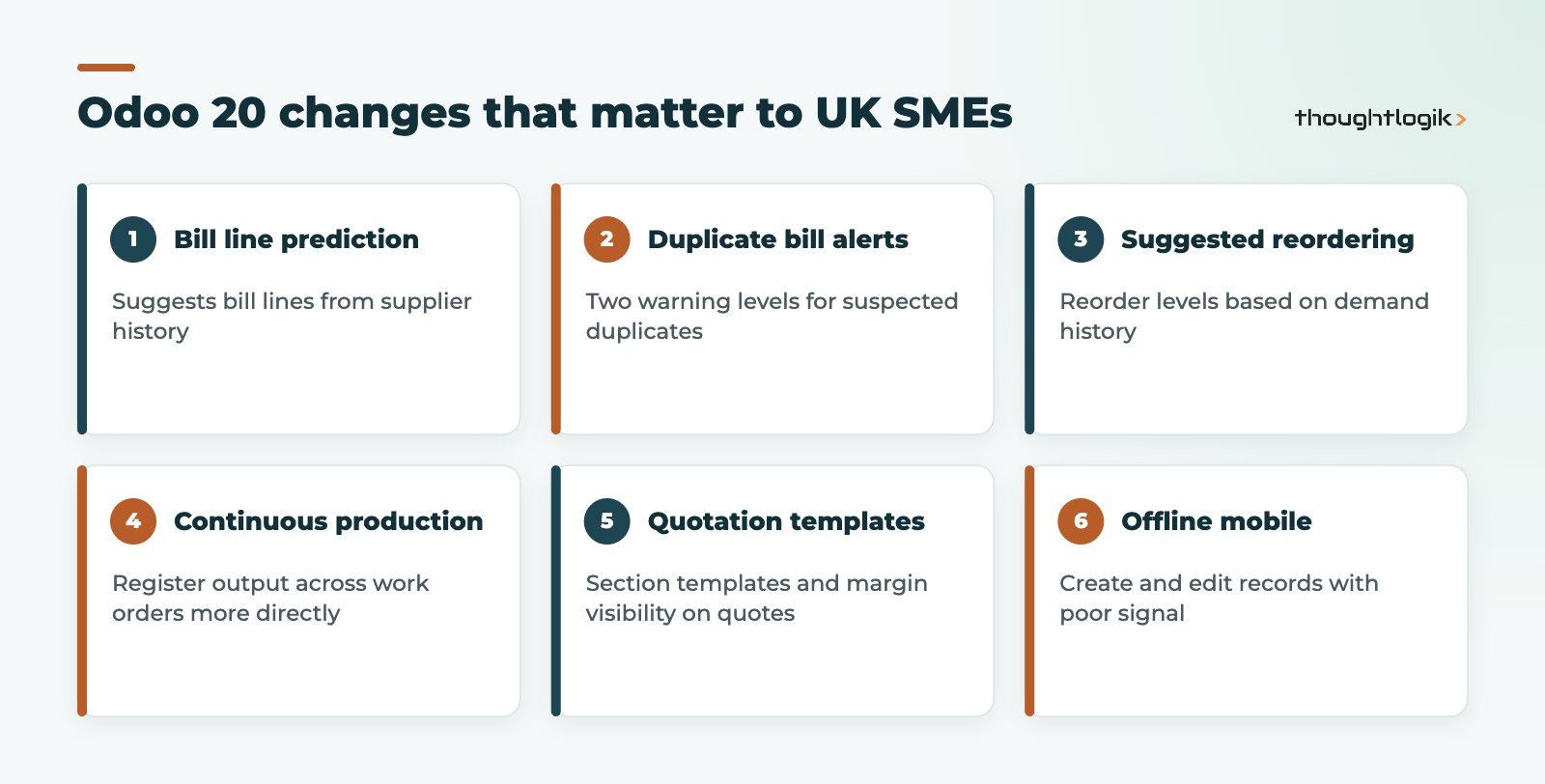
| Area | Confirmed Odoo 20 change | Why it matters |
|---|---|---|
| Accounting | Bill line prediction based on supplier history | Less manual coding of purchase invoices |
| Accounting | Duplicate bill detection with two warning levels | Fewer duplicate payments slipping through |
| Inventory | Suggested reordering rules based on demand history | Better starting point for min and max stock levels |
| Inventory | Allocation report for incoming stock and a CMR document for road freight | Useful for distributors and firms shipping by road into Europe |
| Manufacturing | Continuous production and bill of materials comparison | Simpler recording on the shop floor and clearer BoM changes |
| Sales | Quotation section templates and margin visibility on quotes | Faster, more consistent quotes with profit in view |
| Mobile | Offline mode for creating and editing records | Work continues in warehouses, yards and on site with poor signal |
| Website | AI website building from prompts | Quicker first drafts of pages |
Finance: faster, safer purchase ledger
For most UK SMEs, purchase invoice processing is where accounting time disappears. Odoo 20 predicts bill lines from what you have booked for that supplier before, and its duplicate detection now distinguishes between likely duplicates and cases that simply look suspicious. Neither replaces a month-end review, but both reduce the rework that comes from miscoded or double-entered bills.
Inventory and purchasing: better reorder points
Reordering rules are only as good as the minimum and maximum levels someone typed in years ago. Odoo 20 suggests reordering levels based on demand history, which gives buyers a data-led starting point. If stock accuracy is already a problem, fix that first, otherwise the suggestions will be based on unreliable figures. Our guide to Odoo inventory accuracy explains how.
Manufacturing: less friction on the shop floor
Continuous production lets operators register output across work orders more directly, and the bill of materials comparison shows component and quantity differences between versions. For manufacturers managing recipe or specification changes, that comparison is a helpful control. It is worth testing with your own BoMs before you upgrade.
Mobile: offline working
Launch coverage confirms offline capabilities for creating, editing and archiving records, with access to previously run searches. For field teams, delivery drivers and warehouse staff working in areas with weak signal, this removes a long-standing frustration.
Communication
Coverage of the keynote also describes native Gmail and Outlook integration, built-in telephony and an overhauled Discuss app. Check exactly how these fit your current email and phone setup before switching anything off.
What is not confirmed yet
Before the launch there was plenty of speculation about Odoo 20. Some items appear in only one source, and some pre-launch articles described “expected” features that we cannot match to the release. We have not included changes to pricing or licensing, UK-specific localisation updates, or detailed performance claims. The launch coverage we reviewed did not highlight UK localisation changes, so if VAT, Making Tax Digital or payroll matters to you, check the official release notes and test your own scenarios.
Should you upgrade to Odoo 20 now?
A new major version is not a reason to upgrade on its own. Consider these points:
- Hosting. Odoo Online customers receive new versions through Odoo’s own upgrade process. Odoo.sh and on-premise databases only run major versions and need a planned upgrade. Our comparison of Odoo Online vs Odoo.sh vs on-premise explains the difference.
- Custom modules. Coverage of the release notes mentions technical changes, such as simplified access rights and changes to how chatter tracking works, that can affect custom code. Every custom or third-party module needs checking.
- Support window. Odoo gives each major version three years of standard support. If you are on an older version, Odoo 20 is a good moment to plan the jump.
- Business calendar. Avoid upgrading during year end, peak season or a stock take.
Our Odoo upgrade checklist walks through the testing steps in detail.
How ThoughtLogik helps
ThoughtLogik is an Odoo Partner based at Vulcan Works in Northampton, with a delivery team in Coimbatore. We help UK businesses decide when to move to Odoo 20 and then do it without disrupting trading.
- Upgrade assessments that review custom modules, integrations and data before any change.
- Test upgrades on a copy of your database, with your team checking real scenarios.
- Configuration of new Odoo 20 features, including AI agents with sensible access controls.
- Post-upgrade support and training through our Odoo upgrade service.
Frequently asked questions
When was Odoo 20 released?
Odoo 20 was released on 24 September 2026 and presented at Odoo Experience 2026 in Brussels, which ran from 24 to 26 September.
What are the main Odoo 20 new features?
The main changes are AI agents that can create and update records, a native MCP connection for external AI tools, offline mobile working, bill line prediction and better duplicate detection in accounting, suggested reordering rules in inventory, and continuous production and bill of materials comparison in manufacturing.
Is Odoo 20 available in the Community edition?
Odoo 20 is available in both Community and Enterprise, but many features, including most AI capabilities, are Enterprise only. Check each feature against your edition before planning around it.
Do the AI features in Odoo 20 cost extra?
Yes. Odoo’s AI features use separately purchased in-app credits, on top of your subscription. Usage depends on how heavily your team uses them.
Should I upgrade from Odoo 17 or 18 to Odoo 20?
Possibly, but base the decision on support windows, custom modules and business timing rather than the release date. Run a test upgrade on a copy of your database first.
Planning your move to Odoo 20? We will review your database and tell you what an upgrade involves. Book a free consultation or see our Odoo upgrade service.





