Short answer
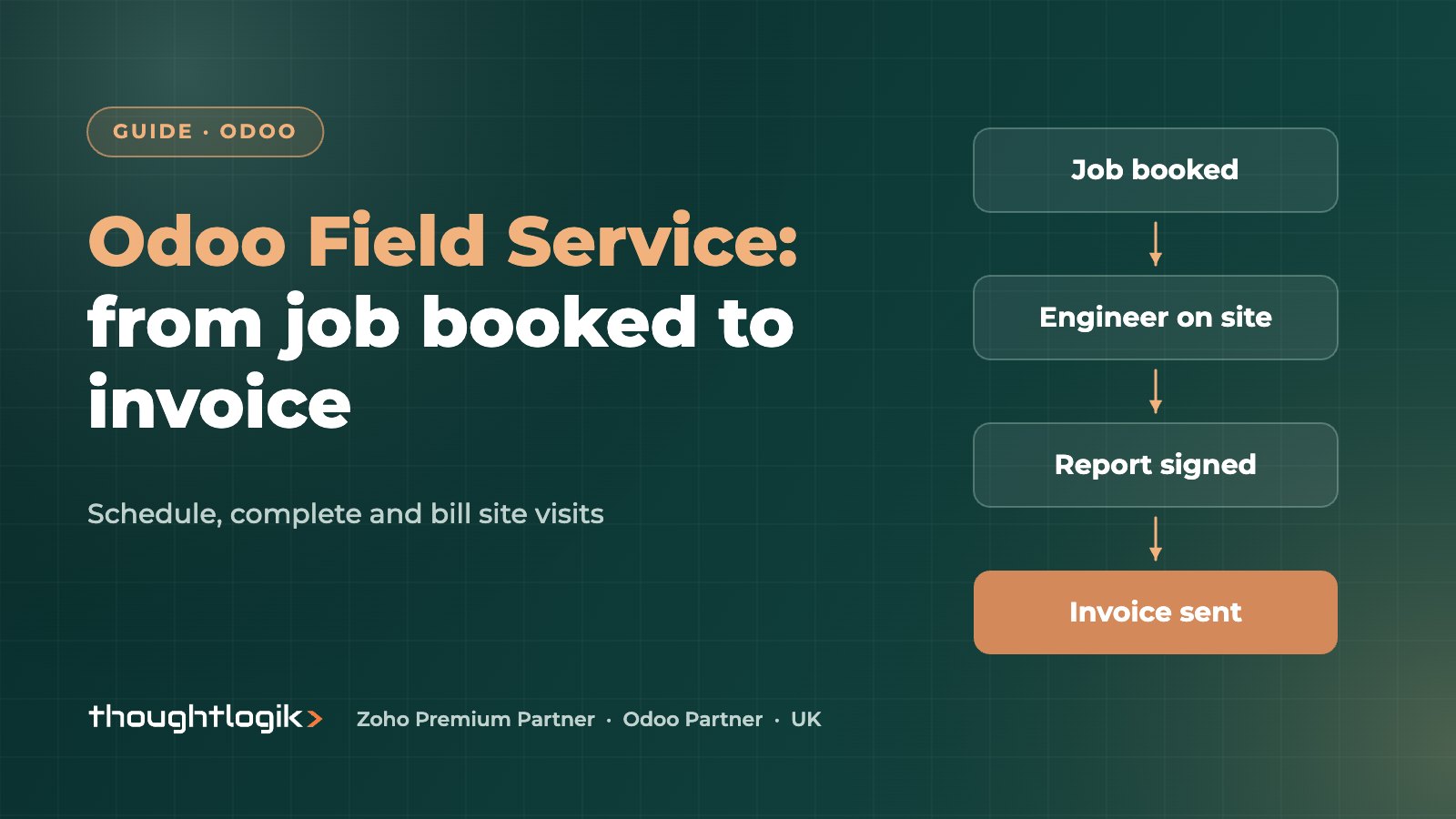
Odoo Field Service is an Odoo Enterprise app for planning and completing on-site work. Office teams schedule jobs on a planner and map, field engineers record time, parts and worksheets on a phone or tablet, customers sign the service report on screen, and completed jobs flow straight into invoicing and stock.
Key takeaways
- Field Service builds on Odoo Project and Timesheets, with Sales, Inventory and Accounting linked in.
- Jobs can come from sales orders, helpdesk tickets or be created directly.
- Custom worksheets capture checks, readings and photos consistently.
- Parts used on site update stock and can be billed on the same job.
- Signed service reports give customers proof of work immediately.
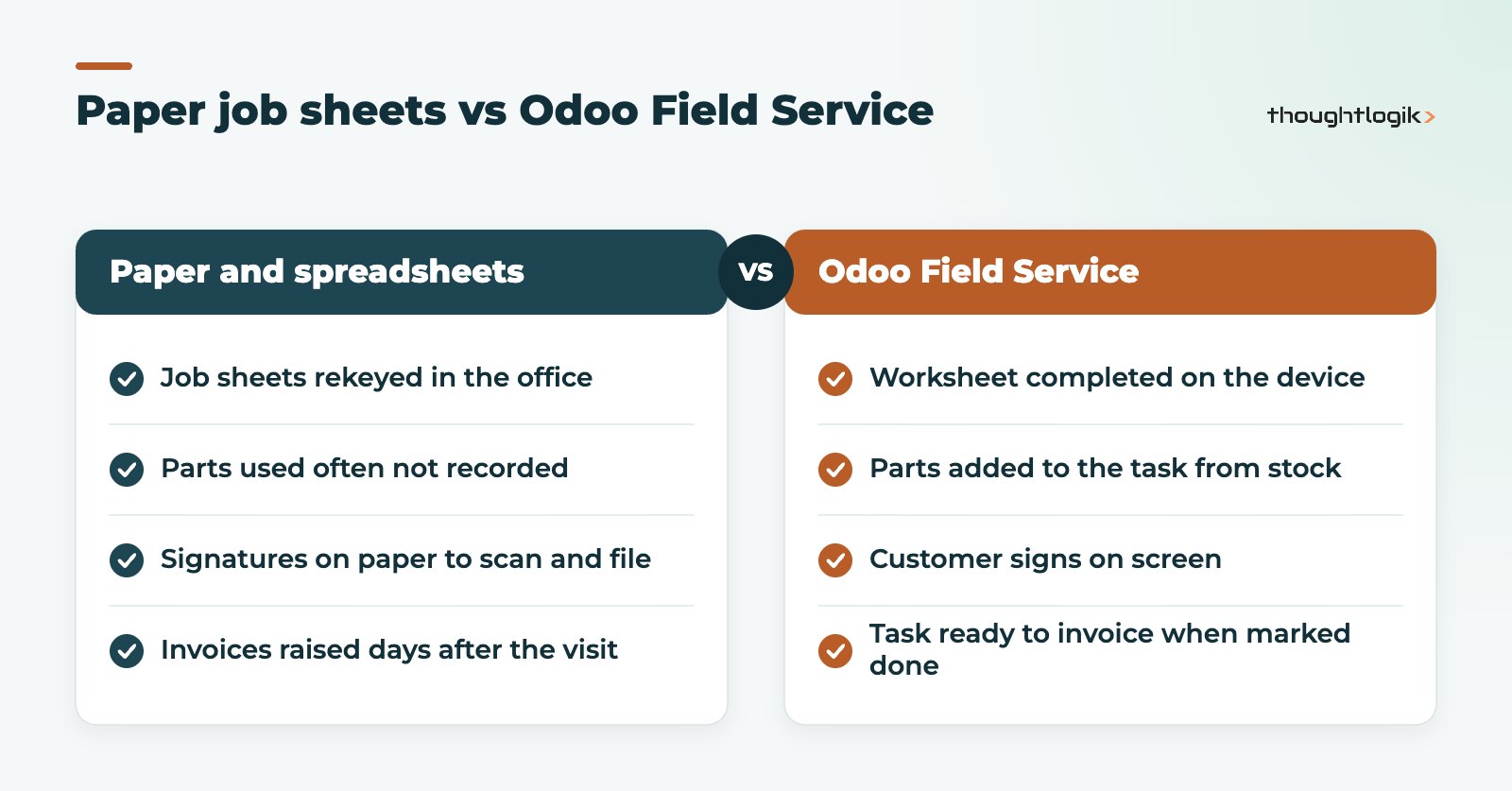
For UK businesses that send people to customer sites, such as installers, maintenance contractors, facilities firms and equipment suppliers, the gap between the engineer and the office is where money goes missing. Job sheets arrive late, parts are not recorded and invoices wait for someone to chase paperwork. Odoo Field Service closes that gap by putting the engineer and the office on the same record.
What is Odoo Field Service?
Odoo Field Service is Odoo’s field service management app. Each visit is a task inside a field service project, so it inherits everything Odoo Project and Timesheets offer, then adds tools for work on site: planning by engineer, a map of jobs, a timer, materials, worksheets and customer sign-off. It is an Enterprise app, so it is available on Odoo Enterprise plans rather than Community. Odoo’s Field Service documentation covers the configuration options.
Because it sits inside the same database as sales, stock and accounting, a job never needs to be rekeyed. The engineer’s time, the parts they used and the signed report are all on the task that the office invoices from.
How are jobs created and scheduled?
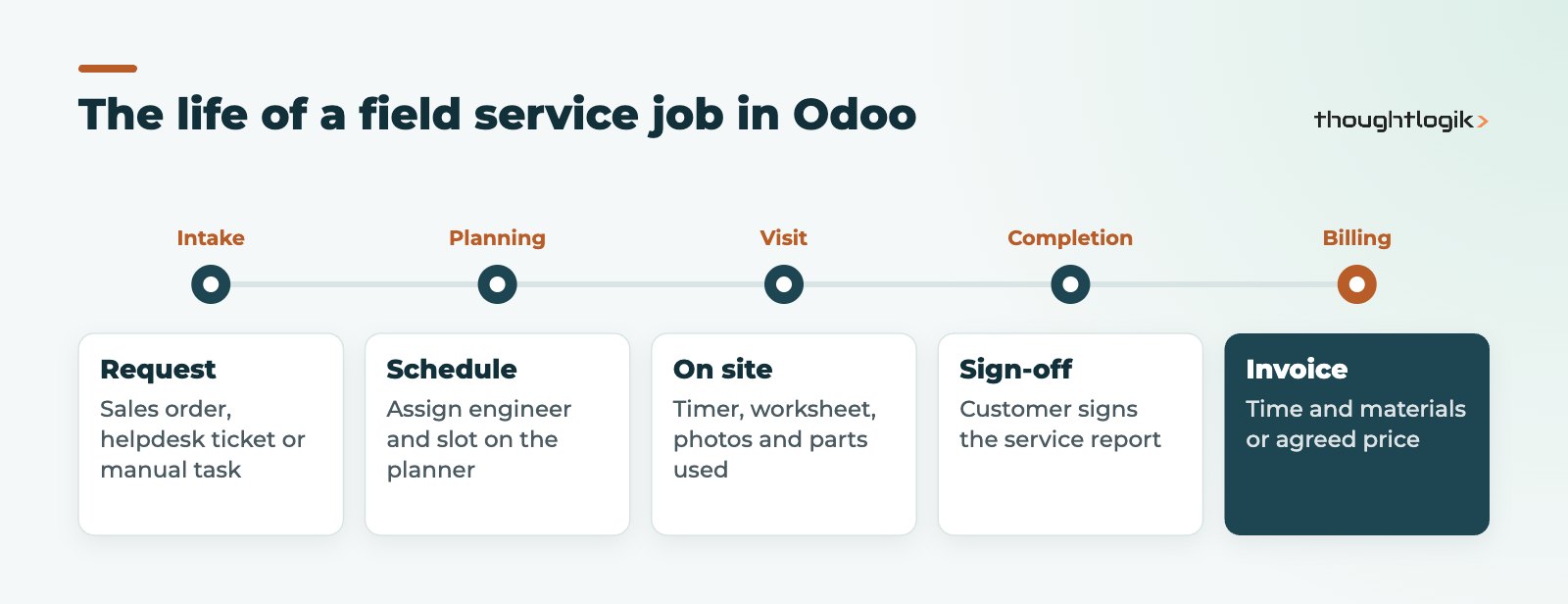
Jobs can reach Odoo Field Service in several ways:
- From a sales order. A service product can be set up so that confirming the order creates a field service task automatically, for example an installation sold with equipment.
- From a helpdesk ticket. When a support call needs a visit, agents can create a field service task from the ticket. See our Odoo Helpdesk guide.
- Directly. Schedulers create tasks for planned maintenance or one-off visits.
Schedulers then assign each task to field engineers using calendar and Gantt style planning views, and can check where jobs sit on a map to group visits by area. Engineers see their own jobs for the day on their device.
What do field engineers do in Odoo on site?
On the mobile app or a browser, the engineer opens the task and works through it:
- Starts the timer on arrival, so time is logged as a timesheet against the job.
- Completes the worksheet: checks, readings, notes and photos.
- Adds products used from stock, which can be charged to the customer.
- Asks the customer to sign the service report on screen.
- Marks the task as done.
What are Odoo worksheets?
Odoo worksheets are forms attached to field service tasks. You design templates for each type of job, such as a boiler service, a safety inspection or an installation checklist, with the fields your engineers must complete. Worksheet templates are built with Odoo Studio, so you can add checkboxes, readings, selections and images without writing code. Consistent worksheets make service reports easier to audit and give you structured data rather than free text.
Service reports and customer signatures
When the job is finished, Odoo produces a service report from the task and worksheet. The customer can sign on the engineer’s device, and the signed report can be sent by email and is stored against the task. That is quicker for the customer and gives you proof of work if an invoice is queried.
How does Odoo Field Service handle stock and invoicing?
| Area | What happens in Odoo | Why it matters |
|---|---|---|
| Parts and materials | Products added on the task are linked to a sales order and delivered from stock | Van and warehouse stock stay accurate |
| Time | Timer and timesheets record labour on the job | Accurate time and materials billing and job costing |
| Invoicing | Completed jobs are ready to invoice from the linked sales order | Invoices go out sooner after the visit |
| Reporting | Task, timesheet and sales data in standard Odoo reports | Jobs per engineer, time on site, revenue by customer |
If you run van stock, set up each van as a stock location so parts used on site are deducted from the right place. Our Odoo inventory management guide explains locations and routes. For planned preventive maintenance on your own equipment rather than customers’, also look at Odoo Maintenance.
Is Odoo Field Service right for your business?
It is a strong fit when you want scheduling, site work, stock and billing in one system and your jobs follow repeatable patterns. It works particularly well for businesses already using, or moving to, Odoo for sales, inventory and accounting.
Test carefully if you need highly optimised routing across large fleets, complex multi-day projects with subcontractors, or strict offline working in areas with no signal. Check these scenarios in a demo before committing, and ask a partner how they would handle them.
Common rollout mistakes
Most problems with field service management systems are about adoption rather than features. The ones we see most often are:
- Worksheets that are too long. If a routine visit needs forty fields, engineers will skip them. Keep mandatory fields to what you actually use in service reports, compliance records or invoicing.
- No agreed definition of “done”. Decide whether a job is done when the engineer leaves, when the report is signed or when parts are reconciled, and configure stages to match.
- Stock that is never counted. Van stock only stays accurate if engineers record parts on the task and vans are counted regularly.
- Office habits left unchanged. If schedulers still keep a side spreadsheet, the planner in Odoo will never be trusted. Retire the old tools on a set date.
Getting these basics right matters more than any advanced feature, and it is where an experienced partner adds most value.
Getting Odoo Field Service live
- Standardise job types and build a worksheet template for each.
- Set up service products and how each is invoiced.
- Configure van stock locations if engineers carry parts.
- Pilot with two or three field engineers before rolling out to everyone.
How ThoughtLogik helps
ThoughtLogik is a UK Odoo Partner that helps field service businesses move from paper and spreadsheets to Odoo Field Service.
- Process mapping from job request to invoice.
- Worksheet templates and service report layouts for your job types.
- Van stock, parts and pricing set-up.
- Rollout and training for office staff and field engineers as part of Odoo implementation.
Frequently asked questions
Is Odoo Field Service included in Odoo Community?
No. Field Service is an Enterprise app. Our guide to Odoo Community vs Enterprise explains what each edition includes.
Can engineers use Odoo Field Service on a phone?
Yes. Field engineers can use the Odoo mobile app or a mobile browser to view jobs, log time, complete worksheets and capture signatures.
Can I bill a fixed price for a job instead of time?
Yes. Billing follows the service product on the sales order, so jobs can be invoiced at a fixed price or on time and materials.
Can worksheets be different for each job type?
Yes. You can create several worksheet templates and choose the right one for each job type, so service reports match the work done.
Does Odoo Field Service connect to helpdesk?
Yes. With Odoo Helpdesk, agents can create a field service task from a ticket when a customer issue needs a site visit, keeping the history in one place.
Still chasing job sheets to raise invoices? Let us show you Odoo field service management in action. Book a free consultation or see our Odoo industry solutions.