Short answer
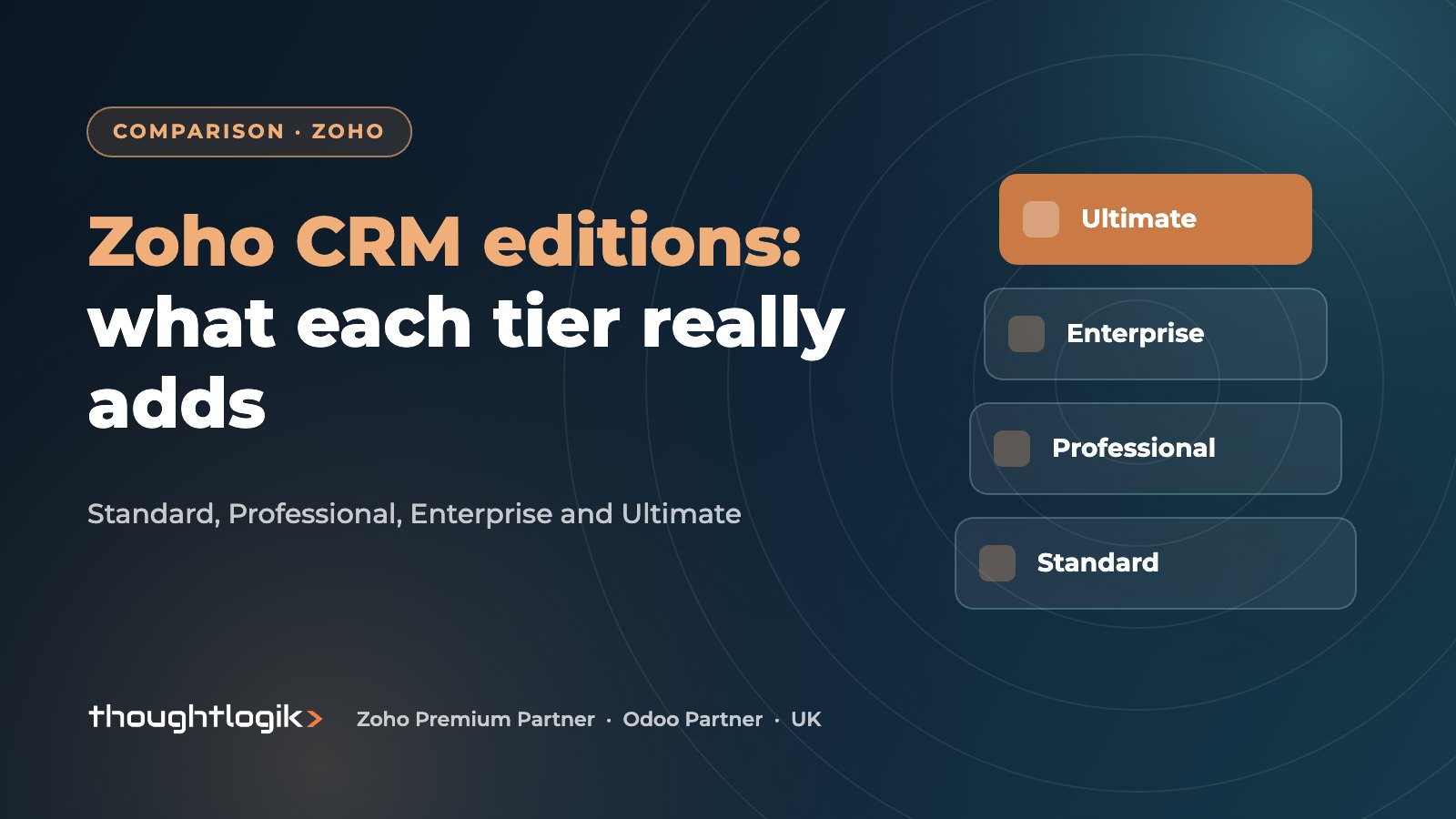
Zoho CRM editions run from Standard through Professional and Enterprise to Ultimate, with each tier including everything below it. Standard covers core sales automation, Professional adds process management such as Blueprint, Enterprise adds Zia AI, CommandCenter, portals and sandbox, and Ultimate adds advanced BI with Zoho Analytics and the highest limits. The right choice depends on your processes, not your headcount.
Key takeaways
- Each paid edition includes everything in the edition below it.
- Professional is where guided processes (Blueprint), validation rules and quotes, sales orders and invoices appear.
- Enterprise adds Zia AI, CommandCenter journeys, multi-user portals and sandbox.
- Ultimate bundles advanced BI with Zoho Analytics and raises feature limits.
- Limits (rules, fields, storage) differ by edition as well as features, so check both.
Choosing between Zoho CRM editions is one of the first decisions on any Zoho project, and one of the easiest to get wrong. Buy too low and you hit limits within months; buy too high and you pay for features nobody uses. This guide explains what each edition adds, based on Zoho’s published feature comparison, and how we help UK clients decide. For licence costs, see our Zoho pricing guide for the UK; we do not quote prices here because they change.
What are the Zoho CRM editions?
Zoho offers a free edition for very small teams and four paid editions: Standard, Professional, Enterprise and Ultimate. Each paid edition builds on the one below it.
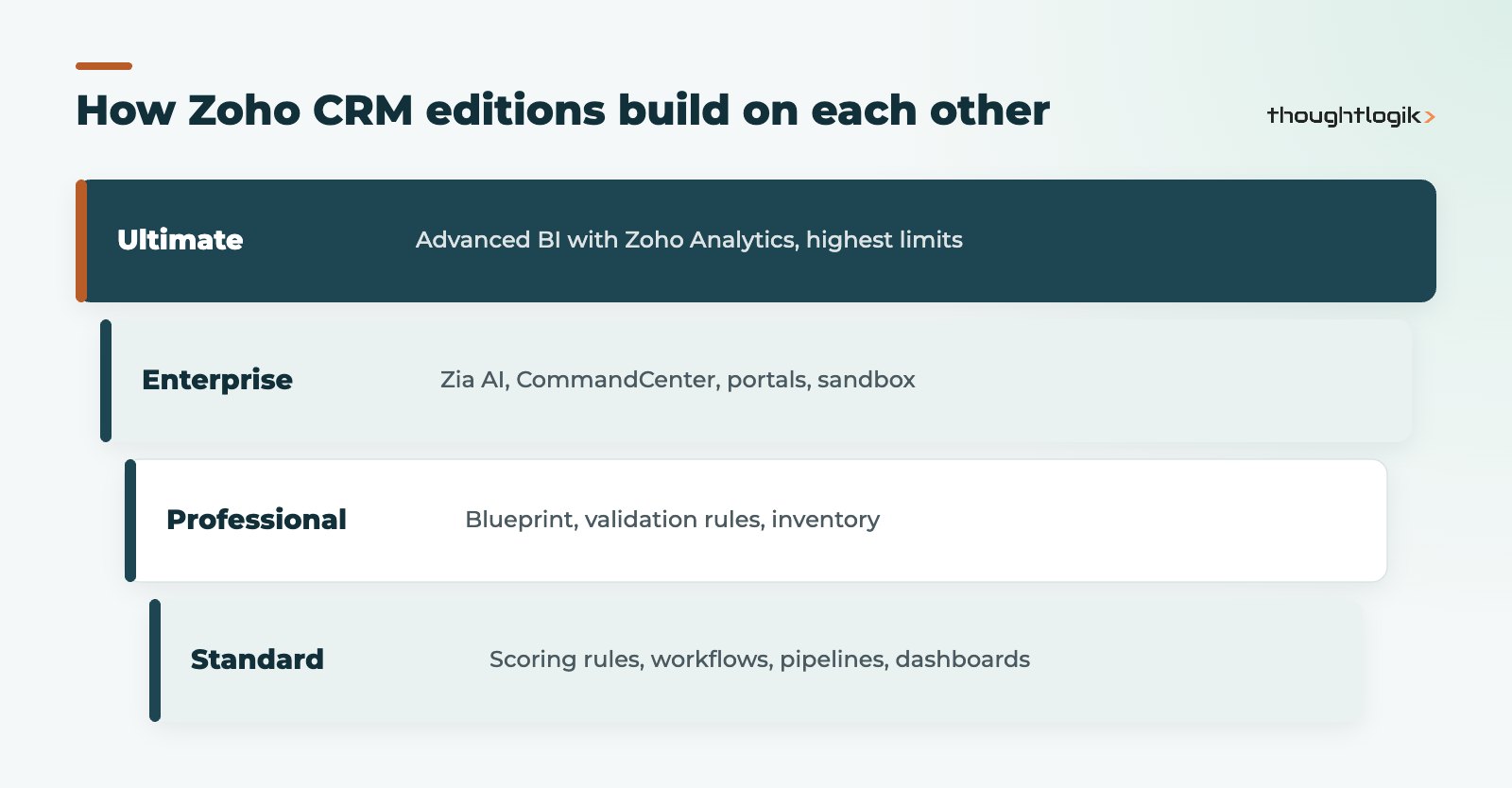
The differences fall into two groups. First, features: some capabilities only appear from a certain edition. Second, limits: many features exist in several editions but with different allowances, such as the number of workflow rules per module, custom fields, custom modules or data storage. Zoho publishes a feature-wise comparison of Zoho CRM editions, which is the definitive reference for current limits.
Zoho CRM editions compared, feature by feature
The table below summarises headline features by the edition where Zoho positions them. It is not exhaustive, and Zoho adjusts editions from time to time, so confirm against the official list before you buy.
| Capability | Standard | Professional | Enterprise | Ultimate |
|---|---|---|---|---|
| Workflows, scoring rules, multiple pipelines | Yes | Yes | Yes | Yes |
| Mass email and custom dashboards | Yes | Yes | Yes | Yes |
| Blueprint process management | No | Yes | Yes | Yes |
| Validation rules | No | Yes | Yes | Yes |
| Quotes, sales orders and invoices | No | Yes | Yes | Yes |
| Zia AI assistant | No | No | Yes | Yes |
| CommandCenter customer journeys | No | No | Yes | Yes |
| Multi-user portals | No | No | Yes | Yes |
| Sandbox | No | No | Yes | Yes |
| Advanced BI with Zoho Analytics | No | No | No | Yes |
Zoho CRM Standard
Zoho CRM Standard gives you the essentials for a sales team: leads, contacts, accounts and deals, multiple pipelines, workflow automation, scoring rules, mass email and custom dashboards. It suits teams with a straightforward sales process who mainly need structure and visibility. The main constraints are lower limits and no guided processes. Teams on Zoho CRM Standard that start building complex approval chains usually find they need Professional.
Zoho CRM Professional
Professional adds Blueprint, which lets you define each stage of a process and the actions required to move between stages, plus validation rules, SalesSignals and inventory features such as quotes, sales orders and invoices. For many UK SMEs this is the sensible starting point, especially if you quote from the CRM. Our Zoho CRM Blueprint guide shows what guided processes look like in practice.
Zoho CRM Professional vs Enterprise: when is the upgrade worth it?
This is the comparison we are asked about most. Enterprise adds Zia, Zoho’s AI assistant, CommandCenter for designing customer journeys across teams, multi-user portals for customers or partners, advanced customisation, and a sandbox to build and test changes before they reach live users. Zoho’s feature list also places territory management in Enterprise.
In practice, the Zoho CRM Professional vs Enterprise decision usually comes down to three questions:
- Do you need a sandbox? If several people change the CRM, or changes go wrong in front of users, a sandbox is valuable. See our Zoho CRM sandbox guide.
- Do customers or partners need to log in? Portals point to Enterprise.
- Is the AI worth it for you? Zia’s predictions and suggestions are more useful when you have enough clean historical data. Read more in our guide to Zia AI in Zoho CRM.
What does Zoho CRM Ultimate add?
Zoho CRM Ultimate includes everything in Enterprise, adds advanced BI bundled with Zoho Analytics, and raises limits across APIs, territories, rules and portals. It is aimed at businesses that want deeper reporting than CRM dashboards provide, such as blending CRM data with finance or support data. If you already plan to buy Zoho Analytics separately, compare the combined cost with Zoho CRM Ultimate on our pricing page.
Why limits matter as much as features
Two businesses on the same edition can have very different experiences because of limits rather than features. The ones we see clients hit most often are:
- Automation limits: the number of workflow rules, and the actions each rule can run, rises with the edition.
- Customisation limits: custom modules, custom fields per module and page layouts are capped differently on each tier.
- Data storage: record and file storage allowances grow with the edition and with the number of users.
- Integration volume: API and webhook allowances matter if the CRM is connected to an ERP, website or telephony system.
When you compare editions, write down realistic figures for each of these for the next two years, not just today.
Which Zoho CRM edition is right for you?
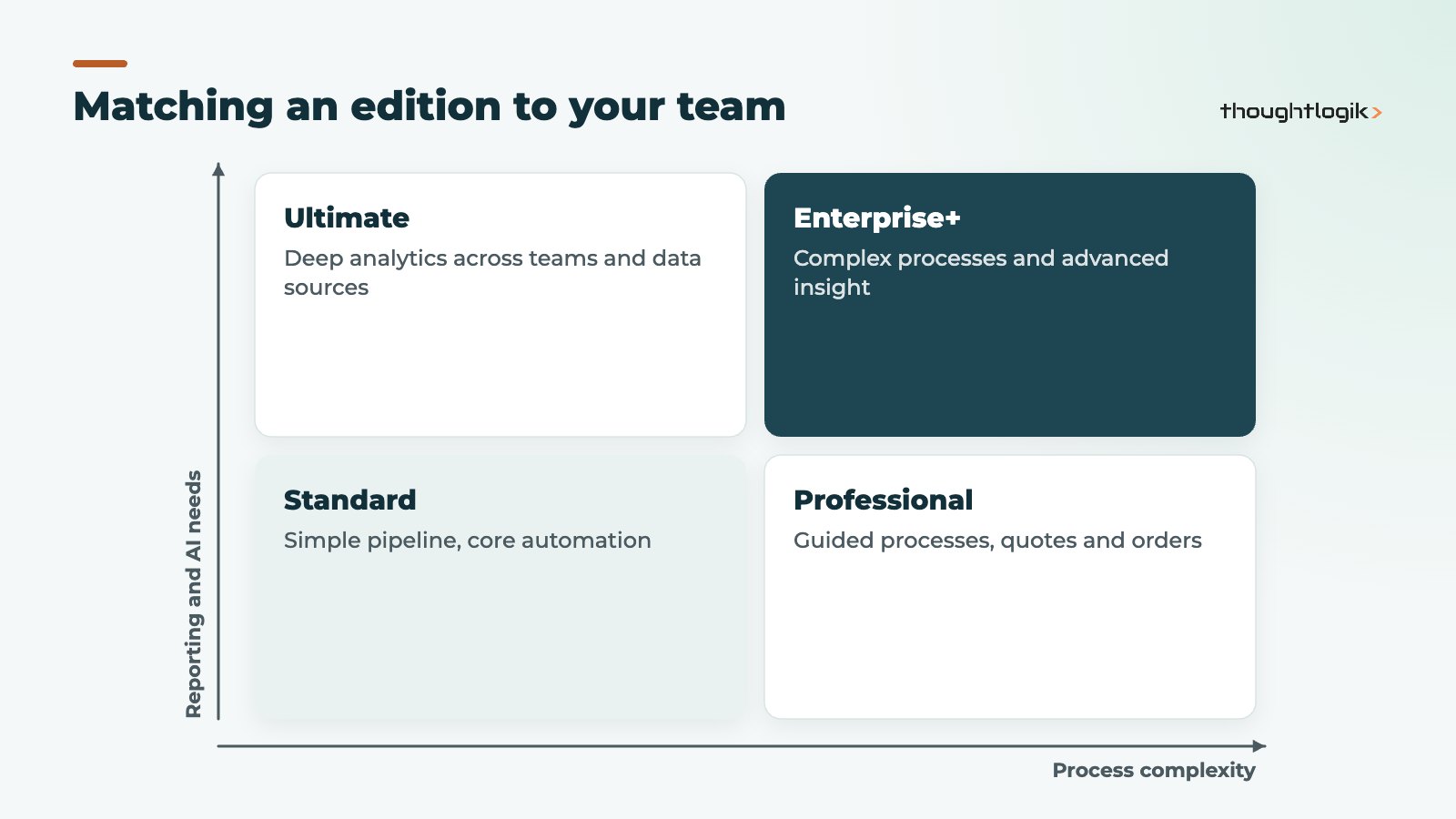
We suggest mapping two things: how complex your processes are and how demanding your reporting is. The matrix below is a starting point, not a rule.
A quick way to decide which Zoho CRM edition you need
- List the processes the CRM must support, including approvals and hand-offs.
- List the integrations and portals you need now and within a year.
- Check each requirement against Zoho’s feature list for all Zoho CRM editions, including limits.
- Pick the lowest edition that covers everything, and note what would trigger an upgrade.
You can move between Zoho CRM editions later. Downgrading is harder than upgrading, because features you have built on, such as Blueprint or sandbox, stop being available, so start with realistic needs rather than the cheapest option. Also consider bundles: Zoho CRM Plus and Zoho One include CRM alongside other apps, compared in our post on Zoho One vs Zoho CRM Plus.
How ThoughtLogik helps
As a Zoho Premium Partner, we help UK businesses pick an edition based on their processes, then implement and grow it as needs change.
- Requirements review mapped against the edition limits that affect you
- Honest advice on whether an upgrade is worth it
- Implementation and configuration on the edition you choose
- Licensing guidance through our Zoho partner team
Frequently asked questions
Is there a free Zoho CRM edition?
Yes, Zoho offers a free edition for very small teams with limited features and storage. Most businesses move to a paid edition once they need more automation or users.
Can I mix Zoho CRM editions within one organisation?
No. All users in a Zoho CRM organisation are on the same edition, so choose one that fits the needs of your most demanding team.
Which Zoho CRM edition includes Blueprint?
Blueprint is available from Professional upwards, according to Zoho’s published edition comparison.
Do all Zoho CRM editions include Zoho Analytics?
No. Advanced BI bundled with Zoho Analytics is part of Ultimate. Other editions include standard CRM reports and dashboards, and Zoho Analytics can be bought separately.
Can I try a higher Zoho CRM edition first?
Zoho offers free trials, and you can start on one edition and upgrade later. See our Zoho free trial page for how to get the most from a trial.
Not sure which edition you need? We will map your requirements to the right edition in one call. Book a free consultation or see our Zoho CRM UK services.