
Short answer
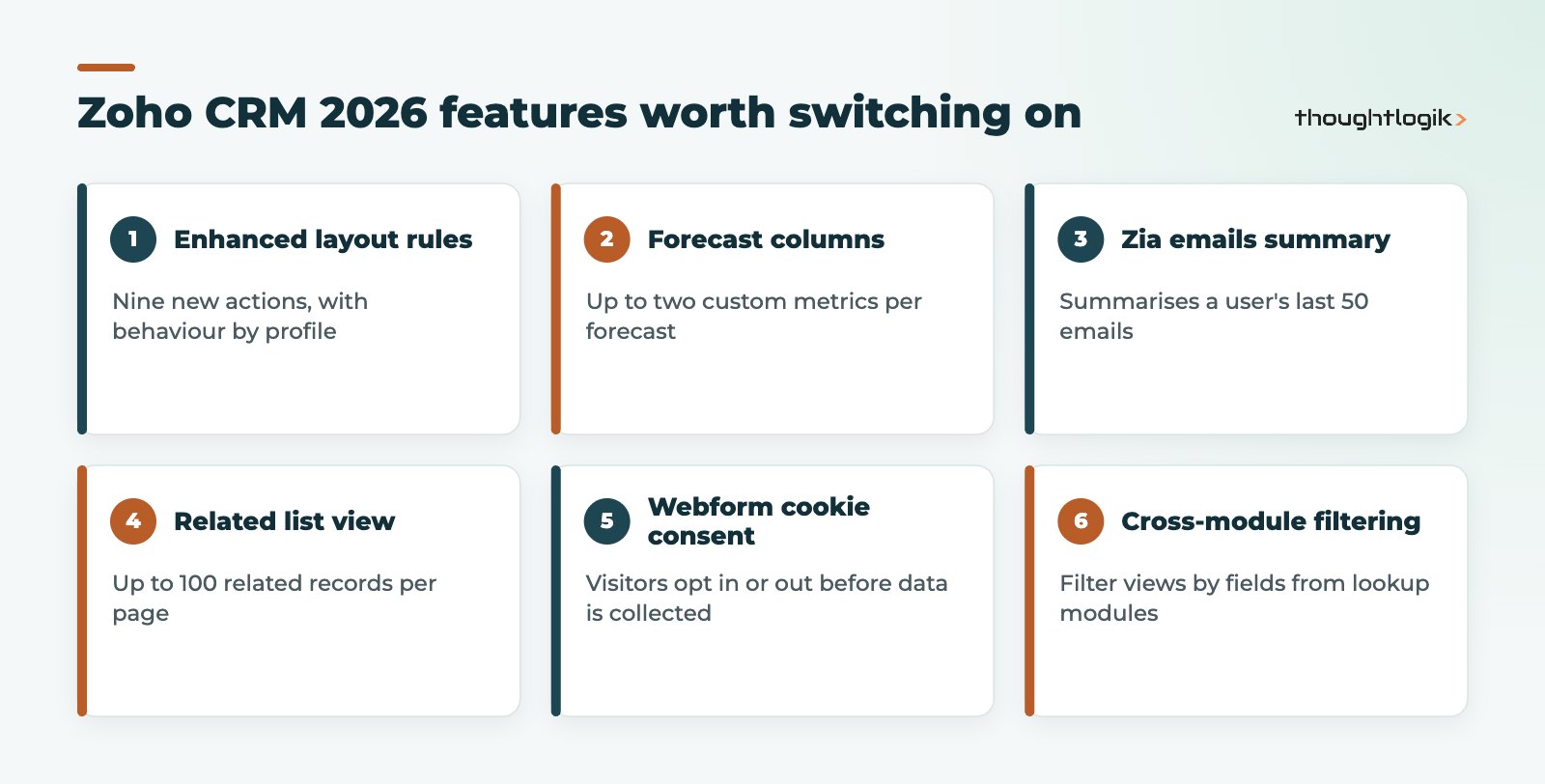
The Zoho CRM new features in 2026 most worth switching on are enhanced layout rules, custom forecast columns, the Zia emails summary, the expanded related list view, cookie consent for webforms and cross-module filtering. Zia’s AI features also now reach the Professional edition, and every account has moved to the Next Gen UI. Some releases, such as the native QuickBooks integration, have edition or data centre limits, so check availability before planning around them.
Key takeaways
- The old Zoho CRM interface was retired on 15 July 2026, so every account now runs the Next Gen UI with Teamspaces and Canvas.
- Enhanced layout rules add nine new actions, including setting values, locking fields and verifying fields, with profile-based behaviour.
- Custom forecast columns and the Zia emails summary give sales managers better visibility without extra reports.
- Cookie consent management for webforms helps UK businesses collect leads in line with UK GDPR and PECR.
- The native QuickBooks integration needs Enterprise edition or above and, at the time of writing, is listed for US, AU, CN, JP and CA data centres only.
Zoho ships updates to Zoho CRM almost every month, and it is easy to miss the ones that make a real difference. We have reviewed Zoho’s 2026 announcements and picked the features that UK sales, service and operations teams should look at first. Where a feature has edition or regional limits, we say so. Rollouts are often phased, so if you do not see something yet, it may simply not have reached your account.
The 2026 Zoho CRM features at a glance
| Feature | What it does | Who benefits |
|---|---|---|
| Enhanced layout rules | Nine new actions such as set field values, make fields read-only, show buttons or links and verify fields, by profile | Admins, ops |
| Custom forecast columns | Add up to two custom metrics to forecasts, including formula columns and imported targets | Sales leaders |
| Zia emails summary | Summarises the last 50 emails linked to a user, highlighting sentiment, commitments and missed follow-ups | Account managers |
| Related list expanded view | Shows up to 100 related records per page with filters and bulk actions | All users |
| Webform cookie consent | Lets visitors opt in or out of tracking before data is collected | Marketing, compliance |
| Cross-module filtering | Filter views using fields from lookup modules | All users |
| Canvas home view | Drag-and-drop custom homepage, shared by role, group or territory | Managers |
| Native QuickBooks integration | Syncs customers, products and financial documents with QuickBooks | Finance, sales (limited regions) |
Everyone is now on the Next Gen UI
Zoho retired the old Zoho CRM interface on 15 July 2026 and moved all users to the Next Gen UI. That brings Teamspaces, Team Modules, Connected Records, Connected Workflows and dark mode to every account. If your team resisted the switch, now is a good time to tidy menus, create Teamspaces for each department and remove modules people never use. Our Zoho optimisation reviews often start here.
Customisation and data quality
Enhanced layout rules
Layout rules used to show or hide fields. They now support nine further actions: show specific picklist values, set fields as read-only, set field values automatically, recommend values, show contextual messages, show related lists, show buttons, show links and verify fields. Rules can behave differently by user profile, and an interactive preview lets you test before rollout. Many simple client scripts and workflow field updates can be replaced with layout rules, which are easier for admins to maintain.
Rename system-defined fields
You can now rename system field labels directly in Module Builder. No more duplicate custom fields just because a standard label did not match your terminology.
Custom buttons in the layout editor
Custom buttons can now be created and arranged within the layout editor itself, keeping the design of a page in one place.
Sales and forecasting
Custom forecast columns
You can add up to two personalised metrics to forecast views, including formula columns that calculate ratios automatically and targets imported from CSV. Configuration now sits within each forecast rather than in global settings, so different teams can track different measures.
Zia emails summary
Through Zia, you can summarise the last 50 emails associated with a user in one view, surfacing sentiment, missed follow-ups, commitments and response delays. It is particularly useful for account handovers and re-engaging quiet customers.
Email threads in the timeline
History and Interactions now show full email conversations with inline replies, delivery status and sentiment indicators, so reps no longer jump to a separate email list.
Cadences with criteria-based follow-ups
Cadence follow-ups can now depend on call outcomes, task details, custom fields and email signals such as not opened or opened but not replied.
Productivity and navigation
- Related list expanded view: up to 100 records per page instead of 10, with filtering and mass actions such as emails, tags, updates and owner changes without leaving the record.
- Cross-module filtering: advanced filters and custom views can use fields from lookup modules, for example deals filtered by an account’s industry.
- Canvas home view: build role-specific homepages with drag and drop and share them by role, group or territory.
- Mobile updates: lookup filtering on Android, tags and multi-select lookups in Canvas layouts on Android and iOS, and on iOS the ability to recall, edit and resubmit approval requests.
- Dashboard improvements: funnel components now drill down to records, and date filters gain Before and After operators.
AI and automation
- Zia in Professional edition: writing assistance, summaries, email intelligence, Ask Zia, predictions and data enrichment are now available from Professional upwards.
- Multi-LLM support: the Zia Record Assistant can use several language models at once, with a dropdown to switch between them.
- Zia formula expression generator: describe a formula in plain English and Zia writes the syntax.
- Built-in MCP support: external AI agents can connect to Zoho CRM and perform actions through natural language prompts.
- AI agents on the Homepage: pin agent insights to your CRM Homepage. See our guide to Zia Agents in Zoho for how agents work.
Compliance and safer change management
Cookie consent for webforms
Webforms can now show a consent banner so visitors opt in or out of tracking before any data is collected. For UK businesses capturing leads online, this is a practical step towards UK GDPR and PECR compliance. Zoho is rolling it out in phases.
Sandbox support for integrations
The CRM sandbox now supports testing integrations with Zoho Desk, Campaigns, Backstage, Analytics, Finance, Forms, Flow, Creator and Circuits, so you can trial changes before they touch live data.
Native QuickBooks integration: check your data centre
Zoho CRM now has a native QuickBooks integration. Contacts, accounts, vendors and products sync both ways, while estimates, invoices and purchase orders sync one way from QuickBooks into CRM as read-only records. It is supported on Enterprise edition and above, but Zoho currently lists it for the US, AU, CN, JP and CA data centres. If your account is hosted in another data centre, such as the EU, check availability before you plan around it. For many UK SMEs, Zoho Books remains the simpler finance pairing, and our integrations team can connect other accounting systems.
How to roll out new features without disruption
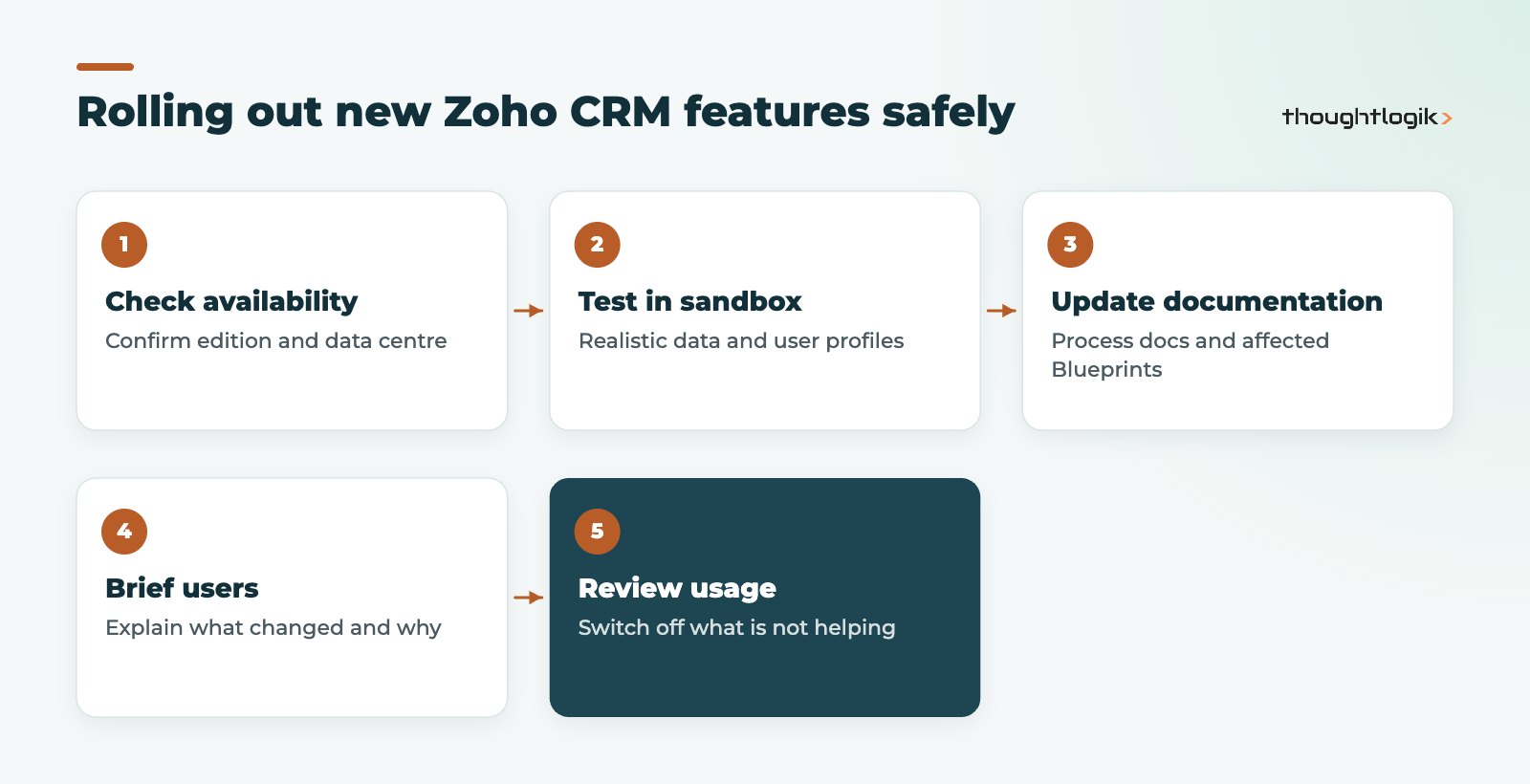
- Confirm each feature is live on your edition and data centre.
- Test in a sandbox with realistic data and user profiles.
- Update your process documentation and any Blueprints affected by layout or field changes.
- Brief users on what has changed and why.
- Review usage after a month and switch off anything that is not helping.
How ThoughtLogik helps
As a Zoho Premium Partner based in Northampton, ThoughtLogik keeps track of Zoho CRM releases so our clients do not have to. We review which updates suit your processes and configure them safely.
- Release reviews mapped to your CRM set-up and edition
- Layout rule, forecast and dashboard configuration
- Webform and consent set-up for UK compliance
- Ongoing admin through our Zoho support plans
Frequently asked questions
What are the biggest Zoho CRM new features in 2026?
Our shortlist is enhanced layout rules, custom forecast columns, the Zia emails summary, the related list expanded view, cross-module filtering, Canvas home views and cookie consent for webforms, plus Zia AI features reaching the Professional edition.
Is the old Zoho CRM interface still available?
No. Zoho retired the old UI on 15 July 2026 and moved all users to the Next Gen UI, which includes Teamspaces, Connected Records and dark mode.
Can UK businesses use the native QuickBooks integration for Zoho CRM?
It requires Enterprise edition or above and Zoho currently lists it for the US, AU, CN, JP and CA data centres. If your account is in the EU data centre, check availability first or consider Zoho Books or a custom integration.
Why can I not see a new feature in my Zoho CRM account?
Zoho often releases features in phases, by edition or by data centre, and some start in early access. Check the feature’s help page for requirements, or ask your Zoho partner to confirm.
Does Zoho CRM support GDPR cookie consent on webforms?
Yes. Zoho CRM webforms now include cookie consent management, so visitors can opt in or out of tracking before any data is collected. It is being rolled out in phases.
Not sure which updates suit your set-up? We will review your Zoho CRM and switch on what helps. Book a free consultation or see our Zoho CRM services.





