Short answer
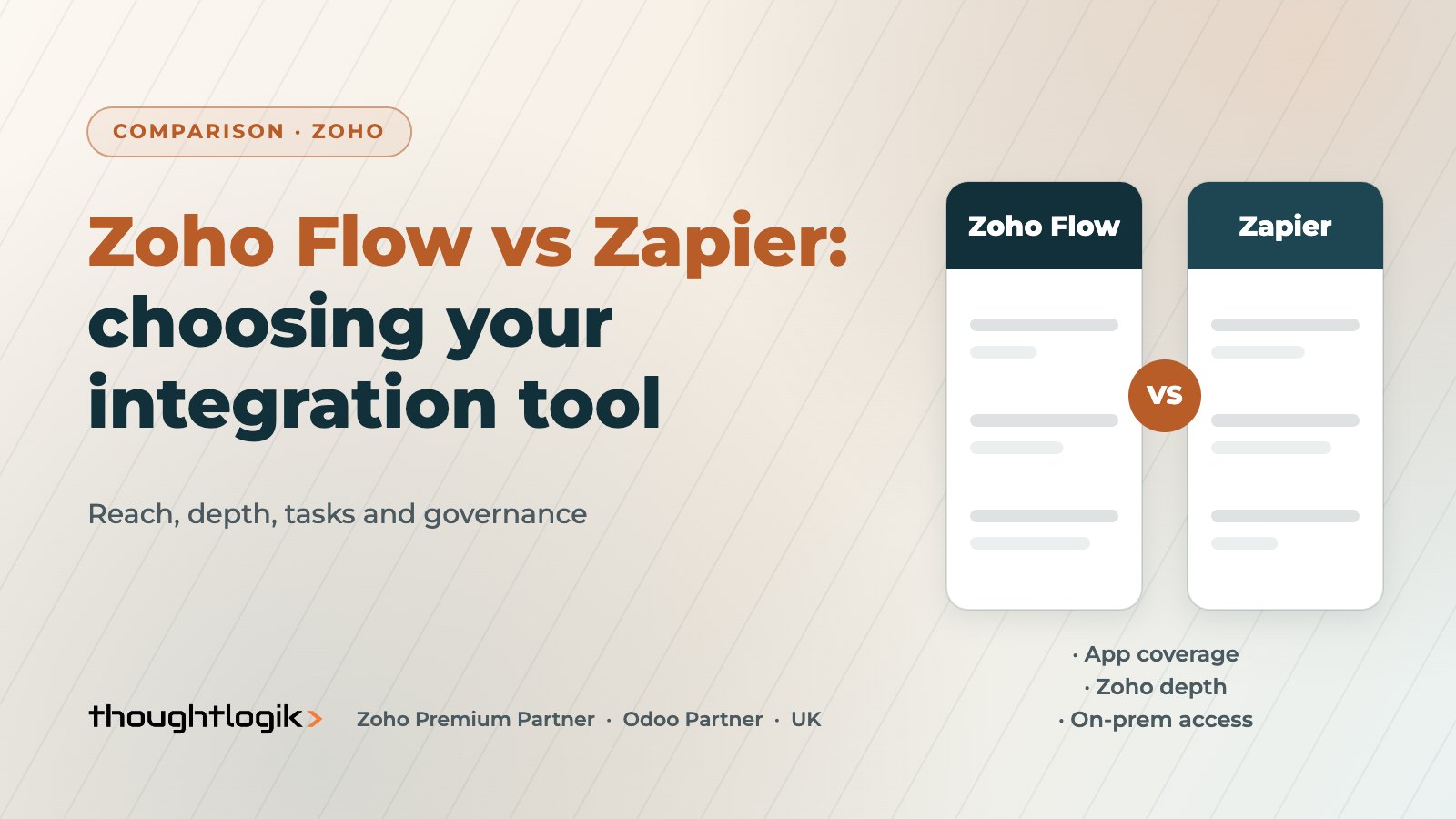
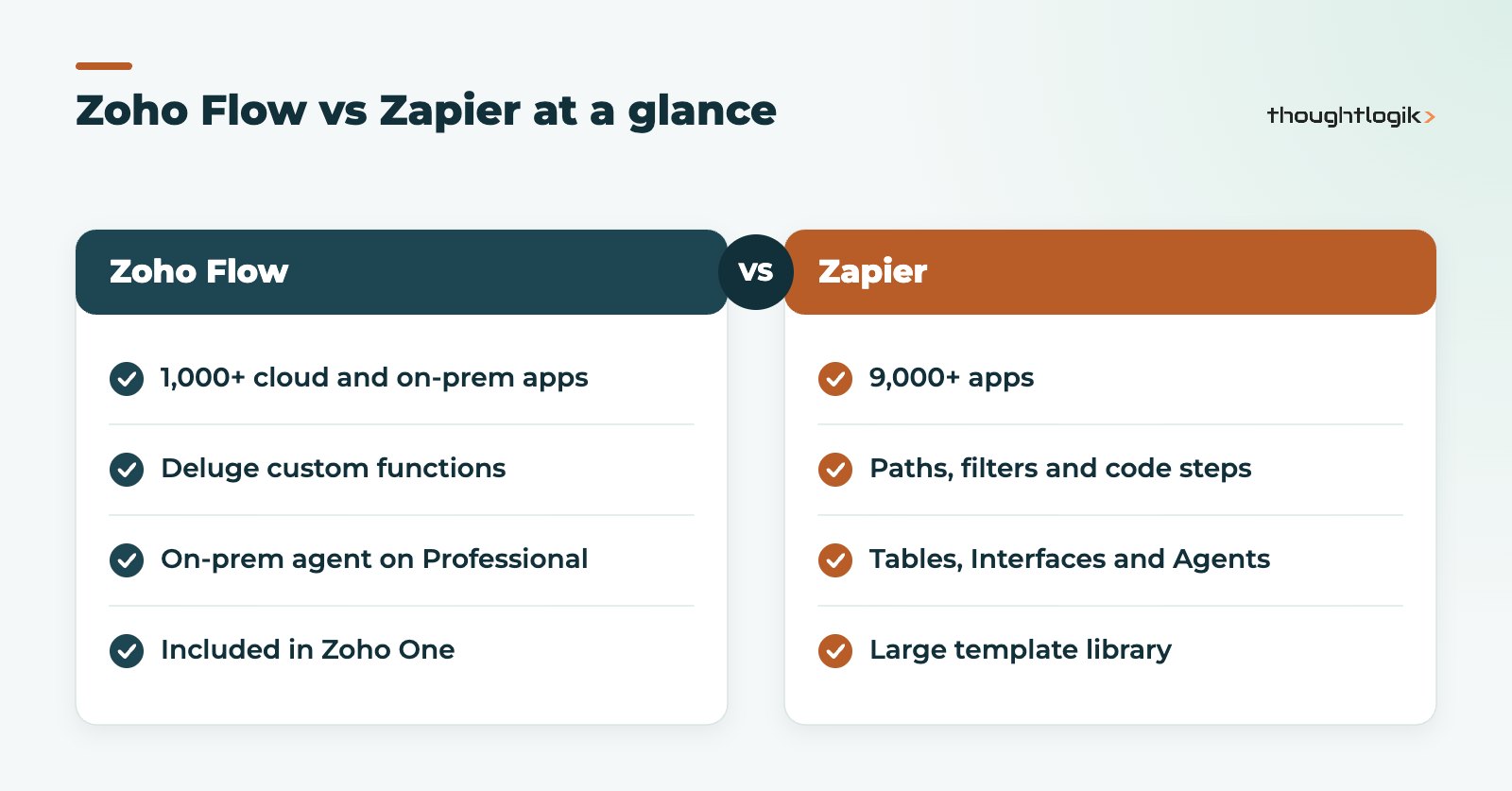
In Zoho Flow vs Zapier, the choice depends on what you are connecting. Zapier connects to more than 9,000 apps and has the widest reach for mixed software estates. Zoho Flow connects to more than 1,000 cloud and on-premises apps, runs Deluge custom functions and is included in Zoho One, so it is usually the better value when most of your systems are Zoho. Both bill by successful tasks, not by checks for new data.
Key takeaways
- Zapier has the larger app catalogue; Zoho Flow goes deeper with Zoho apps.
- Both count a task when an action runs successfully.
- Zoho Flow supports Deluge custom functions on paid plans and an on-premises agent on Professional.
- Zapier adds Tables, Interfaces, Agents and Canvas around its core Zaps.
- For Zoho-to-Zoho links, native integrations often beat either tool.
Most UK SMEs run a dozen or more cloud apps, and people spend hours copying data between them. Integration platforms fix that by watching for an event in one app and taking action in another: a web form creates a lead, a won deal creates an invoice, a new starter gets accounts set up. Zoho Flow and Zapier are two of the most common options for Zoho customers.
This comparison looks at reach, depth, logic, pricing model and governance, and ends with a simple way to decide.
Zoho Flow vs Zapier: what is the difference between these no-code integration tools?
Both let non-developers connect apps. You pick a trigger, add actions, map fields and switch the flow on. The differences are in scope and focus.
| Area | Zoho Flow | Zapier |
|---|---|---|
| App catalogue | 1,000+ cloud and on-premises apps | 9,000+ apps |
| Plans | Free, Standard, Professional | Free, Professional, Team, Enterprise |
| Billing unit | Tasks (successful actions) | Tasks (successful actions) |
| Custom code | Deluge custom functions (paid plans) | Code steps |
| Branching logic | Decisions on all plans | Paths and filters |
| On-premises systems | On-prem agent (Professional) | Mainly cloud apps |
| Extras | Part of Zoho One | Tables, Interfaces, Agents, Canvas |
When is Zapier the better choice?
Zapier’s strength is reach. If your stack includes niche marketing tools, specialist sector apps or new AI services, Zapier is more likely to have a ready-made connector. Its wider product also includes Tables for simple data storage, Interfaces for forms, AI Agents and Canvas for mapping processes, which can matter if you want one automation platform for everything.
- Mixed stacks where Zoho is only one or two apps among many.
- Teams already comfortable with Zapier and its community templates.
- Automations that need a connector Zoho Flow does not offer.
Is Zoho Flow a good Zapier alternative?
For Zoho customers, often yes. As a Zapier alternative, Zoho Flow has three advantages.
Deeper Zoho integrations
Zoho Flow is built by Zoho, so its triggers and actions for Zoho CRM, Books, Desk, People and other apps tend to be thorough. Deluge custom functions let you add logic that a standard action cannot, using the same language your CRM customisations already use. See our guide to Deluge custom functions.
On-premises and legacy systems
The Professional plan includes an on-premises agent, which can run commands and connect to SQL databases inside your network. That helps when a legacy system has no cloud API.
Value inside Zoho One
Zoho Flow is part of Zoho One. If you already license the bundle, you may not need a separate integration subscription. Check task limits for your edition on our Zoho pricing guide.
Typical automations and how each tool handles them
A practical way to settle Zoho Flow vs Zapier is to list the five or six automations you actually need and test each one. Common examples for UK SMEs include:
- Website form to CRM lead: both tools handle this well, though a native integration with Zoho Forms or Zoho CRM web forms may remove the need for either.
- Won deal to project and invoice: strongest in Zoho Flow or native links when CRM, Projects and Books are all Zoho.
- Ecommerce order to accounts: check volume first; high order counts may justify an API integration.
- New starter set-up: creating accounts in Microsoft 365 or Google Workspace, Slack and HR tools is a classic multi-app no-code integration job.
- Marketing tool to CRM: depends entirely on whether a connector exists for your marketing tool.
Build the two or three most important automations as a trial in each platform. How quickly they run, how clear the error messages are and how easy the field mapping feels will tell you more than any feature list. The Zoho Flow vs Zapier answer is often obvious once you have done this.
How do tasks, limits and polling compare?
Both products count a task each time an action runs successfully. A three-step flow triggered 1,000 times can therefore use up to 3,000 tasks, so estimate volumes before choosing a plan. Zapier states that checking for new data does not use tasks. On Zoho Flow, polling triggers check every 15 minutes on Free and Standard and every 5 minutes on Professional. For time-sensitive processes, use webhook triggers, which both platforms support, so events arrive immediately. Full details are on the Zoho Flow pricing page.
Do you need a workflow automation tool or a native integration?
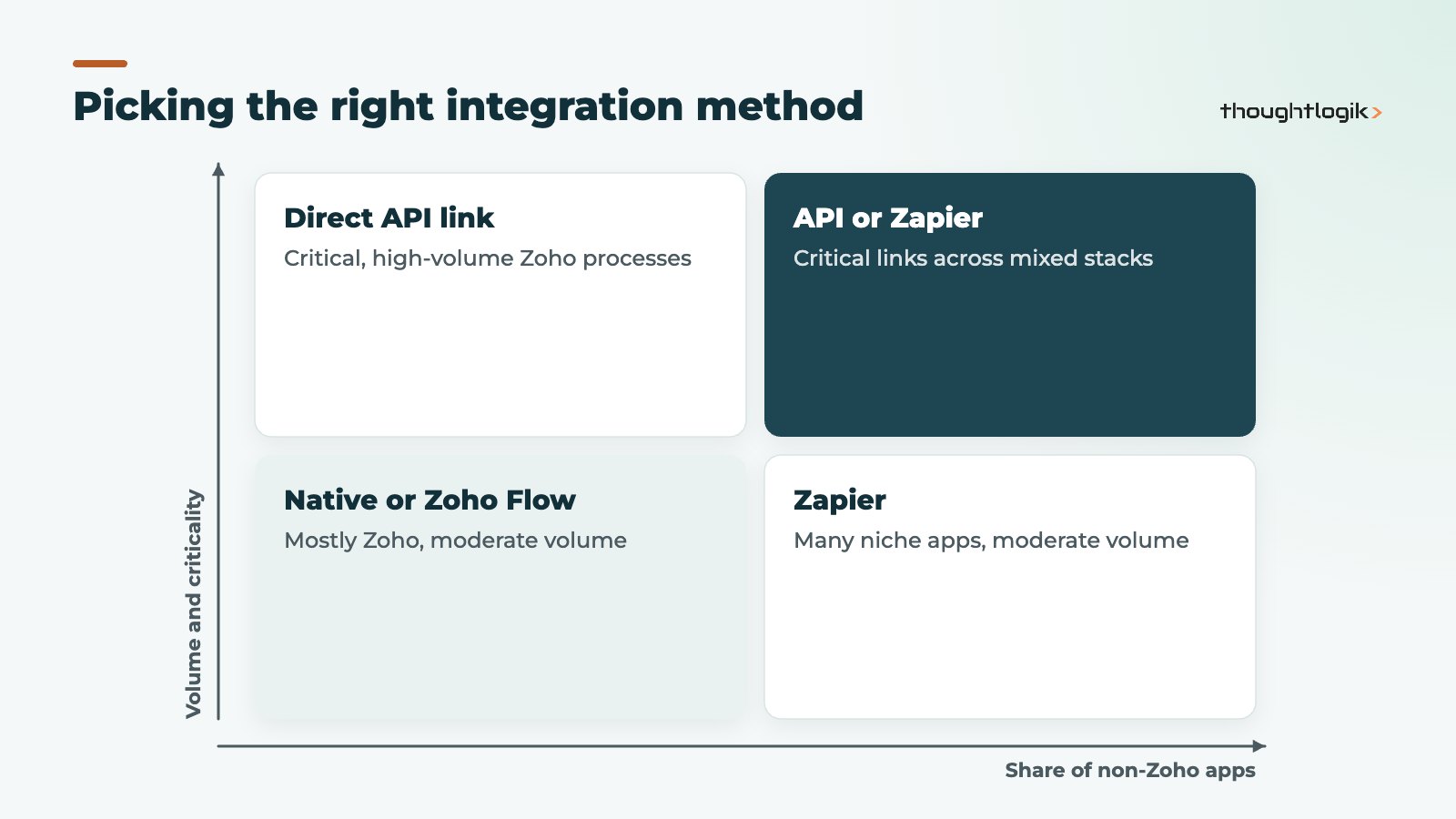
Before weighing Zoho Flow vs Zapier, check whether a native integration already exists. Many Zoho apps connect to each other directly: Zoho CRM and Zoho Books share records, and Zoho Desk links to CRM. Native links need no task budget and no extra system to monitor. Workflow automation tools are best for connecting to outside apps or for multi-step processes across several systems.
For high-volume or business-critical integrations, such as order sync with an ecommerce platform or finance system, a direct API integration may be more reliable and easier to monitor. Our guide to Zoho CRM API integration covers that route.
Governance: keeping integrations under control
Integration tools are easy to start and easy to lose track of. Whichever you choose:
- use a shared service account, not a personal login, for connections;
- name flows clearly and record an owner for each;
- set up failure alerts and check them weekly;
- document which fields each flow writes, to avoid two flows overwriting each other;
- review data flows against your UK GDPR records of processing, including where each vendor processes data.
Zoho Flow vs Zapier: which should you choose?
A quick Zoho Flow vs Zapier decision guide
- Mostly Zoho apps, on Zoho One: start with native links, then Zoho Flow.
- Mostly Zoho plus a few common cloud apps: Zoho Flow, if the connectors exist.
- Many non-Zoho apps or niche tools: Zapier.
- Legacy on-premises database: Zoho Flow Professional or a custom API integration.
- High-volume, critical sync: a direct API integration.
How ThoughtLogik helps
ThoughtLogik is a UK Zoho Premium Partner that designs and supports integrations across Zoho and third-party systems.
- An integration map of your apps, with the right method for each link.
- Zoho Flow and Zapier builds, with Deluge where needed.
- Custom API integrations for high-volume processes.
- Monitoring, documentation and support through our Zoho integration services.
Frequently asked questions
Is Zoho Flow free?
There is a Free plan with a small monthly task allowance. Custom functions and higher limits need a paid plan, and Zoho Flow is included in Zoho One.
Zoho Flow vs Zapier: which has more apps?
Zapier, with more than 9,000 apps compared with Zoho Flow’s 1,000-plus. What matters is whether your specific apps are covered.
Can Zoho Flow run custom code?
Yes. Paid plans support Deluge custom functions as actions within a flow.
Is Zoho Flow GDPR compliant?
Zoho states that Zoho Flow is GDPR compliant and encrypts sensitive data. You remain responsible for documenting the personal data your flows move.
Can I use both?
Yes. Some firms use Zoho Flow for Zoho-centric processes and Zapier for a few niche apps. Keep one integration register so ownership stays clear.
Too many manual copy-and-paste jobs? We will map your apps and recommend the right integration for each. Book a free consultation or see our Zoho AI and automation services.