Short answer
Odoo bank reconciliation gets fast when three things are in place: a reliable daily bank feed, invoices that carry a payment reference customers actually quote, and reconciliation models that handle your repetitive transactions automatically. Odoo already matches many lines on its own using amount, partner and reference. The slow part is usually the exceptions, and most of those can be designed out.
Key takeaways
- Slow reconciliation is usually a data problem (missing references, late bills), not a software problem.
- Odoo matches transactions to open invoices and bills using exact, tolerance, currency and label rules.
- Reconciliation models turn recurring items like bank fees and transfers into one click or no click.
- Batch payments let one BACS line settle many supplier bills at once.
- Reconciling daily in small batches beats a painful month-end marathon.
A pattern we see often at UK SMEs: month-end means days of ticking lines. The bank has hundreds of transactions, customers pay several invoices in one go without references, and card payouts arrive net of fees. None of that is unusual. This article looks at why Odoo bank reconciliation feels slow for some teams, and the specific changes that make it quick.
Why is my Odoo bank reconciliation so slow?
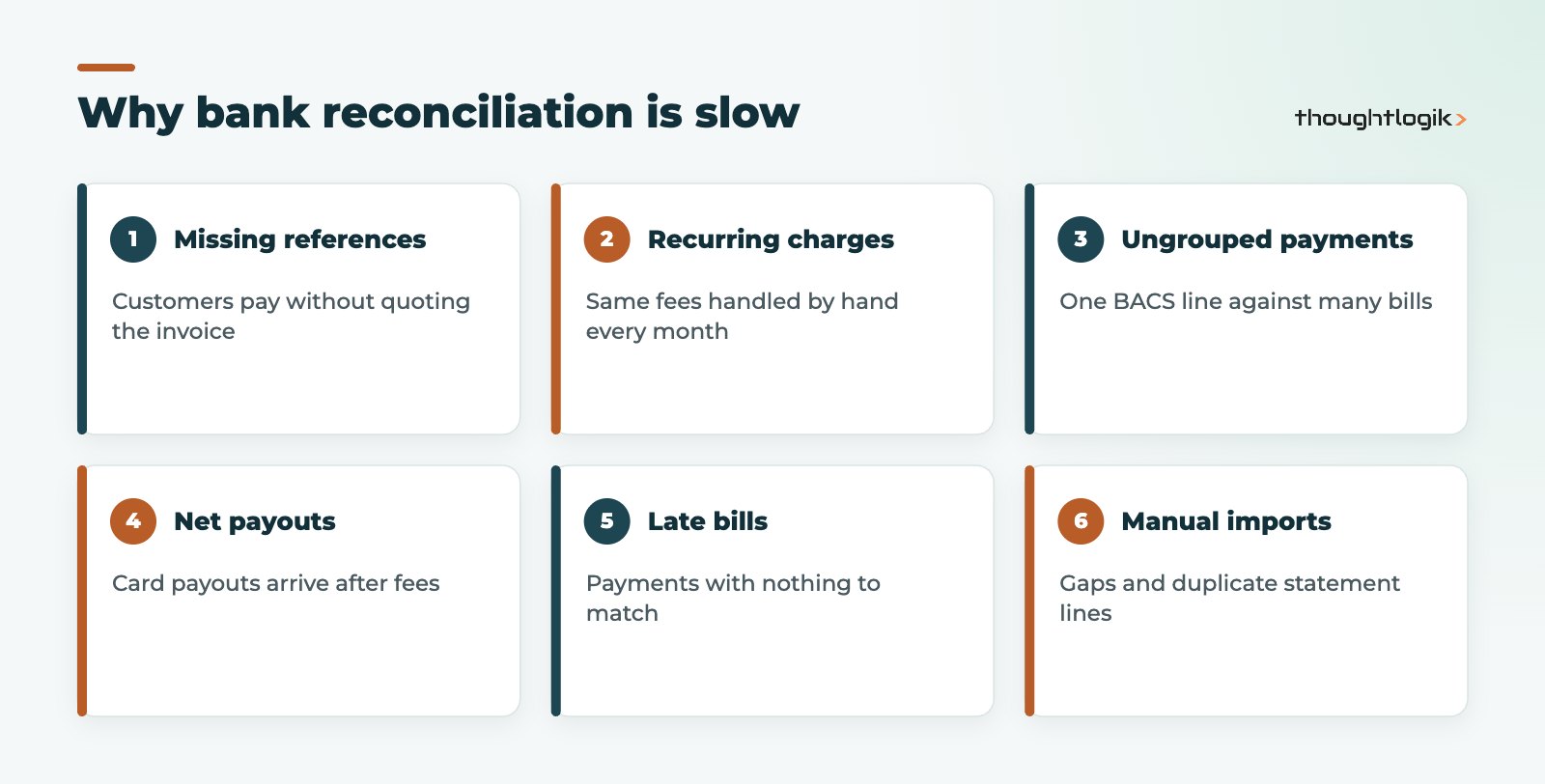
In our experience the root causes fall into a handful of patterns. Fix these and the reconciliation screen empties itself far faster.
| Symptom | Likely cause | Fix in Odoo |
|---|---|---|
| Customer receipts need manual matching | Customers do not quote the invoice reference | Show the payment reference clearly on invoices and statements; set partner bank accounts |
| Same bank fee handled every month | No rule for recurring charges | Automated reconciliation model based on the label |
| One BACS line against dozens of bills | Supplier payments not grouped | Pay through batch payments and match the batch |
| Card or online payouts never match | Payouts arrive net of processor fees | Clearing account plus a model for the fee difference |
| Payments with nothing to match against | Bills not yet entered or posted | Post bills promptly; route bills to a shared inbox |
| Gaps and duplicates | Manual statement imports | Use bank feeds where your bank is supported |
How Odoo matches bank transactions automatically
When a bank line arrives, Odoo looks for open invoices, bills and payments it can match. The Odoo bank reconciliation documentation describes a sequence of matching rules: an exact amount match first, then a match allowing for an early payment discount, then small tolerances for amount and currency differences, and finally amounts found in the transaction label. If the bank line has no partner, Odoo compares the label with invoice and bill references.
That is why references matter so much. When a customer quotes the invoice reference, Odoo can usually find the invoice without help. When they write “March payment”, a person has to step in.
How do I reconcile bank transactions in Odoo?
From the Accounting dashboard, open the bank journal to see the bank matching view. Each transaction shows its date, label, partner and amount. Where Odoo has a suggestion, you confirm it. Where it does not, you choose the counterpart: an open invoice or bill, a receivable or payable, a batch payment, or a specific account. To reconcile bank transactions in Odoo quickly, work through the list filtered to unreconciled items only, and let the action buttons do the repetitive work.
Use reconciliation models for the repetitive work
Reconciliation models are rules you define once and reuse. They come in two flavours: manual models appear as buttons you click on a transaction, while automated models apply themselves when their conditions are met. Conditions can include the bank journal, the partner, an amount range, and text the label contains or excludes (including regular expressions).
Odoo ships with some default reconciliation models, such as internal transfers between your own accounts, bank fees and cash discounts, plus partner mapping that assigns the right partner based on the label. Typical models we add for UK clients:
- Bank charges: label contains the bank’s charge description, post to bank charges with no VAT.
- Card processor fees: the difference between gross takings and net payout posted to merchant fees.
- Direct debits: utilities, software subscriptions and insurance mapped to the right expense account.
- HMRC payments: VAT and PAYE payments mapped to their liability accounts.
One rule to remember: if several automated models could apply, the first one in the sequence wins, so order them from most specific to most general.
Can Odoo bank reconciliation run automatically?
Yes, to a large extent. Automated reconciliation models and the default matching rules clear many lines as they arrive. What remains should be genuine exceptions that need judgement, such as an unexpected receipt or a short payment.
Get the data in: bank feeds and bank statement import
Odoo bank reconciliation can only be as current as the transactions in it. Two routes exist:
- Bank feeds: online synchronisation pulls transactions automatically where your bank is supported. This removes the manual step and the risk of gaps.
- Bank statement import: where a feed is not available, import statement files from online banking in supported formats such as CSV, OFX or CAMT.053.
Whichever route you use, check that the statement balance in Odoo matches the bank. A running balance that drifts is the first sign of a missing or duplicated line. If you need a feed or processor that Odoo does not support out of the box, our Odoo integrations team can connect it.
Handling card and online payment payouts
Payment processors are a common source of unmatched lines because the bank receives one net payout covering many sales, minus fees. The cleanest approach is a clearing account: individual customer payments are recorded against the clearing account when they are taken, and the payout from the processor is matched against that account when it lands. The difference is the processor fee, which a reconciliation model can post to merchant fees automatically. Where Odoo’s own payment provider integration or point of sale records the payments, much of this is created for you; where sales come from another platform, it usually needs an integration or a scheduled import.
A daily routine that keeps the bank clean
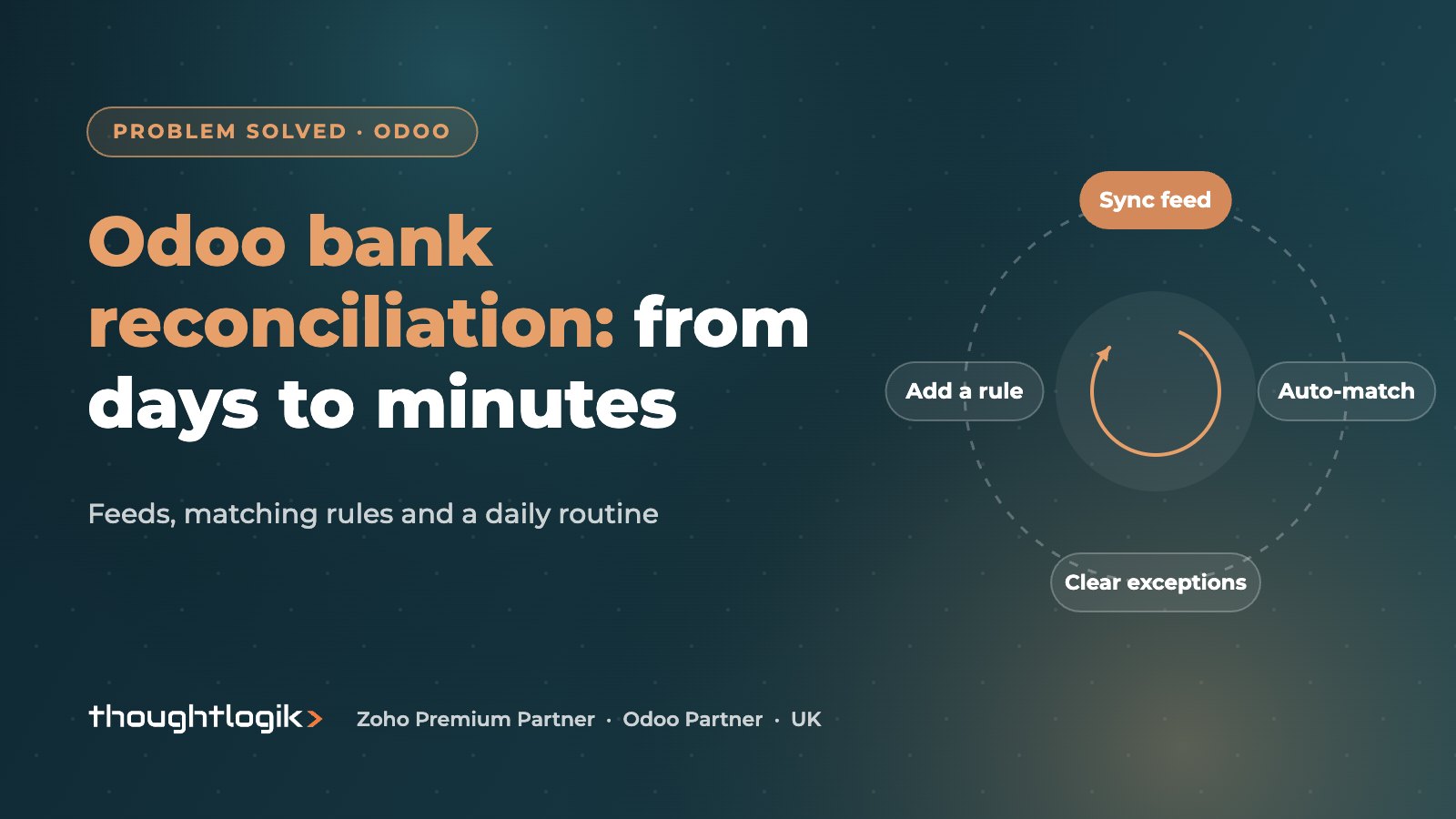
The fastest teams do not reconcile monthly. They spend ten minutes a day:
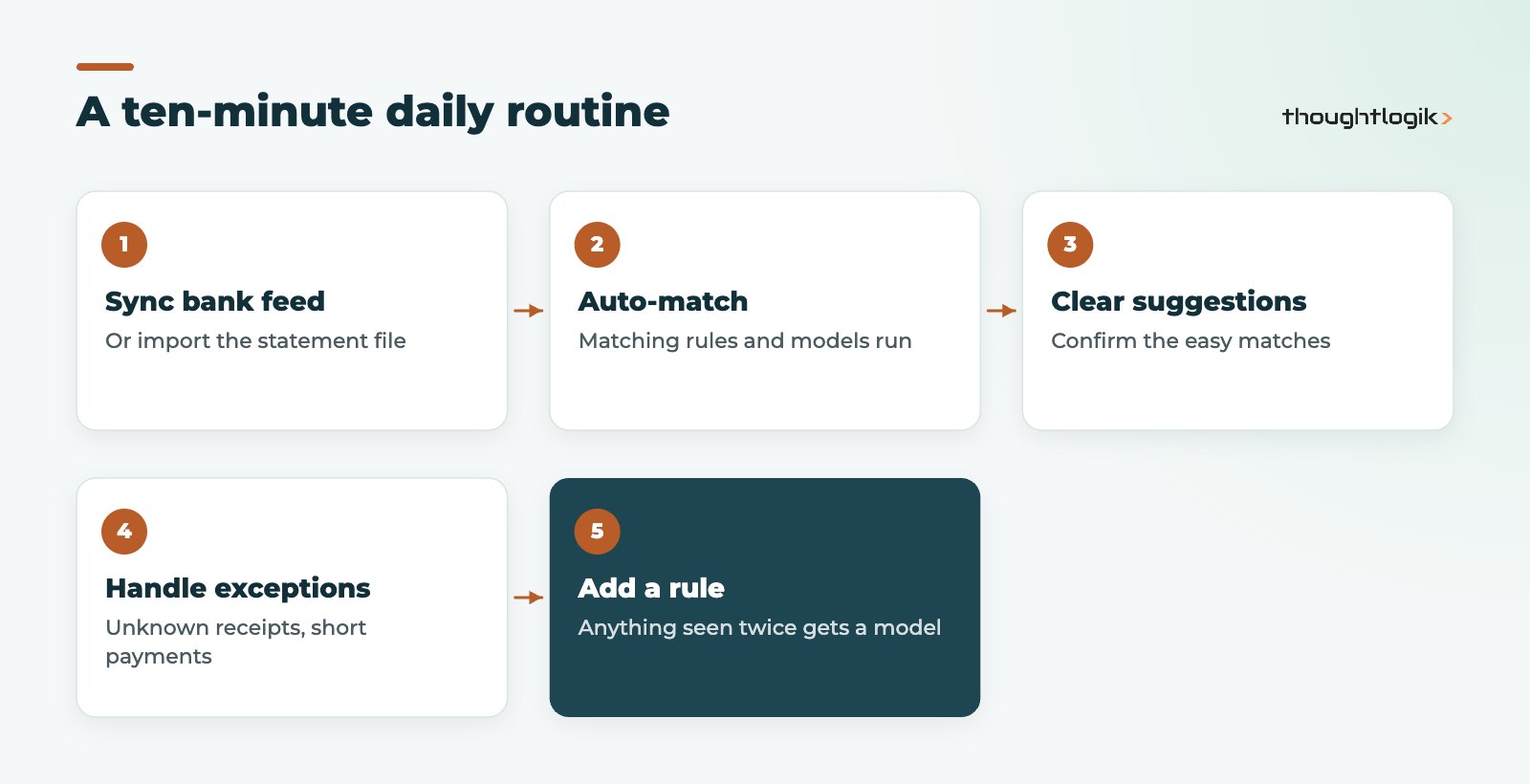
- Check the bank feeds have synced, or run the bank statement import.
- Let automatic matching and reconciliation models run.
- Clear the easy suggestions.
- Chase or note genuine exceptions (unknown receipts, short payments).
- Review the model list monthly and add a rule for anything you handled more than twice.
This routine also makes VAT returns calmer, because every transaction is posted before the period closes. See our guides to Odoo Accounting for UK businesses and Odoo and Making Tax Digital.
How ThoughtLogik helps
ThoughtLogik is a UK Odoo Partner that fixes slow finance processes as well as setting them up.
- Reconciliation review: we look at your unreconciled items and find the patterns behind them.
- Reconciliation models, partner mapping and batch payments configured for your bank.
- Bank feed and payment processor connections, plus clearing accounts.
- Ongoing tuning through our Odoo optimisation and Odoo support services.
Frequently asked questions
Why does Odoo bank reconciliation not suggest a match?
Usually the invoice or bill is not posted yet, the partner is missing on the bank line, or the amount differs by more than the tolerance. Check those three first.
Can one bank line settle several invoices?
Yes. You can select several open invoices against one transaction, and supplier batch payments let a single BACS line reconcile many bills.
Should I reconcile before or after the VAT return?
Before. Reconciling the bank first confirms that every transaction has been posted, so the VAT return reflects the full period.
Can we undo a reconciliation?
Yes. A reconciled transaction can be reset and matched again, which is useful when a payment was matched to the wrong invoice.
Still spending days on the bank? We will review your unreconciled items and show you which rules would clear them. Book a free consultation or see our Odoo optimisation service.