Short answer
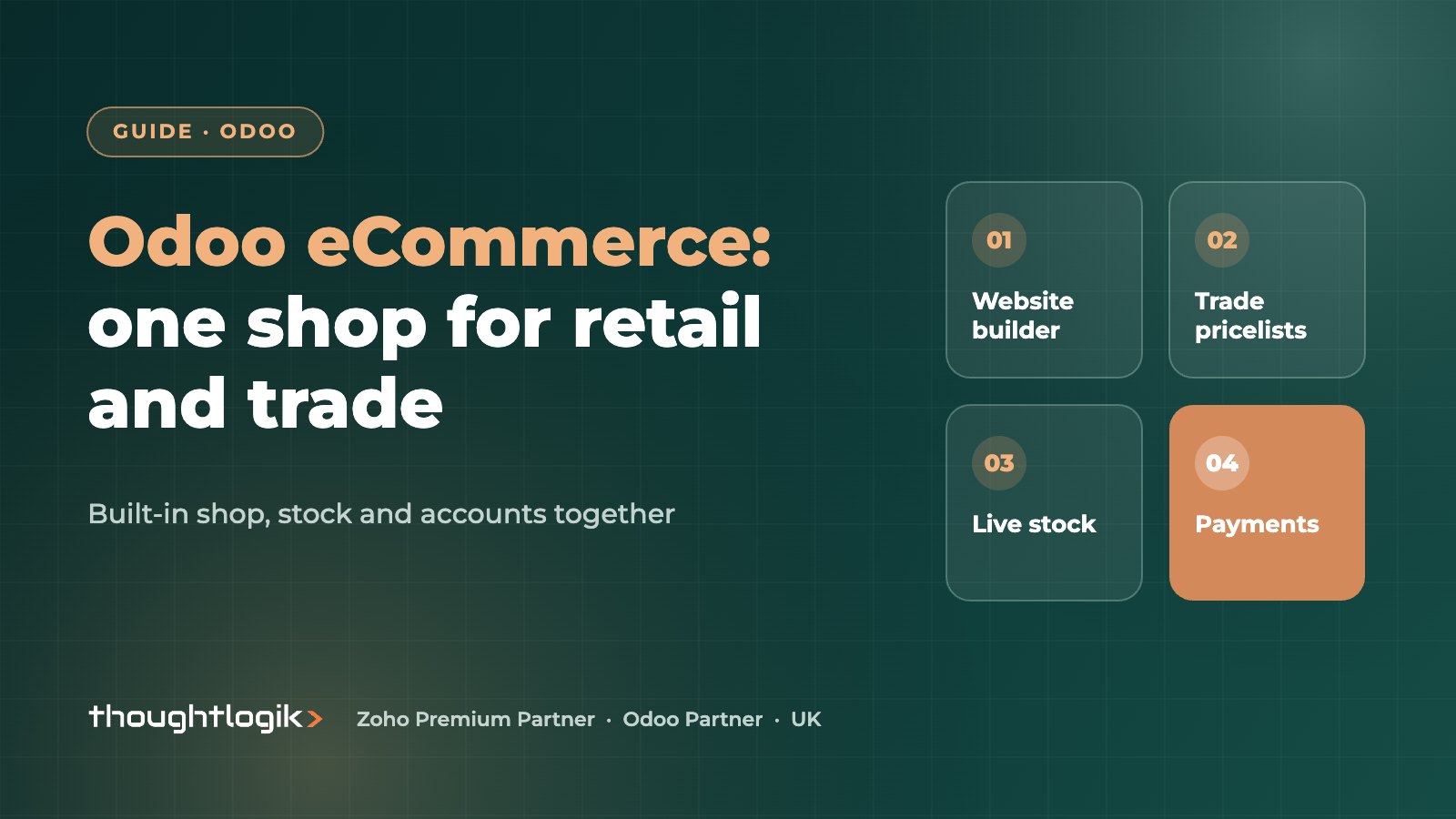
Odoo eCommerce is an online shop built into the same system as your stock, sales, accounting and CRM, so orders, stock levels and customer records never need syncing. It suits UK B2C brands that want one back office, and B2B sellers that need customer-specific pricelists, account-only access and trade checkout. It is less suited to businesses whose main need is a large app marketplace of storefront themes and plugins.
Key takeaways
- The shop, stock, invoicing and CRM share one database, so there is no order or stock sync to break.
- B2B selling uses pricelists, customer accounts and tax-excluded price display.
- B2C selling uses the website builder, payment providers, carrier integrations and promotions.
- One site can serve trade and retail customers with different prices.
- If you already run Shopify, integration is an alternative to switching.
UK sellers usually arrive at Odoo eCommerce from one of two directions. Retail brands are tired of reconciling a separate storefront with their stock and accounts. Wholesalers want to stop taking repeat orders by email and phone. This guide covers what the platform does for each, how it compares with running a separate storefront, and what to check before you commit.
What is Odoo eCommerce?
Odoo eCommerce is the online shop app that sits on top of the Odoo website builder. Products, variants, prices and stock come straight from the rest of Odoo. When a customer places an order, it becomes a sales order in the same database, reserves stock in Inventory, triggers the invoice in Accounting and updates the customer record in CRM.
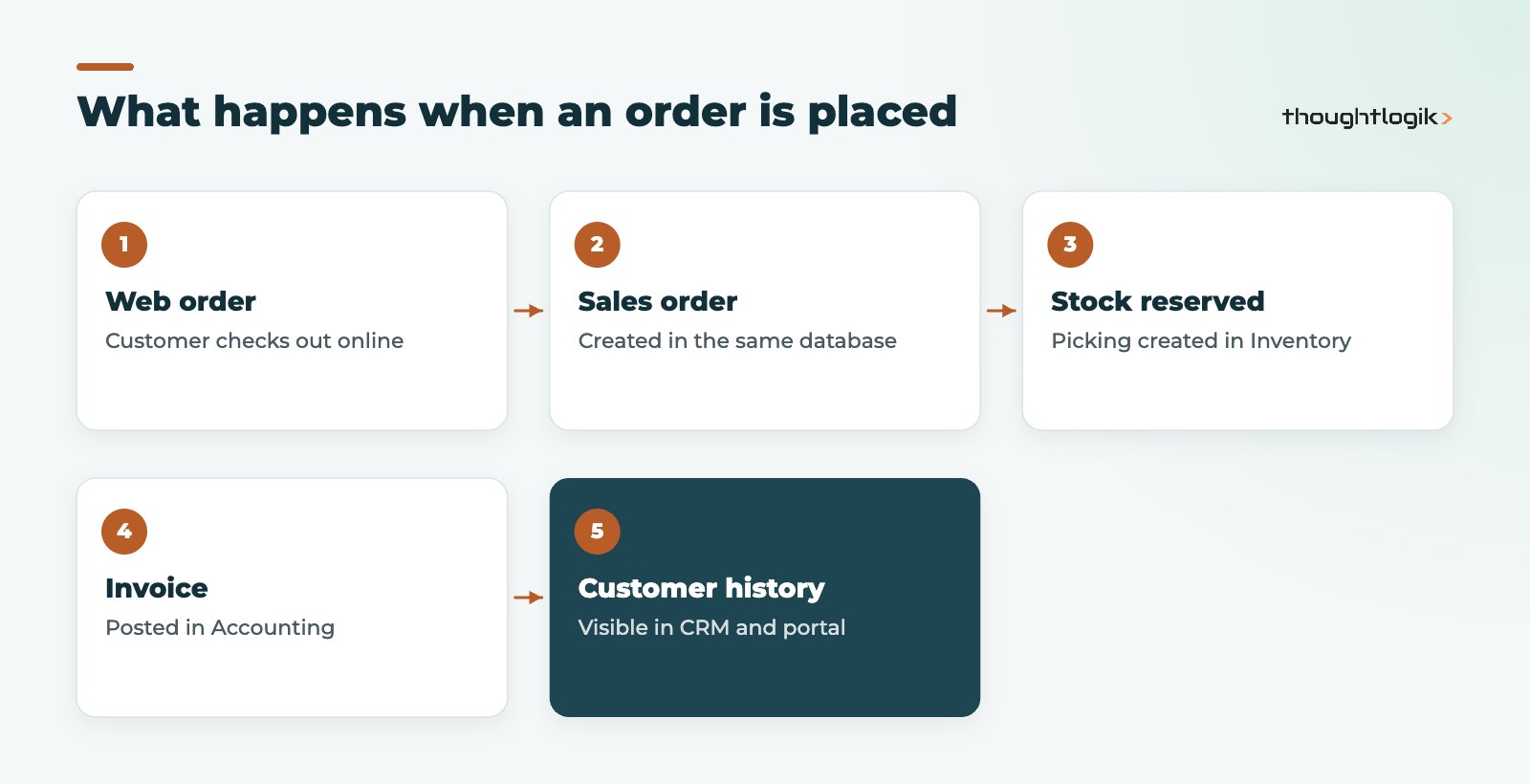
The main benefit is not the storefront itself; it is the absence of integration. There is no connector to monitor, no overnight stock sync and no duplicate customer records. Customer service teams also see the full picture in one place: what someone ordered online, what they bought in store or on account, what they owe and what they have returned.
Odoo eCommerce for B2C sellers
For consumer brands, the core building blocks are the Odoo website builder, payment and delivery options, and marketing tools:
- Website builder: drag-and-drop pages, product pages and blog, with SEO settings per page.
- Payment providers: online payment providers such as Stripe, Adyen and PayPal, configured in the payment settings.
- Delivery: fixed or rule-based shipping, plus carrier integrations such as DHL, FedEx, UPS and Sendcloud.
- Promotions: discount codes, loyalty programmes, gift cards and abandoned cart emails.
- Product data: variants, optional and accessory products, and product comparison.
Is Odoo good for B2C fashion or high-volume retail?
It works well for many B2C catalogues, especially where the same business also runs a shop with Odoo Point of Sale or sells wholesale. Brands that rely heavily on third-party storefront apps, or run very high volumes during peaks, should test performance and must-have features early.
Odoo eCommerce for B2B ecommerce
B2B ecommerce is where Odoo stands out against pure storefront platforms, because trade pricing and account terms already live in the ERP. The Odoo B2B and B2C documentation covers the main settings:
- Customer accounts: you can make accounts available by invitation only, so only approved trade customers can sign in.
- Pricelists: customer-specific or group prices, volume breaks and currency, applied automatically at login.
- Price display: show prices excluding VAT for trade buyers.
- Portal: customers see their orders, invoices and deliveries and can reorder.
- Payment terms: account customers can be offered payment on terms rather than card.
Our guide to the Odoo B2B customer portal goes deeper into trade ordering and self-service.
Odoo B2C and B2B on one website
Many UK businesses sell to both. Odoo lets retail visitors see public prices while signed-in trade customers see their own pricelist, on the same site and from the same stock. That removes the need for a second trade site and keeps product content in one place.
| Need | Odoo B2C approach | B2B ecommerce approach |
|---|---|---|
| Access | Open shop, guest or account checkout | Sign-in required, accounts by invitation |
| Pricing | Public price, promotions | Customer pricelists, volume breaks |
| VAT display | Prices including VAT | Prices excluding VAT |
| Payment | Card and wallets through payment providers | Account terms or card |
| After sale | Order tracking, returns | Portal with invoices, reorders |
What is new in Odoo eCommerce with Odoo 20?
Odoo 20 was released on 24 September 2026. Partner coverage of the release highlights eCommerce additions including customer returns started from the portal, a preferred delivery date at checkout and publishing products based on stock. Check the details against your own requirements before upgrading, and see our round-up of Odoo 20 new features.
Odoo eCommerce vs a separate storefront
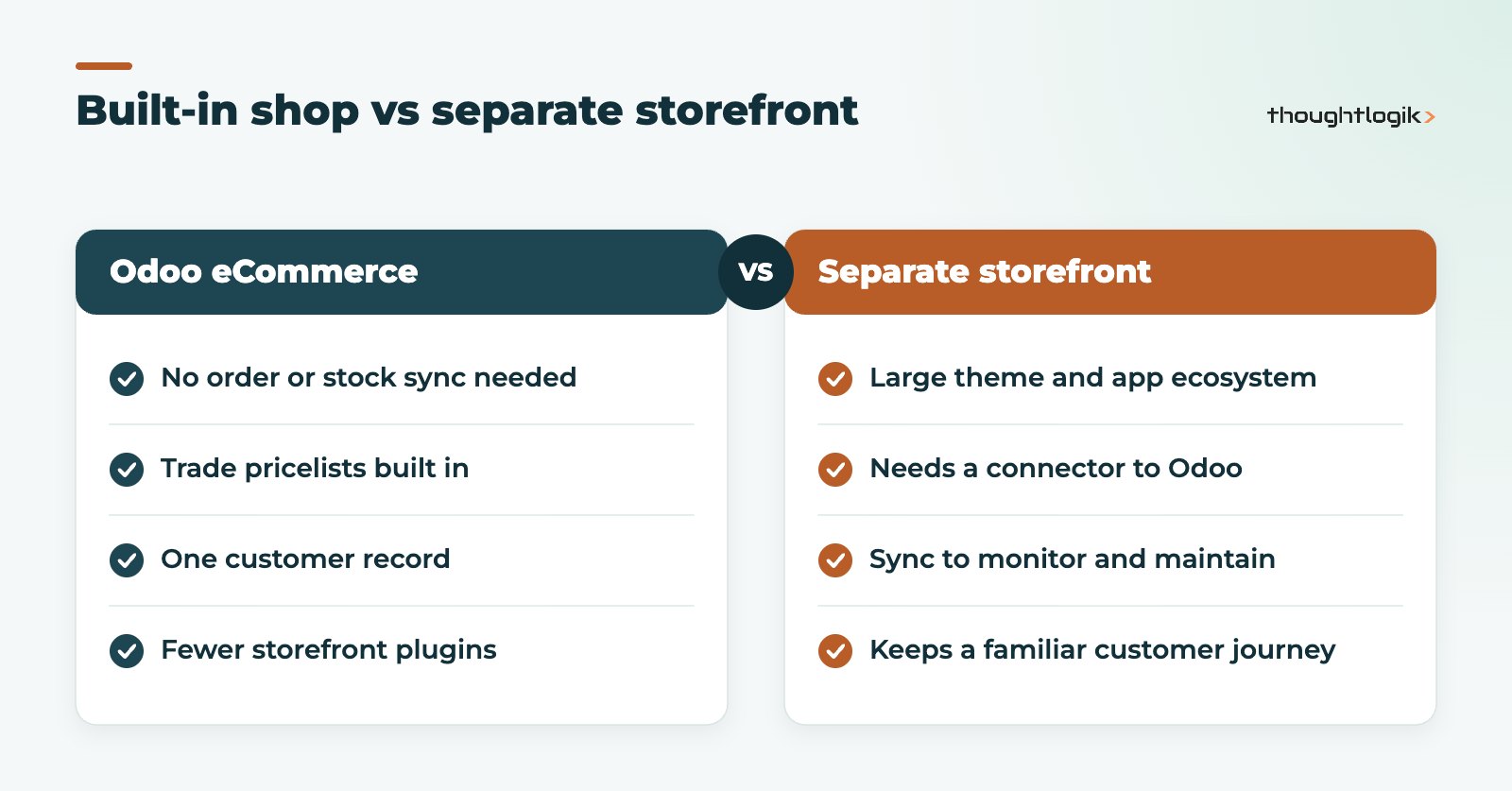
If you already trade on Shopify and it works well, replacing it is not always the right move. Connecting it to Odoo keeps the storefront your customers know while bringing orders, stock and accounting into one system. We compare the options in our guide to Odoo Shopify integration.
What to check before choosing Odoo eCommerce
- Your payment provider and carriers are supported, or can be integrated.
- Product data (images, descriptions, variants) is clean enough to publish.
- Stock accuracy is good enough to show availability online. See our Odoo inventory management guide.
- Your SEO redirects from the old site are planned before launch.
- Someone owns the website content after go-live.
How to launch an Odoo eCommerce site
The order of work matters. Teams that start with the design and leave product data until last usually launch late. A sequence that works:
- Clean the product data. Names, descriptions, images, variants, weights and categories. The shop shows exactly what is in Odoo.
- Set up pricing and tax. Public prices, trade pricelists and whether each audience sees prices with or without VAT.
- Configure payment providers and delivery. Test real card payments, refunds and shipping rules for UK and export destinations.
- Build the pages in the Odoo website builder. Home, category and product templates, policies and contact pages, with page titles and meta descriptions.
- Plan redirects. Map every old URL that has search traffic to its new address.
- Run test orders end to end. From checkout to picking, dispatch, invoice and refund, so every team sees its part.
After launch, review abandoned carts, search terms and stock-outs weekly for the first few months. Small fixes to product content and delivery options usually matter more than design changes.
Common pitfalls we see
- Publishing products that are not yet in stock or have no images.
- Forgetting that trade customers need an account before they can see their prices.
- Leaving delivery rules too simple, so heavy items ship at a loss.
How ThoughtLogik helps
ThoughtLogik is a UK Odoo Partner working with retailers, wholesalers and manufacturers that sell online.
- Shop design around your catalogue, pricelists and VAT display.
- Payment provider, carrier and marketplace connections through our Odoo integrations service.
- Product data migration and SEO redirect planning.
- Sector experience across retail and eCommerce and wholesale.
Frequently asked questions
Is Odoo eCommerce included in Odoo Community?
The eCommerce app is available in both editions, but several related features and integrations are Enterprise only. Check the features you need against your edition.
Can Odoo eCommerce handle UK VAT correctly?
Yes. Prices can be shown including or excluding VAT, and taxes come from the same configuration as your invoices, so what the customer pays matches your VAT return.
Can we sell on marketplaces as well as our own site?
Odoo includes connectors for some marketplaces, such as Amazon, and others can be added through apps or integrations.
Do we need a developer to run the site day to day?
No. Marketing and sales teams can edit pages, products and promotions in the website builder without code. Developers are useful for custom themes, unusual checkout rules or integrations, and a partner can help you decide where that line sits for your business.
Can trade customers see their own prices?
Yes. Assign a pricelist to the customer and they see those prices after signing in.
Selling online and wholesale? We will show you how one Odoo site can serve both. Book a free consultation or see our Odoo implementation service.