Short answer
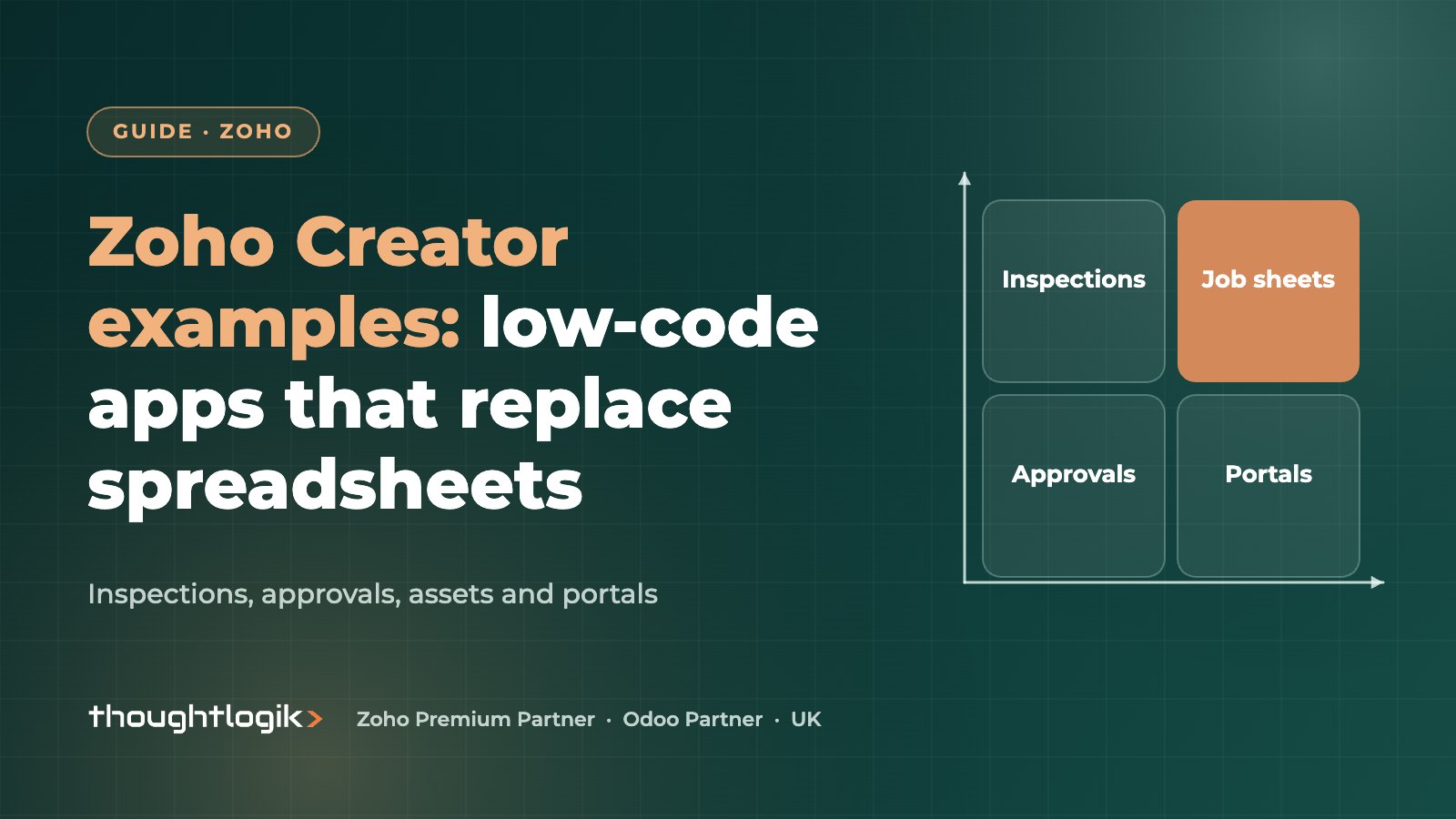
The most useful Zoho Creator examples for UK businesses are apps that replace spreadsheets, paper forms and email approvals: inspection and audit apps, job sheets, purchase approvals, asset and equipment registers, and customer or supplier portals. Zoho Creator is Zoho’s low-code platform, so these apps are built from forms, reports and workflows, with Deluge scripting for logic and native mobile apps generated automatically.
Key takeaways
- Good candidates are processes run on spreadsheets, paper or email that several people touch.
- Each app is built from forms, reports, pages and workflows, with Deluge for custom logic.
- Native iOS and Android apps are produced from the same build, which suits field teams.
- Customer portals let external users log in and see only their own records.
- If the process is really sales or service, extend Zoho CRM or Desk first before building a new app.
Almost every business has a process that no off-the-shelf product quite fits. It usually lives in a spreadsheet that one person understands, or in a paper form that gets typed up at the end of the week. Low-code platforms exist for exactly these gaps.
Below we walk through practical Zoho Creator examples we see across UK SMEs, what each one involves and how to judge whether a low-code app is the right answer. We also cover when it is better to extend a system you already own, because the cheapest app to support is often the one you never need to build.
What is Zoho Creator?
Zoho Creator is a low-code platform for building custom business apps. You design forms to capture data, reports to view and filter it, and pages for dashboards. Workflows handle notifications, approvals and calculations, and Deluge, Zoho’s scripting language, covers logic that drag-and-drop cannot. Each app also runs as a native mobile app on iOS and Android. Zoho lists more than 1,000 prebuilt integrations, and Zia AI tools help with app design and testing.
If you are comparing platforms, see our Zoho Creator vs Power Apps comparison.
Zoho Creator examples for UK businesses
The Zoho Creator examples below are generic patterns rather than named projects, but each is a common request from UK firms.
1. Site inspection and audit app
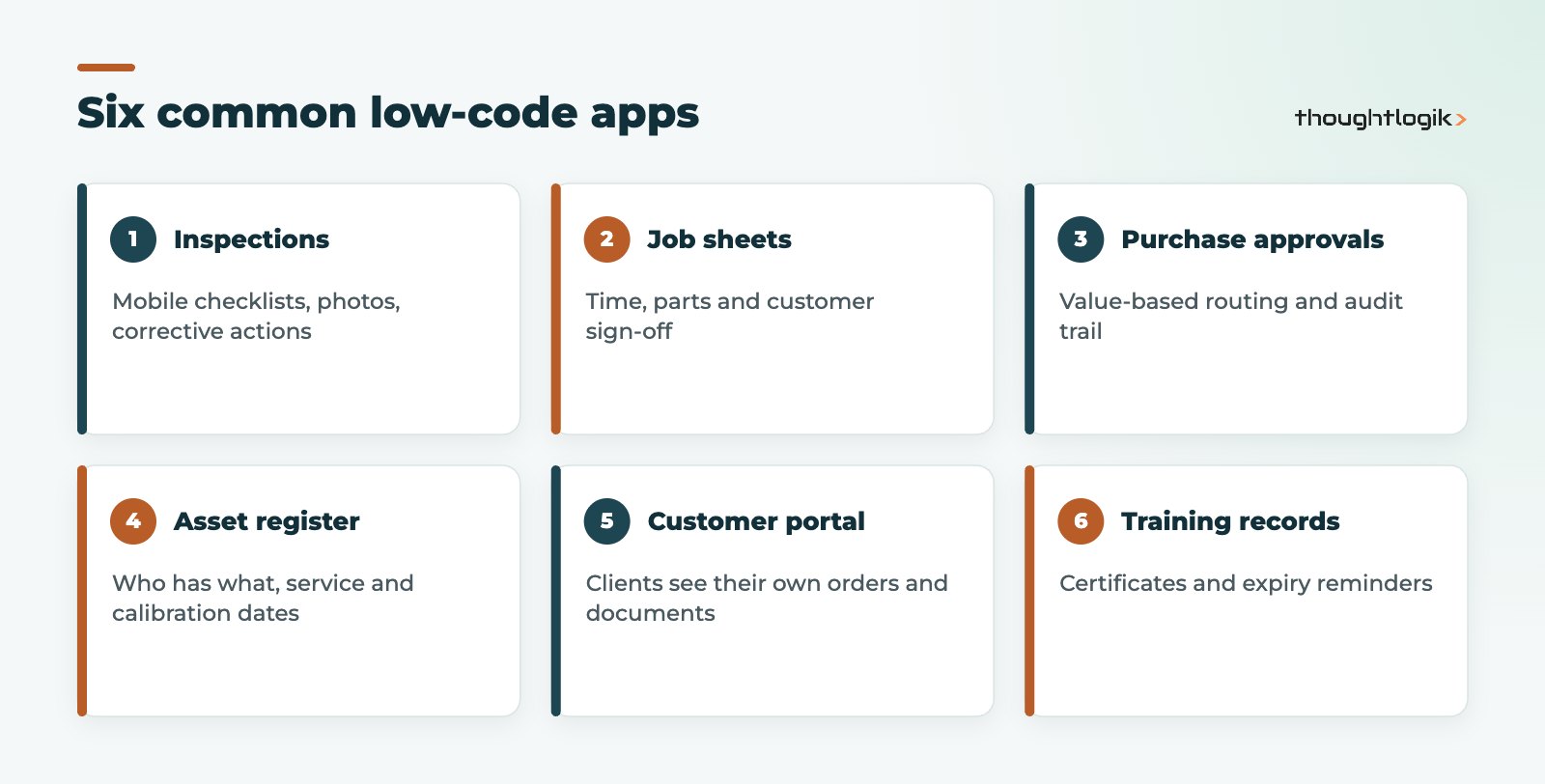
Health and safety, quality or property inspections are a natural low-code app. Inspectors complete a mobile form with checklists, photos and signatures, even across several sites. Failed items raise corrective actions with owners and due dates, and managers see open actions on a dashboard. This replaces paper forms and the re-typing that follows.
2. Job sheets for engineers
Service engineers record time, parts used, photos and customer sign-off on a phone. Completed job sheets can trigger an invoice in Zoho Books or update a record in Zoho CRM. For heavier scheduling needs, a dedicated field service product may fit better.
3. Purchase requests and approvals
Staff submit a request with supplier, value and justification. Approval routes depend on value and department, with escalation if nobody responds. Approved requests can create purchase orders in your accounting system. The audit trail shows who approved what and when.
4. Asset and equipment register
Track tools, vehicles, IT equipment or calibrated instruments: who has each item, where it is, and when it is due for service, calibration or inspection. Scheduled workflows send reminders before due dates, which helps with compliance evidence.
5. Customer or supplier portal
A customer portal lets clients log in to see their own orders, documents, service requests or certificates, without emailing your team. Supplier portals work the same way for onboarding documents, insurance certificates or delivery confirmations. Access rules make sure each external user sees only their own records.
6. Training and competency records
Record training completed, certificates and expiry dates per employee, and alert managers before renewals lapse. This is common in construction, care and manufacturing, where proof of competence matters.
7. Quality and non-conformance log
Manufacturers and distributors often track product complaints, supplier defects and internal non-conformances in a spreadsheet. A Creator app records each issue with batch or order reference, photos, root cause and corrective action, then routes it for sign-off. Trend reports show which suppliers or products cause repeat problems.
8. Bookings and resource scheduling
Meeting rooms, vehicles, shared equipment or training places can be booked through a simple form with a calendar view, clash checks and confirmation emails. It is one of the simpler Zoho Creator examples and a good first project for a team new to low-code.
What these Zoho Creator examples have in common is a clear process, several people involved and data that is currently scattered. If your idea shares those traits, it is worth scoping.
Which Zoho Creator use cases work best?
The best Zoho Creator use cases share a few traits. Use this table to test your own idea.
| Good fit | Poor fit |
|---|---|
| Process currently on spreadsheets, paper or email | Process already well served by a standard product |
| Several people or teams touch the data | One person, one simple list |
| Clear steps, rules and approvals | Undefined process that changes weekly |
| Needs mobile or external access | Heavy real-time transaction processing |
| Must connect to CRM, finance or other systems | Needs specialist regulated functions best bought off the shelf |
Should you build in Creator or extend Zoho CRM?
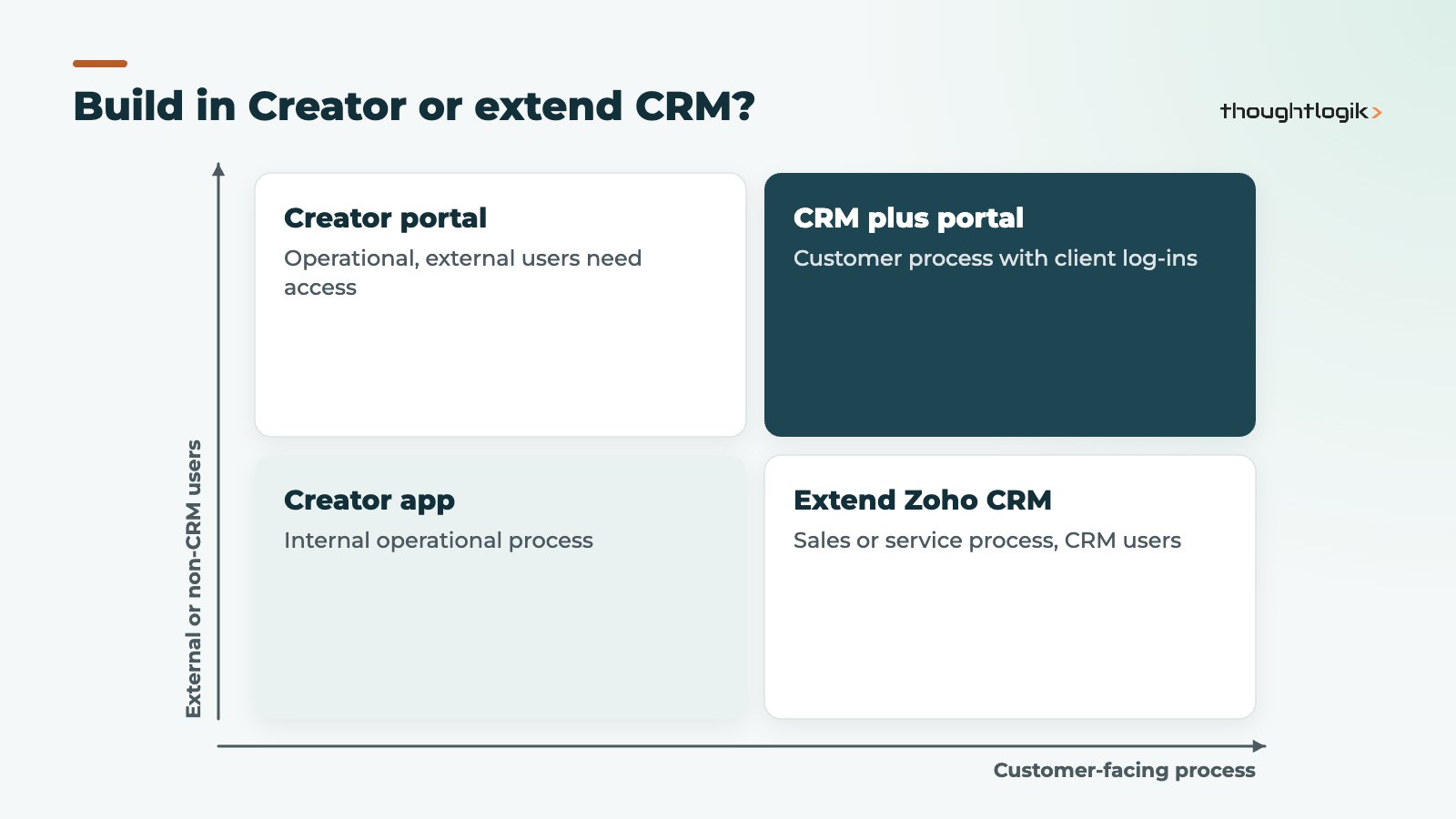
If the process is about customers, deals or service cases, extending Zoho CRM or Zoho Desk with custom modules and Deluge functions is often simpler, because users already work there. Build a separate low-code app when the process is operational, involves users who do not need a CRM licence, or needs its own portal. Our guide to Deluge custom functions covers the CRM route.
How are custom business apps like these Zoho Creator examples built?
Building custom business apps in low-code is quicker than traditional development, but it still needs discipline:
- Map the process and the data, including who can see and change what.
- Build a first version covering the core path only.
- Test with real users, especially on mobile in the conditions they work in.
- Add integrations to CRM, finance or other systems.
- Document and hand over, so the app does not depend on one person.
That last point matters. A low-code app becomes a business system, so treat it like one: name an owner, keep a change log and review permissions regularly. Plan for backups and data exports too, so you can report on the data elsewhere if needed.
How ThoughtLogik helps
ThoughtLogik is a UK Zoho Premium Partner with Zoho Creator certified developers and solution providers. We design and build low-code apps that last.
- Discovery to decide whether Creator, CRM or an existing product is the right answer.
- App design, build, testing and mobile rollout.
- Integrations with Zoho CRM, Zoho Books and third-party systems.
- Documentation and ongoing support. See our Zoho custom app development services.
Frequently asked questions
What are good Zoho Creator examples for a small business?
Inspection checklists, job sheets, purchase approvals, asset registers and simple customer portals are the most common starting points.
Do Zoho Creator apps work on mobile?
Yes. Apps built in Zoho Creator run as native iOS and Android apps from the same build.
Do I need a developer to build a low-code app?
Simple apps can be built by a confident business user. Integrations, complex logic and portals usually benefit from a developer who knows Deluge.
Can external users access a Creator app?
Yes, through a customer portal with its own login and permissions, so each user sees only their own data.
Is Zoho Creator included in Zoho One?
Zoho Creator is part of the Zoho One bundle. Check current limits for your edition on our Zoho pricing page.
Got a process stuck in a spreadsheet? We will tell you honestly whether a Creator app is the right fix. Book a free consultation or see our custom mobile app development services.