Short answer
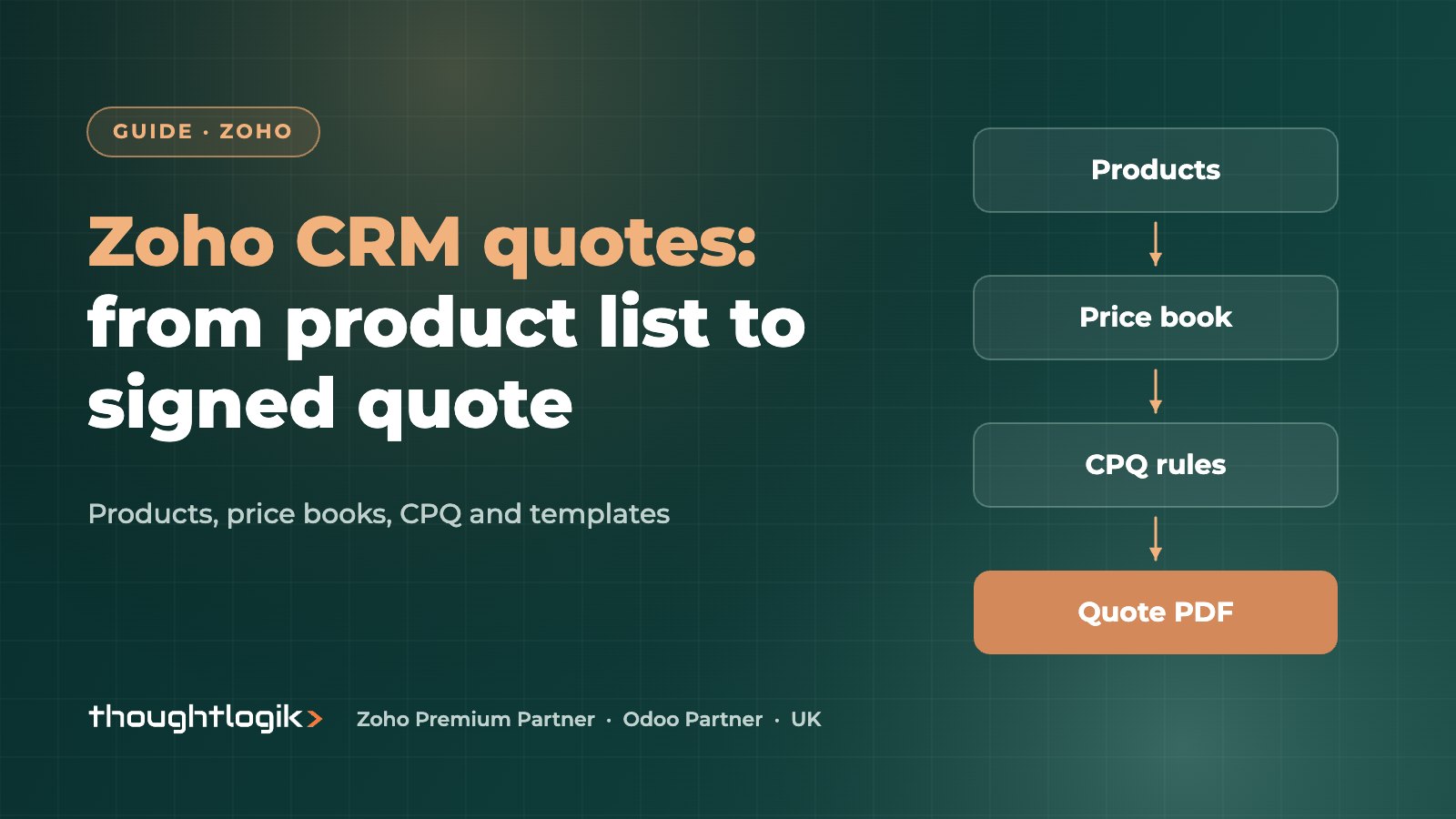
Zoho CRM quotes are built from your product catalogue, priced through price books and output as branded PDFs using inventory quote templates. Zoho CRM CPQ adds a product configurator and price rules that automatically add, suggest and price line items when a quote is saved. Together they let reps produce accurate quotes without spreadsheets, and convert them into sales orders or invoices.
Key takeaways
- Products hold the fixed unit price; price books hold negotiated list prices for customer groups.
- A quote supports up to 200 line items, and products must be picked from the catalogue.
- CPQ price rules support direct and volume-based discounts or list prices; only the first matching rule applies.
- Quote templates can be built with drag and drop, from the gallery or with your own HTML.
- Quotes can be converted to sales orders or invoices individually or in bulk.
Quoting is where many CRM projects quietly fail. Reps keep a spreadsheet or a Word template on their desktop because it is quicker, and the CRM never sees the real numbers. Zoho CRM quotes fix this only when the catalogue, pricing and templates are set up properly. This guide covers each layer and the decisions UK businesses need to make.
How do Zoho CRM quotes work?
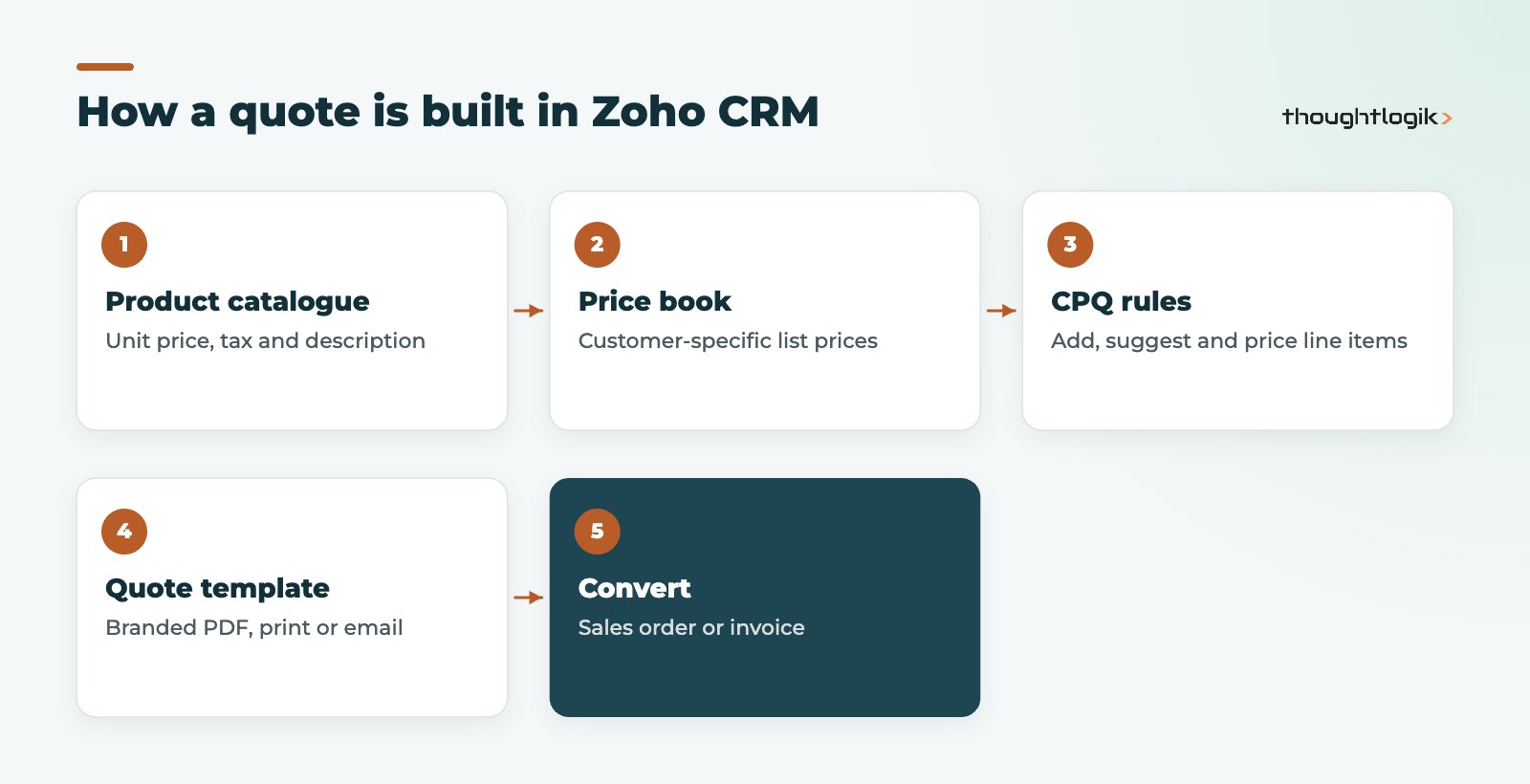
A quote in Zoho CRM is a record in the Quotes module linked to an account, contact and usually a deal. Its line items come from the Products module. Zoho is deliberate here: products can only be added by choosing them from the catalogue, not typed freely. When a product is selected, its tax, description and any price book discount populate automatically, and changing a quantity, tax or discount recalculates the totals.
Each quote can hold up to 200 line items, which can be reordered by drag and drop. Quotes can also be cloned, which is useful for renewals or repeat orders.
Products: the foundation of accurate Zoho CRM quotes
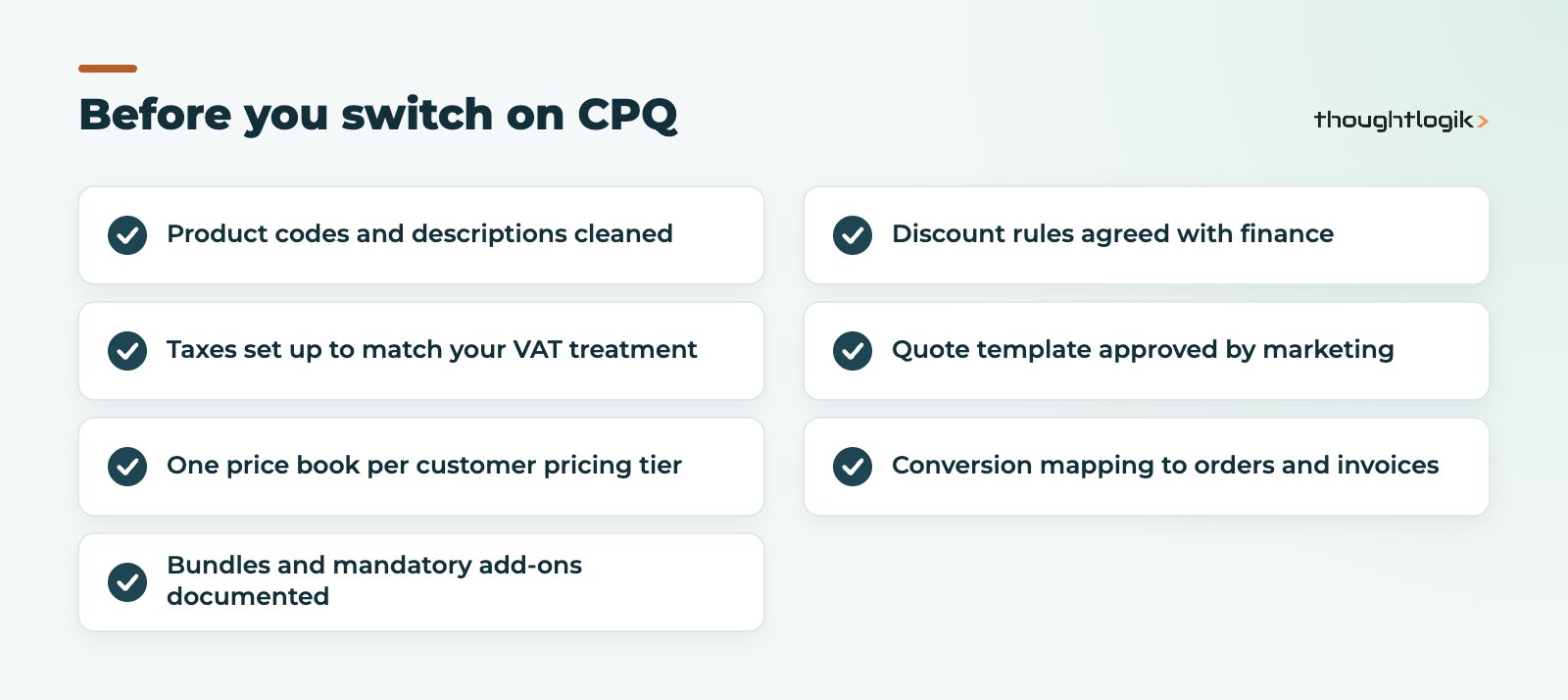
The unit price on a product is the base price for that item. Before building anything else, clean your product codes, names, descriptions and tax settings, because every quote inherits them. For UK businesses that means making sure the tax configuration reflects your VAT treatment, so zero-rated or exempt items do not pick up standard rate by default. If your catalogue lives in an ERP or Zoho Inventory, decide which system is the master before you start syncing.
Using price books for customer-specific pricing
Price books sit between the catalogue and your Zoho CRM quotes. They let you sell the same product at different prices depending on the agreement with a customer or customer type. The product’s unit price stays fixed; the price book holds a list price for each product it contains. Each price book has a pricing model of Flat or Differential, and pricing details can be set by quantity range with a discount percentage.
Two practical points for designing price books:
- A deal can only draw products from a single price book, so structure price books around how you actually sell (for example trade, distributor and key account) rather than per product.
- Users need the right permissions on the Price Books tab to see and use them, so check profiles before go-live.
What does Zoho CRM CPQ add?
Zoho CRM CPQ (configure, price, quote) automates line items. It has two parts.
| CPQ component | What it does | Typical UK example |
|---|---|---|
| Product configurator | Adds mandatory products, suggests related products and updates quoted item fields when a product is chosen | Adding installation and a warranty whenever a boiler is quoted |
| Price rules | Applies direct discount, direct list price, volume-based discount or volume-based list price | Tiered pricing for trade customers buying in bulk |
Rules run when the document is saved. They are applied in the order they appear on the Price Rules page, and only the first matching rule is applied, so order matters. CPQ works in Quotes by default and can also be used in Sales Orders, Invoices, Purchase Orders, Deals with subforms and suitable custom modules. Zia can also suggest product configurator rules based on your quoting patterns.
Which editions include the product configurator and price rules?
CPQ is included from the Professional edition, with higher limits on product configurations and price rules in Enterprise and Ultimate. Check current allowances in our Zoho CRM editions comparison and see Zoho pricing in the UK for licensing. Zoho’s CPQ documentation explains rule execution in detail.
Designing quote templates customers trust
The templates behind Zoho CRM quotes are inventory templates, created from Setup, then Customization, then Templates, then Inventory. You can build from scratch with drag and drop components, start from the template gallery, or paste in your own HTML. Templates control the logo, field positions, line item layout and terms, and can be used for print preview, PDF export and email.
Good templates for UK customers typically show your company registration and VAT numbers, clear validity dates, payment terms and a totals block that separates net, VAT and gross. Keep one master template per brand or entity and clone it for variations rather than maintaining many unrelated versions. If you need signed acceptance, Zoho Sign can be used to send inventory templates from Zoho CRM for e-signature.
Converting Zoho CRM quotes to orders and invoices
Accepted quotes can be converted to sales orders or invoices, one at a time or in bulk. If you have added custom fields to quotes, set up the quote conversion mapping first so that data carries across. Decide early whether invoices should be raised in CRM or in your finance system: most UK businesses we work with raise invoices in Zoho Books or their ERP so that VAT returns and ledgers stay in one place.
Should you quote in Zoho CRM or your finance system?
Zoho CRM quotes are the better fit when quoting is part of the sales conversation: reps need to see pipeline value, follow up on open quotes and report on win rates by product. Quoting in a finance or ERP system can make more sense where quotes depend on live stock, complex manufacturing costs or project estimates owned by operations. Many of our clients keep Zoho CRM quotes as the customer-facing document and pass the accepted order downstream, so sales keeps visibility and finance keeps control of invoicing. If you also run field engineers, estimates can instead start in Zoho FSM.
Common mistakes with Zoho CRM quotes
- Too many price books, which confuses reps and breaks the one per deal rule.
- Letting discounts live in free-text notes rather than in price rules or approved fields.
- Building CPQ rules before the product catalogue is clean.
- No approval step for large discounts; Blueprint or approval processes can enforce this.
How ThoughtLogik helps
ThoughtLogik sets up quoting in Zoho CRM end to end, from catalogue design to the PDF your customer receives.
- Product catalogue and price book design, including migration from spreadsheets.
- Zoho CRM CPQ configuration for bundles, add-ons and volume pricing.
- Branded quote templates and conversion mapping to orders and invoices.
- Integration with Zoho Books or your ERP through our Zoho integrations service.
Frequently asked questions
Can reps type custom products on Zoho CRM quotes?
No. Line items must be chosen from the Products module. If you sell one-off items, create a controlled generic product and require a description rather than allowing free text.
What is the difference between unit price and list price?
Unit price is the fixed base price held on the product. List price is the price set in a price book for a particular customer group, which is what appears when that price book is used.
Do we need Zoho CRM CPQ to create quotes?
No. Quotes, products, price books and templates work without it. CPQ is worth adding when you sell bundles, mandatory add-ons or volume-based pricing that reps currently calculate by hand.
Can quote templates be emailed directly from Zoho CRM?
Yes. Inventory templates can be used for print preview, PDF export and email, and can be sent for e-signature with Zoho Sign.
How many line items can one quote hold?
Zoho CRM supports up to 200 line items on a quote, and they can be reordered by drag and drop.
Still quoting from spreadsheets? We can move your catalogue, pricing and templates into Zoho CRM. Book a free consultation or see our Zoho CRM UK services.