

Short answer
Odoo Online is Odoo’s fully managed SaaS: the simplest option, but it does not allow custom Python modules. Odoo.sh is Odoo’s managed cloud platform for Enterprise customers that need custom or third-party modules, with GitHub integration, staging environments and daily backups. On-premise gives full control over servers and data but makes you responsible for hosting, security and upgrades. Most UK SMEs without custom code start on Odoo Online; those with integrations or bespoke modules usually choose Odoo.sh.
Key takeaways
- The deciding question is usually whether you need custom or third-party modules.
- Odoo Online runs Odoo’s intermediate online versions as well as major releases; Odoo.sh and on-premise run major versions only.
- Odoo.sh gives you development and staging branches, which make testing changes and upgrades safer.
- On-premise and Odoo.sh require the Custom plan when you use Enterprise.
- Community edition cannot run on Odoo Online.
Once you have chosen Odoo, the next decision is where it will run. “Odoo Online vs Odoo.sh” is a common search because the names sound similar but the platforms serve different needs. Getting the choice right at the start avoids a costly move later. This guide compares all three options on the factors that matter: customisation, upgrades, control, responsibility and cost.
The three options at a glance
| Factor | Odoo Online | Odoo.sh | On-premise or own cloud |
|---|---|---|---|
| Who runs the servers | Odoo | Odoo (platform as a service) | You or your hosting provider |
| Custom Python modules | Not supported | Supported via GitHub | Supported |
| Third-party apps from the Odoo Apps store | Not supported | Supported | Supported |
| Studio customisation | Yes (Custom plan) | Yes | Yes (Enterprise) |
| Test environments | Limited | Development and staging branches | Whatever you build |
| Backups | Managed by Odoo | Daily, retained on a rolling schedule | Your responsibility |
| Versions | Major and intermediate online versions | Major versions only | Major versions only |
| Server access | None | Limited, no system-level configuration | Full |
| Edition | Enterprise only | Enterprise | Community or Enterprise |
Odoo Online
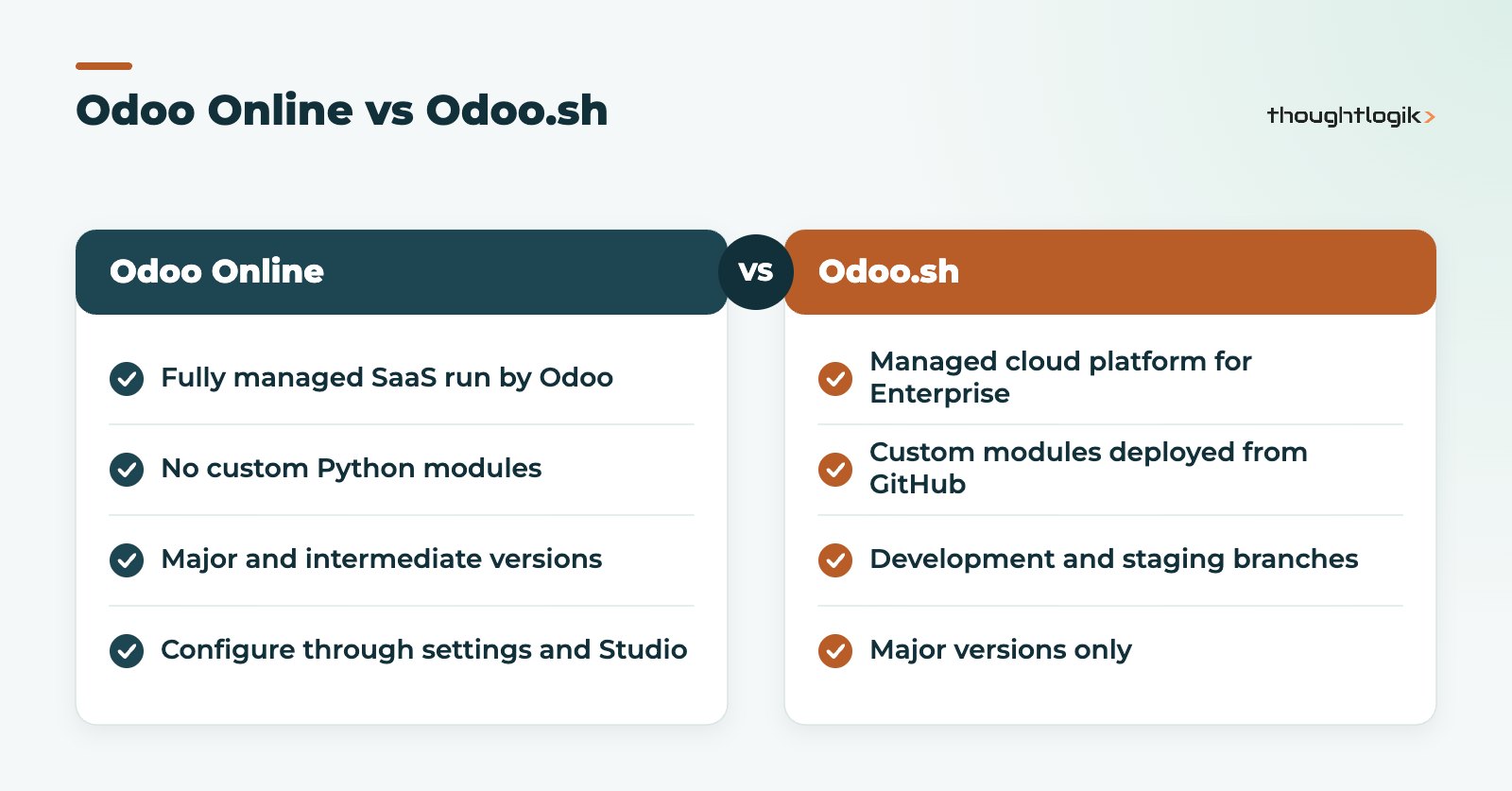
Odoo Online is the software as a service option. Odoo hosts, monitors, backs up and upgrades your database. You configure it through settings and, on the Custom plan, through Studio.
Strengths
- No servers, no patching and no hosting contract to manage.
- Fastest route to go-live for standard processes.
- Access to Odoo’s intermediate online versions, which Odoo releases every few months, so you see some new features before the next major version.
Limitations
- You cannot install custom Python modules or most third-party apps.
- Integrations must work through Odoo’s external API, which is only included on the Custom plan, or through built-in connectors.
- Upgrades follow Odoo’s schedule, so you need to be ready to test when a new version arrives.
Note that a database on an intermediate online version cannot be moved straight to Odoo.sh or on-premise. It must first be upgraded to the next major version.
Odoo.sh
Odoo.sh is Odoo’s cloud platform built specifically for hosting Odoo. It is sold as part of an Enterprise subscription and is aimed at businesses that need code: custom modules, third-party apps from the Odoo Apps store, or bespoke integrations.
Strengths
- Custom modules are deployed from a GitHub repository, with each branch built automatically.
- Development branches for building and staging branches for testing against a copy of production data, with outgoing emails and scheduled actions neutralised.
- Daily backups of production, kept on a rolling daily, weekly and monthly schedule.
- Data centre choice, including Europe.
- Odoo still manages the platform and operating system.
Limitations
- Hosting resources, such as workers, storage and extra staging environments, are charged in addition to user licences.
- You cannot change system configuration or install arbitrary server software.
- GitHub is the only supported source control, so your developers need a GitHub-based workflow.
ThoughtLogik’s own published Odoo apps, such as Mass Update Log Notes, are typical of the third-party modules that need Odoo.sh or on-premise rather than Odoo Online.
On-premise or self-managed cloud
On-premise means running Odoo on your own servers or on infrastructure you rent, such as a UK cloud provider. It is the only option for Community edition, and it is available for Enterprise on the Custom plan.
Strengths
- Full control over servers, data location, performance tuning and security policies.
- No restrictions on modules or server software.
- Can suit organisations with strict data residency or network requirements.
Limitations
- You are responsible for backups, patching, monitoring, disaster recovery and security.
- Upgrades need more planning and technical effort.
- Hidden costs in staff time and hosting often exceed expectations.
How upgrades work on each platform
Upgrades are where the three options differ most in day-to-day effort.
- Odoo Online: Odoo runs the upgrade. You receive a test database to check your processes and Studio changes before your live database moves. The main risk is not testing in time.
- Odoo.sh: you request an upgraded copy of your database, test it on a staging branch with your custom modules updated for the new version, then schedule the production upgrade. The staging branches make this far safer than on a single server.
- On-premise: Enterprise customers can use Odoo’s upgrade service for the database, but installing the new version, updating modules and switching over is your responsibility. Community databases need a partner or community migration tools.
Our Odoo upgrade checklist sets out the testing steps that apply on every platform.
Security, data location and compliance
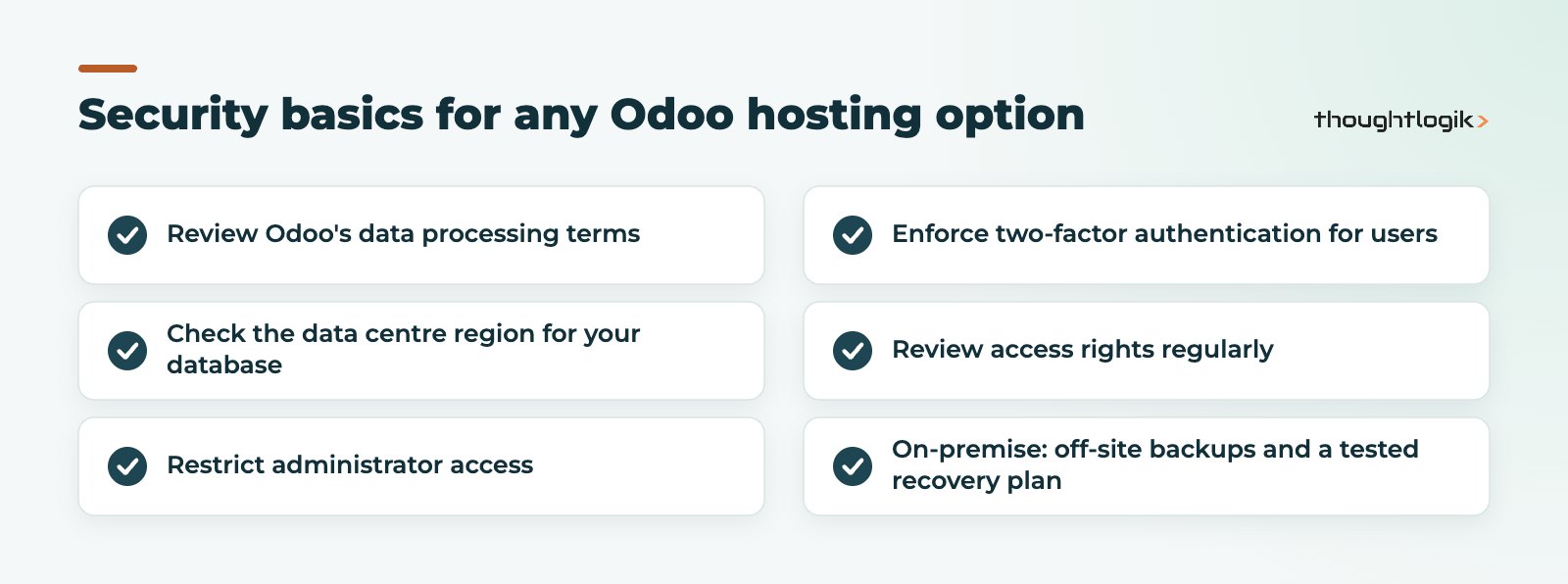
For UK businesses, data protection questions usually come up early. With Odoo Online and Odoo.sh, Odoo is your hosting provider and data processor, so review its data processing terms and the data centre region used for your database. Odoo.sh lets you choose a region, including Europe. On-premise gives you complete control over location, but also complete responsibility: patching, access control, encryption, backups stored off-site and a tested recovery plan. Whichever option you choose, restrict administrator access, enforce two-factor authentication for users and review access rights regularly.
Cost factors to compare
We do not quote prices here, as Odoo updates them periodically; see our Odoo pricing guide. The cost drivers differ by option:
- Odoo Online: user licences on your chosen plan, plus any in-app credits.
- Odoo.sh: Custom plan user licences plus hosting resources such as workers, storage and staging environments.
- On-premise: licences (for Enterprise), servers, backup storage, security tooling and the people who look after them.
Whichever you choose, include upgrade effort in the comparison. Odoo gives each major version three years of standard support, so you will upgrade periodically regardless.
Which option suits whom?
| If you… | Consider |
|---|---|
| Run standard processes with no custom code | Odoo Online |
| Need custom modules, Odoo Apps store modules or complex integrations | Odoo.sh |
| Want safe testing environments for every change | Odoo.sh |
| Use Community edition | On-premise or own cloud |
| Have strict data residency or network rules and an IT team | On-premise |
| Are unsure whether you will need custom code | Start with a fit-gap review before choosing |
Your hosting choice is linked to your edition choice, so read our guide to Odoo Community vs Enterprise alongside this one.
How ThoughtLogik helps
ThoughtLogik is an Odoo Partner based in Northampton. We help UK businesses choose the right hosting and move between platforms safely.
- Fit-gap reviews to establish whether you need custom code.
- Odoo.sh setup, repository structure and deployment workflow.
- Migrations between Odoo Online, Odoo.sh and on-premise through our Odoo migration service.
- Ongoing monitoring and fixes through Odoo support.
Frequently asked questions
What is the difference between Odoo Online and Odoo.sh?
Odoo Online is fully managed SaaS that does not allow custom Python modules. Odoo.sh is a managed cloud platform that supports custom and third-party modules through GitHub, with development and staging branches.
Can I install custom modules on Odoo Online?
No. Odoo Online supports configuration and Studio customisation but not custom Python modules or most third-party apps. You need Odoo.sh or on-premise for those.
Does Odoo.sh cost more than Odoo Online?
Usually, yes. Odoo.sh requires the Custom plan and charges for hosting resources such as workers, storage and staging environments on top of user licences.
Can I move from Odoo Online to Odoo.sh later?
Yes. If your database is on an intermediate online version, it must first be upgraded to the next major version, because Odoo.sh runs major versions only.
Is on-premise Odoo cheaper?
Not necessarily. You avoid platform fees but take on servers, backups, security, monitoring and upgrade effort, which often cost more in staff time than expected.
Choosing where to host Odoo? We will recommend an option based on your modules and integrations. Book a free consultation or see our Odoo implementation service.





