Short answer
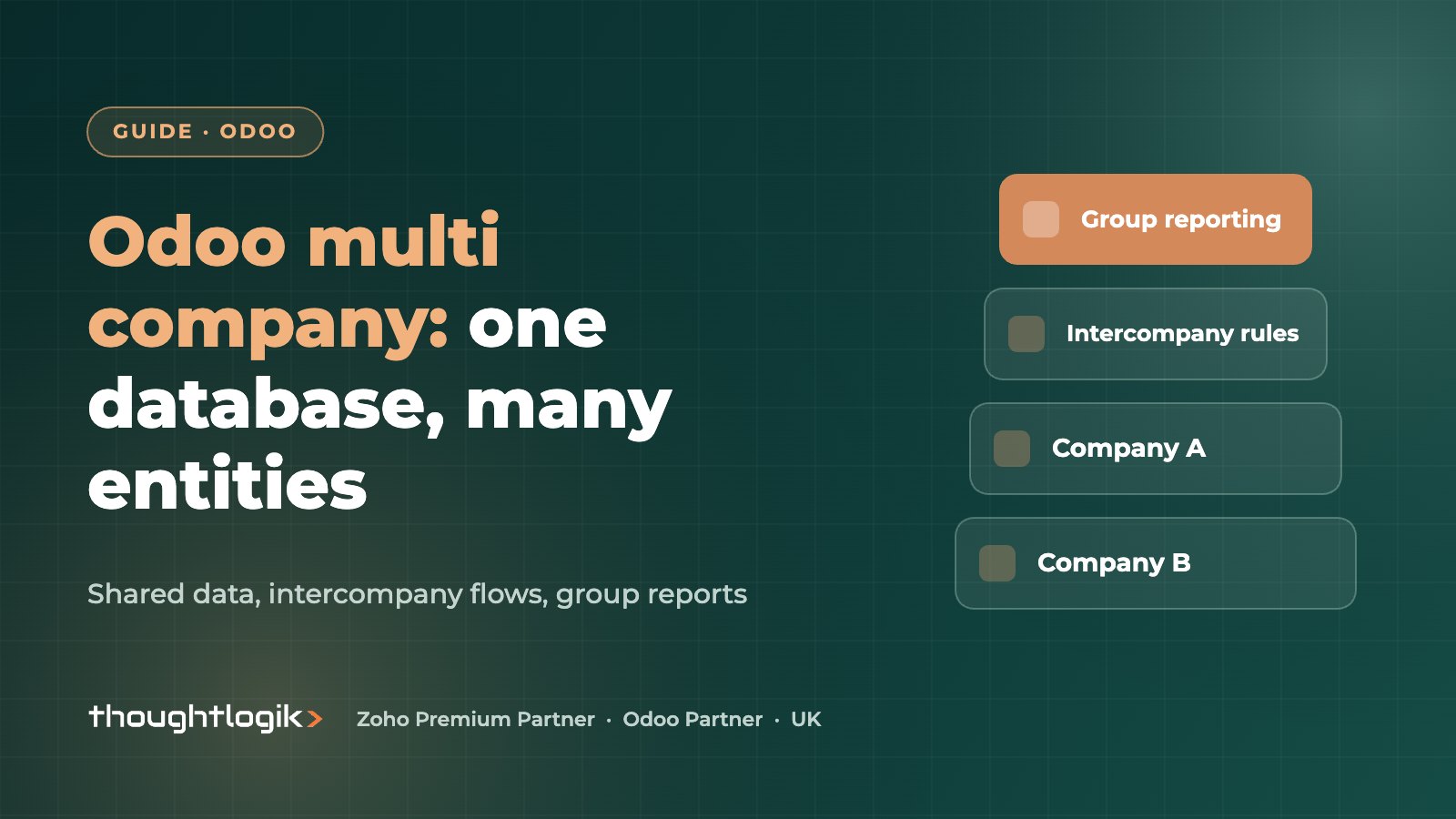
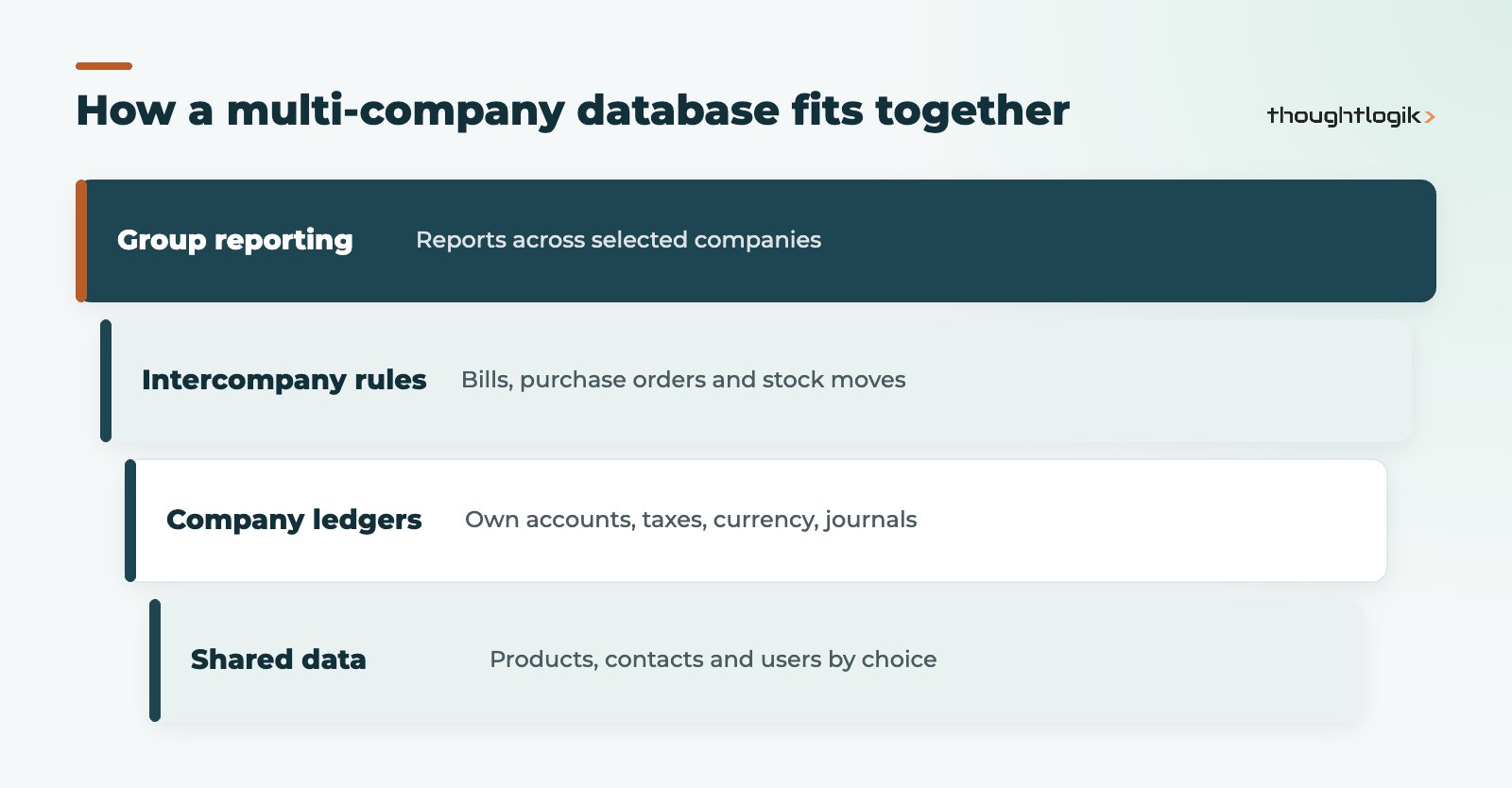
An Odoo multi company setup runs several legal entities in one database, each with its own ledger, VAT settings and currency, while sharing products, contacts and users where you choose. Inter-company rules can create the matching bill or purchase order in the other company automatically, and financial reports can be run across several companies at once for group reporting. The design decisions (what is shared, who sees what, how intercompany balances are eliminated) matter more than the configuration clicks.
Key takeaways
- One database can hold many companies; users switch or combine them from the company switcher.
- Products and contacts are shared by default; set the Company field to restrict a record.
- Intercompany transactions can generate bills from invoices and purchase orders from sales orders.
- Consolidated reporting works by selecting several companies in the financial reports.
- On Odoo Online, multi-company needs the Custom plan, so check pricing early.
Groups of companies are common among UK SMEs: a trading company and a property company, a UK entity and an Irish or EU sister company, or a manufacturer with a separate distribution arm. Running each in its own system means duplicate data, manual intercompany invoices and a spreadsheet consolidation every month. This guide explains how Odoo multi company works, when to use branches instead, and what to plan for consolidation.
How does Odoo multi company work?
Each company in the database is a separate legal entity in Odoo, with its own chart of accounts, fiscal localisation, currency, journals and tax settings. Users are given access to one or more companies, and the company switcher in the top right of the screen lets them work in one company or select several at once. When several are selected, list views and reports show records from all of them.
Companies are created and managed under Settings, Users & Companies, Companies. The Odoo multi-company documentation covers the configuration options in detail.
What is shared between companies?
By default, products and contacts are shared across all companies. To make a record visible to one company only, set its Company field; leave it blank to share it. Some values behave differently: for example, a product’s sales price can be shared while its cost is held per company.
| Record | Default behaviour | Typical decision |
|---|---|---|
| Products | Shared | Share the catalogue; keep costs per company |
| Contacts | Shared | Share customers and suppliers; restrict sensitive contacts |
| Chart of accounts and taxes | Per company | Align account codes across companies for easier consolidation |
| Warehouses and stock | Per company | Each entity owns its stock; move goods through intercompany rules |
| Users | Access per company | Grant only the companies each person needs |
Odoo multi company vs branches: which do you need?
Current Odoo versions also support branches: sub-companies that sit under a parent company. The rule of thumb we use:
- Separate companies when each entity has its own company registration, VAT number or statutory accounts.
- Odoo branches when the entity is part of the same legal company, such as a regional office or store, but you want separate reporting and access.
Can Odoo branches share one VAT return?
Branches belong to their parent company, which is why they suit sites and divisions of one legal entity. For UK VAT groups and other special cases, agree the structure with your accountant before you configure anything, because changing it later is disruptive.
Setting up intercompany transactions
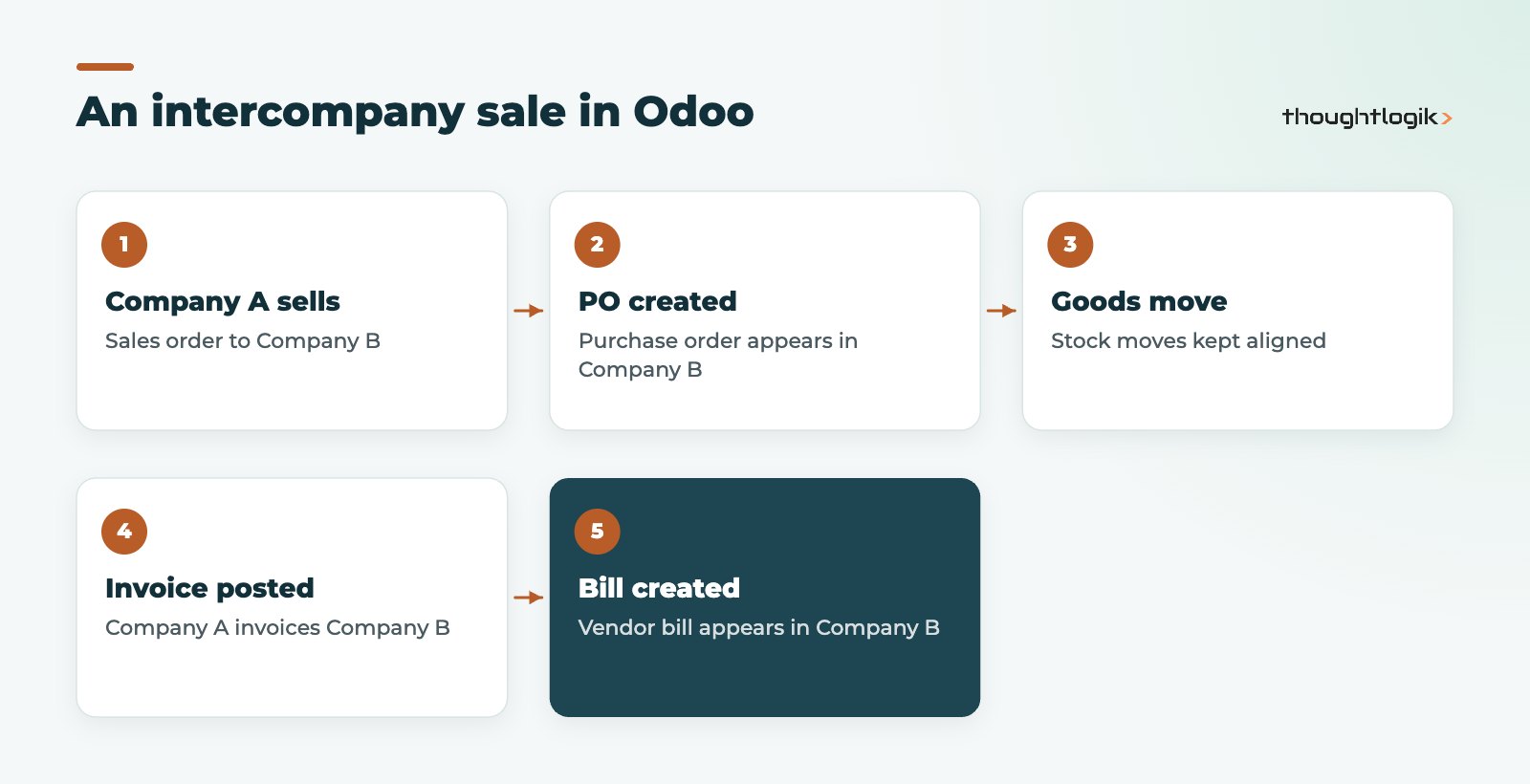
Intercompany transactions are where an Odoo multi company setup saves the most time. Once enabled for a company in the company settings, Odoo can:
- Create a vendor bill in company B when company A posts an invoice to it.
- Create a purchase order in company B when company A confirms a sales order to it.
- Keep the related stock moves aligned between the two entities.
- Optionally validate the generated documents automatically.
Products used in intercompany trading must be shared between the companies involved. Each company must also be set up as a contact in the other, so there is a customer and a supplier on each side.
How do you handle intercompany loans and recharges?
Not everything is a sale. Management charges, loans and cost recharges are usually posted as journal entries or invoices to dedicated intercompany accounts. Keeping all intercompany transactions in named accounts is what makes elimination at group level manageable.
Consolidated reporting in Odoo
Older Odoo versions had a separate Consolidation app. In current versions, group reporting is done in Accounting by selecting several companies in the company switcher and running the financial reports, such as the balance sheet and profit and loss, across them. Amounts in other currencies are converted for the combined view.
What this does not do on its own is eliminate intercompany balances. For simple groups, eliminations can be handled with a small number of adjusting entries or in a separate reporting company. Larger groups often use a reporting tool on top of Odoo. Our BI and reporting team designs this with your finance lead.
Tips for cleaner Odoo multi company consolidation
- Use the same account codes in each company for the same purpose.
- Give every intercompany balance its own account and partner.
- Close each company’s period on the same timetable.
- Reconcile intercompany balances monthly, not only at year-end.
Common Odoo multi company mistakes
Most problems we are asked to fix in an existing Odoo multi company database come from early decisions rather than bugs:
- Creating products per company by accident. Setting the Company field on products that should be shared leads to duplicate catalogues and broken intercompany rules.
- Different account codes for the same thing. If sales are 4000 in one company and 200 in another, consolidated reporting becomes a mapping exercise every month.
- Forgetting the users. Staff with access to every company can post to the wrong entity. The company switcher shows where you are, but training and sensible defaults matter.
- Intercompany by email. If one company still emails invoices to the other, the automation is not switched on or not trusted. Fix the rule, then stop the workaround.
- Treating branches as companies (or the reverse). Match the Odoo structure to the legal structure, not to the org chart.
Practical points for UK groups
- Making Tax Digital: each company authorises its own HMRC connection for VAT returns. See Odoo and Making Tax Digital.
- Plans and hosting: on Odoo Online, enabling a second company moves you to the Custom plan. See Odoo pricing in the UK and our guide to Odoo Online vs Odoo.sh vs on-premise.
- Access rights: review record rules carefully so payroll or sensitive finance data is not visible across entities.
How ThoughtLogik helps
ThoughtLogik is a UK Odoo Partner that designs multi-entity structures for groups with UK and overseas companies.
- Entity design: companies vs branches, shared data and access rules.
- Aligned charts of accounts and intercompany account structure.
- Intercompany sales, purchase and stock flows configured and tested.
- Group reporting and elimination approach agreed with your accountant, as part of an Odoo implementation.
Frequently asked questions
How many companies can one Odoo multi company database hold?
Typical SME groups fit comfortably in one database. The practical constraints are your plan, performance on very large volumes, and how complex your access rules become.
Can each company use a different currency?
Yes. Each company has its own currency, and multi-currency transactions are supported within each company.
Can users see data from several companies at once?
Yes, if they have access to those companies. Selecting several companies in the switcher shows combined lists and reports.
Can we add a company later?
Yes, but shared products, contacts and account codes are easier to set up correctly at the start than to untangle later.
Running a group of companies? We will map your entities and intercompany flows before you configure anything. Book a free consultation or see our guide to Odoo Accounting for UK businesses.