Short answer
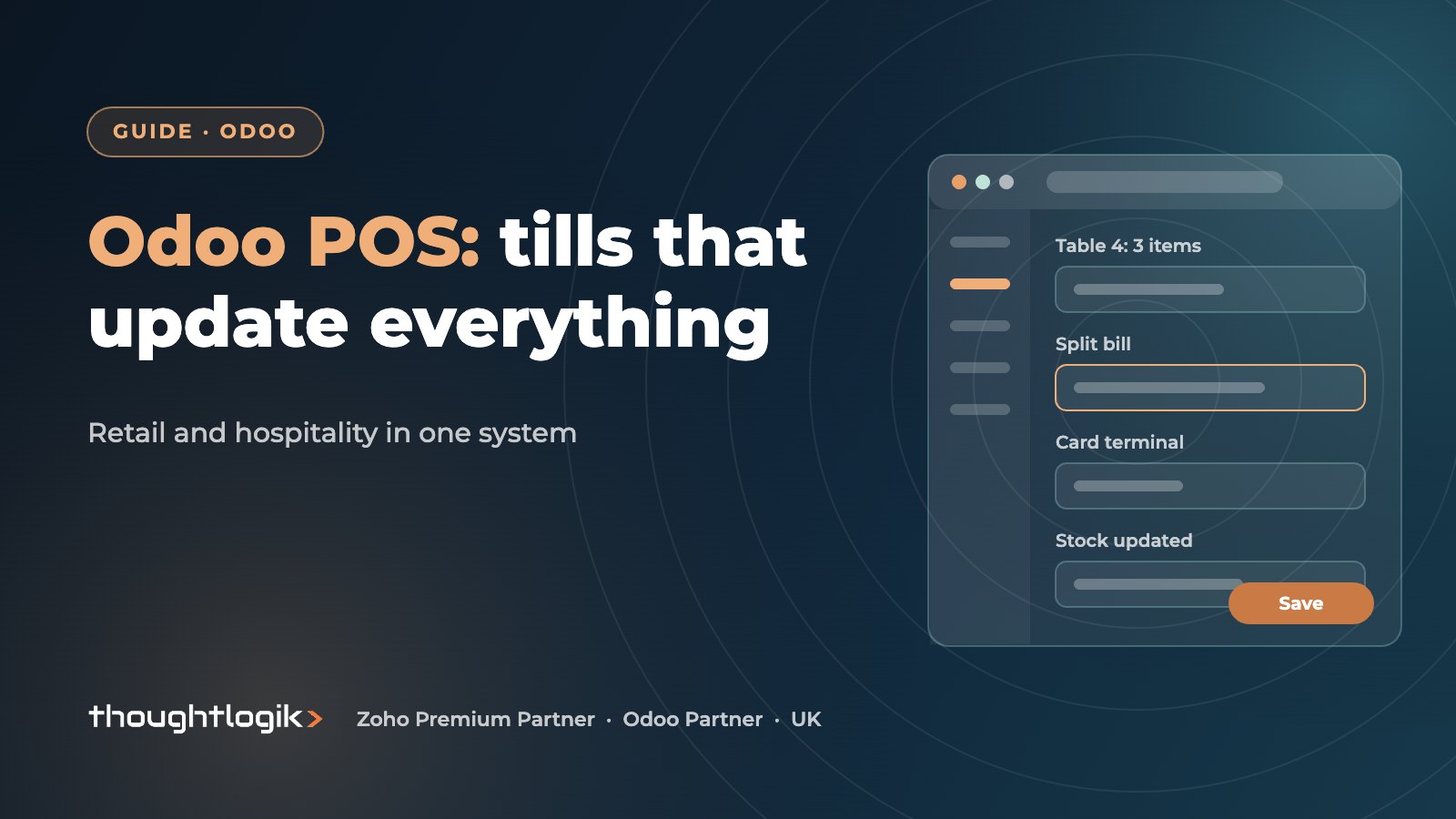
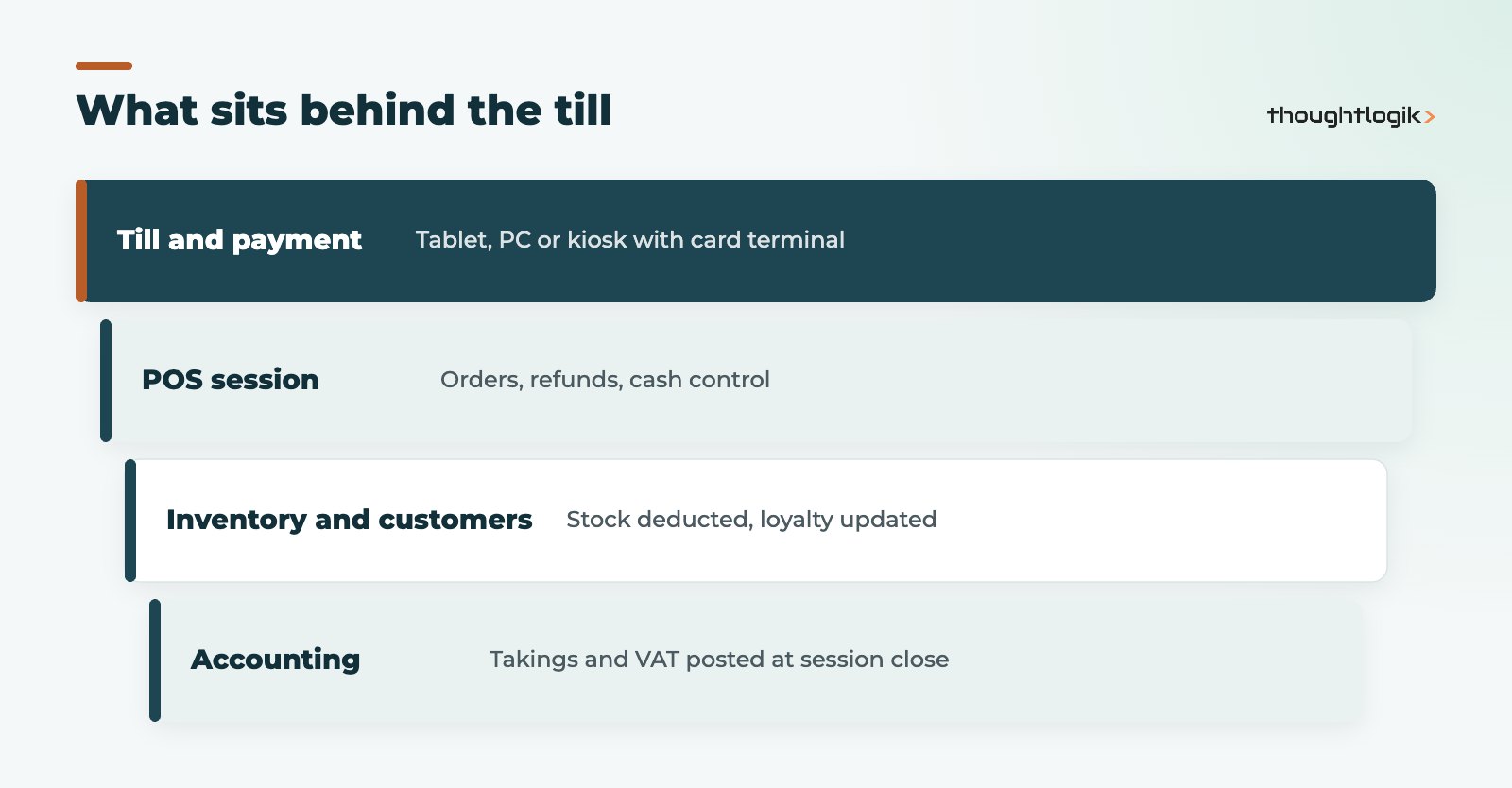
Odoo POS is the point of sale app inside Odoo, used by UK shops, cafes and restaurants to take payments on a tablet, PC or kiosk while stock, customers and accounting update in the same system. It covers retail essentials such as barcode scanning, loyalty and returns, and hospitality needs such as table plans, kitchen orders and bill splitting. It works best for businesses that also want Odoo behind the till, rather than a standalone card reader app.
Key takeaways
- Runs in a web browser on tablets, PCs and kiosks, with hardware connected through the IoT Box where needed.
- Sales update Inventory and post to Accounting when each session closes.
- Restaurant features include floor plans, kitchen tickets, split bills and tips.
- Integrated card terminals are supported for providers such as Adyen, Stripe and Viva.com.
- Self-ordering by kiosk or table QR code is available for hospitality.
A till system that does not talk to stock or accounts creates the same end-of-day routine in thousands of UK businesses: Z-reports typed into spreadsheets, stock counted by hand, and loyalty held in a separate app. This guide explains what Odoo POS does for retail and hospitality, the hardware and payment options, and what to plan before you replace an existing till.
What is Odoo POS?
Odoo POS, or Odoo Point of Sale, is a browser-based till app. Staff sign in, open a session, sell, and close the session at the end of the shift with a cash count. Because it runs in Odoo, every sale reduces stock in Inventory and the session posts to Accounting, so your takings, VAT and stock movements are recorded without re-keying. The Odoo Point of Sale documentation covers setup in detail.
Does Odoo POS work offline?
The till can keep taking orders if the internet connection drops, and synchronises them when the connection returns. Card payments through an integrated terminal still need that terminal’s own connection, so plan for a backup, such as a mobile hotspot, if your site has unreliable broadband.
Odoo point of sale for UK retail
For shops, the features that matter day to day are:
- Barcode scanning and quick product search, including weighed items with a connected scale.
- Customers and loyalty: loyalty points, gift cards, eWallets and promotions shared with your online shop.
- Returns and refunds against the original order.
- Pricelists and discounts, including trade prices for account customers.
- Receipts printed or sent by email.
- Cash control with opening float and closing count per session.
If you also sell online, the till and the online shop share products, stock and customers, which is the basis of genuine click and collect. See our Odoo eCommerce guide for the online side.
Odoo POS as a restaurant POS
For cafes, bars and restaurants, Odoo POS switches into restaurant mode. As a restaurant POS it provides:
- Floor plans and tables, with orders held against each table.
- Kitchen and bar tickets, sent to printers or a kitchen display screen.
- Bill splitting and tips, including splitting by item or by guest.
- Self-ordering: customers order from a kiosk or by scanning a QR code at the table.
- Combos and modifiers such as meal deals, sizes and extras.
Is it a good fit for hospitality groups?
It suits hospitality businesses that want menus, stock, purchasing and accounts in one system, especially groups with several sites. Very high-volume venues should trial peak-time performance and printer setup before committing. Our food and hospitality team can advise on the right setup.
Payment terminals and hardware
Odoo supports integrated payment terminals from several providers, including Adyen, Stripe and Viva.com, so the amount is sent to the card reader automatically and the payment is recorded against the order. Availability varies by country and provider, so confirm UK support for your chosen provider. You can also use a standalone card machine and record the payment method manually, although you lose the automatic link.
| Component | Options | Notes |
|---|---|---|
| Till device | Tablet, PC, all-in-one terminal | Runs in a web browser |
| Payment terminals | Integrated providers or standalone card machines | Integrated removes re-keying of amounts |
| Receipt and kitchen printers | Network or connected through the IoT Box | Test kitchen routing before go-live |
| Scanners and scales | Barcode scanners, connected scales | Scales usually need the IoT Box |
| Cash drawer | Connected to the receipt printer | Opens on cash payments |
What happens at the end of the day?
Closing a session is where an ERP-connected till saves the most admin time compared with a standalone till. The closing screen shows expected cash and card totals for the session. Staff count the drawer, Odoo records any difference, and the session is closed. At that point the sales, payments and VAT are posted to Accounting, and stock has already moved in Inventory as each sale happened.
For managers, that means no Z-reports to key in, a clear record of cash differences by person and session, and takings that match the bank once card settlements arrive. With integrated payment terminals, the card totals come straight from the transactions rather than being typed in from a printed slip.
Odoo POS or a standalone till app?
A standalone till app can be quicker to start with, and for a single small shop with no stock control it may be enough. The case for Odoo POS grows as you add sites, stock, a web shop, trade customers or a kitchen, because every one of those needs its own integration with a separate till. If you mainly want a card reader and a simple product list, keep it simple. If you want one view of stock, customers and takings across channels, a point of sale inside your ERP removes a lot of manual work.
What is new in Odoo POS with Odoo 20?
Odoo 20 was released on 24 September 2026. Partner coverage of the release highlights point of sale changes including accepting more than one currency at checkout and temporarily snoozing sold-out products. Our round-up of Odoo 20 new features covers the wider release.
Planning an Odoo POS rollout
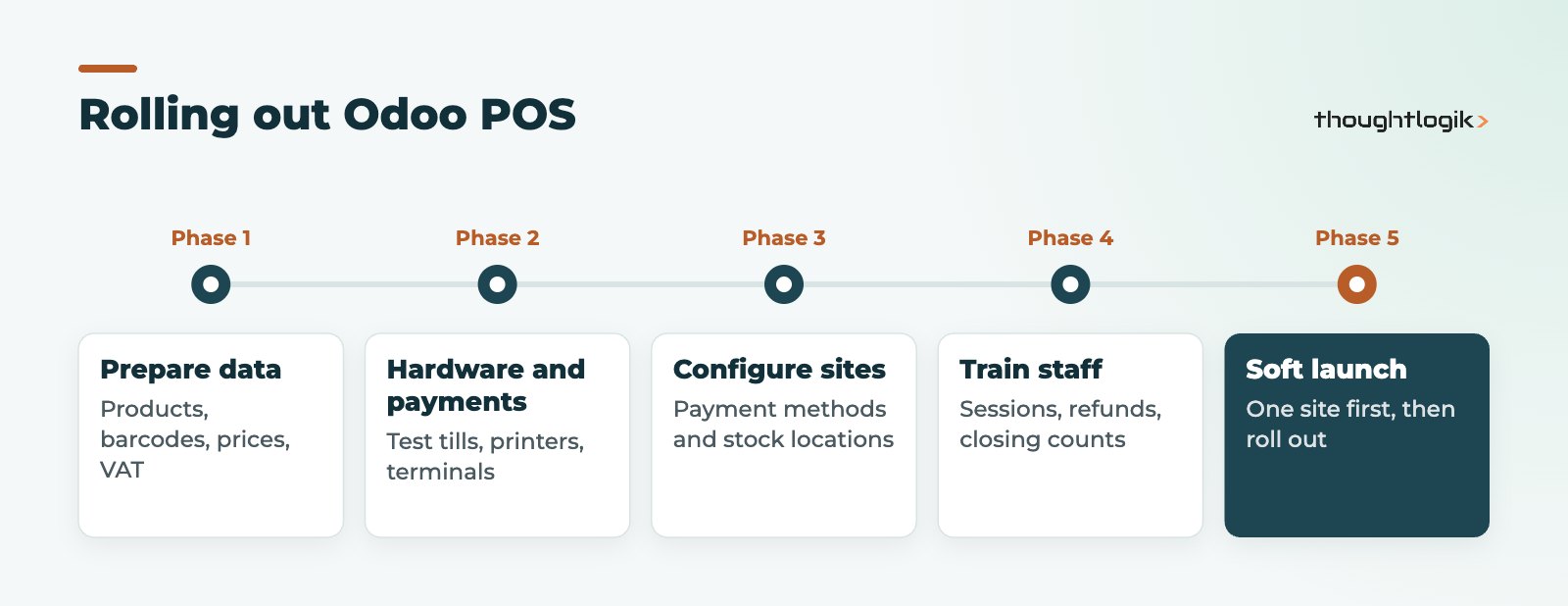
- Clean product and menu data: names, barcodes, prices, VAT rates and categories.
- Choose hardware and payment provider and test them together.
- Configure each shop or venue as its own point of sale with the right payment methods.
- Link stock: which warehouse or location each till sells from. See our Odoo inventory management guide.
- Train staff on sessions, refunds and closing counts.
- Run a soft launch in one site before rolling out to the rest.
Pay particular attention to VAT on food and drink. Eat-in and takeaway items can carry different VAT treatment in the UK, so product and fiscal position setup needs checking with your accountant.
How ThoughtLogik helps
ThoughtLogik is a UK Odoo Partner working with retailers and hospitality businesses.
- Point of sale design for single shops and multi-site groups.
- Hardware, printer routing and payment terminal setup and testing.
- Loyalty, gift cards and click and collect shared with your online shop.
- Rollout planning as part of an Odoo implementation, with retail sector experience.
Frequently asked questions
Is Odoo POS available in Odoo Community?
The Point of Sale app exists in both editions, but some features, such as certain hardware and payment integrations, depend on Enterprise. Check your must-haves against your edition.
Can one Odoo database handle several shops?
Yes. Each shop or venue is configured as its own point of sale, with shared products and customers and its own stock location and payment methods.
Can customers use loyalty points both in store and online?
Yes. Loyalty programmes and gift cards can be shared between your tills and the online shop.
Do I need the IoT Box for Odoo POS?
Not always. Many printers and payment terminals connect directly. The IoT Box is typically needed for devices such as scales and some printers.
Replacing your till system? We will map your sites, hardware and payments before you switch. Book a free consultation or see our food and hospitality solutions.