Short answer
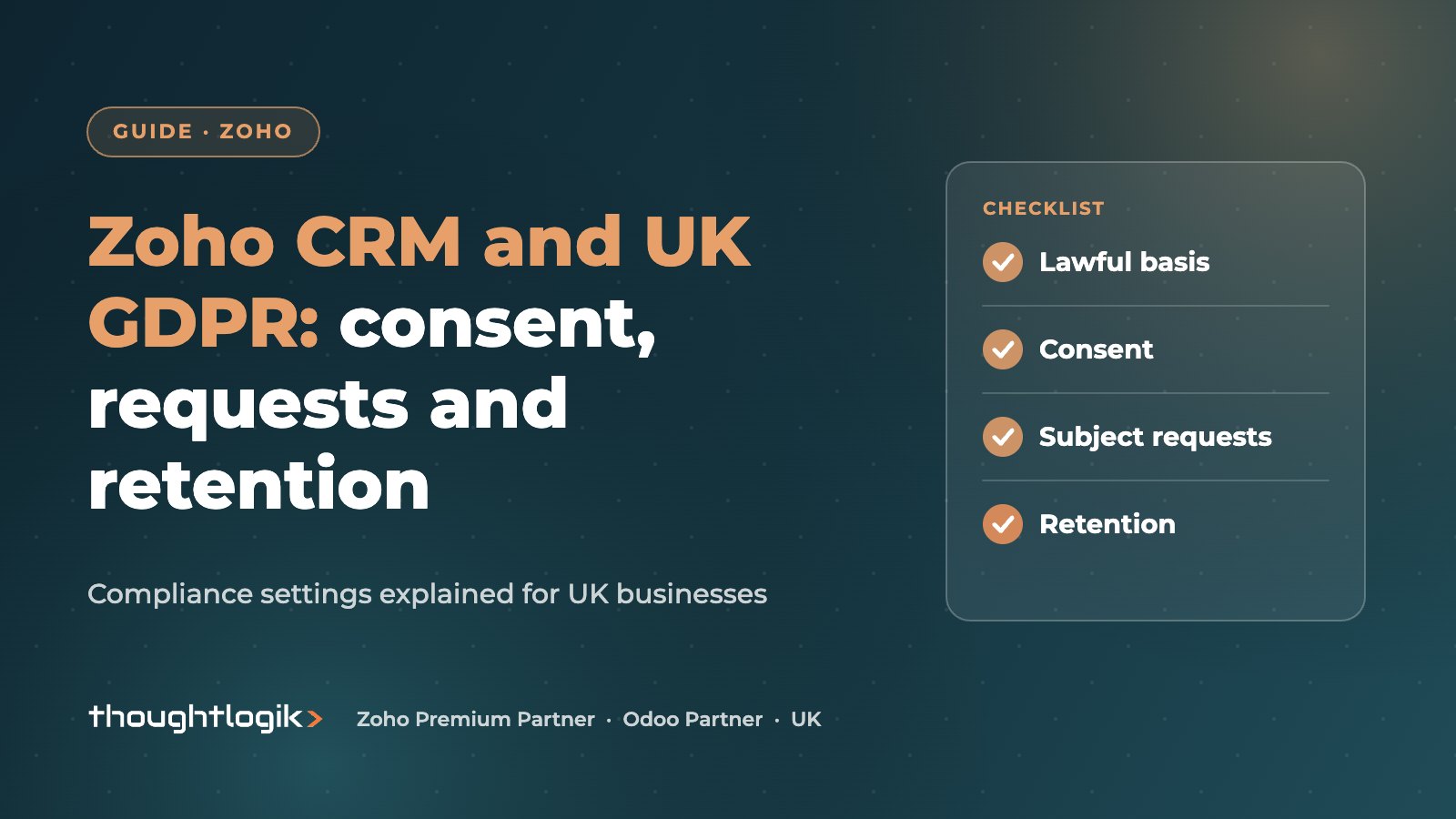
Zoho CRM GDPR features, found under Setup, Security Control, Compliance Settings, let you record a data processing basis for each person, collect and track consent, and handle data subject requests such as access, correction, restriction and erasure. They cover Leads, Contacts, Vendors and custom modules. The tools help you evidence compliance with UK GDPR, but your policies, lawful basis decisions and retention rules are still your responsibility.
Key takeaways
- Enable compliance settings per module and record a data processing basis for each record.
- Consent management tracks whether consent is pending, waiting, obtained or not responded.
- Restricting processing locks a record from workflows, edits, sharing and merging.
- Erasure adds the email address to a block-list so it is not re-imported or re-synced.
- Zoho CRM gives you the tools; deciding your lawful basis and retention periods is your job.
A CRM is usually the largest store of personal data a UK business holds: names, emails, phone numbers, call notes and email history for customers, prospects and suppliers. That makes it central to UK GDPR compliance. The good news is that Zoho CRM includes specific features for it. The less good news is that they only help if they are switched on and used consistently. This guide explains what each feature does and how to set it up.
What does UK GDPR require of your CRM?
UK GDPR, alongside the Data Protection Act 2018, applies to personal data about identifiable people. For a CRM, the practical requirements are:
- A lawful basis for holding and using each person’s data (consent, contract, legal obligation, vital interests, public task or legitimate interests).
- Evidence of consent where consent is your basis.
- A way to respond to data subject requests, normally within one month.
- Keeping data no longer than necessary.
- Appropriate security and access controls.
Electronic marketing is also covered by PECR, which has its own consent rules for emails and texts to individuals. The ICO’s UK GDPR guidance is the authoritative source.
How to enable Zoho CRM GDPR compliance settings
An administrator with the Manage Compliance Settings permission can switch on the features:
- Go to Setup, then Security Control, then Compliance Settings.
- Enable GDPR compliance for the modules that hold personal data: Leads, Contacts, Vendors and any relevant custom modules.
- Mark which fields hold personal data.
- Customise the consent form and the email templates used to request consent.
- Decide who handles data subject requests and give them the right permissions.
Zoho’s GDPR and Zoho CRM help article explains each setting. Feature availability varies by edition.
Data processing basis and consent management
Recording the data processing basis
Once enabled, each record carries a data processing basis. For most B2B contacts in the UK, legitimate interests or contract will be the basis, not consent. Record it consistently, and set a sensible default for records created by web forms and imports.
How Zoho CRM GDPR consent management works
Where consent is the basis, Zoho CRM sends a consent form through a link in an email template. The form explains how you use the data and lets the person choose contact channels: email, phone and survey. Consent moves through four statuses: pending (not yet requested), waiting (awaiting a reply), obtained, and not responded (no reply within your waiting period).
You can also record consent collected offline, with a date and remarks. If someone opts out of a channel, Zoho applies the restriction across templates, workflows and mass emails, which is a useful safeguard against a rogue campaign.
Web forms, imports and integrations
Most personal data enters a CRM automatically: website forms, event lists, email sync and integrations with marketing tools. Each route needs a decision on the data processing basis before it goes live. Add clear privacy wording and any marketing opt-in to your web forms, make sure imported lists came from a lawful source, and check that integrations pass consent choices through rather than overwriting them. Getting this right at the point of entry is far easier than fixing thousands of records later.
Handling data subject requests in Zoho CRM
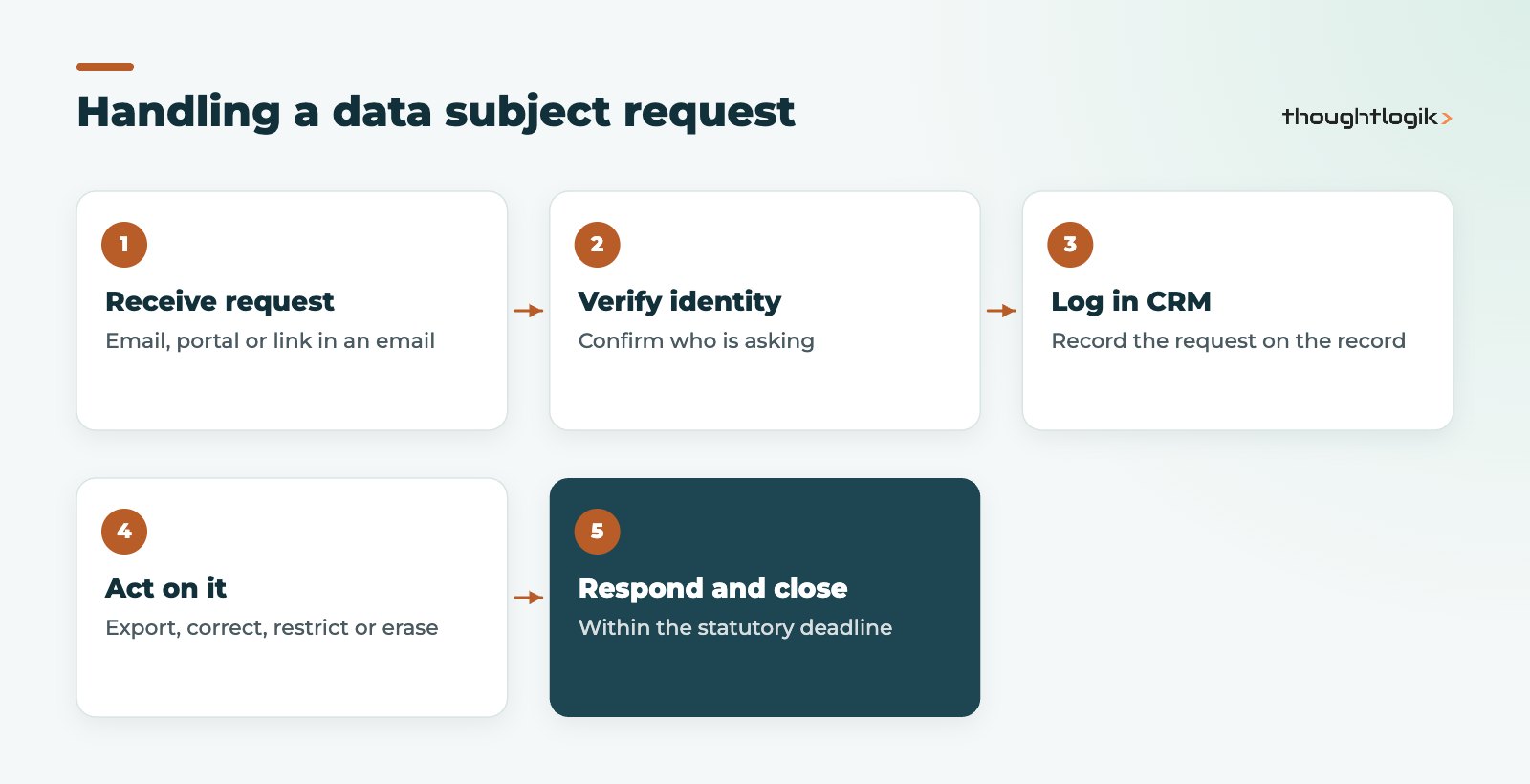
Zoho CRM supports the main data subject rights. Requests can be logged manually when they arrive by email or phone, submitted through a customer portal (Zoho mentions this for the Enterprise edition), or sent through a data request link in your emails.
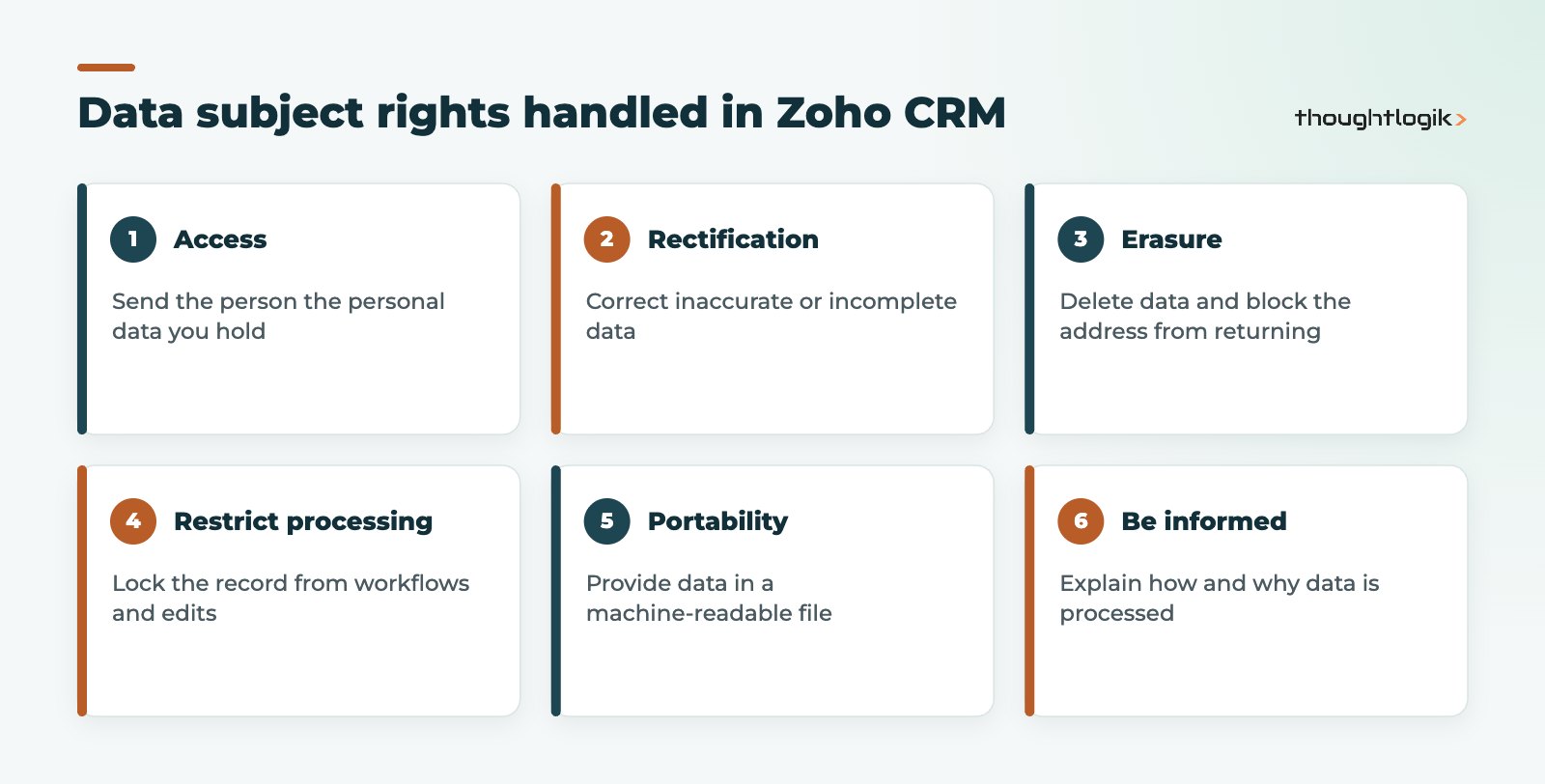
| Request | How Zoho CRM handles it |
|---|---|
| Access | Send an email template with merge fields showing the personal data held |
| Rectification | Send the data as a CSV for correction, then update the record |
| Portability | Send the data as a CSV attachment in a machine-readable format |
| Restrict processing | Lock the record from workflows, edits, sharing, macros and merging |
| Erasure | Lock the record for a retention period, then delete and block-list the address |
How the right to erasure works
When you action the right to erasure, the record is locked, then deleted, and the email address joins a block-list so the same person is not recreated by an import or email sync. Associated items such as tasks remain but lose the link. This block-list is important: without it, the next spreadsheet import could quietly bring the person back. See our guide to migrating spreadsheets into Zoho CRM for safe import practice.
An overview in Compliance Settings shows all open data subject requests by module, which helps you track the one-month deadline.
Retention: what Zoho CRM GDPR features do not decide for you
UK GDPR says keep personal data only as long as necessary, but it does not set periods; you must. A practical approach in Zoho CRM:
- Write a retention policy per record type, such as unconverted leads, former customers and suppliers.
- Build custom views or reports that find records past the period, based on last activity or a closed date. Our Zoho CRM reports guide explains how.
- Review and delete on a schedule, and record that you did.
- Limit email sync history to what you need; see our Zoho CRM Outlook integration guide.
Access control
Use roles, profiles and field-level permissions so people see only the data they need. Remember that users can see restricted fields in reports shared with them, so review report sharing too. Testing configuration in a Zoho CRM sandbox with a full copy of data also means real personal data, so control who has access.
How ThoughtLogik helps
ThoughtLogik is ISO 27001 certified and configures Zoho CRM GDPR settings as part of CRM projects for UK businesses. We are not lawyers, so we work alongside your data protection lead or adviser.
- Compliance settings, personal field marking and consent templates.
- Data subject request processes and permissions.
- Retention views, reports and clean-up routines.
- Access reviews as part of a Zoho CRM implementation or health check.
Frequently asked questions
Is Zoho CRM GDPR compliant?
Zoho CRM provides features that support compliance, including data processing basis, consent management and data subject request handling. Compliance itself depends on how your business uses the system, your lawful basis decisions and your policies.
Do I need consent for every contact in Zoho CRM?
No. Consent is one of six lawful bases under UK GDPR. Many B2B records rely on legitimate interests or contract. Record the basis you rely on, and follow PECR rules for electronic marketing.
How long do I have to respond to data subject requests?
Normally one month under UK GDPR, which can be extended in some circumstances. The Compliance Settings overview in Zoho CRM helps you track open requests.
What happens when I erase a contact in Zoho CRM?
The record is locked for any retention period you set, then deleted, and the email address is added to a block-list so it is not recreated through import or email sync.
Which modules support Zoho CRM GDPR features?
Zoho lists Leads, Contacts, Vendors and custom modules. Enable compliance settings for each module that holds personal data.
Unsure your CRM would pass a data audit? We can review and configure your Zoho CRM GDPR settings. Book a free consultation or see our Zoho optimisation service.