Short answer
Zoho CRM territory management lets you group accounts, contacts, deals and (optionally) leads into territories based on criteria such as region, postcode, industry or revenue, then control who can see and work those records. For UK regional teams it replaces fragile ownership workarounds with a territory hierarchy, automatic assignment rules and territory-level forecasts. It is available in the Enterprise and Ultimate editions.
Key takeaways
- Territories are built as a hierarchy with a manager, users and rules at each level.
- Accounts and contacts can sit in up to ten territories; a deal can sit in only one.
- Rules run automatically when records are created or edited, and can be run in bulk on existing data.
- Territory access works alongside roles and profiles, it does not replace them.
- Clean postcode and region data is the single biggest factor in getting assignment right.
Most UK sales teams outgrow simple record ownership the moment they have more than one region. A rep in Leeds needs the Yorkshire accounts, the northern regional manager needs visibility of all of them, and the national accounts team needs a slice of everything. Zoho CRM territory management is designed for exactly this, but it only works well when the structure and data behind it are thought through first.
What is Zoho CRM territory management?
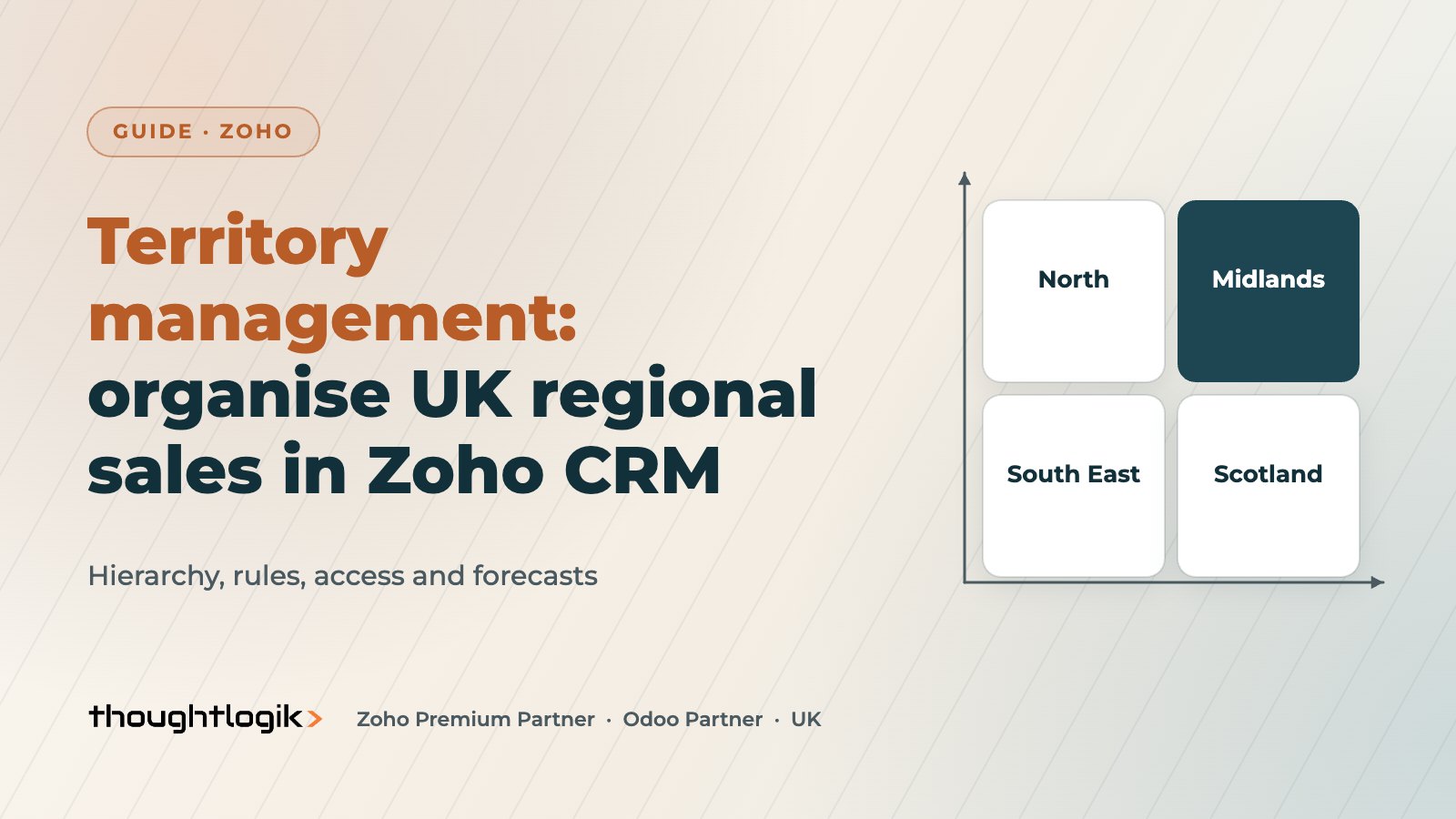
In Zoho’s own definition, a territory is the way customer accounts are grouped and shared with the sales people of an organisation. You can base sales territories on geography, industry, product line, expected revenue or vertical market. Each territory has a name, a territory manager, an optional parent territory, a set of users and the rules that decide which records belong to it.
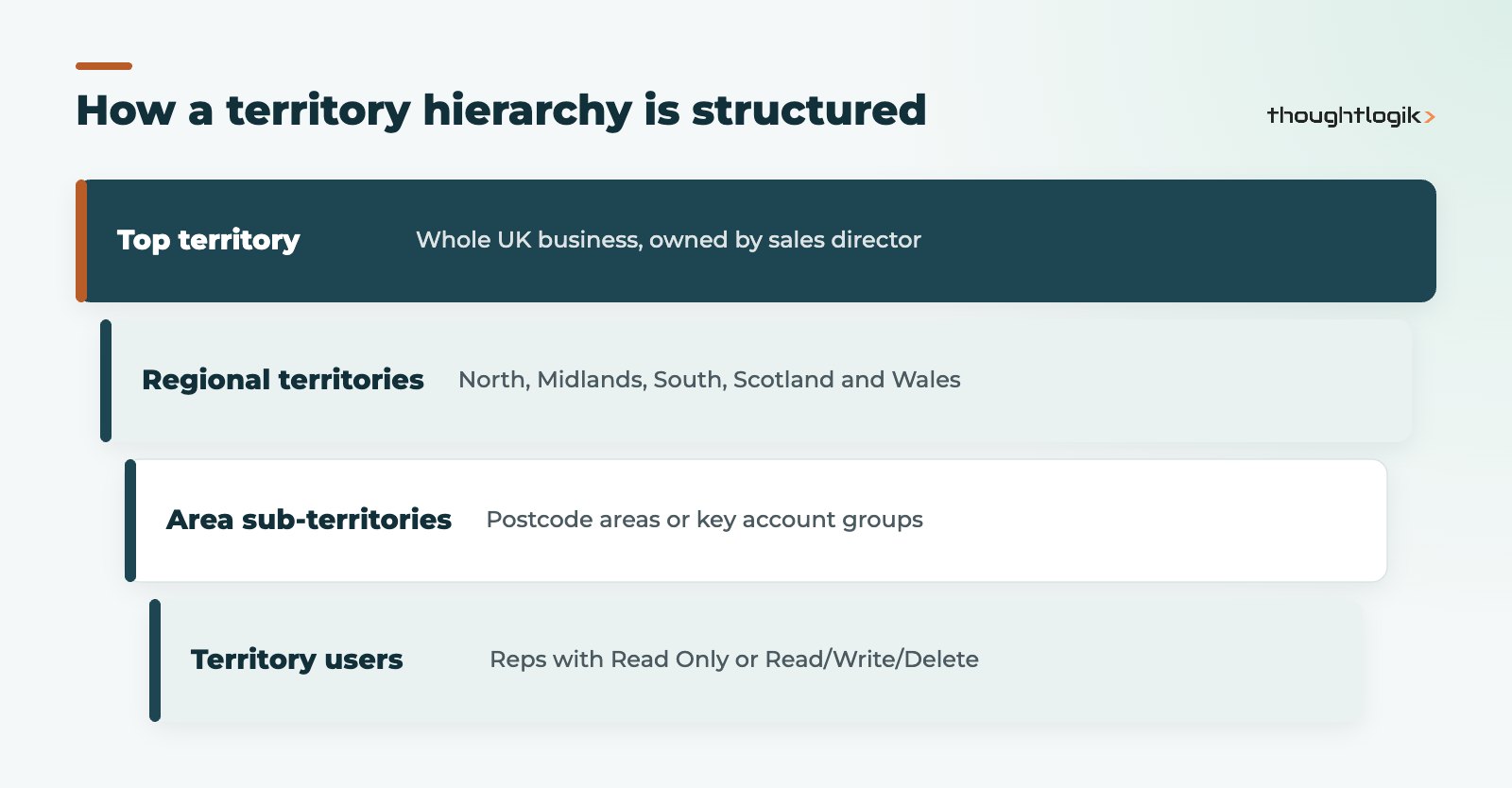
Territories sit in a hierarchy, so a UK territory can contain regional territories, which in turn contain area sub-territories. Territory managers can create sub-territories beneath their own, which is useful when a regional manager wants to split their patch without going back to an administrator every time.
Which modules does Zoho CRM territory management cover?
Territories apply to Accounts, Contacts and Deals by default. Administrators can also switch on Lead Territory Rules and Deal Territory Rules so that leads and deals are assigned by their own criteria rather than simply inheriting from the account. The limits matter when you design your model:
| Record type | How it gets a territory | Maximum territories |
|---|---|---|
| Accounts | Account rules, or manual assignment | Up to 10 |
| Contacts | Follows the associated account | Up to 10 |
| Deals | Follows contact or account, or deal rules if enabled | 1 |
| Leads | Lead rules, if enabled by an administrator | Depends on your configuration |
How do territory assignment rules work?
Territory assignment rules are criteria on record fields. When a record is created or modified, Zoho CRM checks it against each territory’s criteria and assigns it automatically. Validation runs down the territory hierarchy: a record is only checked against a sub-territory if it already meets the criteria of the parent. That means a sloppy rule at regional level will stop records ever reaching the right area territory.
A few behaviours catch teams out:
- Manual versus automatic. Territories added manually can only be removed manually, and automatically assigned territories cannot be removed manually. Decide early which records are rule-driven and which are exceptions.
- Existing records. Rules fire on create and edit. For historic data, administrators can run assignment in bulk from Setup, then Security Control, then Territory Management, using a territory, custom view or filter. Zoho emails a confirmation when the job finishes.
- Contacts with multi-territory accounts. Where an account sits in several territories, Zoho picks a single territory for the contact based on whether the contact owner is part of, or manages, one of the account’s territories.
Designing sales territories for UK regions
For most UK businesses, postcode area is the most reliable basis for geographic territories in Zoho CRM territory management, because it is structured and already captured on addresses. Region free-text fields and county names are far less reliable. We usually recommend a dedicated, validated region or postcode area field that your rules reference, populated from the billing address. Our UK postcode address finder for Zoho CRM helps here, because clean addresses at the point of entry make rules predictable.
Blend geography with other criteria where it reflects how you sell. A distributor might run geographic territories for SMEs and an industry-based territory for NHS or public sector accounts, with those accounts sitting in both.
How does territory access relate to roles and profiles?
When you enable territories, you choose whether to extend your structure from the role hierarchy or start from scratch. Territory users are given either Read Only or Read/Write/Delete permission on the territory’s records. Crucially, a user can only edit a record if both their profile permissions and the territory permission allow it. Territories widen or narrow who can reach records; profiles still govern what they can do.
This is why we review data sharing settings, roles and territories together rather than in isolation. If your organisation-wide default is already public, territories add structure for reporting but little in the way of access control.
Territory forecasting and reporting
Territory forecasting is one of the strongest reasons to adopt Zoho CRM territory management. Forecasts can be built on the territory hierarchy, and a user who belongs to several territories can have a different target in each. Territory managers can create forecasts for the users in their territory, so a regional manager sets targets without seeing unrelated regions.
Reports can be grouped by territory to compare performance across regions and industries. Pair this with our Zoho CRM reports guide and, for board-level views, BI reporting and analytics. Note that if territory management is later disabled, existing territory-based forecasts must be recreated, so treat the decision as a long-term one.
Setting up Zoho CRM territory management step by step
Only users with the Administrator profile can enable the feature. The rollout that works best for our clients looks like this:
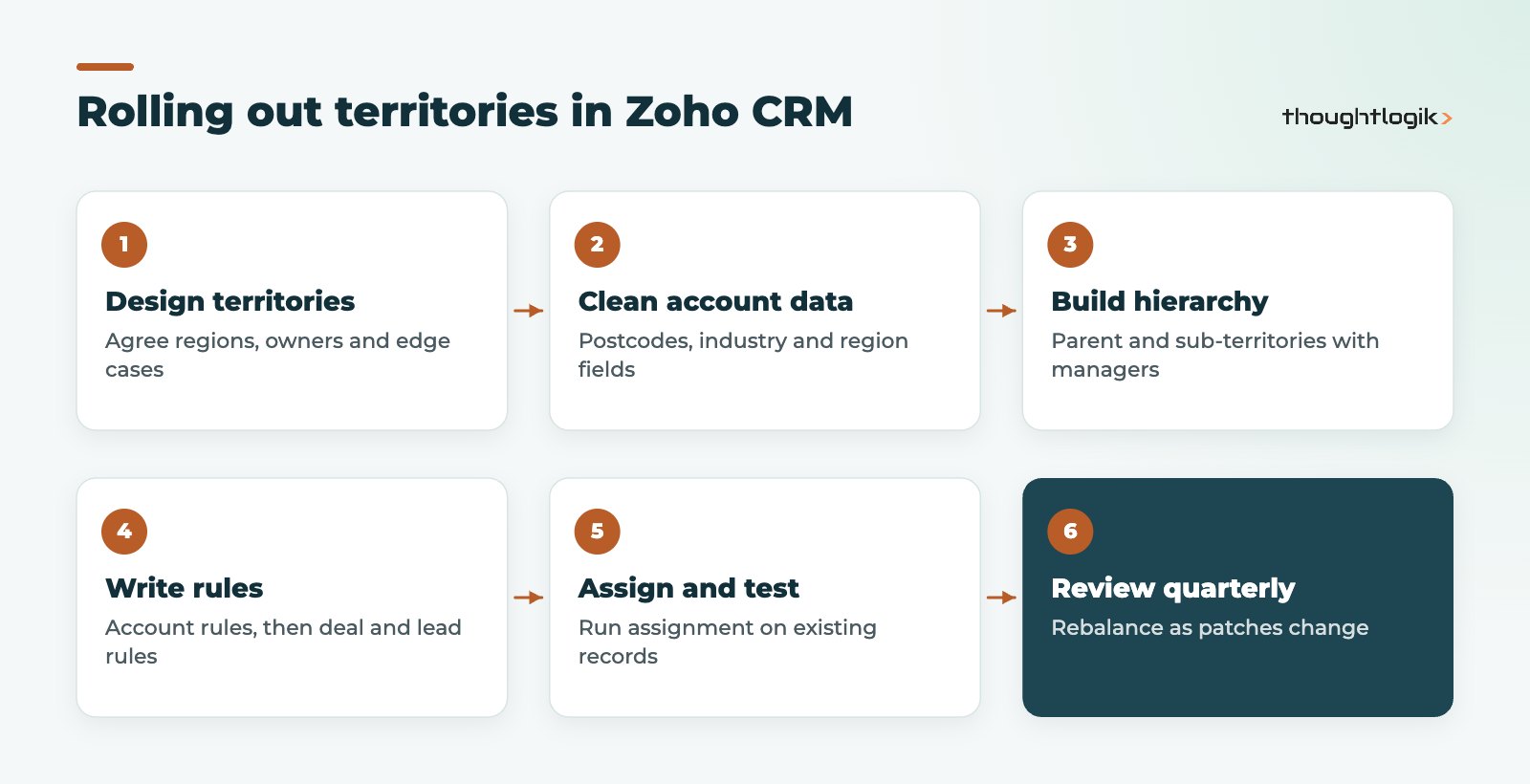
- Map your real sales structure on paper, including overlaps, national accounts and who covers vacancies.
- Clean the fields your rules will use, especially postcodes, region and industry.
- Enable territories and build the hierarchy with managers at each level.
- Write account rules first, then decide whether deal and lead rules are needed.
- Run bulk assignment on existing records and spot-check a sample from every territory.
- Train managers on sub-territories, forecasts and manual assignment.
Edition and planning considerations
Zoho CRM territory management is included in the Enterprise and Ultimate editions, with a higher territory allowance in Ultimate. If you are on Standard or Professional, compare the options in our Zoho CRM editions comparison and check current licensing on our Zoho pricing UK page. Zoho publishes the full setup documentation in its territory management help guide.
How ThoughtLogik helps
As a UK Zoho Premium Partner, ThoughtLogik designs territory models that match how your teams actually sell, not how the org chart looks.
- Territory design workshops covering regions, key accounts and edge cases.
- Data clean-up of postcodes, regions and industries before rules go live.
- Configuration of hierarchy, rules, sharing and territory forecasting through our Zoho implementation service.
- Reviews of existing setups that have drifted as teams changed.
Frequently asked questions
Is Zoho CRM territory management available in all editions?
No. It is available in the Enterprise and Ultimate editions, with a higher number of territories allowed in Ultimate. Standard and Professional do not include it.
Can one account belong to more than one territory?
Yes. An account or contact can be assigned to up to ten territories, which suits national accounts or overlapping specialist teams. A deal can only belong to one territory.
Do territory assignment rules update existing records?
Rules fire automatically when a record is created or edited. For existing data, an administrator can run territory assignment in bulk using a territory, custom view or filter criteria.
Can leads be assigned to sales territories?
Yes, if an administrator enables Lead Territory Rules. Without them, territories apply to accounts, contacts and deals.
What happens if we switch territories off later?
Territories stop being available in the relevant modules and any territory-based forecasts need to be recreated, so plan the structure carefully before go-live.
Planning regional sales territories? We can design and configure a territory model that fits your UK patches. Book a free consultation or see our Zoho CRM UK services.