Short answer
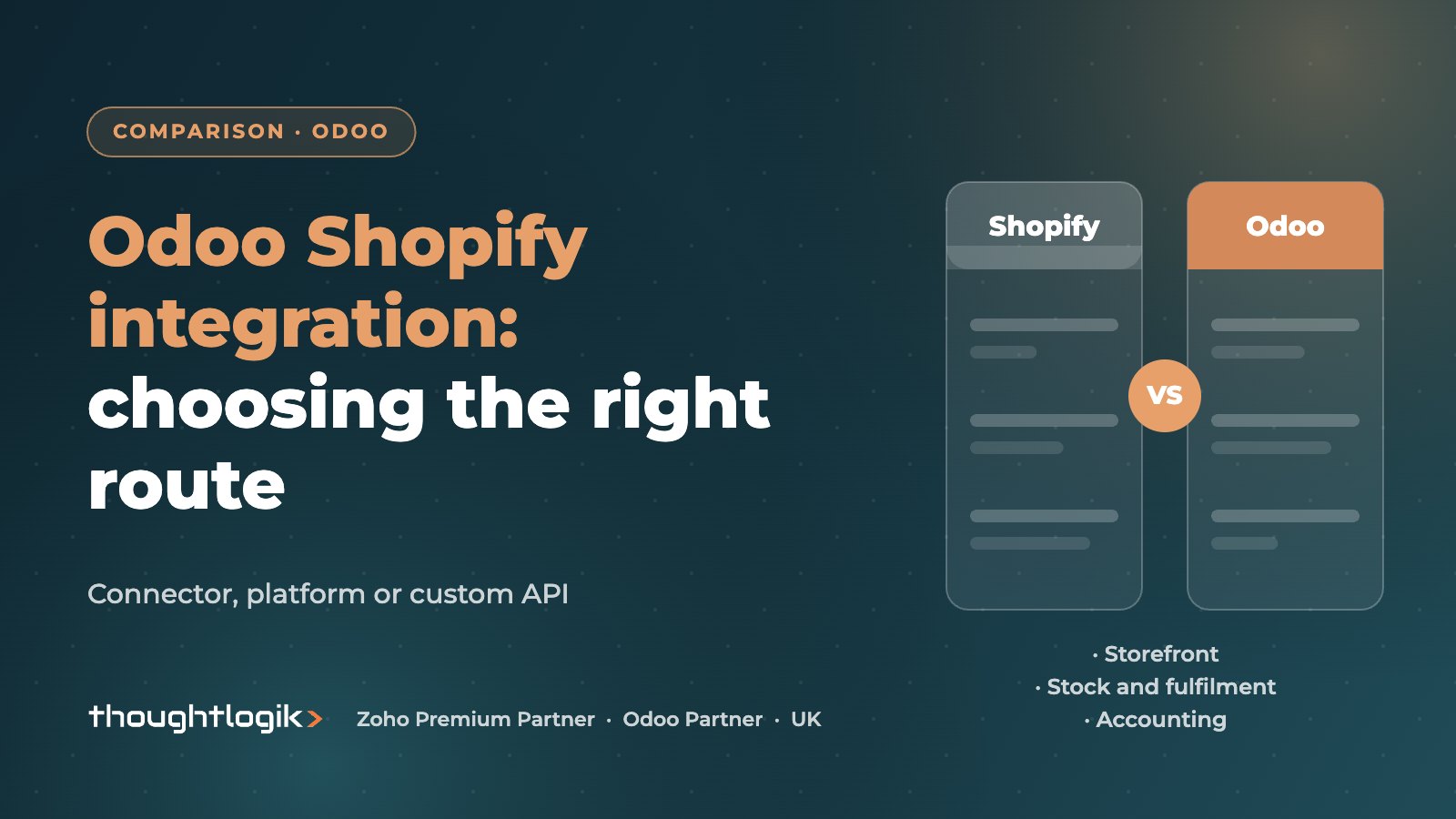
An Odoo Shopify integration keeps Shopify as your storefront while Odoo runs stock, fulfilment and accounting. You can connect them with a ready-made connector app, an integration platform, or a custom integration built on both systems’ APIs. Whichever route you pick, the success factors are the same: decide which system owns each piece of data, map taxes and payments properly, and test refunds and partial fulfilments before go-live.
Key takeaways
- Three routes: connector app, integration platform or custom API integration.
- Decide the source of truth for products, prices, stock and customers before building anything.
- Orders usually flow Shopify to Odoo; stock levels usually flow Odoo to Shopify.
- Payouts, fees, refunds and VAT mapping cause most accounting problems.
- Test edge cases (refunds, partial shipments, discounts, bundles) not just a happy-path order.
Shopify is a popular storefront with UK brands, and for good reason. The problems start behind it: stock held in spreadsheets, orders rekeyed into accounts, and payouts that never quite reconcile. Connecting Shopify to Odoo solves this, provided the integration is designed rather than just switched on. This guide explains the options, what to sync, and the pitfalls we see most often.
Why connect Shopify to Odoo?
Shopify is built to sell. Odoo is built to run the business behind the sale: purchasing, warehousing, manufacturing, accounting and customer service. An Odoo Shopify integration lets each system do what it is good at:
- Stock levels on the storefront reflect what is actually in the warehouse.
- Orders arrive in Odoo ready to pick, pack and invoice.
- Sales, fees and refunds post into the ledger without manual journals.
- Customer service sees web orders alongside trade and retail orders.
If you are not yet committed to Shopify, compare this approach with the built-in shop described in our Odoo eCommerce guide.
Odoo Shopify integration options compared
| Option | Good for | Watch out for |
|---|---|---|
| Shopify Odoo connector app | Standard single-store setups that fit the connector’s model | Version and edition support, vendor updates, limits on customisation |
| Integration platform (iPaaS) | Teams already using a platform for other integrations | Ongoing subscription, mapping owned by someone who understands both systems |
| Custom API integration | Multiple stores, B2B, bundles, unusual fulfilment or tax rules | Needs developers and ongoing ownership |
Choosing a Shopify Odoo connector
Several vendors publish a Shopify Odoo connector on the Odoo Apps Store and the Shopify App Store. Before choosing one, check that it supports your exact Odoo version and edition, how quickly the vendor has supported past Odoo releases, whether it handles refunds, partial fulfilment and multiple locations, and who supports it when something fails at 7am on a Monday.
When a custom integration makes sense
Odoo exposes an external API and Shopify provides its own APIs and webhooks. A custom build is worth it when a connector cannot model your business: several Shopify stores feeding one warehouse, B2B and retail on different stores, kits and bundles, or third-party logistics in the middle.
What should sync, and in which direction?
Most integration failures trace back to two systems both thinking they own the same data. Agree the direction for each object first.
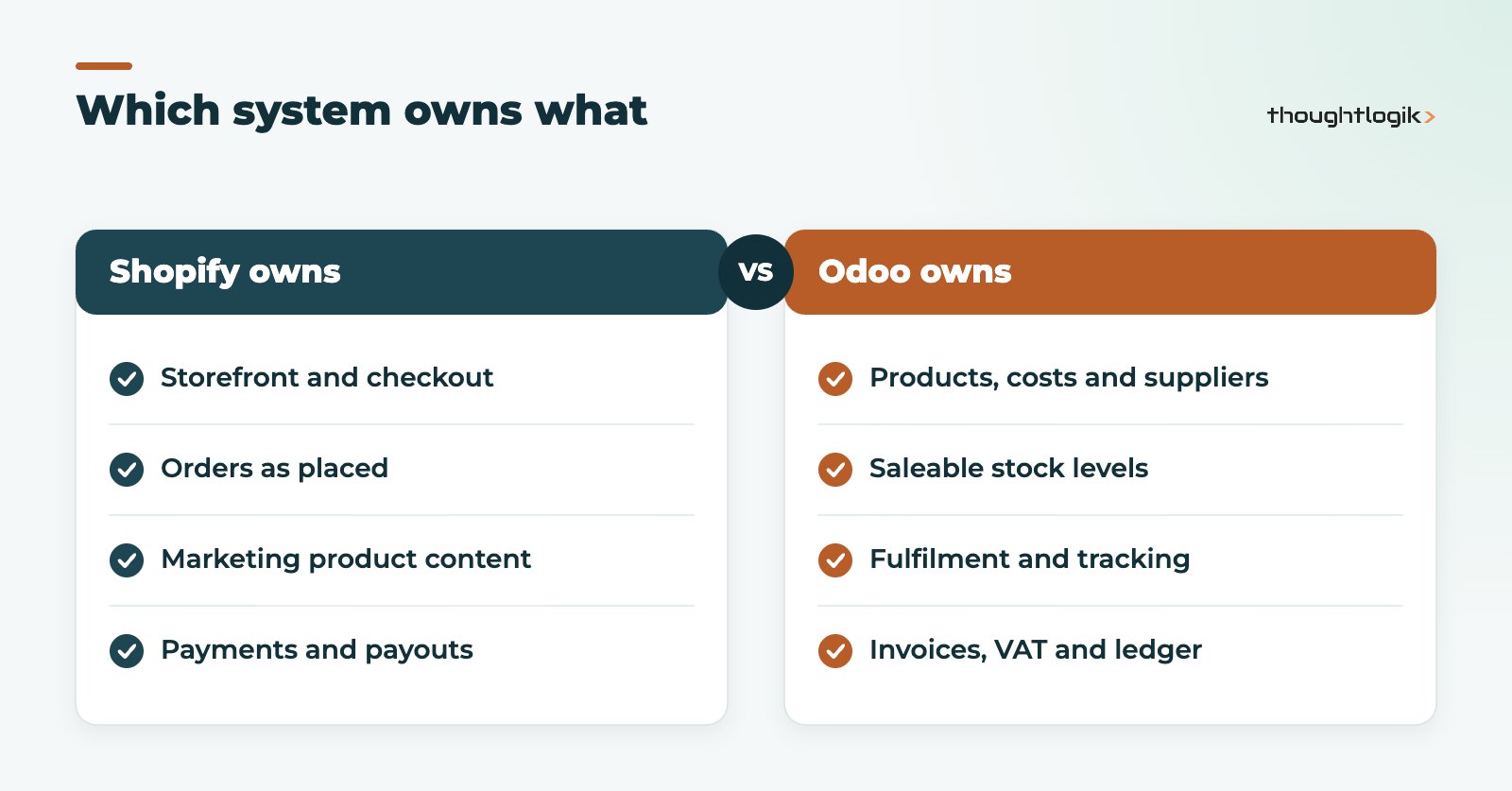
- Products: usually created in Odoo (where cost, supplier and stock live) and published to Shopify. Marketing content can stay in Shopify if that team owns it.
- Stock levels: Odoo to Shopify. Shopify inventory sync should reflect saleable stock, not stock on hand including damaged or reserved items.
- Orders: Shopify to Odoo, becoming sales orders and pickings.
- Fulfilment and tracking: Odoo to Shopify, so customers get dispatch notifications.
- Customers: Shopify to Odoo, matched to avoid duplicates.
- Payments and payouts: Shopify to Odoo, with fees separated.
How do you sync Shopify orders to Odoo reliably?
To sync Shopify orders to Odoo reliably, use webhooks or frequent polling, keep a log of every order received, and make the import idempotent so a repeated message never creates a duplicate order. Failed orders should land in a queue someone checks daily, not disappear silently.
Common Odoo Shopify integration pitfalls
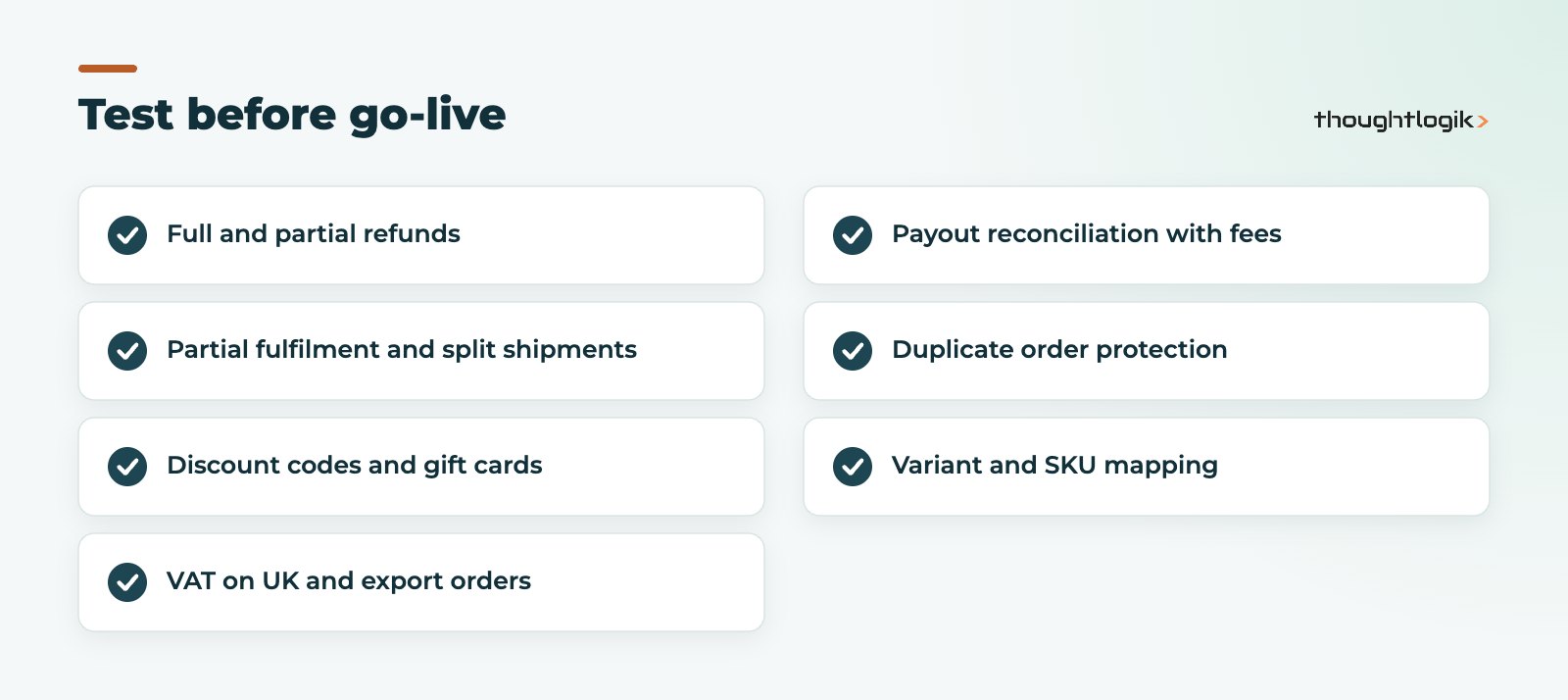
- VAT mapping gaps. Shopify tax lines must map to the right Odoo taxes, or your VAT return and invoices will disagree. Read our guide to Odoo Accounting for UK businesses.
- Shopify payouts not reconciling. Payouts arrive net of fees and refunds. Use a clearing account and post fees separately; our guide to Odoo bank reconciliation explains the approach.
- Refunds and partial fulfilments. These are the edge cases many connectors handle least well. Test them explicitly.
- SKU mismatches. Every Shopify variant needs a matching Odoo product reference. Clean this before go-live.
- Overselling. If stock syncs infrequently, fast-moving items oversell. Sync on stock change where possible and keep a buffer on best sellers.
- Discounts and gift cards. Decide how discount codes and gift card redemptions post in Odoo.
How to account for Shopify payouts in Odoo
Accounting is where an Odoo Shopify integration most often falls short, because the bank never sees individual orders. It sees Shopify payouts: one amount covering many orders, less processing fees, less refunds, sometimes with adjustments. A clean approach looks like this:
- Post each order as a sale in Odoo with the correct VAT, paid into a Shopify clearing account rather than the bank.
- Record refunds as credit notes against the original order, also through the clearing account.
- Import the payout breakdown so fees are posted to a merchant fees account.
- Match the bank line for the payout against the clearing account. What remains should be zero.
When the clearing account does not return to zero, it tells you something is missing: an order that failed to sync, a refund made directly in Shopify, or a fee type nobody mapped. That visibility is the point. Month-end becomes a check of one balance rather than a hunt through hundreds of orders.
Which Odoo Shopify integration route handles accounting best?
Good connectors handle orders and refunds well; fewer handle payout breakdowns fully. If finance accuracy matters most, check this specifically during selection, or plan a small custom step for payouts.
A practical plan for your Odoo Shopify integration
- Document the data ownership and direction for each object.
- Clean SKUs, barcodes and product references in both systems.
- Choose the route: connector, platform or custom.
- Map taxes, payment methods, shipping methods and locations.
- Test in a staging copy of Odoo with real Shopify test orders, including refunds and partial shipments.
- Go live with monitoring and a named owner for failed syncs.
Accurate stock is the foundation of the whole integration. If counts are unreliable, fix that first with our Odoo inventory management guide.
How ThoughtLogik helps
ThoughtLogik is a UK Odoo Partner that designs and supports storefront integrations for retail and wholesale businesses.
- Integration design: data ownership, sync direction and error handling.
- Connector selection and configuration, or a custom build through our Odoo integrations service.
- VAT, payout and refund accounting agreed with your finance team.
- Ongoing monitoring for retail and eCommerce clients.
Frequently asked questions
Is there an official Odoo Shopify integration?
Options change between Odoo versions, so check the Odoo Apps Store and Shopify App Store for connectors that support your version and edition. We can review the current options against your requirements.
Can I run several Shopify stores with one Odoo database?
Yes, but check that your chosen connector supports multiple stores, or plan a custom integration. Each store needs its own mapping for taxes, currencies and locations.
How often does Shopify inventory sync run?
It depends on the connector or integration design. Near real-time updates on stock change reduce overselling; scheduled syncs are simpler but leave gaps.
Should I move from Shopify to Odoo eCommerce instead?
If your storefront needs are simple and you want one system, it can make sense. If Shopify’s apps and themes are central to your marketing, integration is usually the better choice.
Connecting Shopify to Odoo? We will design the sync and test the edge cases before your customers find them. Book a free consultation or see our Odoo integrations service.