Short answer
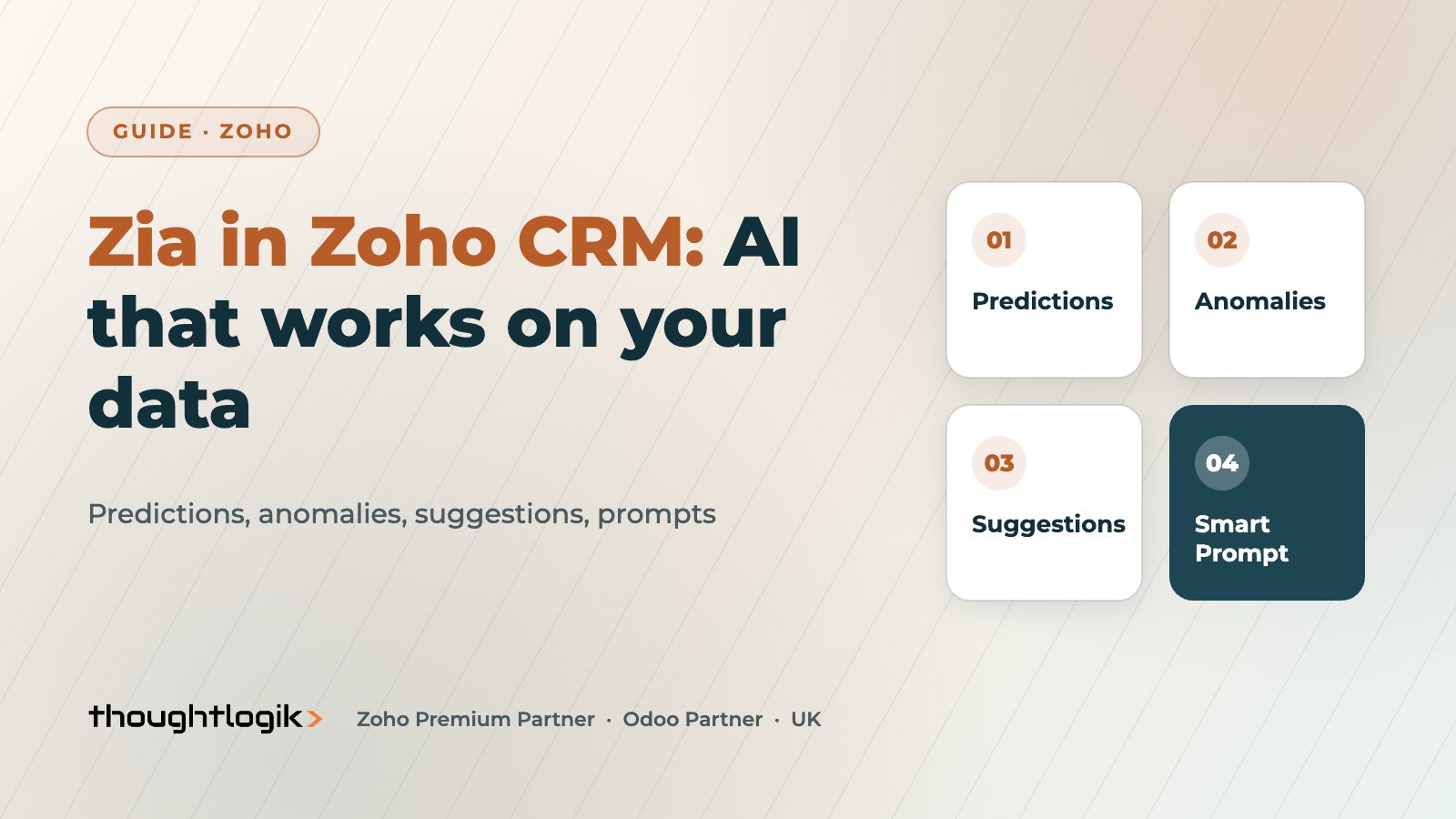
Zia Zoho CRM features are the AI tools built into Zoho CRM: Zia predictions such as conversion scores and churn likelihood, anomaly detection on your sales trends, suggestions for workflows and the best time to contact, email intelligence and generative tools such as Smart Prompt. They work on your own CRM data, so their usefulness depends on how clean and consistent that data is. Most prediction features are in the Enterprise and Ultimate editions.
Key takeaways
- Zia predictions include Zia scores for conversion likelihood, churn prediction and custom field predictions.
- Anomaly detection flags unusual movements in metrics you track, so managers spot problems early.
- Suggestions cover workflows, macros, record owners and the best time to contact.
- Smart Prompt brings generative AI into records, using Zoho’s own Zia LLM or an OpenAI connection.
- Clean stages, lead sources and win/loss data matter more than which features you switch on.
AI features are now a standard line on every CRM brochure. The more useful question for a UK SME is what the AI does with your data, which features pay back first, and what you need to fix before switching them on. This guide covers the Zia Zoho CRM features as they exist today and how we recommend rolling them out. For AI agents specifically, see our separate guide to Zia Agents and Agent Studio.
What is Zia in Zoho CRM?
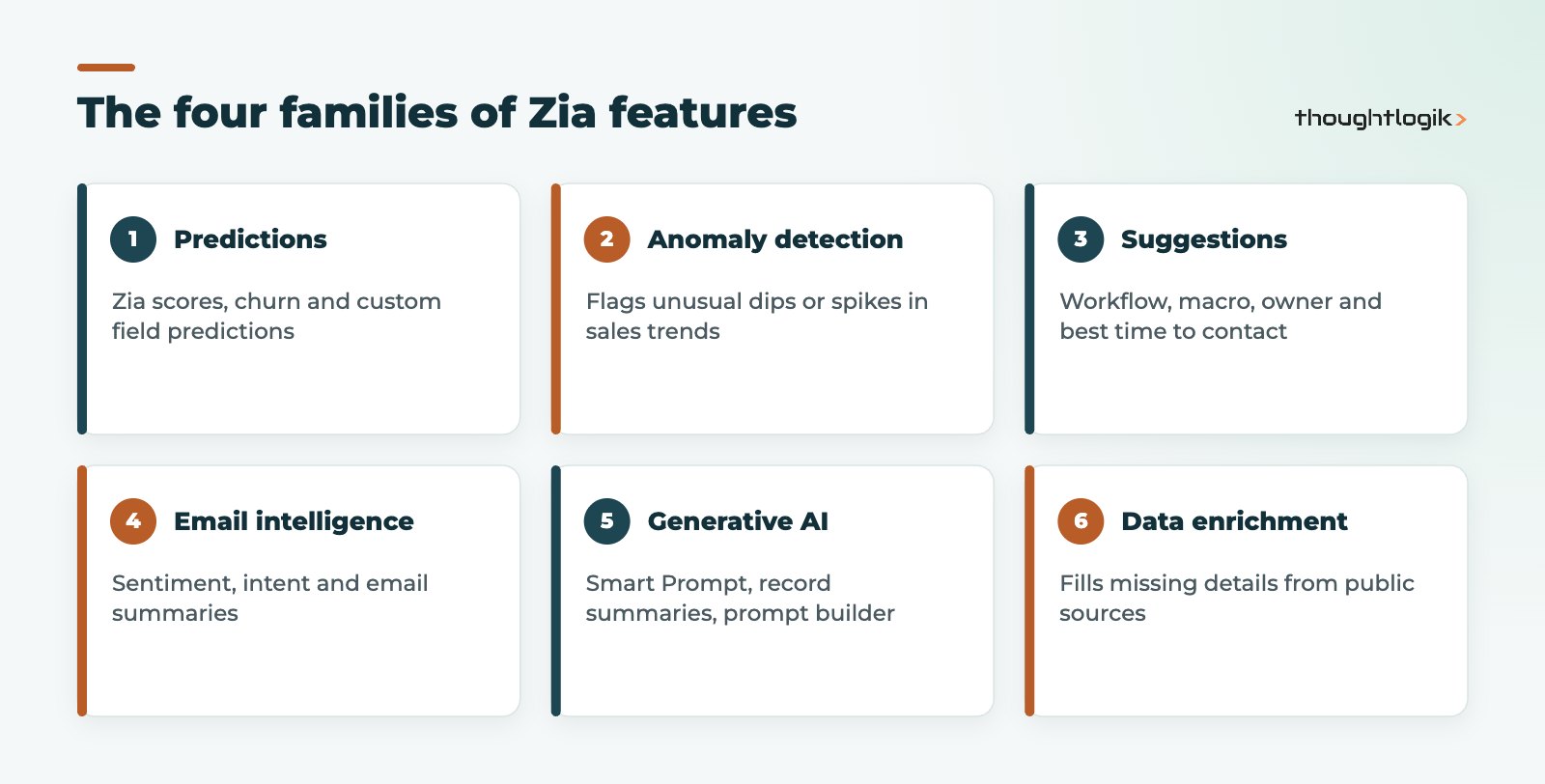
Zia is Zoho’s AI layer across its applications. Inside CRM it analyses your records, activities and emails to predict outcomes, spot unusual patterns, suggest actions and generate content. Zoho groups the Zia Zoho CRM capabilities into prediction and scoring, recommendations, automation suggestions, anomaly detection, email and call intelligence, vision features, data enrichment and generative AI.
Zia predictions: scores, churn and custom fields
Zia predictions are the features most sales leaders ask about first.
- Zia scores assess how likely a lead or deal is to convert, based on patterns in your historical data.
- Churn prediction identifies customers likely to leave, with a probability score.
- Field prediction lets you build custom predictions for a field that matters to your business.
- Prediction analytics tracks how accurate predictions have been, so you can judge whether to trust them.
Predictions learn from what has happened before. If half your lost deals were never marked lost, or stages are used inconsistently, the scores will reflect that. Our Zoho CRM lead scoring guide explains how Zia scores sit alongside rule-based scoring.
Which editions include Zia Zoho CRM predictions?
Prediction and anomaly features are concentrated in the Enterprise and Ultimate editions, with limited options such as field prediction in Professional and higher limits in Ultimate. Check our Zoho CRM editions comparison before planning around a specific feature.
How does anomaly detection work?
Anomaly detection tracks sales metrics over time and flags movements outside the normal pattern, for example a sudden fall in deals created in one region. Related features include trend analysis and workflow anomalies, which highlight conflicts in your automation rules. The value is timing: a manager hears about a dip while there is still time in the month to act, rather than at the month-end review.
Suggestions and email intelligence
| Feature | What Zia does | Who benefits |
|---|---|---|
| Best time to contact | Suggests when a contact is most likely to respond | Sales reps |
| Workflow suggestions | Recommends rules from repeated manual actions | CRM administrators |
| Macro suggestions | Proposes sequences of actions a user repeats | Individual users |
| Owner assignment | Suggests suitable record owners from patterns | Sales managers |
| Email sentiment and intent | Classifies emails as positive, negative or neutral, and as queries, requests or complaints | Account managers |
| Data enrichment | Retrieves missing details from the internet and email signatures | Everyone who hates blank fields |
Before switching on data enrichment, consider your UK GDPR position on collecting additional personal data, and record it in your privacy documentation. Our Zoho CRM GDPR guide covers this.
What is Smart Prompt in Zia Zoho CRM?
Smart Prompt brings generative AI into CRM records. Zoho describes it as a way to enhance emails, refine tone and generate templates, and it can be exposed through custom buttons so a rep can, for example, generate a discovery call brief from a deal’s fields. Related generative features include record summaries, a prompt builder for custom instructions, and natural language creation of modules, workflows and reports.
Zia LLM or OpenAI?
Smart Prompt can run on Zia LLM, Zoho’s own large language model, or on OpenAI through an integration using your own key. Zoho built Zia LLM in-house and its stated aim is to keep customer data on Zoho’s servers rather than sending it to third-party AI providers. For many UK organisations with data residency questions, that makes Zia LLM the simpler starting point. If you connect OpenAI, review what data is sent and update your data processing records. Zoho’s AI features overview lists current capabilities.
Where do Zia Zoho CRM features pay back first?
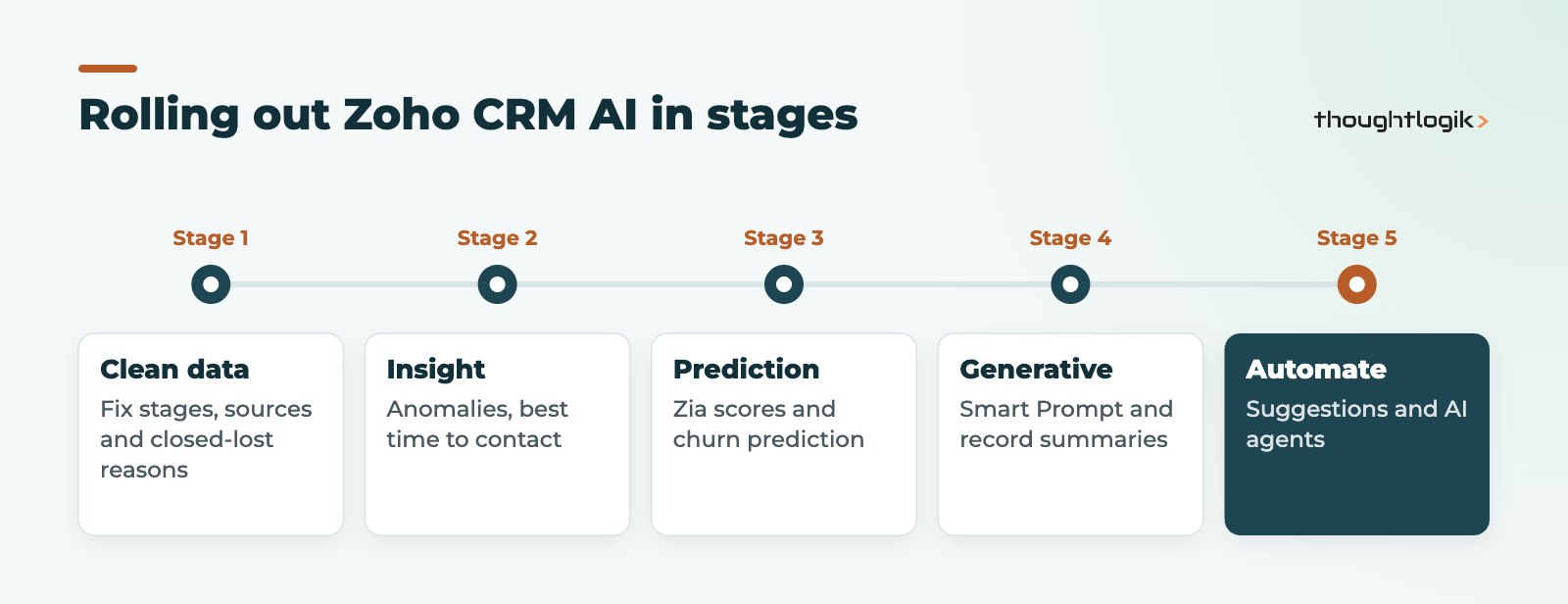
In our experience with UK SMEs, the quickest wins from Zoho CRM AI are rarely the most impressive demos. Anomaly alerts and best time to contact need little set-up and give managers and reps something useful in the first weeks. Email sentiment helps account managers spot unhappy customers in busy shared inboxes. Zia predictions such as scores and churn tend to follow later, once there is enough clean history to learn from. Generative features like Smart Prompt pay back where reps repeat the same writing tasks, such as meeting briefs, follow-up emails or handover notes. Start with one or two Zia Zoho CRM use cases, agree how you will judge success, and expand from there.
How to prepare your data for Zoho CRM AI
- Standardise deal stages and make sure closed deals are marked won or lost with a reason.
- Make lead source mandatory and use a controlled picklist.
- Log activities in CRM rather than personal inboxes; see our guide to Outlook and Gmail integration.
- Remove duplicates, which distort every prediction.
- Switch features on in stages and ask users whether suggestions are useful.
Zia is also available in the Zoho CRM mobile app, where reps can talk to it to capture notes, update deals, create tasks or make calls.
How ThoughtLogik helps
ThoughtLogik helps UK businesses get practical value from Zia Zoho CRM features rather than switching everything on and hoping.
- Data readiness reviews covering stages, sources, duplicates and win/loss reasons.
- Configuration of Zia predictions, anomaly alerts and Smart Prompt use cases.
- Governance for AI use under UK GDPR, including the Zia LLM or OpenAI decision.
- Wider AI projects through our Zoho AI and automation service.
Frequently asked questions
Is Zia included in Zoho CRM?
Zia Zoho CRM features are built into the product, but which features you get depends on your edition. Most prediction and anomaly features are in Enterprise and Ultimate, with limited options in Professional.
Does Zia use our data to train public AI models?
Zoho states that its AI is developed in-house and aims to keep customer data on Zoho’s servers rather than third-party AI providers. If you connect OpenAI for Smart Prompt, data sent through that connection is subject to that integration.
How accurate are Zia predictions?
Accuracy depends on the volume and quality of your historical data. Prediction analytics lets you track how accurate predictions have been before relying on them.
What is the difference between Zia and Zia Agents?
Zia covers the built-in AI features such as predictions, anomalies and Smart Prompt. Zia Agents are AI agents that carry out multi-step tasks, built or customised in Agent Studio.
Can we use Zia on mobile?
Yes. In the Zoho CRM mobile app, reps can converse with Zia to capture notes, update deals, create tasks or make calls.
Want AI that actually helps your sales team? We can prepare your data and configure Zia for real use cases. Book a free consultation or see our Zoho CRM UK services.